
Diese Seite ist keine offizielle Seite der App oder ihres Entwicklers, sondern eine unabhängige redaktionelle Veröffentlichung, die zu Informations- und Kommentarzwecken erstellt wurde. Sofern nicht ausdrücklich anders angegeben, sind weder die App noch ihr Entwickler mit MWM, Apple, Google Play, dem App-Herausgeber oder dem Entwickler der App verbunden, von ihnen unterstützt, gesponsert, autorisiert oder anderweitig offiziell verbunden, und nichts auf dieser Seite impliziert, dass die App unter Verwendung der Dienste von MWM entwickelt wurde. Alle Marken, Logos, Screenshots und andere Inhalte bleiben Eigentum ihrer jeweiligen Inhaber.


MELRemo
Erleben Sie ultimativen Komfort. Verwalten Sie Ihre Klimaanlage und Lüftung sicher über Bluetooth von Ihrem Smartphone aus, egal ob Sie zu Hause oder im Büro sind.
Downloads
2K+Bewertung
Bewertungen gesamt
0Herausgeber
Kategorie
LifestyleSprachen
18Neueste Version
4.7.0Größe
72.2 MBErstveröffentlichung
31. Okt. 2017Nahtlose Klimasteuerung in Ihrer Handfläche
Erleben Sie den ultimativen Komfort, indem Sie Ihre Mitsubishi Electric HLK-Systeme mit Präzision, Komfort und professioneller Leichtigkeit über sichere Bluetooth-Verbindungen steuern.
Bleiben Sie bequem, bleiben Sie entspannt
Sparen Sie sich den Weg zur Wandsteuerung. Passen Sie die Temperatur im Schlafzimmer oder den Luftstrom in der Küche direkt von Ihrem Gerät aus an, ohne Ihre Routine zu unterbrechen.
Diskrete professionelle Steuerung
Behalten Sie die Kontrolle während Besprechungen. Passen Sie die Klimaeinstellungen im Büro unauffällig von Ihrem Sitz aus an, ohne Präsentationen oder Gespräche zu unterbrechen.
Die folgenden Screenshots und die Beschreibung stammen direkt aus dem offiziellen Store-Eintrag der App und sind Eigentum des Entwicklers.
App Store
Screenshots
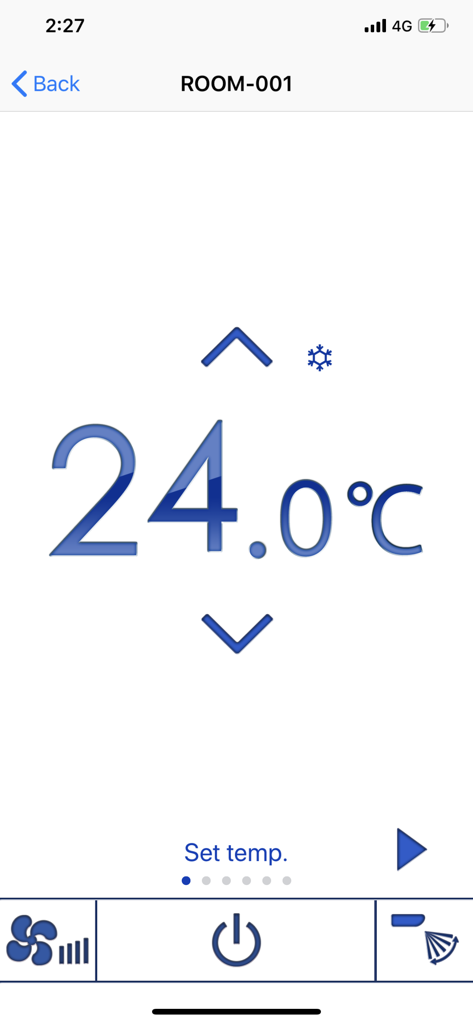
MELRemo App-Bildschirm zeigt Temperaturregelung bei 24 Grad Celsius
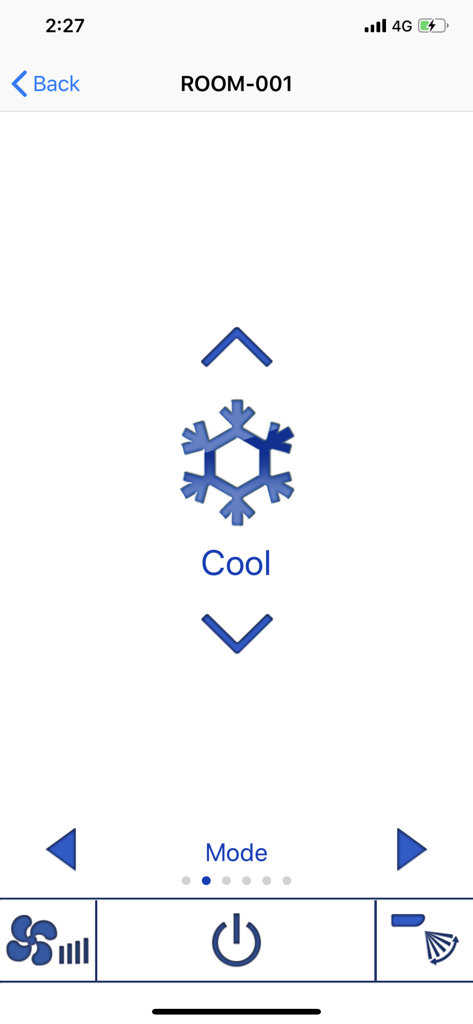
MELRemo Mobile App-Oberfläche zeigt die Auswahl des Kühlmodus mit einem Schneeflockensymbol und Navigationspfeilen
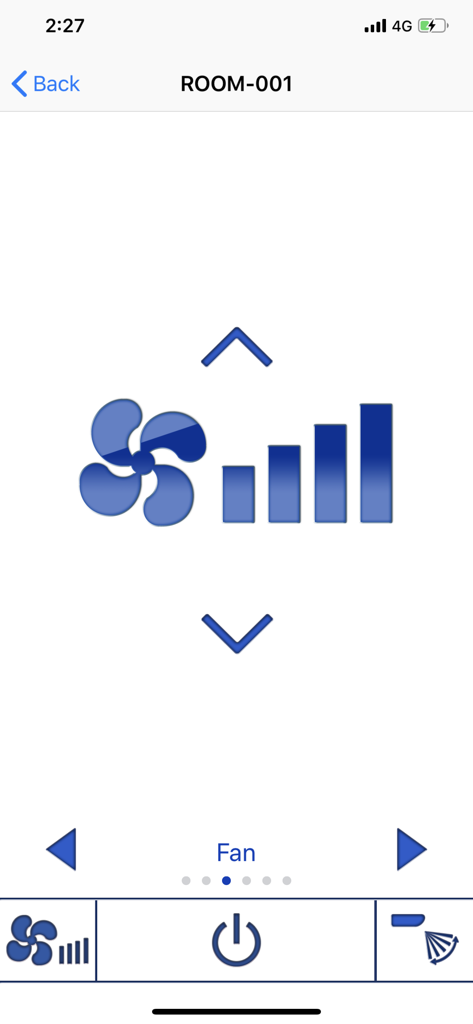
MELRemo Mobile App-Oberfläche zeigt die Einstellung der Lüftergeschwindigkeit für eine Mitsubishi Electric Klimaanlage
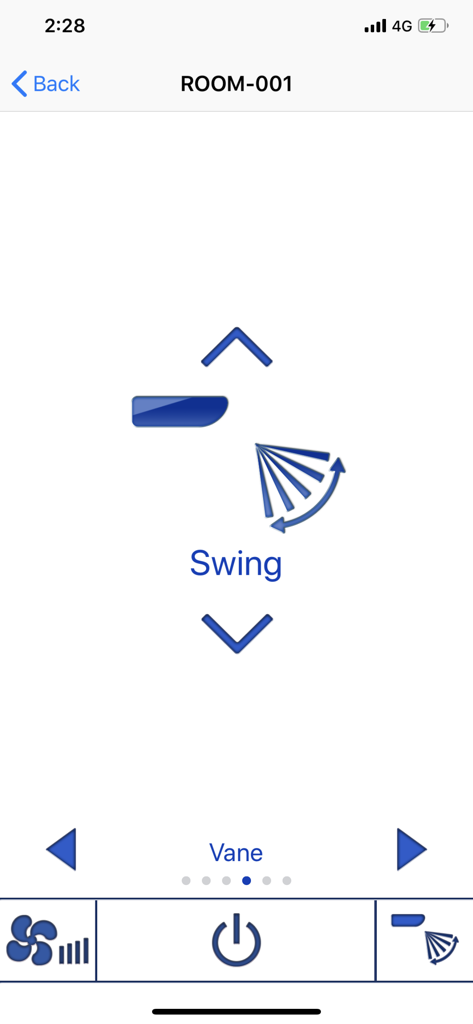
MELRemo App-Oberfläche zum Einstellen der Luftstromrichtung und Schaukeleinstellungen der Klimaanlage.
Beschreibung
Download
Ähnliche Apps
Top-gerankte Apps in derselben Kategorie

Pinterest, Inc.

Alipay - Simplify Your Life
Alipay (Hangzhou) Technology Co., Ltd.

Dianping: Discover Good Places
Hanhai Information Technology (Shanghai) Co.Ltd

美团-美好生活小帮手
Sankuai Technology Co., Ltd.

Lemon8 - Lifestyle Community
TIKTOK PTE. LTD.

Xiaomi Home
Beijing Xiaomi Co., Ltd

Tinder Dating App: Date & Chat
Tinder LLC

SmartThings
Samsung Electronics Co., Ltd.

VNeTraffic
GLOBAL TECHNOLOGY - TELECOMMUNICATIONS CORPORATION
Diese Seite ist keine offizielle Seite der App oder ihres Entwicklers, sondern eine unabhängige redaktionelle Veröffentlichung, die zu Informations- und Kommentarzwecken erstellt wurde. Sofern nicht ausdrücklich anders angegeben, sind weder die App noch ihr Entwickler mit MWM, Apple, Google Play, dem App-Herausgeber oder dem Entwickler der App verbunden, von ihnen unterstützt, gesponsert, autorisiert oder anderweitig offiziell verbunden, und nichts auf dieser Seite impliziert, dass die App unter Verwendung der Dienste von MWM entwickelt wurde. Alle Marken, Logos, Screenshots und andere Inhalte bleiben Eigentum ihrer jeweiligen Inhaber.