
Diese Seite ist keine offizielle Seite der App oder ihres Entwicklers, sondern eine unabhängige redaktionelle Veröffentlichung, die zu Informations- und Kommentarzwecken erstellt wurde. Sofern nicht ausdrücklich anders angegeben, sind weder die App noch ihr Entwickler mit MWM, Apple, Google Play, dem App-Herausgeber oder dem Entwickler der App verbunden, von ihnen unterstützt, gesponsert, autorisiert oder anderweitig offiziell verbunden, und nichts auf dieser Seite impliziert, dass die App unter Verwendung der Dienste von MWM entwickelt wurde. Alle Marken, Logos, Screenshots und andere Inhalte bleiben Eigentum ihrer jeweiligen Inhaber.


MetaGrid Pro
Verwandeln Sie Ihr iPad in ein adaptives Kommandozentrum, das sich mit Ihrem Workflow weiterentwickelt. Automatisieren Sie komplexe Aufgaben, lösen Sie leistungsstarke Makros aus und beherrschen Sie Ihre Kreativ-Apps mit einem einzigen, intuitiven Tippen.
Downloads
2K+Bewertung
Bewertungen gesamt
0Herausgeber
Kategorie
ProductivitySprachen
1Neueste Version
1.6.16Größe
337.5 MBErstveröffentlichung
8. Feb. 2022Meistern Sie Ihren kreativen Workflow
Verwandeln Sie Ihr iPad in das ultimative Kommandozentrum. MetaGrid Pro passt sich dynamisch an Ihre bevorzugten Desktop-Anwendungen an und legt professionelle Werkzeuge und komplexe Makros direkt in Ihre Hände.
Kontextbezogene Intelligenz
Hören Sie auf, nach Verknüpfungen zu suchen. MetaGrid Pro wechselt automatisch die Layouts, wenn Sie zwischen Apps wie Photoshop, Logic Pro oder Blender wechseln, und erhält so Ihren Flow-Zustand.
Leistungsstarke Makros mit einem Fingertipp
Eliminieren Sie wiederkehrende Aufgaben, indem Sie Tastenanschläge, MIDI-Nachrichten und AppleScripts zu Aktionen mit einem einzigen Fingertipp verketten. Erstellen Sie komplexe Automatisierungen, ohne eine einzige Zeile Code schreiben zu müssen.
Die folgenden Screenshots und die Beschreibung stammen direkt aus dem offiziellen Store-Eintrag der App und sind Eigentum des Entwicklers.
App Store
Screenshots
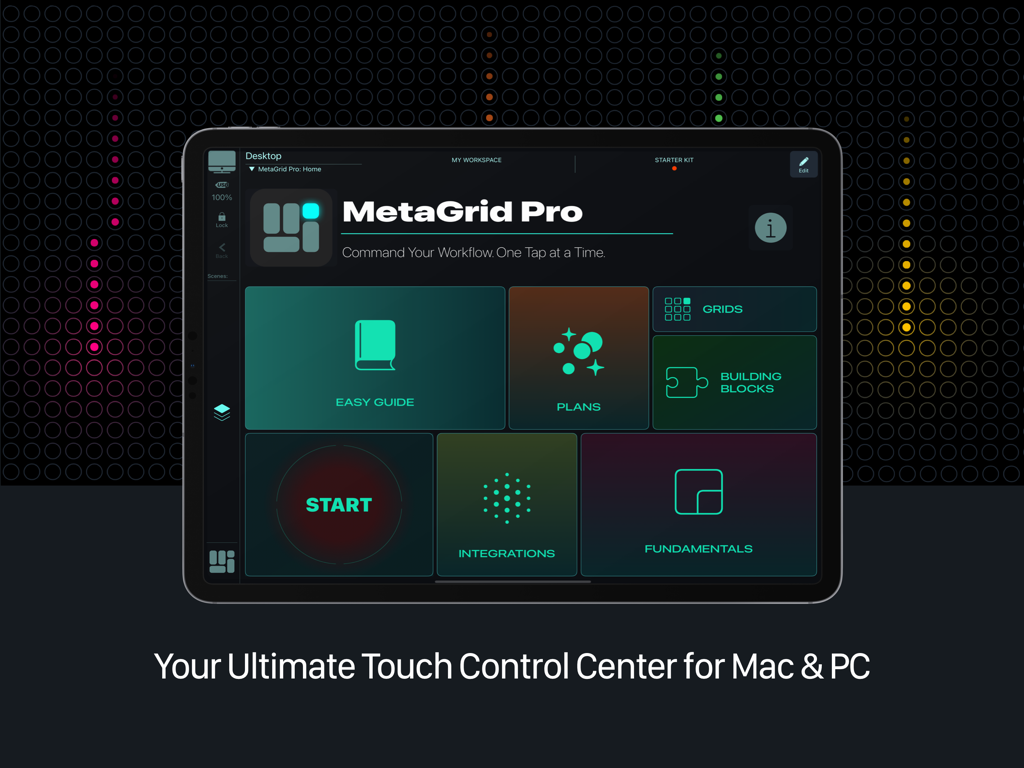
MetaGrid Pro-Startbildschirm auf einem iPad, der das Touch-Kontrollzentrum für Mac und PC anzeigt
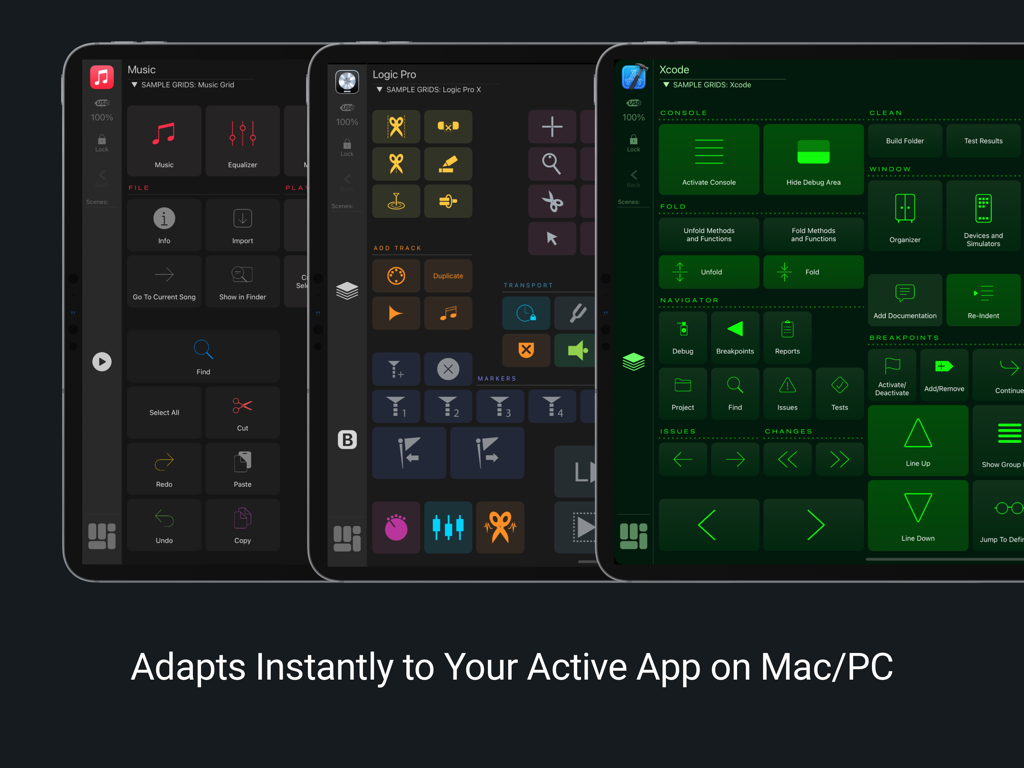
Drei iPads, die adaptive MetaGrid Pro-Layouts für Musik Logic Pro und Xcode zeigen
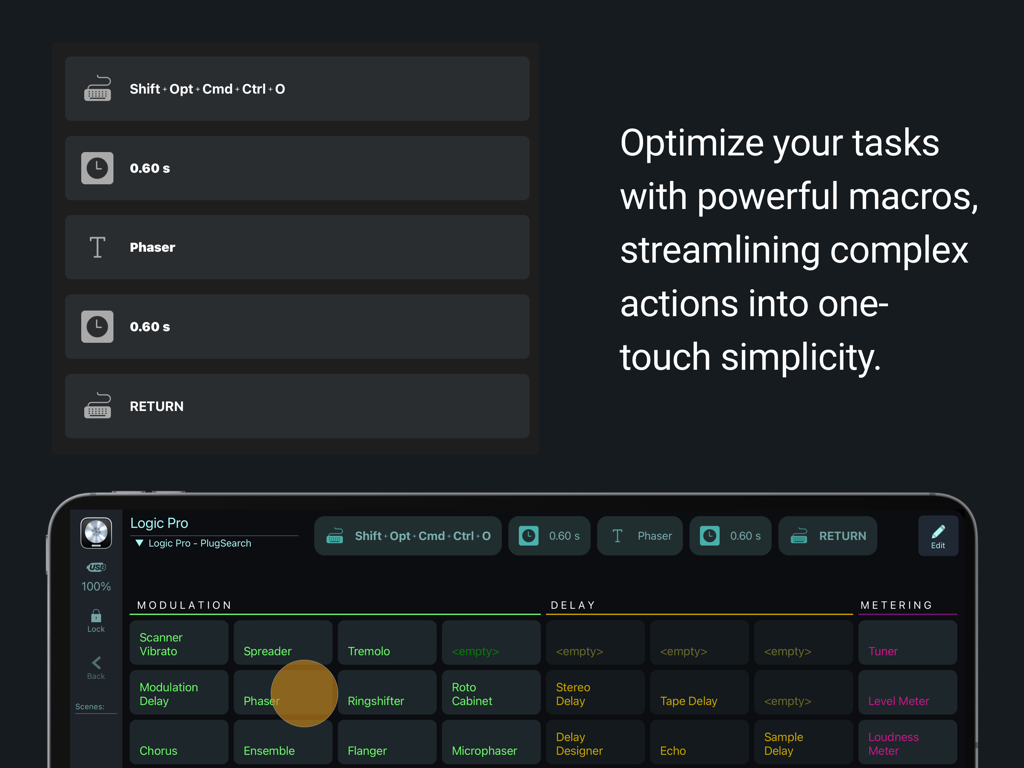
MetaGrid Pro-Oberfläche, die eine benutzerdefinierte Makrosequenz und eine Touch-Steueroberfläche für Logic Pro auf einem iPad zeigt
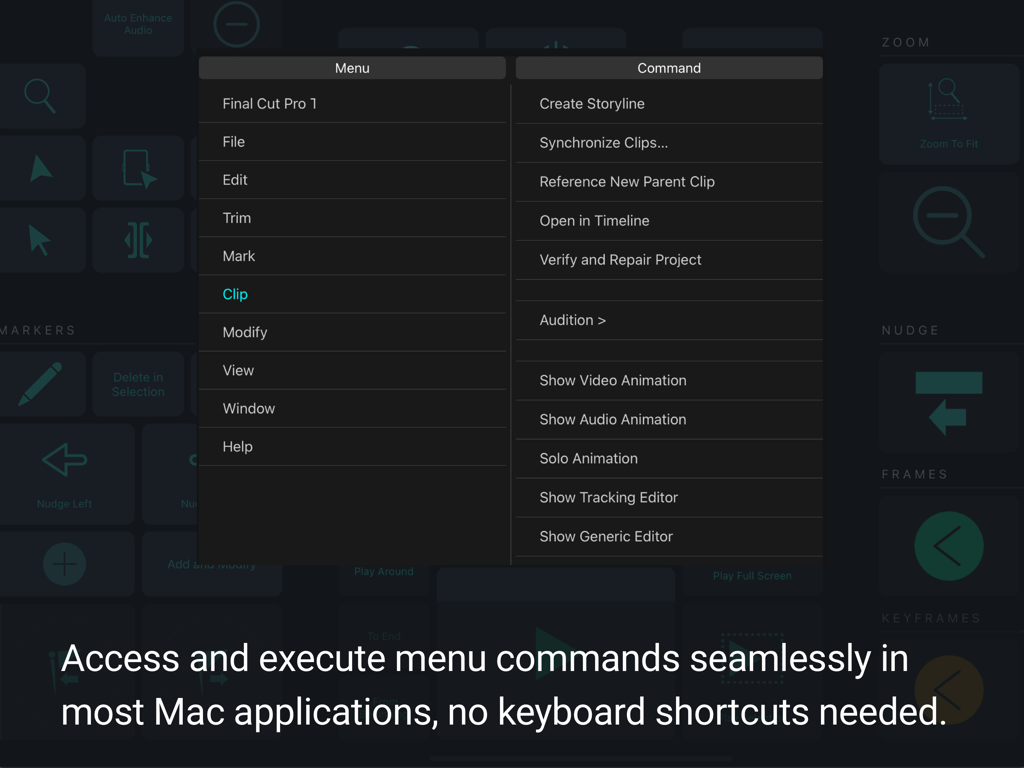
MetaGrid Pro-Oberfläche, die den Zugriff auf Menübefehle für Final Cut Pro zeigt

MetaGrid Pro-App auf dem iPad, die das Menü zur Anpassung von Schaltflächen und ein Raster von Tools für den kreativen Workflow zeigt
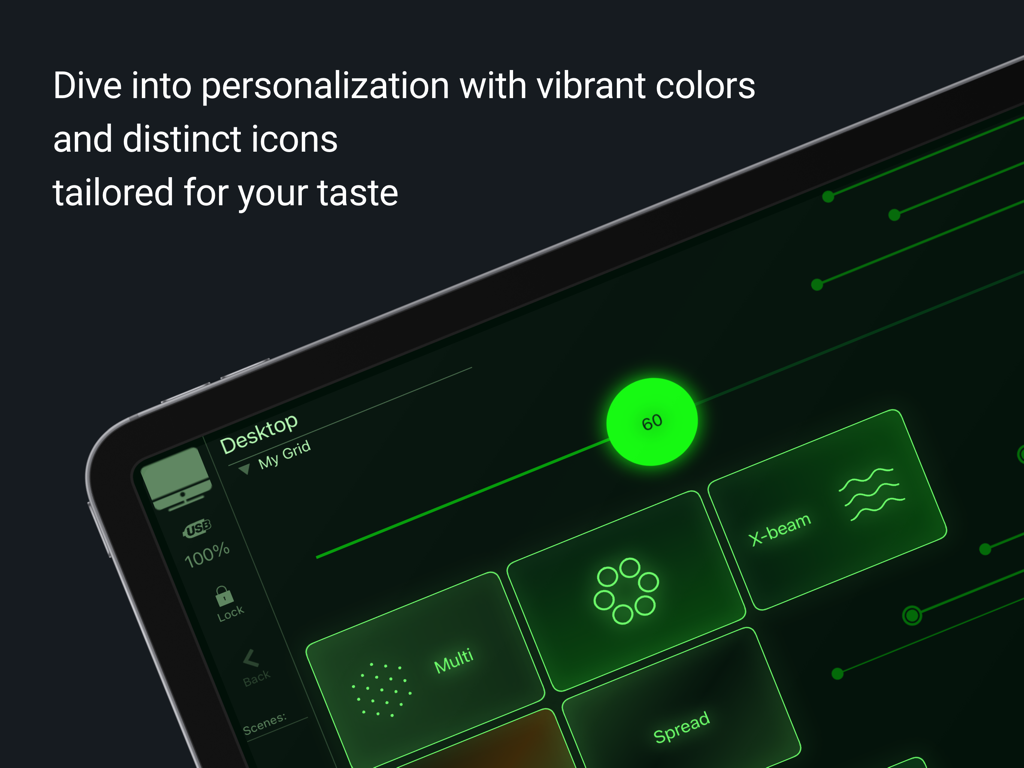
Anpassbare MetaGrid Pro-Oberfläche mit neongrünen Symbolen und Schaltflächen auf einem iPad-Bildschirm
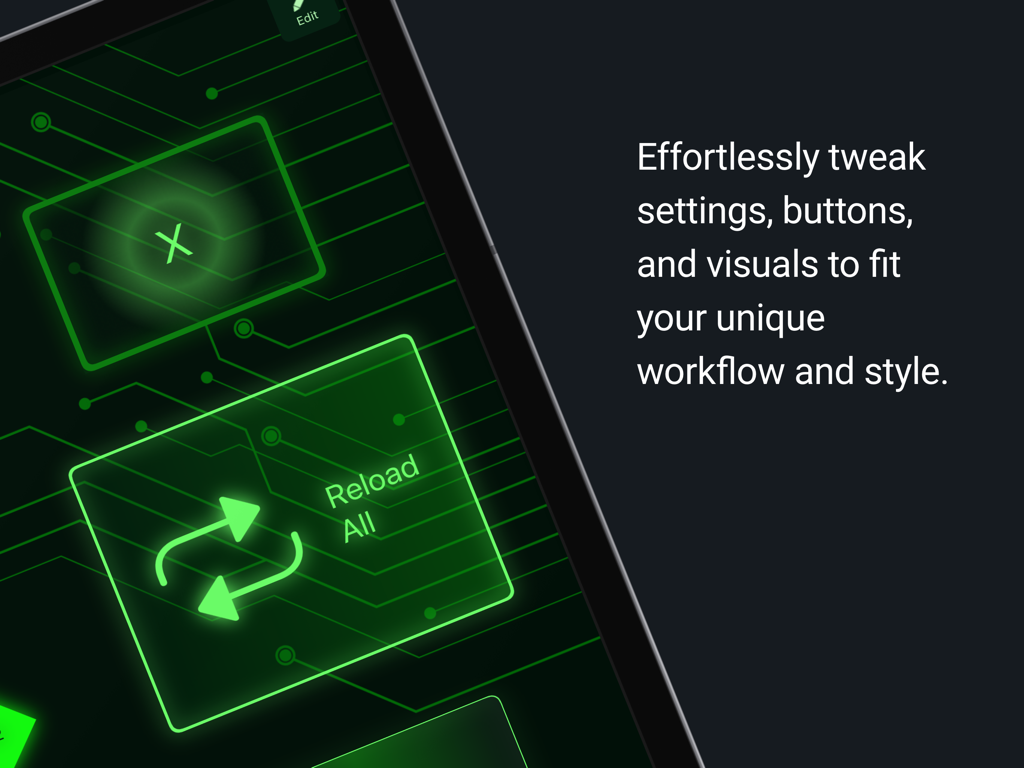
Benutzerdefinierte MetaGrid Pro-Oberfläche auf dem iPad mit leuchtend grünen Schaltflächen und Leiterplattengrafiken zur Workflow-Optimierung
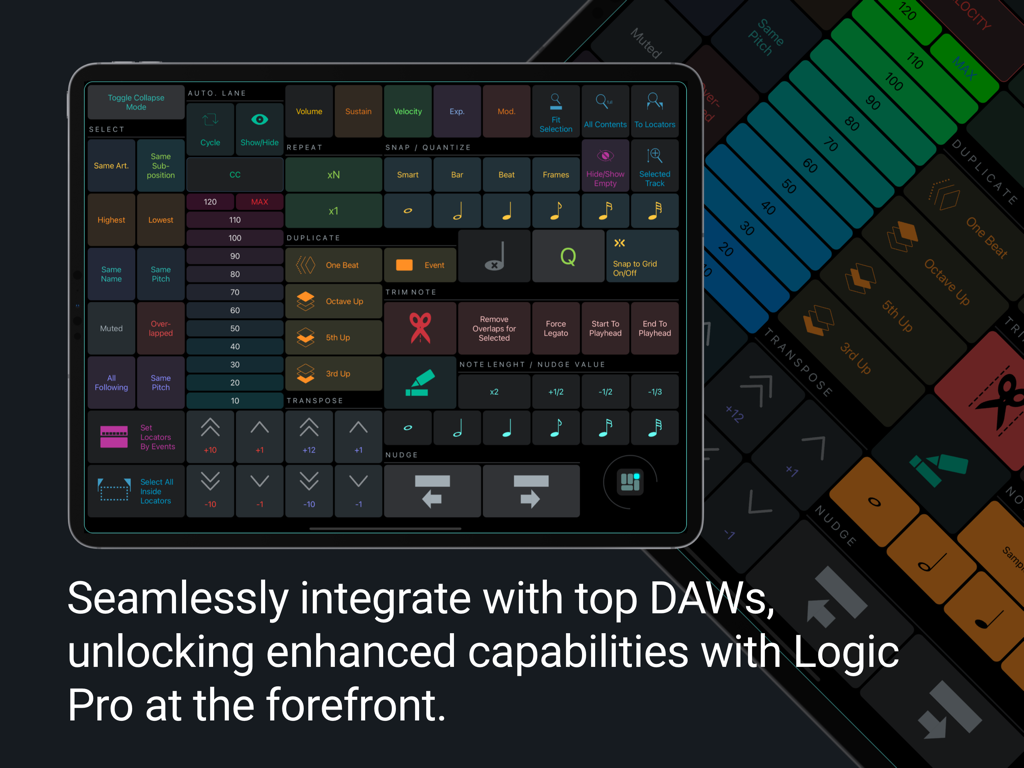
MetaGrid Pro iPad-Oberfläche mit benutzerdefiniertem DAW-Steuerungsraster für Logic Pro
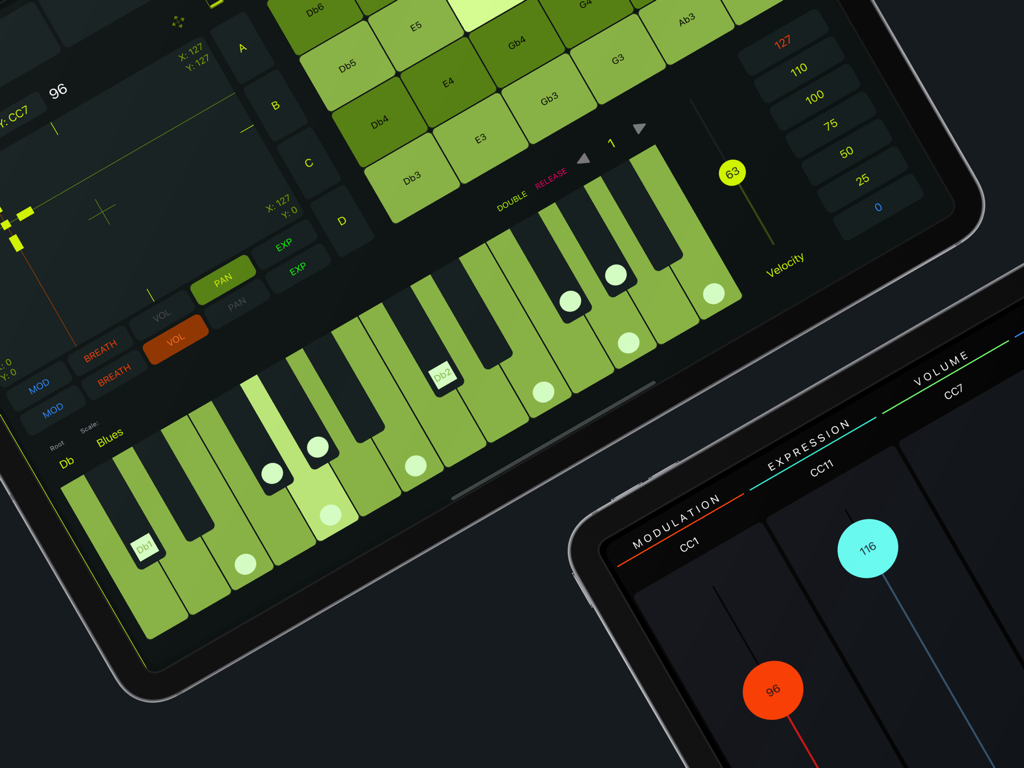
MetaGrid Pro-Oberfläche auf dem iPad, die MIDI-Fader und eine grüne Klaviertastatur für die Musikproduktion zeigt
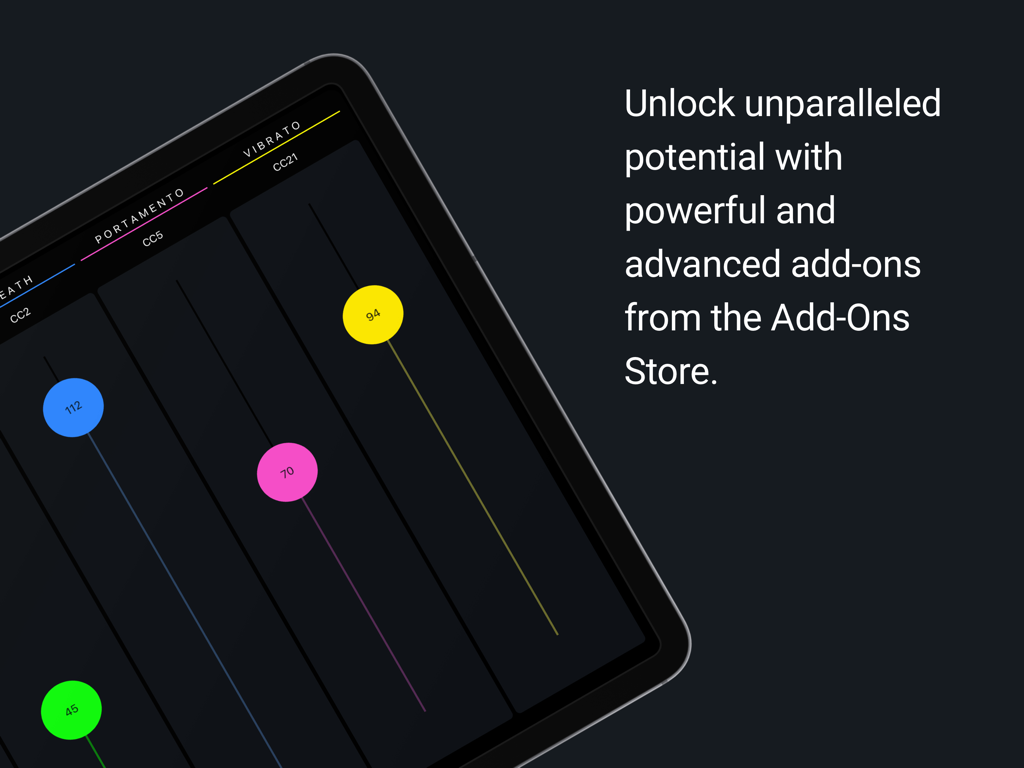
iPad-Bildschirm mit bunten MIDI-Fadern zur Steuerung von Vibrato und Portamento in MetaGrid Pro
Beschreibung
Download
Ähnliche Apps
Apps mit ähnlichen Funktionen und Nutzererfahrung




Diese Seite ist keine offizielle Seite der App oder ihres Entwicklers, sondern eine unabhängige redaktionelle Veröffentlichung, die zu Informations- und Kommentarzwecken erstellt wurde. Sofern nicht ausdrücklich anders angegeben, sind weder die App noch ihr Entwickler mit MWM, Apple, Google Play, dem App-Herausgeber oder dem Entwickler der App verbunden, von ihnen unterstützt, gesponsert, autorisiert oder anderweitig offiziell verbunden, und nichts auf dieser Seite impliziert, dass die App unter Verwendung der Dienste von MWM entwickelt wurde. Alle Marken, Logos, Screenshots und andere Inhalte bleiben Eigentum ihrer jeweiligen Inhaber.