
Diese Seite ist keine offizielle Seite der App oder ihres Entwicklers, sondern eine unabhängige redaktionelle Veröffentlichung, die zu Informations- und Kommentarzwecken erstellt wurde. Sofern nicht ausdrücklich anders angegeben, sind weder die App noch ihr Entwickler mit MWM, Apple, Google Play, dem App-Herausgeber oder dem Entwickler der App verbunden, von ihnen unterstützt, gesponsert, autorisiert oder anderweitig offiziell verbunden, und nichts auf dieser Seite impliziert, dass die App unter Verwendung der Dienste von MWM entwickelt wurde. Alle Marken, Logos, Screenshots und andere Inhalte bleiben Eigentum ihrer jeweiligen Inhaber.


Network Utility
Analysieren, beheben und überwachen Sie Ihre Verbindung mit einer vollständigen Suite von Expertenwerkzeugen. Vom LAN-Scan bis zu DNS-Abfragen – erhalten Sie die technische Transparenz, die Sie für Ihr Heim- und Berufsnetzwerk benötigen.
Downloads
36K+Bewertung
Bewertungen gesamt
1K+Herausgeber
Kategorie
UtilitiesSprachen
5Neueste Version
9.10.3Größe
16.0 MBErstveröffentlichung
2. Nov. 2012Das ultimative Netzwerk-Toolkit
Hören Sie auf zu raten und fangen Sie an zu lösen. Erhalten Sie volle Transparenz über Ihre WLAN- und Mobilfunkverbindungen mit professionellen Diagnosewerkzeugen.
Sofortige LAN-Erkennung
Identifizieren Sie jedes Gerät in Ihrem Netzwerk und erkennen Sie unbefugte Eindringlinge mit einem einzigen Tippen, um Ihre Heimsicherheit zu gewährleisten.
Präzisionsdiagnose
Beheben Sie Konnektivitätsprobleme wie ein Profi mit fortschrittlichen Ping-, DNS-Abfragen und Geo-IP-Tracking für jeden Server oder jedes Domain.
Die folgenden Screenshots und die Beschreibung stammen direkt aus dem offiziellen Store-Eintrag der App und sind Eigentum des Entwicklers.
App Store
Screenshots
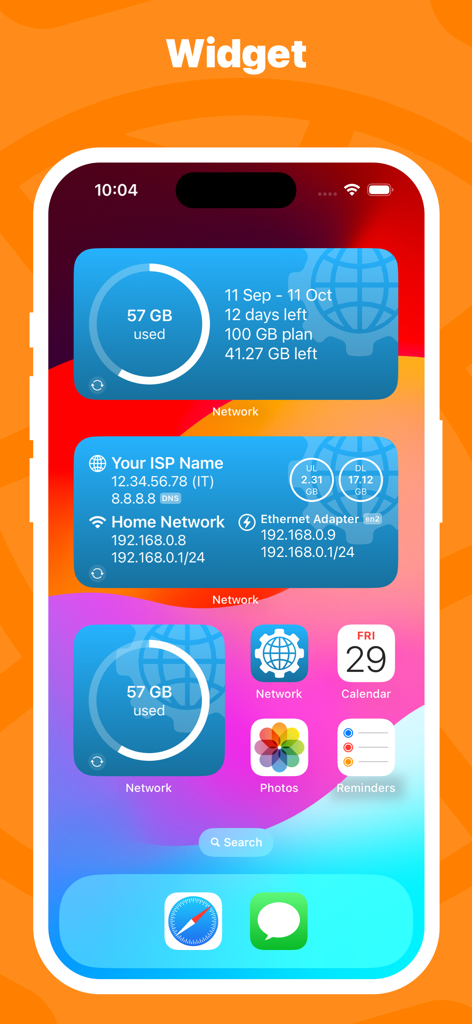
iOS-Startbildschirm mit Network Utility-Widgets zur Überwachung von Mobilfunkdaten und Netzwerkstatus
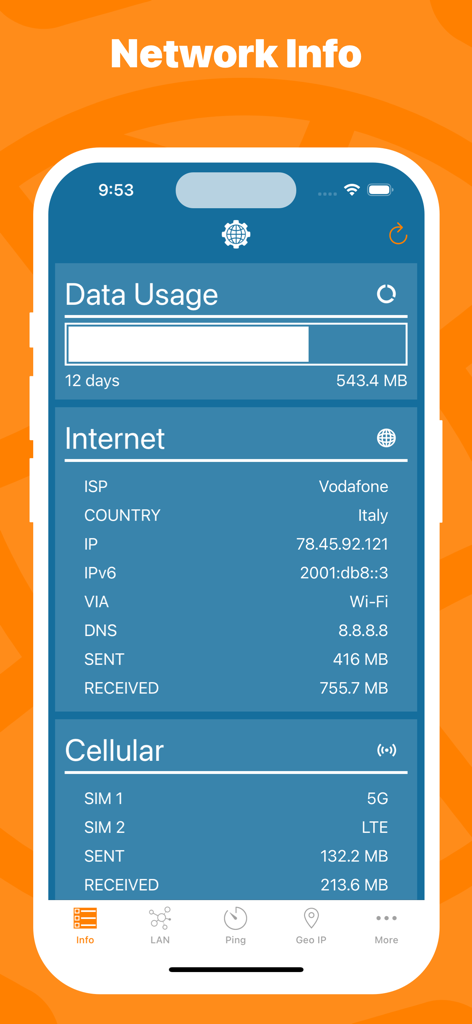
Screenshot der Network Utility-App, der die Nutzung von Internet- und Mobilfunkdaten sowie die Netzwerkkonfigurationsdetails anzeigt
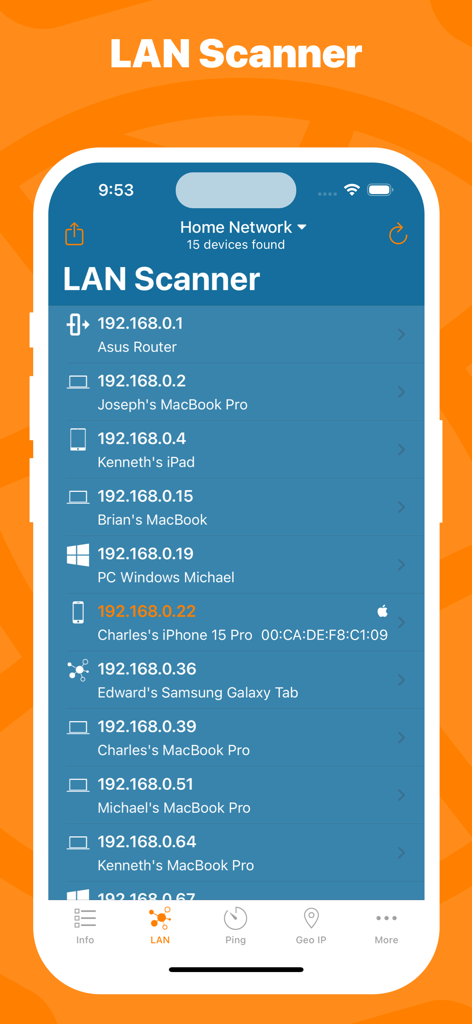
Oberfläche der Network Utility-App, die den LAN Scanner mit einer Liste verbundener Geräte und deren IP-Adressen anzeigt
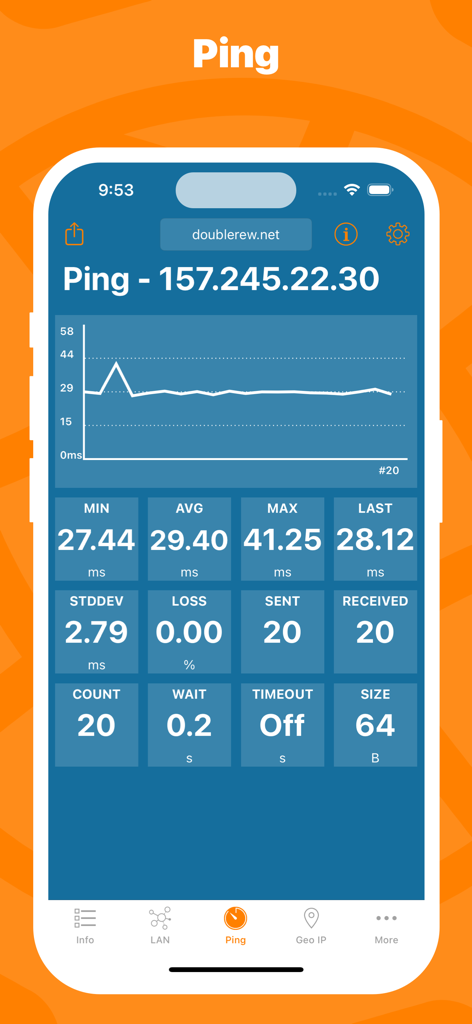
Network Utility-App, die einen Echtzeit-Ping-Graphen und Verbindungsstatistiken auf einem iPhone anzeigt
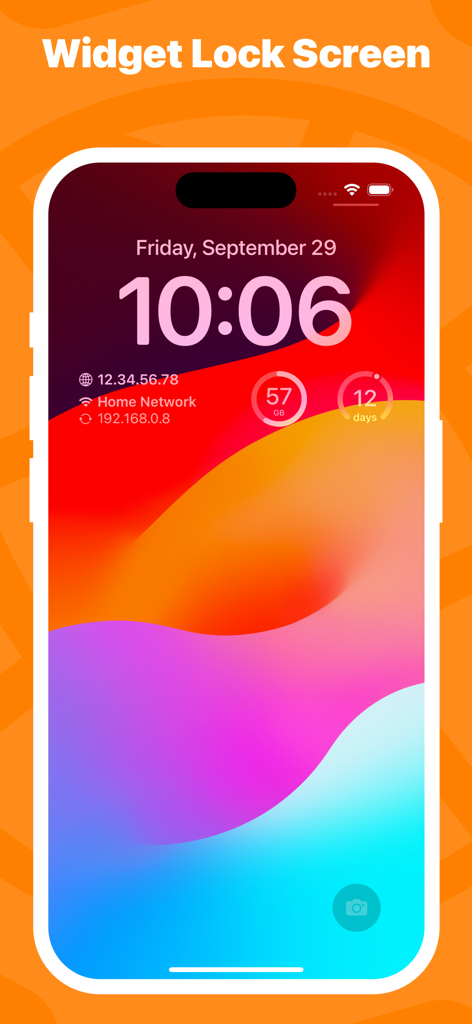
iPhone-Sperrbildschirm mit Network Utility-Widgets für IP-Adressen und die Überwachung der Mobilfunkdatennutzung
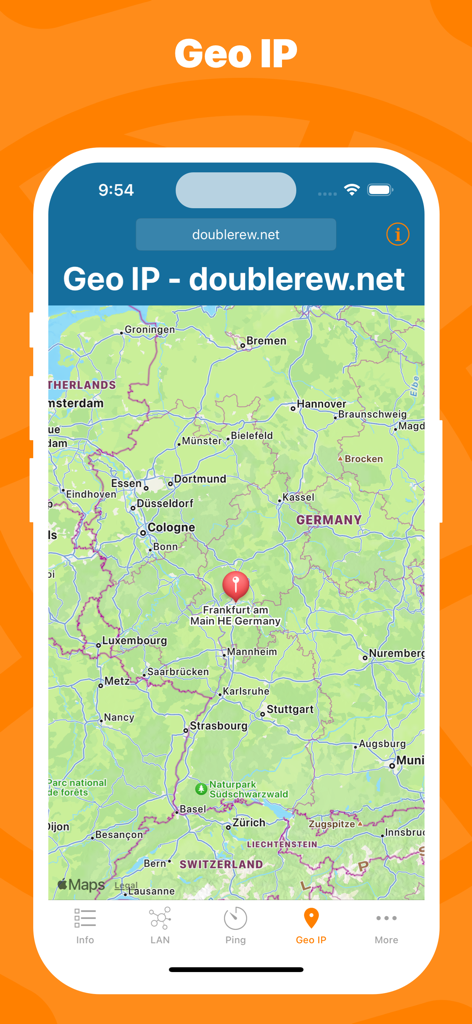
Network Utility-App Geo-IP-Bildschirm, der den Standort eines Servers in Frankfurt, Deutschland, auf einer Karte anzeigt
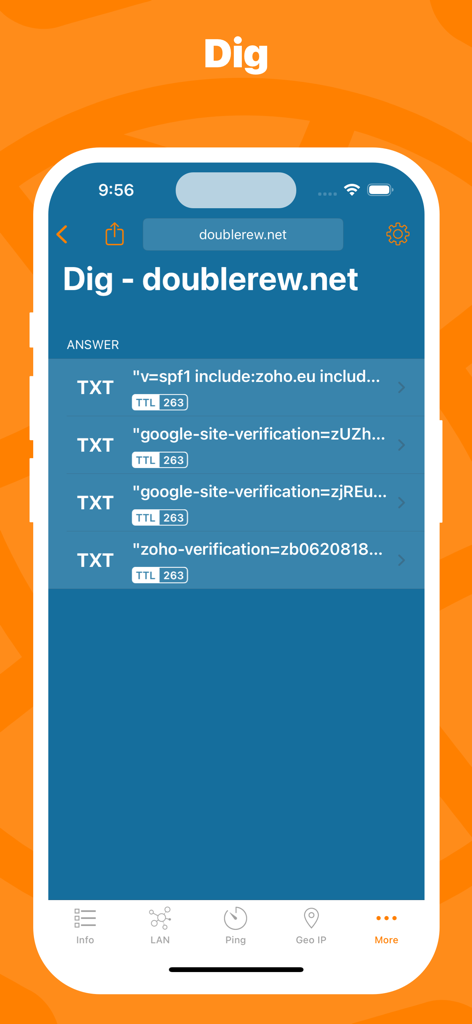
Oberfläche der Network Utility-App, die DNS Dig-Ergebnisse einschließlich TXT-Einträgen für eine Domain anzeigt
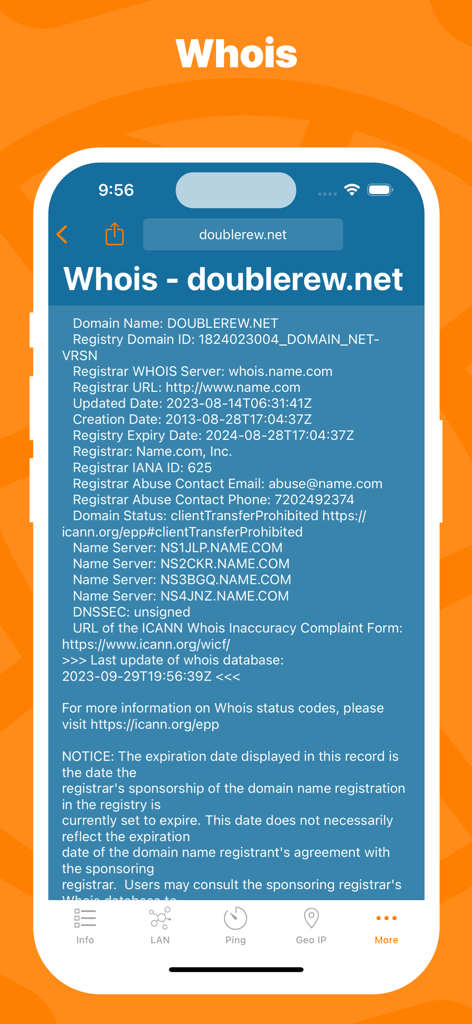
Bildschirm mit Whois-Domainregistrierungsdetails in der mobilen Network Utility-App
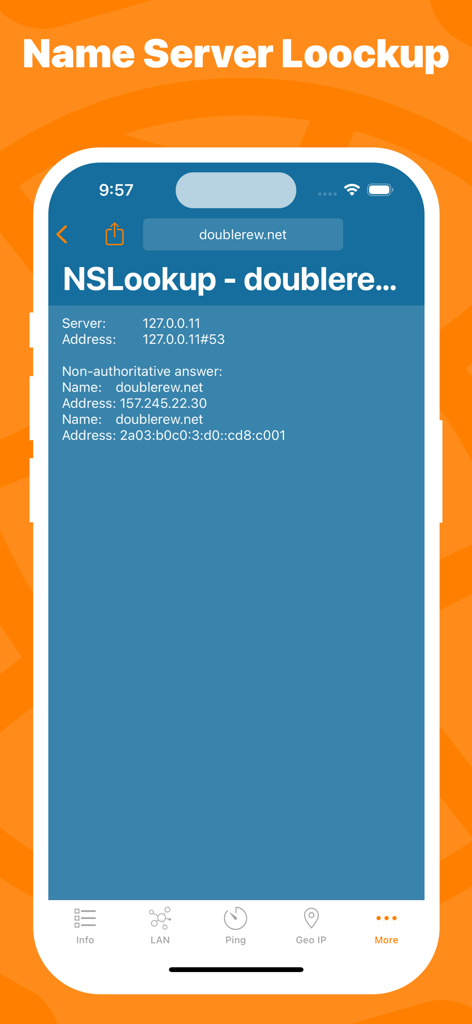
NSLookup-Tool-Oberfläche in der Network Utility-App, die DNS-Einträge anzeigt
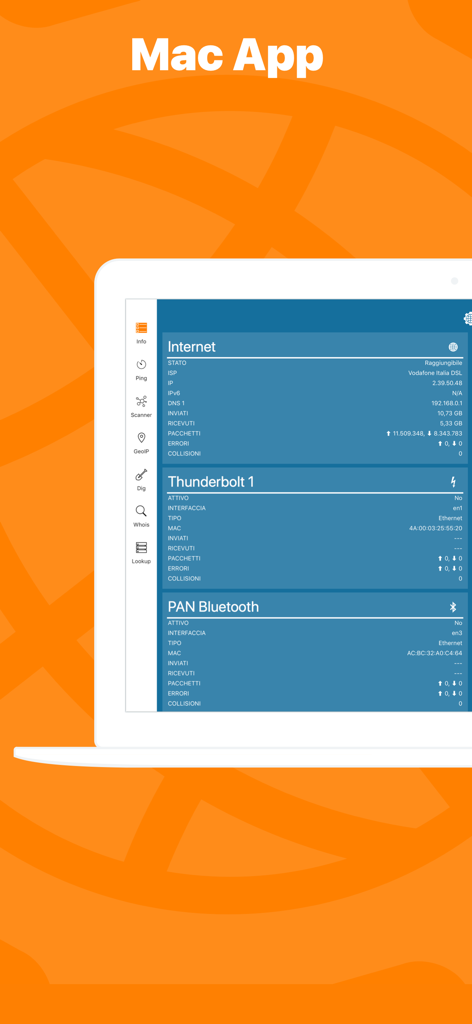
Oberfläche der Network Utility-App auf einem Mac, die Details zur Netzwerkverbindung anzeigt
Beschreibung
Download
Ähnliche Apps
Top-gerankte Apps in derselben Kategorie

Google LLC

Google Chrome
Google LLC

中国移动(手机营业厅)
China Mobile Online Services Co., Ltd.

Google Authenticator
Google LLC

CNH do Brasil
Servicos e Informacoes do Brasil

Cleanup: Phone Storage Cleaner
DEEP FLOW SOFTWARE SERVICES - FZCO

gov.br
Servicos e Informacoes do Brasil

中国电信-全国统一官方服务平台
CHINA TELECOM Corporation Ltd.

Microsoft Edge: AI Browser
Microsoft Corporation
Diese Seite ist keine offizielle Seite der App oder ihres Entwicklers, sondern eine unabhängige redaktionelle Veröffentlichung, die zu Informations- und Kommentarzwecken erstellt wurde. Sofern nicht ausdrücklich anders angegeben, sind weder die App noch ihr Entwickler mit MWM, Apple, Google Play, dem App-Herausgeber oder dem Entwickler der App verbunden, von ihnen unterstützt, gesponsert, autorisiert oder anderweitig offiziell verbunden, und nichts auf dieser Seite impliziert, dass die App unter Verwendung der Dienste von MWM entwickelt wurde. Alle Marken, Logos, Screenshots und andere Inhalte bleiben Eigentum ihrer jeweiligen Inhaber.