
Diese Seite ist keine offizielle Seite der App oder ihres Entwicklers, sondern eine unabhängige redaktionelle Veröffentlichung, die zu Informations- und Kommentarzwecken erstellt wurde. Sofern nicht ausdrücklich anders angegeben, sind weder die App noch ihr Entwickler mit MWM, Apple, Google Play, dem App-Herausgeber oder dem Entwickler der App verbunden, von ihnen unterstützt, gesponsert, autorisiert oder anderweitig offiziell verbunden, und nichts auf dieser Seite impliziert, dass die App unter Verwendung der Dienste von MWM entwickelt wurde. Alle Marken, Logos, Screenshots und andere Inhalte bleiben Eigentum ihrer jeweiligen Inhaber.

Notate for Microsoft 365
Verwandeln Sie Ihr iPad in ein mobiles Kraftpaket. Kommentieren Sie PDFs, scannen Sie Visitenkarten und synchronisieren Sie handschriftliche Notizen direkt mit Ihrem Outlook-Konto mit Enterprise-Grade-Sicherheit.
Downloads
20K+Bewertung
Bewertungen gesamt
0Herausgeber
Kategorie
BusinessSprachen
10Neueste Version
7.5.0Größe
156.8 MBErstveröffentlichung
17. Apr. 2020Meistern Sie Ihren Workflow in einer sicheren App
Entwickelt für Fachleute, die mehr von Microsoft 365 verlangen. Notate vereint Ihre Notizen, Aufgaben und Dokumentenverwaltung in einem einzigen, leistungsstarken Arbeitsbereich.
Professionelle PDF-Suite
Kommentieren, bearbeiten und unterschreiben Sie Verträge mit Präzision auf Desktop-Niveau. Scannen Sie Papierdokumente direkt in PDFs und senden Sie sie in Sekundenschnelle über Outlook zurück.
Natürliche Handschrift & Smarte Notizen
Ersetzen Sie Ihr Papiernotizbuch. Verwenden Sie Apple Pencil für Handschrift oder nehmen Sie Audio und Web-Clippings auf – alles durchsuchbar und synchronisiert mit Ihrem M365-Konto.
Häufig gestellte Fragen
Alles, was Sie über wissen müssen Notate for Microsoft 365
Was ist Notate für Microsoft 365?
Notate für Microsoft 365 ist ein All-in-One-Informationsmanager, der Notizen, Aufgaben, Kontakte, Kalender und E-Mail-Anhänge mit Ihrem Microsoft Office 365-Konto synchronisiert.
Benötigt Notate für Microsoft 365 ein bestimmtes E-Mail-Konto?
Ja, Notate für Microsoft 365 benötigt ein Microsoft 365-, Hotmail- oder Outlook.com-E-Mail-Konto, um zu funktionieren. Es wurde speziell für die Arbeit mit Microsoft Office 365 entwickelt.
Kann Notate für Microsoft 365 Dokumente scannen?
Ja, Notate für Microsoft 365 scannt Papierdokumente direkt in PDF-Dateien. Es verfügt auch über eine spezielle PDF-Scanner-Funktion für diesen Zweck.
Ermöglicht Notate für Microsoft 365 die PDF-Bearbeitung?
Ja, Notate für Microsoft 365 bietet PDF-Bearbeitungsfunktionen in Desktop-Qualität. Benutzer können Formulare ausfüllen, PDF-Dokumente bearbeiten, kommentieren, erstellen und unterschreiben innerhalb der App.
Kann Notate für Microsoft 365 Aufgaben verwalten?
Ja, Notate für Microsoft 365 verwaltet Ihre Microsoft 365-Aufgabenliste. Es enthält eine umfassende Aufgabenverwaltung mit Erinnerungsbenachrichtigungen.
Verfügt Notate für Microsoft 365 über einen Visitenkarten-Scanner?
Ja, Notate für Microsoft 365 verfügt über einen Visitenkarten-Scanner. Er konvertiert Visitenkarten direkt in Microsoft 365 Outlook-Kontakte und unterstützt 19 Sprachen.
Gibt es eine kostenlose Testversion für Notate für Microsoft 365?
Ja, Notate für Microsoft 365 bietet eine kostenlose dreißigtägige Testversion an. Nach der Testphase ist ein Abonnement für regelmäßige App-Updates und Datensynchronisation erforderlich.
Wie geht Notate für Microsoft 365 mit E-Mail-Anhängen um?
Notate für Microsoft 365 ermöglicht Benutzern, Microsoft 365-E-Mail-Anhänge anzuzeigen und zu bearbeiten, ohne die Anwendung zu verlassen. Es konvertiert auch Office-Dokumente in PDF.
Kann Notate für Microsoft 365 zur Zusammenarbeit genutzt werden?
Ja, Notate für Microsoft 365 unterstützt die Zusammenarbeit. Es verfügt über gemeinsame Arbeitsbereiche für Teamarbeit und ermöglicht das Kommentieren und Anmerken von PDF-Dokumenten mit Kollegen.
Welche Arten von Notizen kann ich in Notate für Microsoft 365 erstellen?
Notate für Microsoft 365 ermöglicht das Erstellen von getippten oder handschriftlichen Notizen. Benutzer können auch Bilder, Audioaufnahmen, Web-Clippings und PDF-Dokumente in ihre Notizen einbetten.
Unterstützt Notate für Microsoft 365 den Apple Pencil?
Ja, Notate für Microsoft 365 unterstützt sowohl die Handschrifteingabe als auch die Funktionalität des Apple Pencil. Diese Integration verbessert das digitale Notizenerlebnis.
Wie verwalte ich mein Notate für Microsoft 365-Abonnement?
Sie können Ihr Notate für Microsoft 365-Abonnement und den Status der automatischen Verlängerung direkt in den Kontoeinstellungen der App nach dem Kauf verwalten.
Die folgenden Screenshots und die Beschreibung stammen direkt aus dem offiziellen Store-Eintrag der App und sind Eigentum des Entwicklers.
App Store
Screenshots
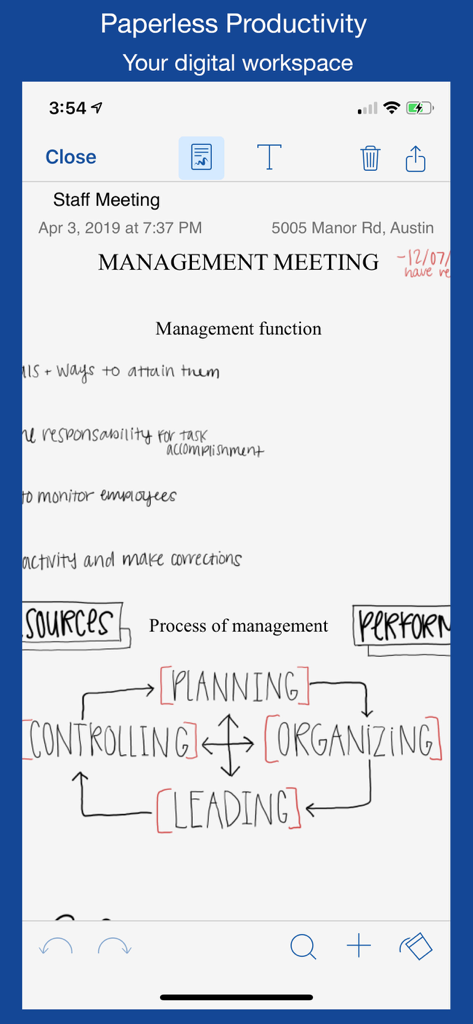
Handschriftliche Notizen zu einem Management-Meeting und ein Prozessdiagramm, die in der Benutzeroberfläche der Notate für Microsoft 365-App angezeigt werden.
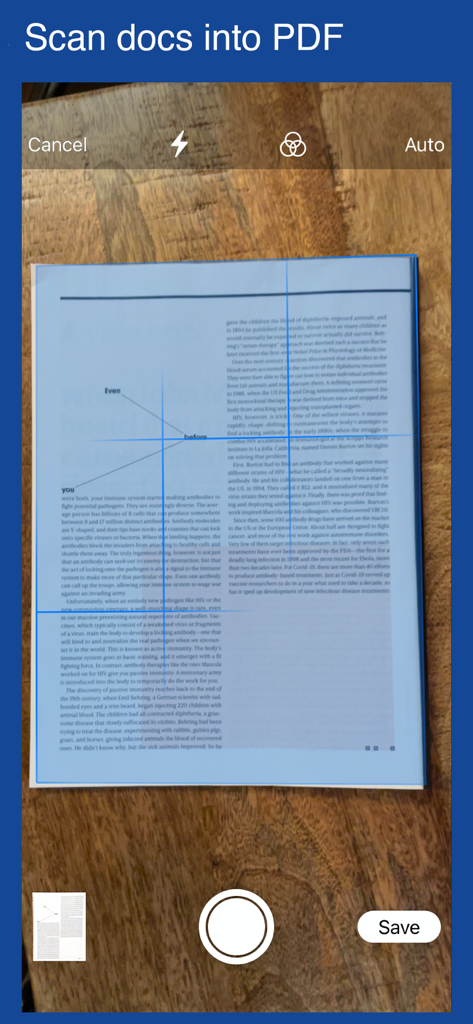
Eine mobile App-Oberfläche, die das Scannen eines Dokuments zur Konvertierung in eine PDF-Datei zeigt
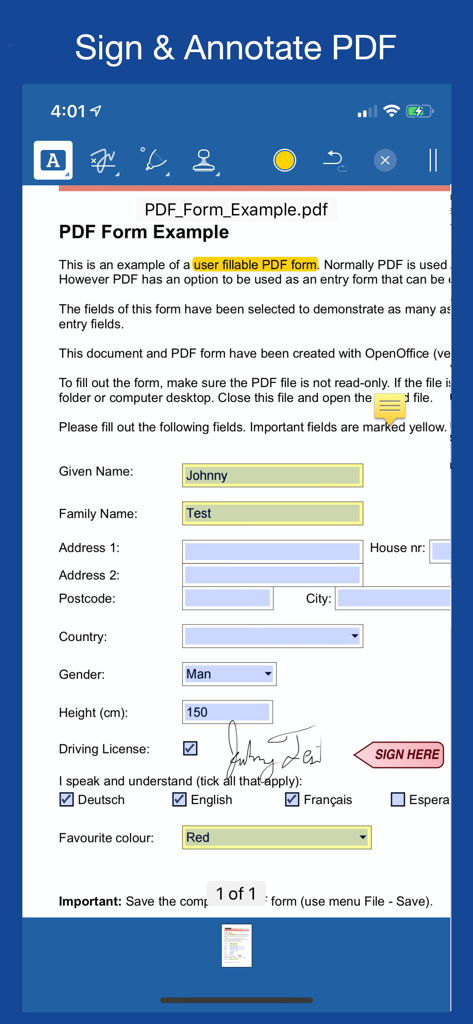
Mobile App-Oberfläche zum Signieren und Kommentieren eines PDF-Dokuments mit digitaler Handschrift
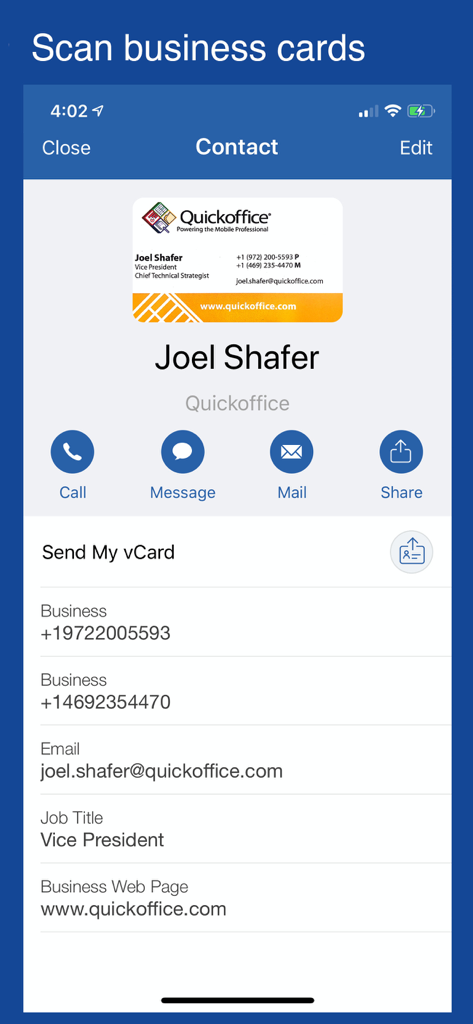
Bildschirm einer mobilen App, der eine Visitenkarte zeigt, die gescannt und in ein digitales Kontaktprofil innerhalb von Notate für Microsoft 365 konvertiert wurde.
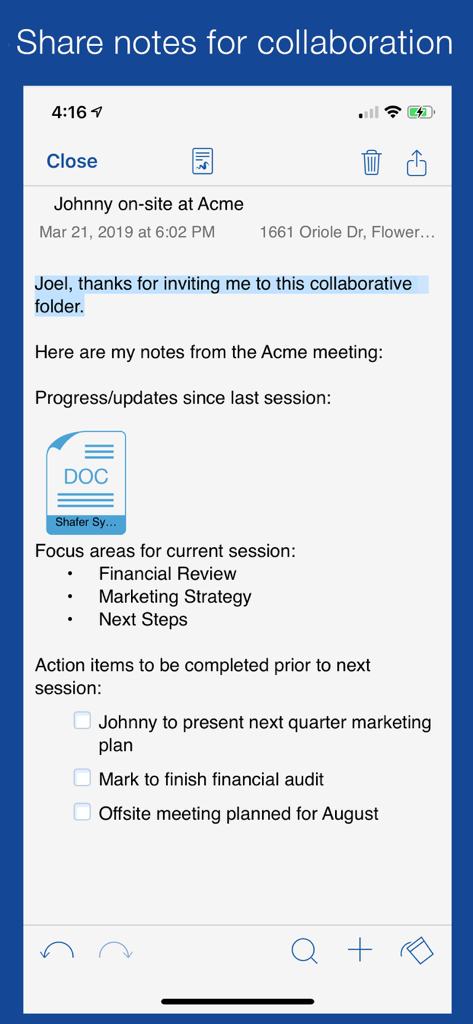
Die Notate für Microsoft 365-App zeigt freigegebene Besprechungsnotizen mit einer Checkliste und einem Dokumentenanhang für die professionelle Zusammenarbeit
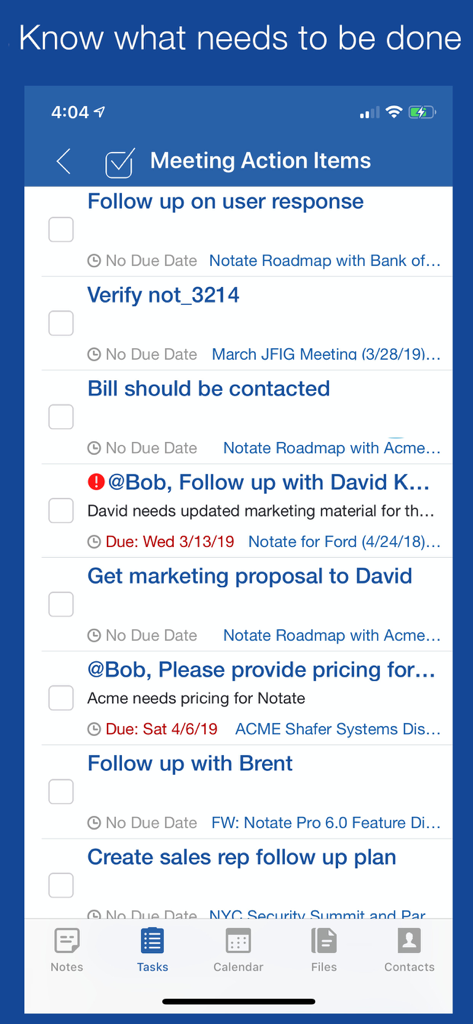
Aufgabenlisten-Oberfläche in Notate für Microsoft 365, die Besprechungsaktionselemente und Fristen anzeigt.
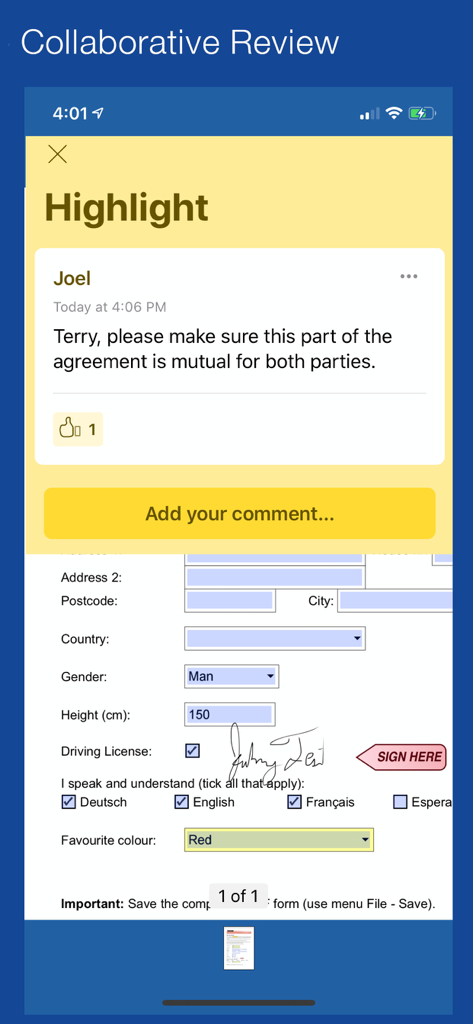
Kollaborative Überprüfung und Kommentierung eines signierten PDF-Dokuments innerhalb der Notate-App
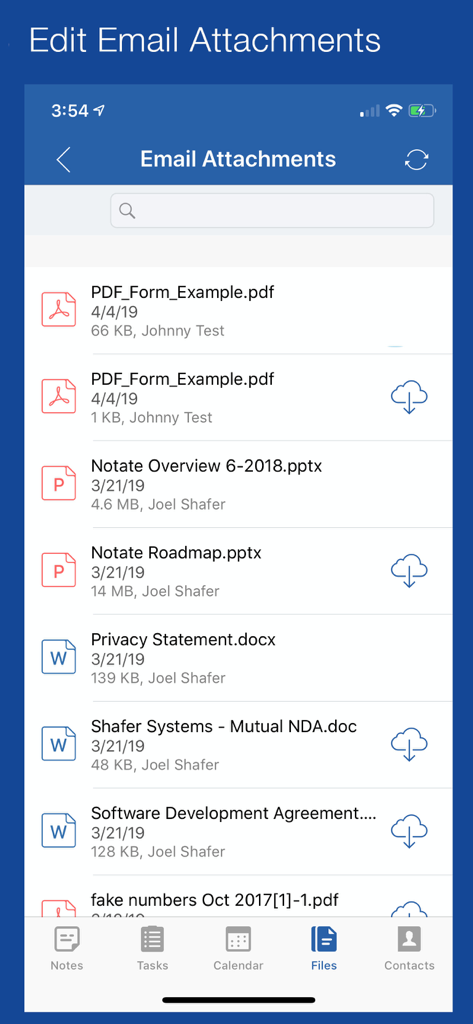
Eine Liste von E-Mail-Anhängen in Notate für Microsoft 365, die PDF-, Word- und PowerPoint-Dokumente zeigt
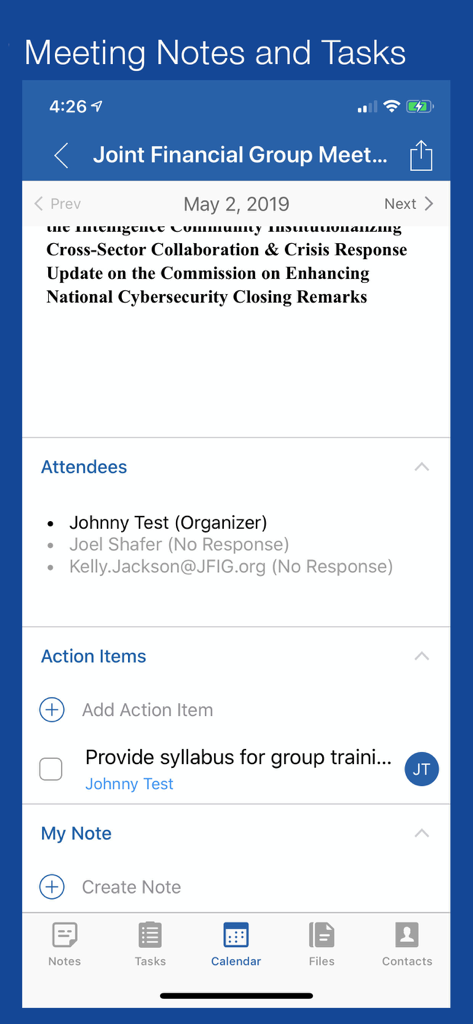
Oberfläche, die Besprechungsteilnehmer und Aktionspunkte in der Notate für Microsoft 365-App anzeigt
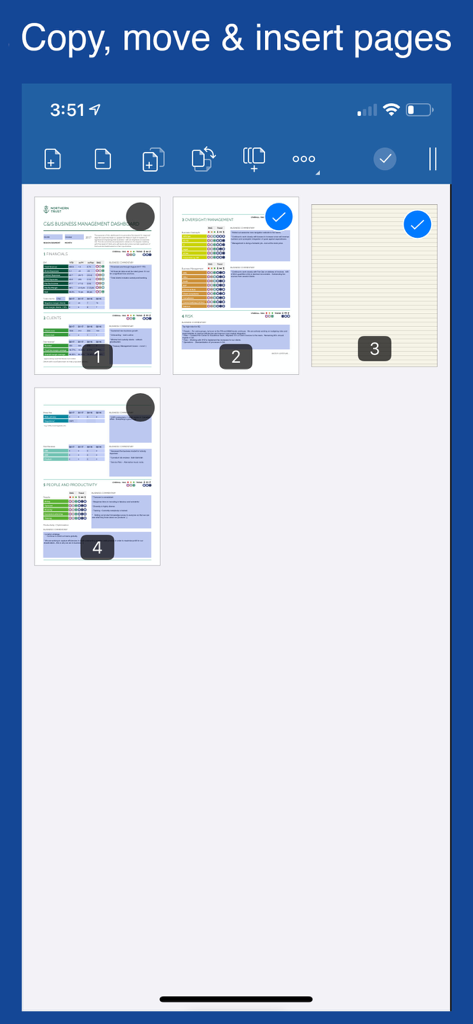
Oberfläche von Notate für Microsoft 365, die zeigt, wie Seiten in einem Dokument kopiert, verschoben und eingefügt werden.
Beschreibung
Download
Ähnliche Apps
Top-gerankte Apps in derselben Kategorie

Microsoft Teams
Microsoft Corporation

Zoom Workplace
Zoom Communications, Inc.

WhatsApp Business
WhatsApp Inc.

Indeed Job Search
Indeed Inc.

LinkedIn: Network & Job Finder
LinkedIn Corporation

Adobe Acrobat Reader: Sign PDF
Adobe Inc.

WeCom-Work Communication&Tools
Tencent Technology (Shenzhen) Company Limited

BOSS直聘-招聘求职找工作神器
Beijing China Product Bo Farce Network Technology Co., Ltd.

DingDing - Redefine Work in AI
DingTalk Technology Co., Ltd.
Diese Seite ist keine offizielle Seite der App oder ihres Entwicklers, sondern eine unabhängige redaktionelle Veröffentlichung, die zu Informations- und Kommentarzwecken erstellt wurde. Sofern nicht ausdrücklich anders angegeben, sind weder die App noch ihr Entwickler mit MWM, Apple, Google Play, dem App-Herausgeber oder dem Entwickler der App verbunden, von ihnen unterstützt, gesponsert, autorisiert oder anderweitig offiziell verbunden, und nichts auf dieser Seite impliziert, dass die App unter Verwendung der Dienste von MWM entwickelt wurde. Alle Marken, Logos, Screenshots und andere Inhalte bleiben Eigentum ihrer jeweiligen Inhaber.