
Diese Seite ist keine offizielle Seite der App oder ihres Entwicklers, sondern eine unabhängige redaktionelle Veröffentlichung, die zu Informations- und Kommentarzwecken erstellt wurde. Sofern nicht ausdrücklich anders angegeben, sind weder die App noch ihr Entwickler mit MWM, Apple, Google Play, dem App-Herausgeber oder dem Entwickler der App verbunden, von ihnen unterstützt, gesponsert, autorisiert oder anderweitig offiziell verbunden, und nichts auf dieser Seite impliziert, dass die App unter Verwendung der Dienste von MWM entwickelt wurde. Alle Marken, Logos, Screenshots und andere Inhalte bleiben Eigentum ihrer jeweiligen Inhaber.


NoteShot: Photo Note to Notion
Hören Sie auf mit der manuellen Transkription und fangen Sie an zu fotografieren. Nutzen Sie KI-gestütztes OCR, um Papiernotizen, Whiteboards und Screenshots sofort in organisierte Notion-Datenbanken mit intelligenter Verschlagwortung und automatischer Zusammenfassung umzuwandeln.
Downloads
200Bewertung
Bewertungen gesamt
0Herausgeber
Kategorie
ProductivitySprachen
3Neueste Version
1.0.17Größe
77.0 MBErstveröffentlichung
9. Mai 2024Machen Sie Ihr Second Brain leistungsfähiger
Hören Sie auf mit der manuellen Transkription und fangen Sie an zu erstellen. Schließen Sie die Lücke zwischen Ihren physischen Notizen und Ihrem digitalen Arbeitsbereich mit leistungsstarken KI-gesteuerten Werkzeugen, die für Notion-Power-User entwickelt wurden.
Sofortige Notion-Synchronisierung
Machen Sie ein Foto und senden Sie es direkt an eine beliebige Notion-Seite oder -Datenbank. Überspringen Sie die manuelle Eingabe und halten Sie Ihren Workflow reibungslos.
KI-Handschrift-zu-Text
Wandeln Sie Ihre Notizbücher, Whiteboards und Skizzen mit fortschrittlicher OCR-Technologie, die für Handschrift optimiert ist, in durchsuchbaren, bearbeitbaren Text um.
Die folgenden Screenshots und die Beschreibung stammen direkt aus dem offiziellen Store-Eintrag der App und sind Eigentum des Entwicklers.
App Store
Screenshots
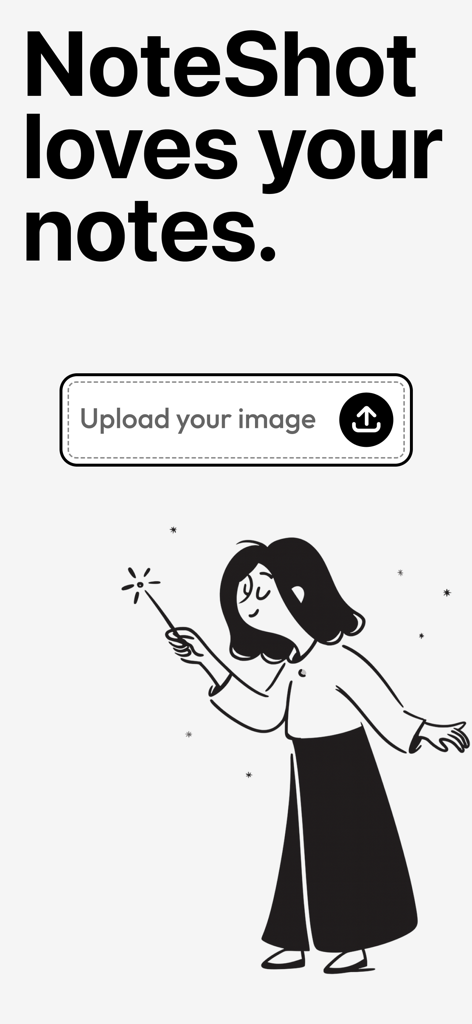
NoteShot App-Bildschirm mit einer Upload-Schaltfläche und einer kreativen Illustration einer Frau mit einem Zauberstab
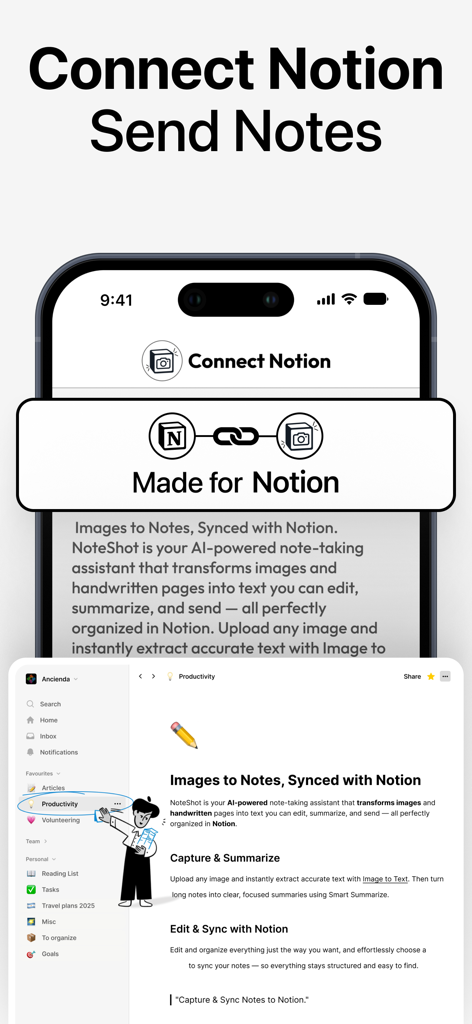
NoteShot App-Oberfläche, die nahtlose Integration und Synchronisierung von Fotos und Notizen mit einem Notion-Arbeitsbereich zeigt
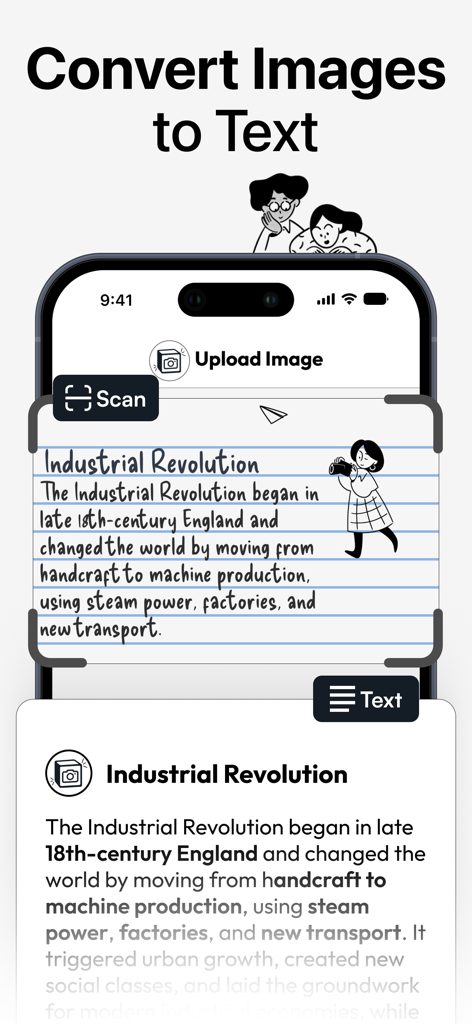
NoteShot App-Oberfläche, die eine handschriftliche Notiz über die Industrielle Revolution mithilfe der OCR-Technologie in digitalen Text umwandelt.
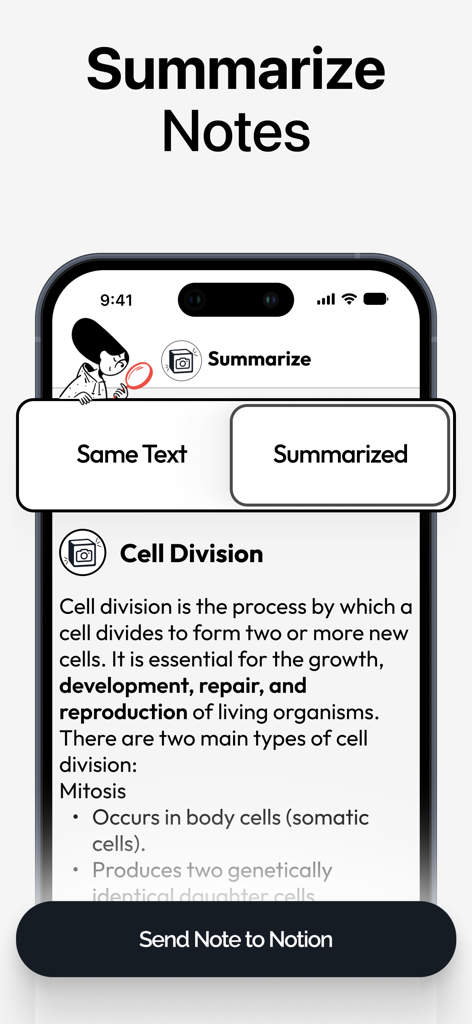
Smartphone-Bildschirm der NoteShot App, der die KI-Zusammenfassungsfunktion für Notizen vor der Synchronisierung mit Notion anzeigt
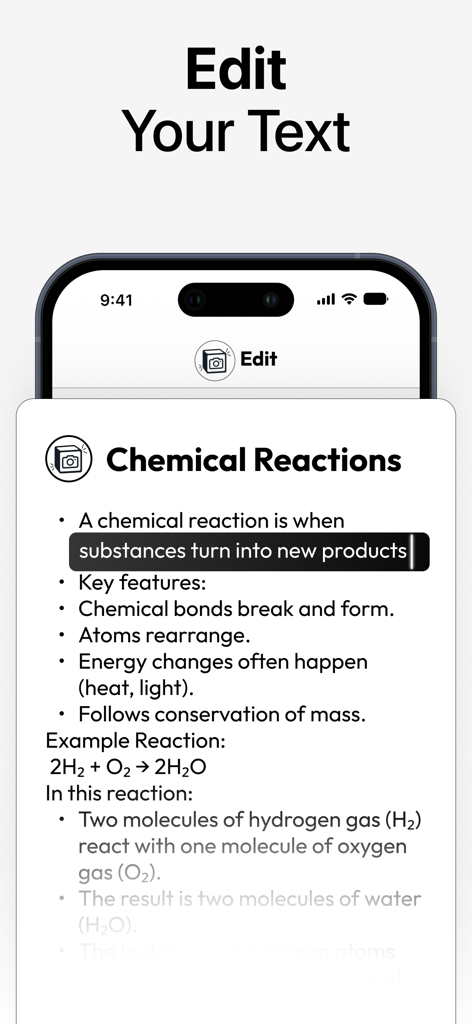
Oberfläche der NoteShot App, die einen Texteditor mit Chemie-Notizen zeigt, die aus einem Foto konvertiert wurden.
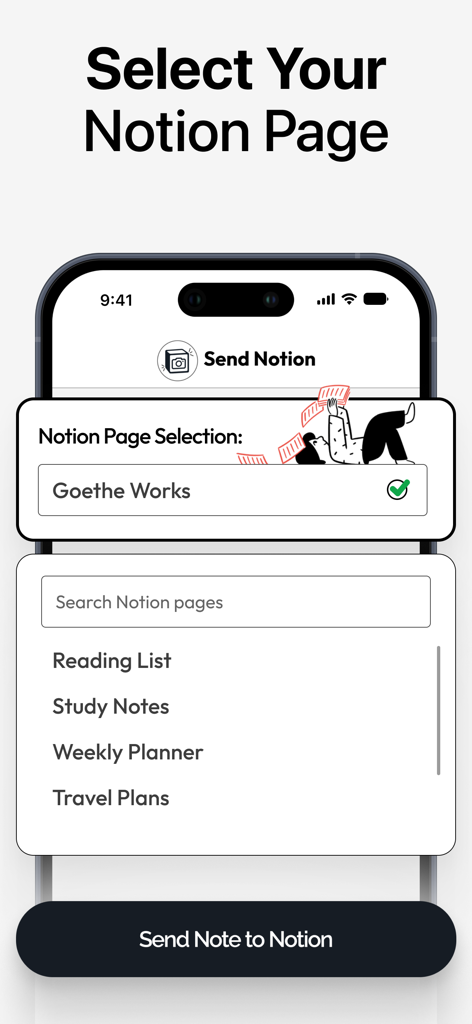
Oberfläche zur Auswahl einer Notion-Zielseite innerhalb der NoteShot App.
Beschreibung
Download
Ähnliche Apps
Top-gerankte Apps in derselben Kategorie

ChatGPT
OpenAI OpCo, LLC

Google Gemini
Google LLC

Grok
X.AI Corporation

Gmail - Email by Google
Google LLC

千问 - 阿里最强大模型官方AI助手
Shanghai Zhixin Puhui Technology Co., Ltd.

Google Drive
Google LLC

Microsoft Authenticator
Microsoft Corporation

Google Sheets
Google LLC

Google Docs
Google LLC
Diese Seite ist keine offizielle Seite der App oder ihres Entwicklers, sondern eine unabhängige redaktionelle Veröffentlichung, die zu Informations- und Kommentarzwecken erstellt wurde. Sofern nicht ausdrücklich anders angegeben, sind weder die App noch ihr Entwickler mit MWM, Apple, Google Play, dem App-Herausgeber oder dem Entwickler der App verbunden, von ihnen unterstützt, gesponsert, autorisiert oder anderweitig offiziell verbunden, und nichts auf dieser Seite impliziert, dass die App unter Verwendung der Dienste von MWM entwickelt wurde. Alle Marken, Logos, Screenshots und andere Inhalte bleiben Eigentum ihrer jeweiligen Inhaber.