
Diese Seite ist keine offizielle Seite der App oder ihres Entwicklers, sondern eine unabhängige redaktionelle Veröffentlichung, die zu Informations- und Kommentarzwecken erstellt wurde. Sofern nicht ausdrücklich anders angegeben, sind weder die App noch ihr Entwickler mit MWM, Apple, Google Play, dem App-Herausgeber oder dem Entwickler der App verbunden, von ihnen unterstützt, gesponsert, autorisiert oder anderweitig offiziell verbunden, und nichts auf dieser Seite impliziert, dass die App unter Verwendung der Dienste von MWM entwickelt wurde. Alle Marken, Logos, Screenshots und andere Inhalte bleiben Eigentum ihrer jeweiligen Inhaber.


office interactive tutorials
Hören Sie auf, endlose Videos anzusehen, und fangen Sie an, ein Muskelgedächtnis aufzubauen. Lernen Sie wichtige Office-Fähigkeiten mit interaktiven Simulationen, die das Meistern von Tabellenkalkulationen, Dokumenten und Präsentationen schneller, einfacher und fesselnder machen.
Downloads
6K+Bewertung
Bewertungen gesamt
400Herausgeber
Kategorie
EducationSprachen
7Neueste Version
5.0Größe
33.4 MBErstveröffentlichung
15. Mai 2016Office durch Handeln meistern, nicht nur durch Zusehen
Hören Sie auf, sich mit trockenen Handbüchern und langen Videos abzumühen. Unsere praktischen Simulationen helfen Ihnen, ein echtes Muskelgedächtnis für Excel, Word und PowerPoint durch interaktives Lernen aufzubauen.
Taktile Lernsimulationen
Üben Sie Drag-and-Drop und die Verwendung echter Tastenkombinationen in einer simulierten Umgebung. Es ist der schnellste Weg zu lernen, ohne Angst zu haben, eine echte Datei zu beschädigen.
Komplettes 3-in-1-Training
Meistern Sie die Grundlagen und fortgeschrittene Techniken für Excel, Word und PowerPoint. Eine App deckt alles ab, von Pivot-Tabellen bis hin zu professioneller Formatierung.
Häufig gestellte Fragen
Alles, was Sie über wissen müssen office interactive tutorials
Was ist die Office Interactive Tutorials App?
Die Office Interactive Tutorials App bietet interaktives Training für Excel, Word und PowerPoint. Sie vermittelt den Benutzern Funktionen und deren Anwendung durch schrittweise Anleitungen und fungiert als persönlicher Tutor.
Welche Programme werden in der Office Interactive Tutorials App unterrichtet?
Die Office Interactive Tutorials App unterrichtet Benutzer über Excel, Word und PowerPoint. Sie bietet umfassendes interaktives Lernen für jede dieser Microsoft Office-Anwendungen.
Wie viele Excel-Tutorials bietet die Office Interactive Tutorials App an?
Die Office Interactive Tutorials App bietet 189 interaktive Tutorials speziell zum Erlernen von Excel. Diese Tutorials führen die Benutzer von Grund auf durch den Prozess der Beherrschung von Excel.
Wie viele Word-Tutorials bietet die Office Interactive Tutorials App an?
Die Office Interactive Tutorials App enthält 234 interaktive Tutorials, die Benutzern helfen sollen, Word von Grund auf zu erlernen. Diese bieten einen strukturierten Lernpfad für Word-Funktionen.
Wie viele PowerPoint-Tutorials sind in der Office Interactive Tutorials App verfügbar?
Die Office Interactive Tutorials App bietet 332 interaktive Tutorials zum Erlernen von PowerPoint. Diese Tutorials sind so strukturiert, dass sie den Benutzern helfen, PowerPoint von Grund auf mit detaillierten Anleitungen zu beherrschen.
Enthält die Office Interactive Tutorials App ein Fortschrittsverfolgungssystem?
Ja, die Office Interactive Tutorials App verfügt über ein hervorragendes Fortschrittsverfolgungssystem. Es bietet klare Einblicke in den Lernfortschritt und ermöglicht schnelle Abfragen für benötigte Kurse.
Welche spezifischen Funktionen deckt die Office Interactive Tutorials App für Excel ab?
Die App deckt Excel-Funktionen wie Eingabefähigkeiten, Sortieren, Filtern, Funktionsformeln, Pivot-Tabellen, Diagramme und Zusammenfassungsanwendungen ab. Sie enthält auch zahlreiche Beispiele für Unternehmensanwendungen.
Kann die Office Interactive Tutorials App als Video-Tutorials fungieren?
Ja, neben dem interaktiven Modus unterstützt die App auch einen Inspektor-Modus. Dieser Modus wandelt die App in 20 Stunden Video-Tutorials um und bietet eine wertvolle alternative Lernmethode.
Wie kann ich den Support für die Office Interactive Tutorials App kontaktieren?
Sie können den Support für die Office Interactive Tutorials App kontaktieren, indem Sie eine E-Mail an tapinfinity@gmail.com senden. Diese Adresse wird für Hilfe, Kommentare und Vorschläge bezüglich der App bereitgestellt.
Die folgenden Screenshots und die Beschreibung stammen direkt aus dem offiziellen Store-Eintrag der App und sind Eigentum des Entwicklers.
App Store
Screenshots
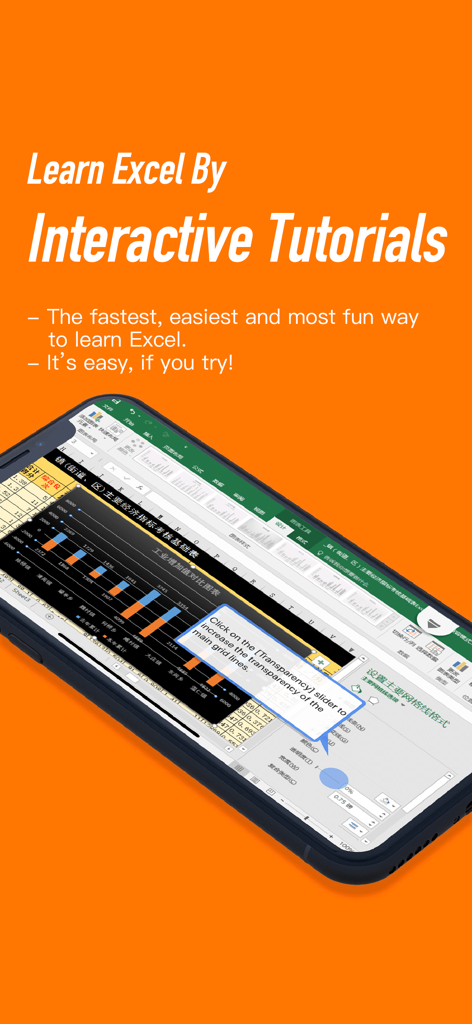
Ein Smartphone, das eine interaktive Lektion für Excel mit Schritt-für-Schritt-Anleitungen auf orangefarbenem Hintergrund anzeigt
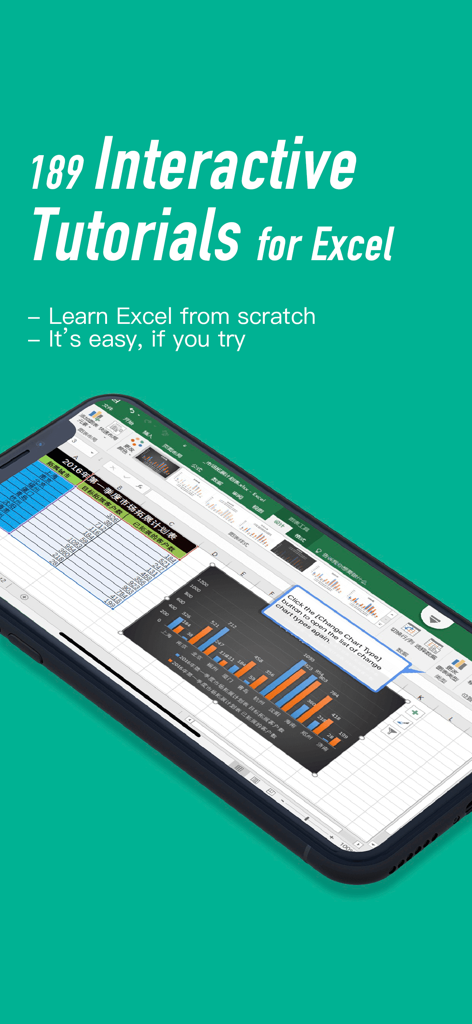
Ein Smartphone, das eine interaktive Excel-Tabellenkalkulationslektion mit einem Diagramm und einem hilfreichen Tutorial-Tooltip anzeigt.
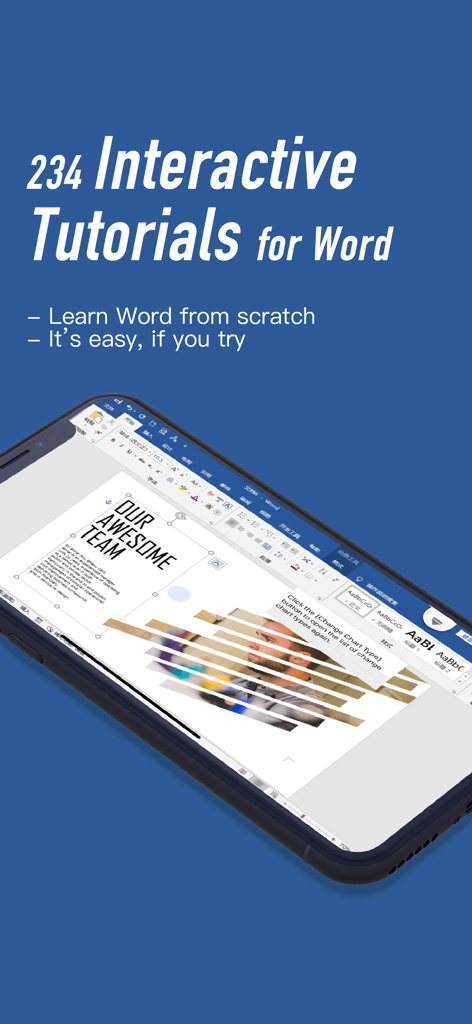
Smartphone zeigt ein interaktives Microsoft Word-Tutorial über das Ändern von Diagrammtypen an
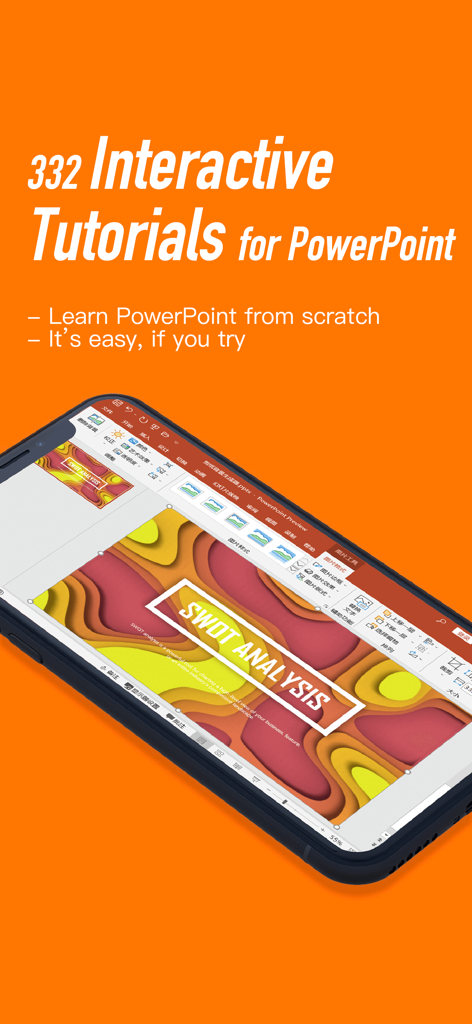
Ein Smartphone, das ein interaktives PowerPoint-Tutorial zur Erstellung einer SWOT-Analyse-Folie anzeigt.
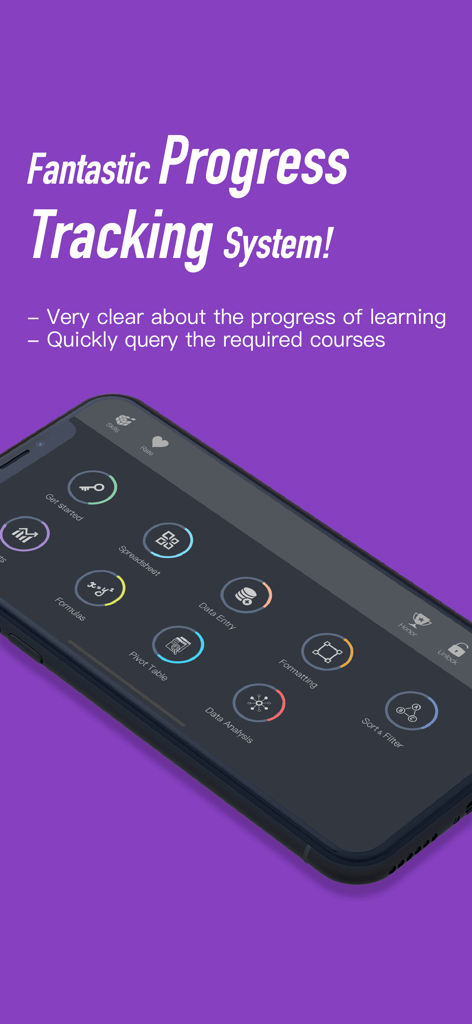
Eine mobile Benutzeroberfläche, die die Fortschrittsverfolgung für verschiedene Office-Softwarekurse wie Formeln und Pivot-Tabellen anzeigt.
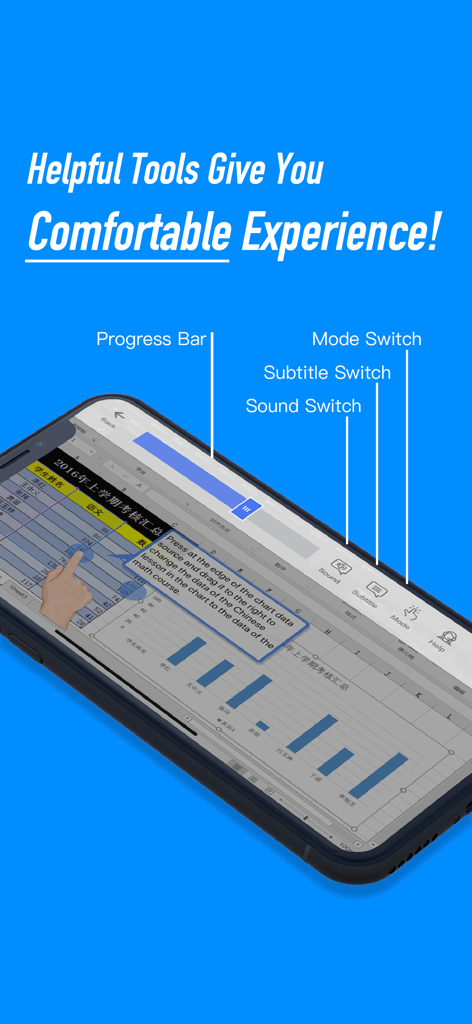
Ein Smartphone-Bildschirm, der ein interaktives Excel-Tabellenkalkulations-Tutorial mit Beschriftungen für den Fortschrittsbalken und die Lernmodus-Schalter anzeigt.
Beschreibung
Download
Ähnliche Apps
Top-gerankte Apps in derselben Kategorie

Duolingo - Language Lessons
Duolingo, Inc

Speak & Learn English: Learna
DEEP FLOW SOFTWARE SERVICES - FZCO

驾考宝典-科一科四驾驶证考试驾考通
Wuhan Jiakaobaodian Information Service Co., Ltd.

Toca Boca World
Toca Boca AB

Google Classroom
Google LLC

作业帮-中小学家长作业检查和辅导工具
Guangzhou Polar Future Culture Technology Co., Ltd

学信网
Student Information Consultation Service Co., Ltd.

Gauth: AI Study Companion
GAUTHTECH PTE. LTD.

ArtWorkout: Learn How to Draw
Aleksandr Ulitin
Diese Seite ist keine offizielle Seite der App oder ihres Entwicklers, sondern eine unabhängige redaktionelle Veröffentlichung, die zu Informations- und Kommentarzwecken erstellt wurde. Sofern nicht ausdrücklich anders angegeben, sind weder die App noch ihr Entwickler mit MWM, Apple, Google Play, dem App-Herausgeber oder dem Entwickler der App verbunden, von ihnen unterstützt, gesponsert, autorisiert oder anderweitig offiziell verbunden, und nichts auf dieser Seite impliziert, dass die App unter Verwendung der Dienste von MWM entwickelt wurde. Alle Marken, Logos, Screenshots und andere Inhalte bleiben Eigentum ihrer jeweiligen Inhaber.