Office Word Editor-Docs, Share
Herunterladen auf App Store

Diese Seite ist keine offizielle Seite der App oder ihres Entwicklers, sondern eine unabhängige redaktionelle Veröffentlichung, die zu Informations- und Kommentarzwecken erstellt wurde. Sofern nicht ausdrücklich anders angegeben, sind weder die App noch ihr Entwickler mit MWM, Apple, Google Play, dem App-Herausgeber oder dem Entwickler der App verbunden, von ihnen unterstützt, gesponsert, autorisiert oder anderweitig offiziell verbunden, und nichts auf dieser Seite impliziert, dass die App unter Verwendung der Dienste von MWM entwickelt wurde. Alle Marken, Logos, Screenshots und andere Inhalte bleiben Eigentum ihrer jeweiligen Inhaber.

Logo von Office Word Editor-Docs, Share
Herunterladen auf App Store

Office Word Editor-Docs, Share

Verwandeln Sie Ihr iPhone oder iPad in einen leistungsstarken mobilen Arbeitsplatz. Erstellen, bearbeiten und kollaborieren Sie Word-Dokumente überall mit Offline-Zugriff und nahtloser Cloud-Integration.

Kennzahlen

Downloads

22K+

Bewertung

4.6/5

Bewertungen gesamt

100

Herausgeber

Softcap

Kategorie

Productivity

Sprachen

20

Neueste Version

2.3

Größe

106.8 MB

Erstveröffentlichung

30. Apr. 2025
Funktionen

Meistern Sie Ihre Dokumente überall

Der All-in-One-Mobile-Editor für Profis und Studenten, die Desktop-Leistung auf ihrem iPhone oder iPad benötigen.

Desktop-taugliche Bearbeitung

Greifen Sie auf umfangreiche Formatierungswerkzeuge zu, um professionelle DOCX-Dateien zu erstellen und zu bearbeiten, ohne jemals einen Laptop öffnen zu müssen.

Echtzeit-Kollaboration

Teilen Sie Dokumente über AirDrop oder Cloud-Dienste und arbeiten Sie nahtlos in Echtzeit mit Ihrem Team zusammen.

Die folgenden Screenshots und die Beschreibung stammen direkt aus dem offiziellen Store-Eintrag der App und sind Eigentum des Entwicklers.

App Store

Screenshots
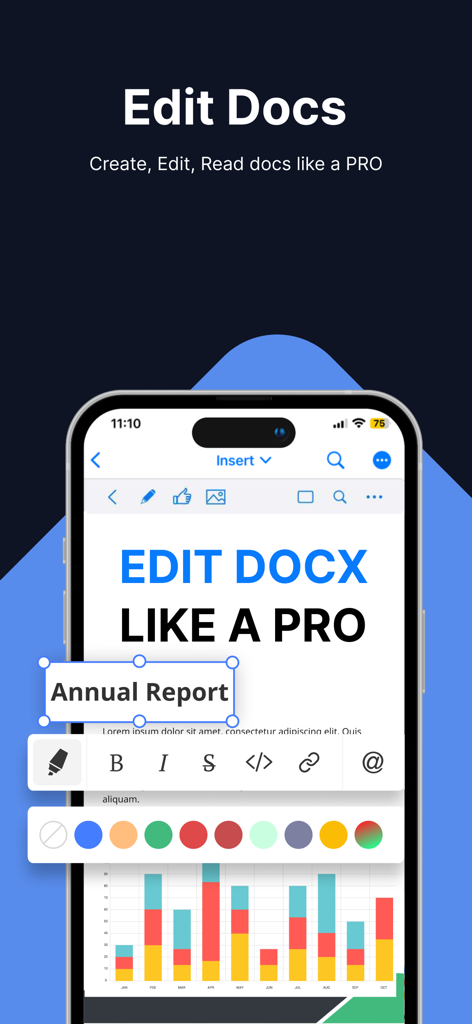
Office Word Editor-Docs, Share - iPhone-Bildschirm, der Dokumentenbearbeitungsfunktionen und umfangreiche Formatierungsoptionen in einer mobilen Office-App anzeigt
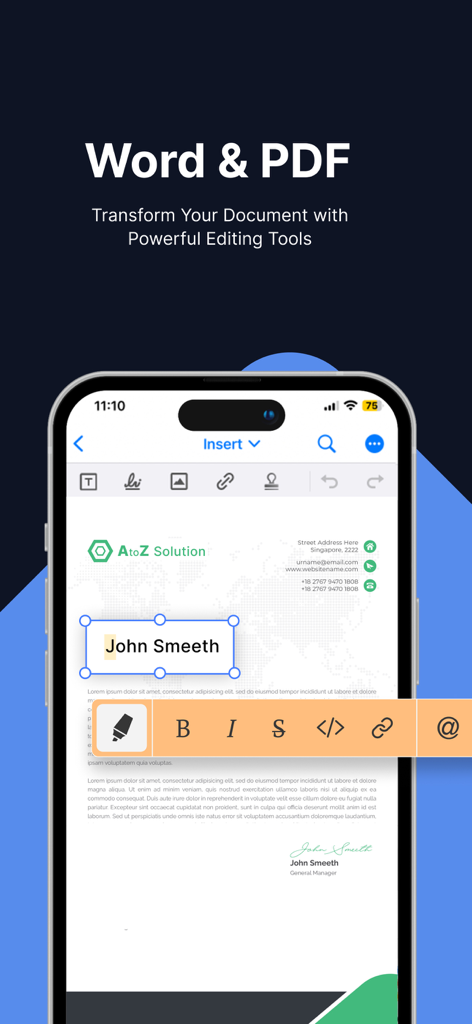
iPhone-Bildschirm, der Dokumentenbearbeitungsfunktionen und umfangreiche Formatierungsoptionen in einer mobilen Office-App anzeigt

Office Word Editor-Docs, Share - iPhone-Bildschirm, der die Office Word Editor-App mit einem Dokument anzeigt, das mit umfangreichen Formatierungswerkzeugen bearbeitet wird
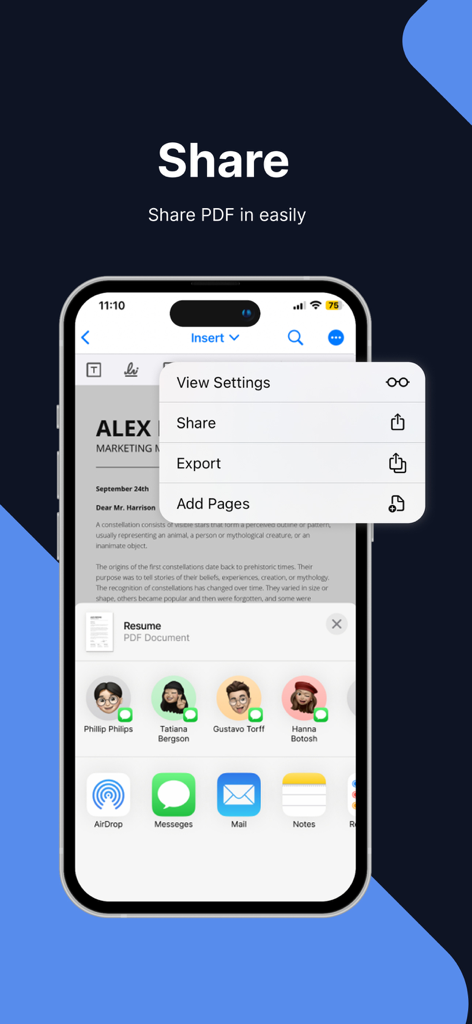
iPhone-Bildschirm, der die Office Word Editor-App mit einem Dokument anzeigt, das mit umfangreichen Formatierungswerkzeugen bearbeitet wird

Office Word Editor-Docs, Share - Eine mobile Oberfläche, die Dokumentenfreigabe- und Exportoptionen für eine PDF-Datei in der Office Word Editor-App zeigt
Eine mobile Oberfläche, die Dokumentenfreigabe- und Exportoptionen für eine PDF-Datei in der Office Word Editor-App zeigt

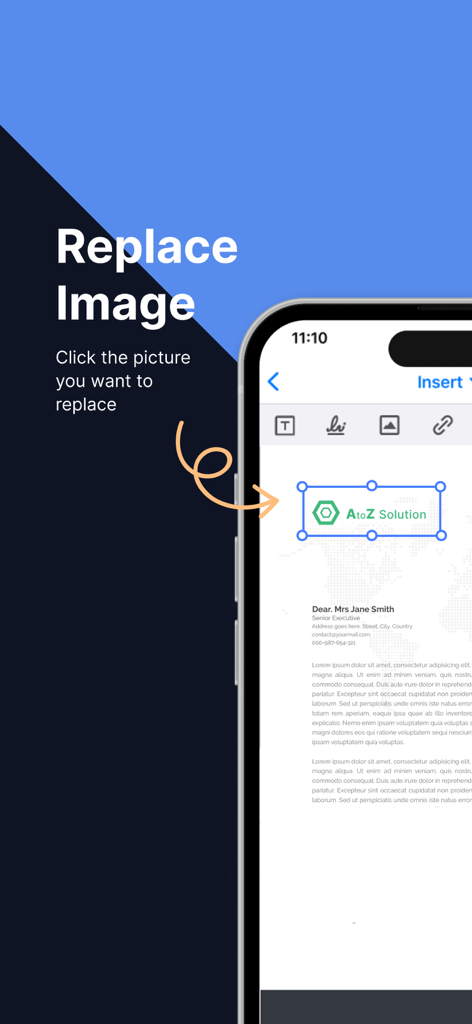
Office Word Editor-Docs, Share - iPhone-Screenshot, der zeigt, wie ein Logo oder Bild in einem Dokument in der Office Word Editor-App ersetzt wird
iPhone-Screenshot, der zeigt, wie ein Logo oder Bild in einem Dokument in der Office Word Editor-App ersetzt wird

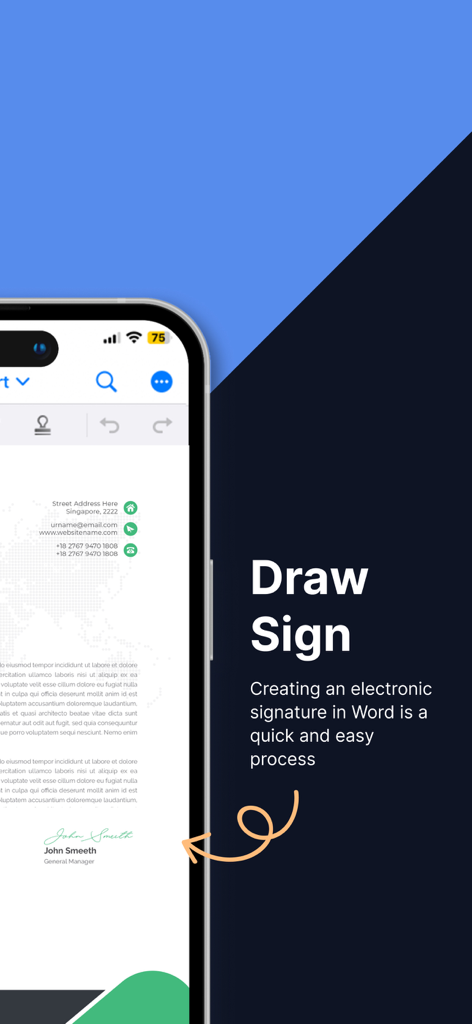
Office Word Editor-Docs, Share - Smartphone-Bildschirm, der die Funktion "Zeichnen & Signieren" zum Erstellen elektronischer Signaturen auf Dokumenten zeigt.
Smartphone-Bildschirm, der die Funktion "Zeichnen & Signieren" zum Erstellen elektronischer Signaturen auf Dokumenten zeigt.

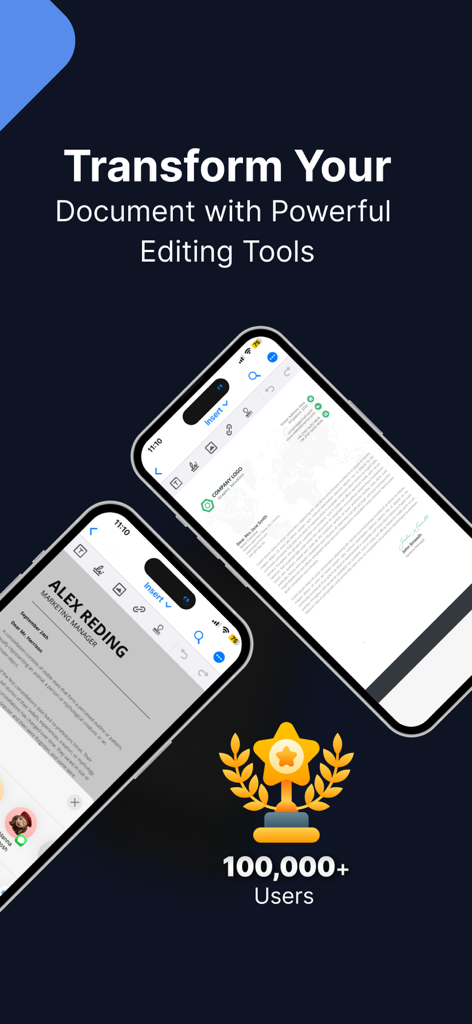
Office Word Editor-Docs, Share - Office Word Editor-App-Oberfläche auf dem iPhone, die Dokumentenbearbeitungsfunktionen und einen Meilenstein von 100.000 Nutzern zeigt

Office Word Editor-App-Oberfläche auf dem iPhone, die Dokumentenbearbeitungsfunktionen und einen Meilenstein von 100.000 Nutzern zeigt

Beschreibung

Document Editor is a powerful iOS app designed to provide a comprehensive editing experience for documents on your mobile device. With its intuitive interface and robust set of features, Document Editor allows you to seamlessly create, edit, and collaborate on documents anytime, anywhere. Whether you're a student, professional, or simply need to work on the go, Document Editor is your go-to solution for editing documents on iOS. Key Features: 1. Document Creation and Editing: Create new documents or import existing ones from cloud storage services like iCloud, Dropbox, or Google Drive. Edit text, format fonts, apply styles, and modify layouts effortlessly. 2. Rich Formatting Options: Take full control of your document's appearance with a wide range of formatting tools. Adjust font styles, sizes, colors, and apply bold, italic, underline, or strikethrough effects. Format paragraphs with alignment, indentation, and line spacing options. 3. Document Collaboration: Seamlessly collaborate with others by sharing documents via email, AirDrop, or cloud storage services. Enable real-time co-editing to work simultaneously with teammates and track changes for easy review. 4. Review and Comments: Add comments, annotations, and track changes within the document. Efficiently review and address feedback from collaborators, ensuring a smooth editing process. 5. Document Management: Organize your documents into folders, rename files, and easily search for specific documents using keywords or file names. Sort and filter documents based on creation date, modification date, or alphabetical order. 6. File Compatibility: Document Editor supports a wide range of document formats, ensuring compatibility with files created on various platforms. Open and edit DOC, DOCX, and RTF files seamlessly. 7. Offline Editing: Enjoy the flexibility to work on your documents even without an internet connection. Edit offline, and once you're back online, the app will automatically sync your changes. 9. File Export and Sharing: Export your edited documents as Word files, PDFs, or HTML. Share them via email, messaging apps, or save them to cloud storage for easy sharing and collaboration. Benefits: 1. Enhanced Mobility: Edit documents on the go using your iPhone or iPad, without the need for a computer. Stay productive and make edits whenever inspiration strikes. 2. Seamless Collaboration: Collaborate with colleagues, classmates, or clients in real-time, improving productivity and streamlining the editing process. 3. Convenient Editing Tools: Enjoy a feature-rich editing experience with a comprehensive set of formatting options, making it easy to create professional-looking documents on your iOS device. 4. Improved Organization: Keep your documents neatly organized, making it effortless to find and access specific files whenever you need them. 5. Compatibility and Flexibility: Work with various document formats, ensuring that you can seamlessly edit files created on different platforms and share them without compatibility issues. 6. Offline Access: Work on your documents even when you're offline, ensuring uninterrupted productivity, regardless of your internet connection. 7. Data Security: With cloud sync and backup, your documents are securely stored, preventing data loss and providing peace of mind. 3-DAY FREE TRIAL • Try out all paid features free for 3 days • Select a plan that best suits your needs • Cancel anytime without any obligations Yearly - Monthly plans at 499 Rs/Month & Yearly Plans at 2999 Rs/Year Subscription will be charged to your credit card through your App Store account. Your subscription will automatically renew unless canceled at least 24 hours before the end of the current period. Privacy Policy : https://sites.google.com/view/text-style-privacy-policy/home Terms of Services : https://sites.google.com/view/text-style-terms-of-use/home

Download

Herunterladen auf App Store

Diese Seite ist keine offizielle Seite der App oder ihres Entwicklers, sondern eine unabhängige redaktionelle Veröffentlichung, die zu Informations- und Kommentarzwecken erstellt wurde. Sofern nicht ausdrücklich anders angegeben, sind weder die App noch ihr Entwickler mit MWM, Apple, Google Play, dem App-Herausgeber oder dem Entwickler der App verbunden, von ihnen unterstützt, gesponsert, autorisiert oder anderweitig offiziell verbunden, und nichts auf dieser Seite impliziert, dass die App unter Verwendung der Dienste von MWM entwickelt wurde. Alle Marken, Logos, Screenshots und andere Inhalte bleiben Eigentum ihrer jeweiligen Inhaber.








