
Diese Seite ist keine offizielle Seite der App oder ihres Entwicklers, sondern eine unabhängige redaktionelle Veröffentlichung, die zu Informations- und Kommentarzwecken erstellt wurde. Sofern nicht ausdrücklich anders angegeben, sind weder die App noch ihr Entwickler mit MWM, Apple, Google Play, dem App-Herausgeber oder dem Entwickler der App verbunden, von ihnen unterstützt, gesponsert, autorisiert oder anderweitig offiziell verbunden, und nichts auf dieser Seite impliziert, dass die App unter Verwendung der Dienste von MWM entwickelt wurde. Alle Marken, Logos, Screenshots und andere Inhalte bleiben Eigentum ihrer jeweiligen Inhaber.


OneCast
Streame deine Konsolenspiele in beeindruckendem 1440p mit nahezu null Latenz. Erlebe die Leistung deiner Xbox auf dem iPhone und iPad mit voller Controller-, Tastatur- und Mausunterstützung.
Downloads
421K+Bewertung
Bewertungen gesamt
9K+Herausgeber
Kategorie
GamesSprachen
1Neueste Version
3.4Größe
14.7 MBErstveröffentlichung
9. Aug. 2018Verbessere dein Xbox-Erlebnis
Gib dich nicht mit Kompromissen bei der Qualität zufrieden. Erziele professionelle Leistung mit 1440p-Streaming, extrem niedriger Latenz und erweiterten Steuerungsoptionen, die für den engagierten Xbox-Power-User entwickelt wurden.
Atemberaubende 1440p-Grafik
Erlebe deine Spiele in atemberaubendem Detail mit High-Bitrate-Streaming und einem Vollbildmodus, der schwarze Balken eliminiert, für totale Immersion.
Professionelle Präzision
Dominiere die Konkurrenz mit nativer Tastatur- und Mausunterstützung oder genieße nahtlose Integration mit High-End-Controllern wie Backbone und GameSir.
Die folgenden Screenshots und die Beschreibung stammen direkt aus dem offiziellen Store-Eintrag der App und sind Eigentum des Entwicklers.
App Store
Screenshots
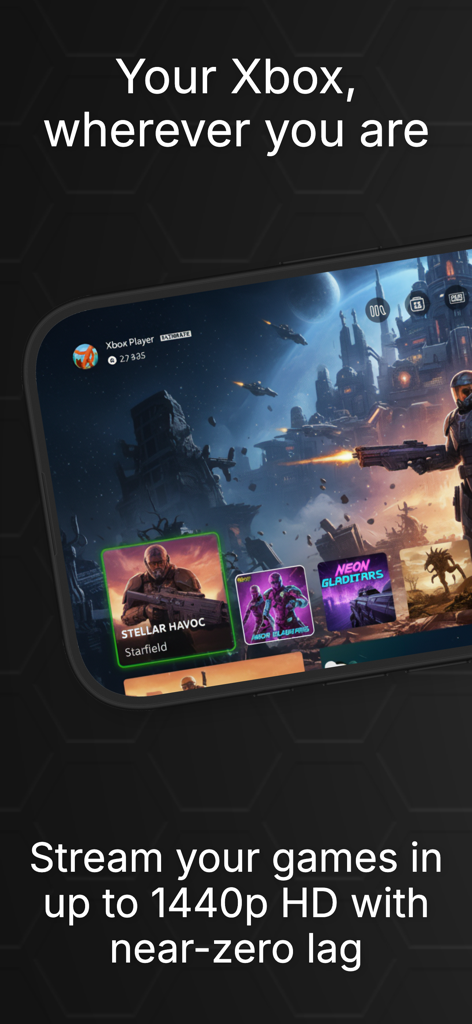
Xbox-Dashboard auf dem iPhone, das 1440p-Spiel-Streaming mit OneCast zeigt
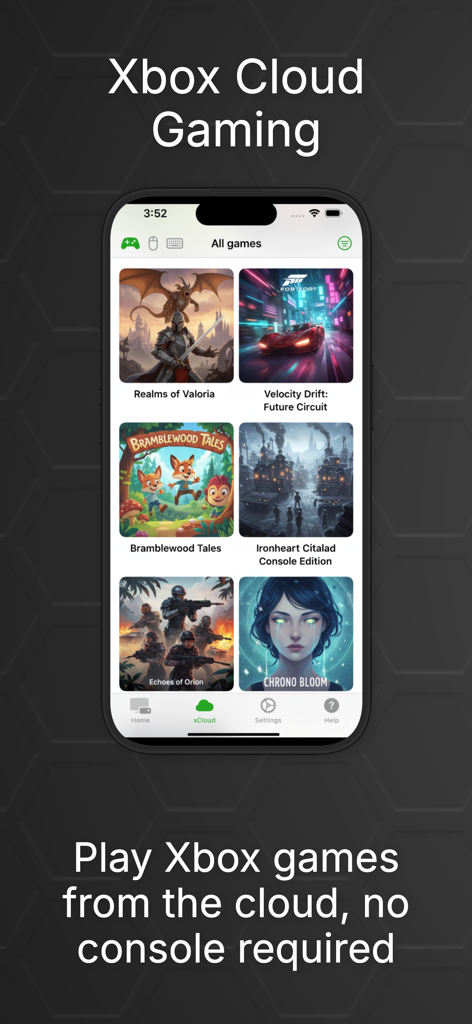
Eine mobile Oberfläche der OneCast-App, die eine Bibliothek von Xbox-Spielen für Cloud-Gaming ohne Konsole anzeigt.
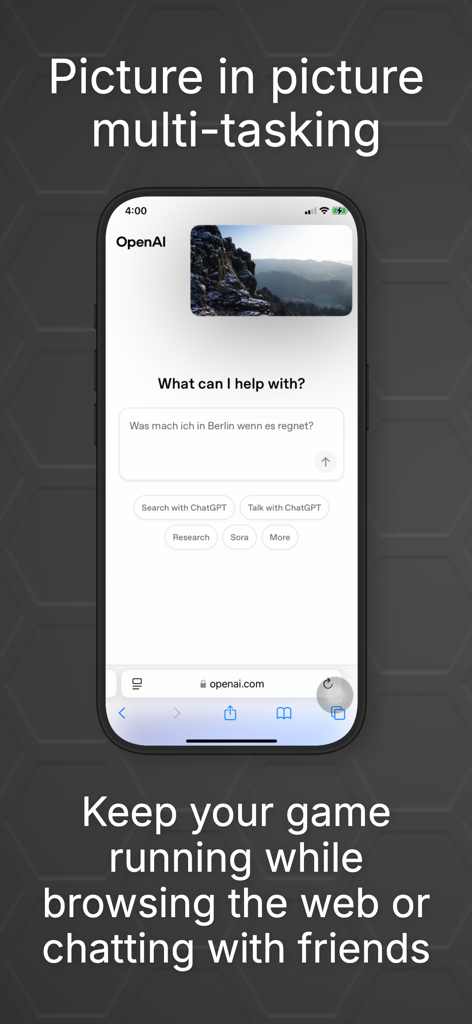
OneCast Bild-im-Bild-Modus, der ein laufendes Xbox-Spiel zeigt, während im iPhone im Web gesurft wird.
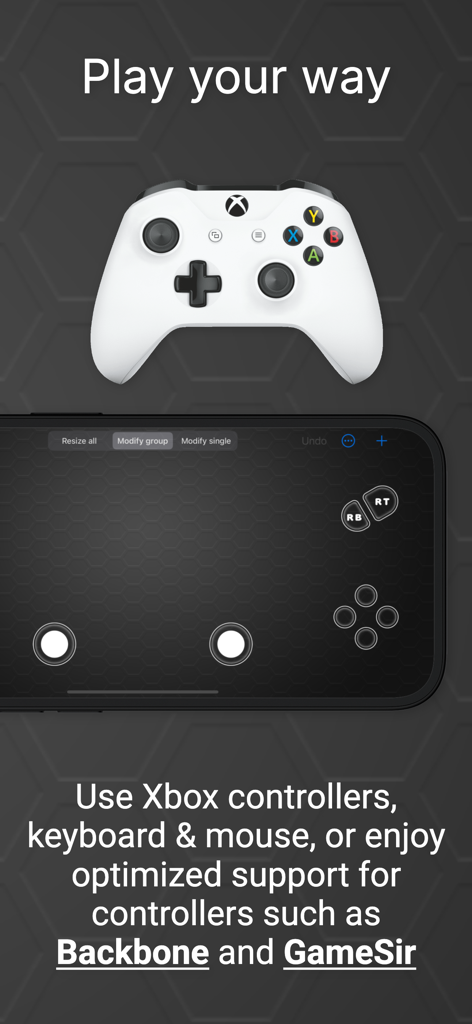
Xbox-Controller und iPhone, die anpassbare virtuelle Spielsteuerungen für die OneCast-App zeigen.
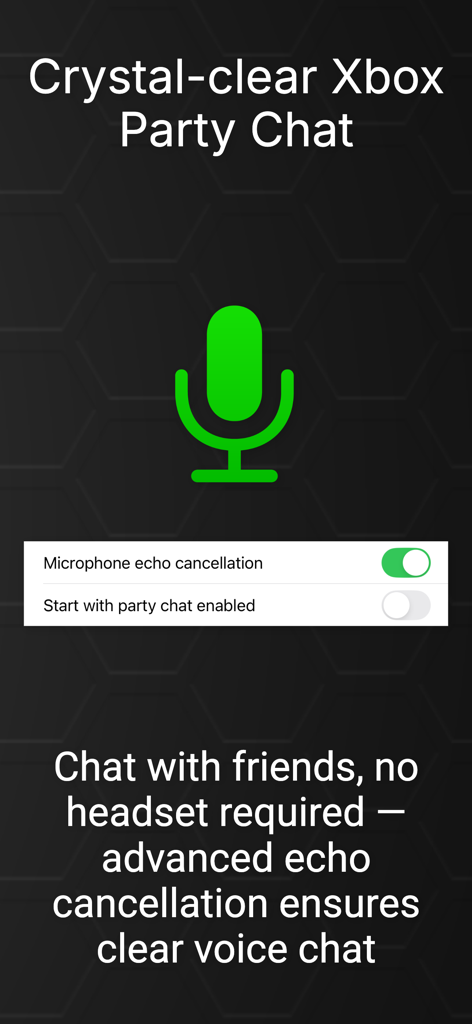
OneCast-App-Oberfläche, die Xbox Party-Chat-Einstellungen und eine Option zur Echounterdrückung des Mikrofons anzeigt.
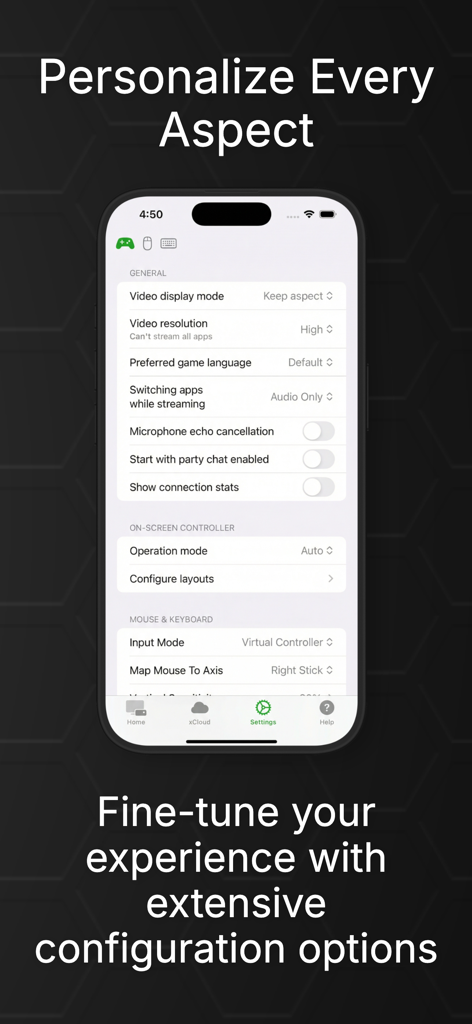
OneCast-App-Einstellungen, die Videoauflösung und Controller-Konfigurationsoptionen anzeigen
Beschreibung
Download
Ähnliche Apps
Top-gerankte Apps in derselben Kategorie

Block Blast!
ARETIS LIMITED

Heartopia
XD Entertainment Co., Ltd.

Solitaire Associations Journey
Hitapps Games LTD

Roblox
Roblox Corporation

Gossip Harbor®: Merge & Story
Microfun Limited

Arrows – Puzzle Escape
Lessmore UG haftungsbeschraenkt

Township
PLR Worldwide Sales Limited

Last War:Survival
FUNFLY PTE. LTD.

Vita Mahjong
VITA STUDIO PTE. LTD.
Diese Seite ist keine offizielle Seite der App oder ihres Entwicklers, sondern eine unabhängige redaktionelle Veröffentlichung, die zu Informations- und Kommentarzwecken erstellt wurde. Sofern nicht ausdrücklich anders angegeben, sind weder die App noch ihr Entwickler mit MWM, Apple, Google Play, dem App-Herausgeber oder dem Entwickler der App verbunden, von ihnen unterstützt, gesponsert, autorisiert oder anderweitig offiziell verbunden, und nichts auf dieser Seite impliziert, dass die App unter Verwendung der Dienste von MWM entwickelt wurde. Alle Marken, Logos, Screenshots und andere Inhalte bleiben Eigentum ihrer jeweiligen Inhaber.