
Diese Seite ist keine offizielle Seite der App oder ihres Entwicklers, sondern eine unabhängige redaktionelle Veröffentlichung, die zu Informations- und Kommentarzwecken erstellt wurde. Sofern nicht ausdrücklich anders angegeben, sind weder die App noch ihr Entwickler mit MWM, Apple, Google Play, dem App-Herausgeber oder dem Entwickler der App verbunden, von ihnen unterstützt, gesponsert, autorisiert oder anderweitig offiziell verbunden, und nichts auf dieser Seite impliziert, dass die App unter Verwendung der Dienste von MWM entwickelt wurde. Alle Marken, Logos, Screenshots und andere Inhalte bleiben Eigentum ihrer jeweiligen Inhaber.

PDF Converter・Convert, Scanner
Scannen, bearbeiten und E-signieren Sie Dokumente mühelos mit hoher Präzision. Schließen Sie sich über 166.000 Profis an, die ihr iPhone in eine leistungsstarke Produktivitätsmaschine für den Erfolg unterwegs verwandeln.
Downloads
166K+Bewertung
Bewertungen gesamt
100Herausgeber
Kategorie
ProductivitySprachen
1Neueste Version
1.7Größe
12.1 MBErstveröffentlichung
22. Sept. 2024Verwandeln Sie Ihr iPhone in ein leistungsstarkes mobiles Büro
Optimieren Sie Ihren Dokumenten-Workflow mit einem All-in-One-Toolkit für Profis und Studenten, die unterwegs scannen, konvertieren und unterschreiben müssen.
Professionelles mobiles Scannen
Verabschieden Sie sich von sperriger Hardware. Verwandeln Sie Ihre Belege, Notizen und Dokumente mit der Kamera Ihres Telefons in gestochen scharfe, hochwertige PDFs.
Sofortige Konvertierung in mehrere Formate
Konvertieren Sie Bilder, Präsentationen und Dokumente mühelos mit einem einzigen Fingertipp in polierte PDFs und bewahren Sie dabei Layout und Qualität.
Die folgenden Screenshots und die Beschreibung stammen direkt aus dem offiziellen Store-Eintrag der App und sind Eigentum des Entwicklers.
App Store
Screenshots
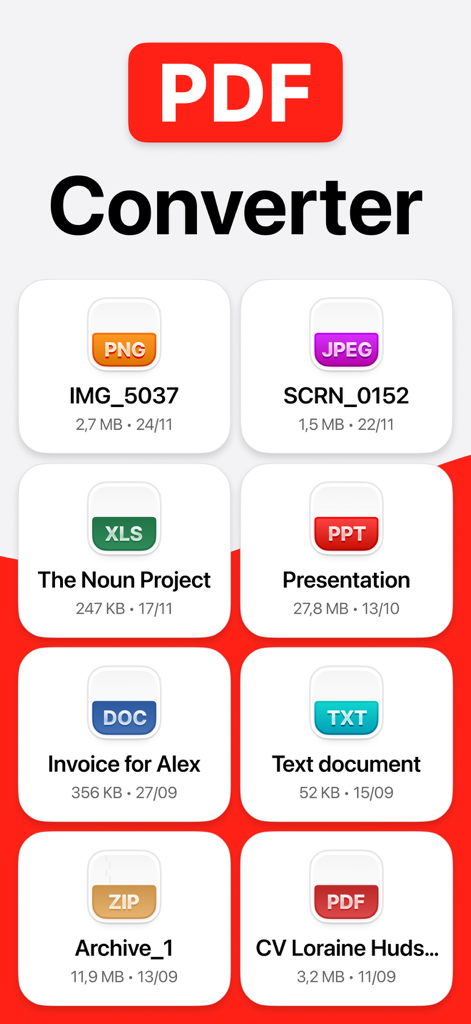
Oberfläche der PDF Converter App, die verschiedene Dateiformate wie PNG, JPEG, DOC und XLS für einfache Konvertierungen anzeigt.
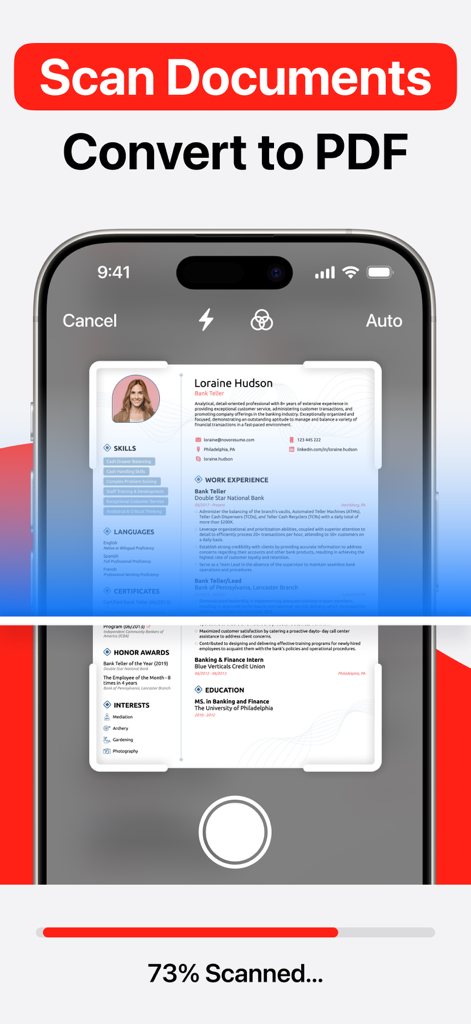
Ein Mobiltelefon, das ein Papiertdokument scannt, um es in eine digitale PDF-Datei zu konvertieren
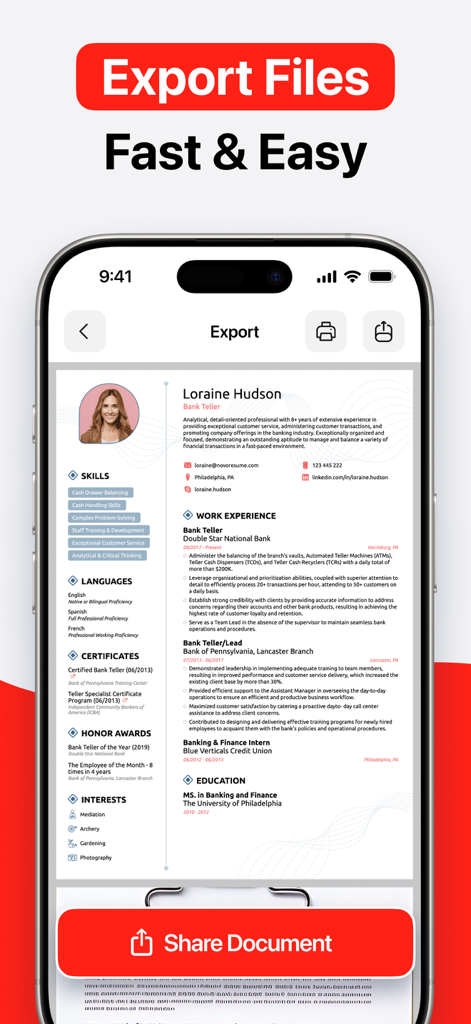
iPhone-Screenshot, der zeigt, wie ein Lebenslauf mit der PDF Converter Mobile App exportiert und geteilt wird
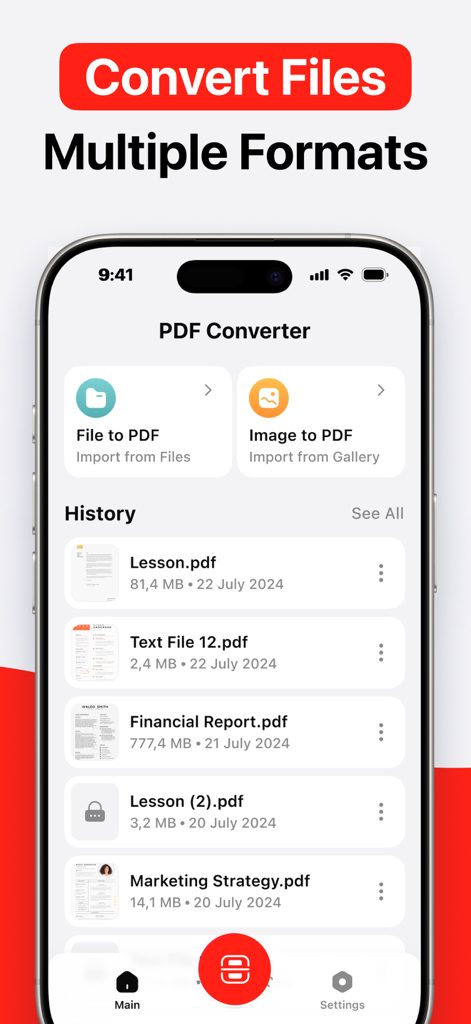
Mobile App-Oberfläche für PDF Converter, die Optionen zur Konvertierung von Dateien und Bildern in PDF anzeigt
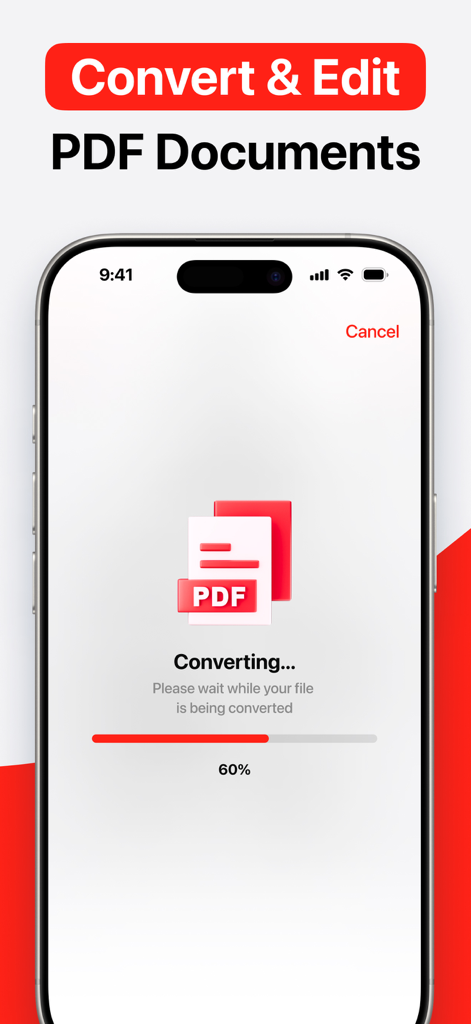
iPhone-Bildschirm, der zeigt, wie eine Datei mit einem Fortschrittsbalken bei 60 Prozent in PDF konvertiert wird
Beschreibung
Download
Ähnliche Apps
Apps mit ähnlichen Funktionen und Nutzererfahrung

Converter Files & PDF Editor
Shenzhen Miguo Qudong Technology Co., Ltd

文档手机版-word文档编辑,手机office办公软件
喜存 岳

PDF Maker - Convert to PDF
KUPERTINO BIL. YAZ. HALIL IBRAHIM KARAHAN SAFFET ARSLAN MUSTAFA AYTEN MUHAMMET YALCIN OZDEMIR K. S.

PDF Converter & PDF Creator
The Last Sunrise LLC

PDF Maker: Editor & Converter
SolveIt Inc.

PDF Editor・PDF File Converter
VISARGERD, S.L.

PDFit-AI PDF&Scanner
FAST LINE NETWORK TECHNOLOGY LIMITED

PDF Editor | Files Converter
Yehor Karataiev
PDF Converter: PDF Compressor
Marten Geiger
Diese Seite ist keine offizielle Seite der App oder ihres Entwicklers, sondern eine unabhängige redaktionelle Veröffentlichung, die zu Informations- und Kommentarzwecken erstellt wurde. Sofern nicht ausdrücklich anders angegeben, sind weder die App noch ihr Entwickler mit MWM, Apple, Google Play, dem App-Herausgeber oder dem Entwickler der App verbunden, von ihnen unterstützt, gesponsert, autorisiert oder anderweitig offiziell verbunden, und nichts auf dieser Seite impliziert, dass die App unter Verwendung der Dienste von MWM entwickelt wurde. Alle Marken, Logos, Screenshots und andere Inhalte bleiben Eigentum ihrer jeweiligen Inhaber.