PDF Converter: Photo to PDF !
Herunterladen auf App Store

Diese Seite ist keine offizielle Seite der App oder ihres Entwicklers, sondern eine unabhängige redaktionelle Veröffentlichung, die zu Informations- und Kommentarzwecken erstellt wurde. Sofern nicht ausdrücklich anders angegeben, sind weder die App noch ihr Entwickler mit MWM, Apple, Google Play, dem App-Herausgeber oder dem Entwickler der App verbunden, von ihnen unterstützt, gesponsert, autorisiert oder anderweitig offiziell verbunden, und nichts auf dieser Seite impliziert, dass die App unter Verwendung der Dienste von MWM entwickelt wurde. Alle Marken, Logos, Screenshots und andere Inhalte bleiben Eigentum ihrer jeweiligen Inhaber.

Logo von PDF Converter: Photo to PDF !
Herunterladen auf App Store

PDF Converter: Photo to PDF !

Verwandeln Sie Fotos, Word- und Excel-Dateien in Sekundenschnelle in hochwertige PDFs. Bewahren Sie Ihr Layout, verschlüsseln Sie Ihre Daten und optimieren Sie Ihren mobilen Workflow ganz einfach.

Kennzahlen

Downloads

35K+

Bewertung

4.8/5

Bewertungen gesamt

400

Herausgeber

Samia Asif

Kategorie

Business

Sprachen

15

Neueste Version

1.4

Größe

11.5 MB

Erstveröffentlichung

6. Jan. 2024
Funktionen

Meistern Sie Ihren Dokumenten-Workflow

Der ultimative Produktivitätsbegleiter für Berufstätige und Studenten. Verwandeln Sie jede Datei in Sekundenschnelle in ein hochwertiges PDF, ohne Ihre Formatierung oder Ihre Zeit zu verlieren.

Sofortige Multi-Format-Konvertierung

Konvertieren Sie Word-, Excel-, PowerPoint-Dateien und Fotos mit nur wenigen Fingertipps in PDFs. Erleben Sie einen nahtlosen, jargonfreien Prozess, der für Ihren schnelllebigen Lebensstil entwickelt wurde.

Pixelgenaue Layouts

Bewahren Sie Ihre harte Arbeit. Unsere Engine behält jede Schriftart, jedes Bild und jeden Rand genau so bei, wie Sie es beabsichtigt haben, und stellt sicher, dass Ihre Lebensläufe und Berichte immer professionell aussehen.

Die folgenden Screenshots und die Beschreibung stammen direkt aus dem offiziellen Store-Eintrag der App und sind Eigentum des Entwicklers.

App Store

Screenshots
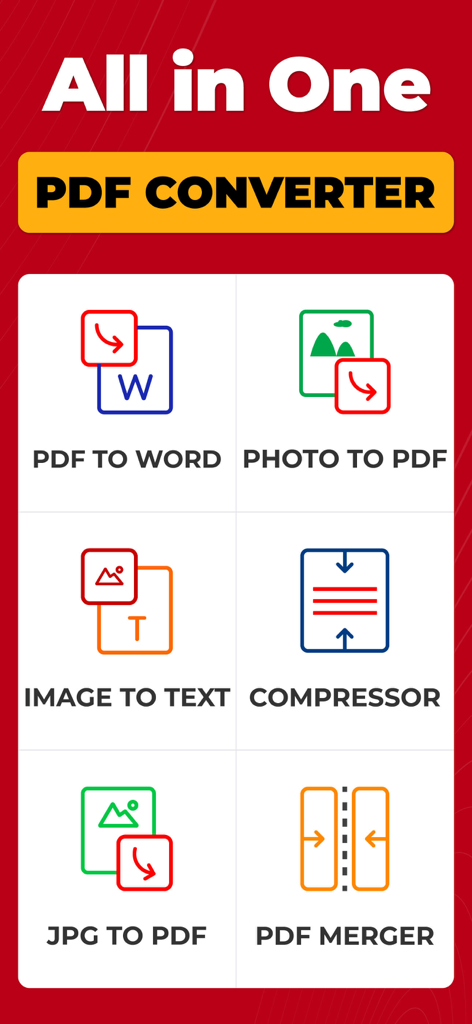
PDF Converter: Photo to PDF ! - Screenshot einer mobilen App-Oberfläche, die verschiedene PDF-Konvertierungswerkzeuge zeigt, einschließlich Foto zu PDF und Bild zu Text Konverter
Screenshot einer mobilen App-Oberfläche, die verschiedene PDF-Konvertierungswerkzeuge zeigt, einschließlich Foto zu PDF und Bild zu Text Konverter

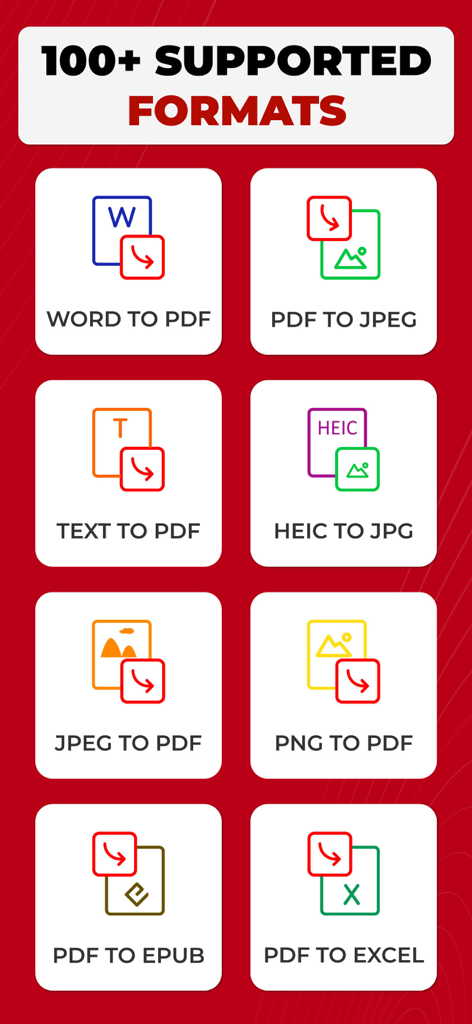
PDF Converter: Photo to PDF ! - Eine Liste von Dokumentkonvertierungsoptionen, einschließlich Word zu PDF und PDF zu Excel
Eine Liste von Dokumentkonvertierungsoptionen, einschließlich Word zu PDF und PDF zu Excel

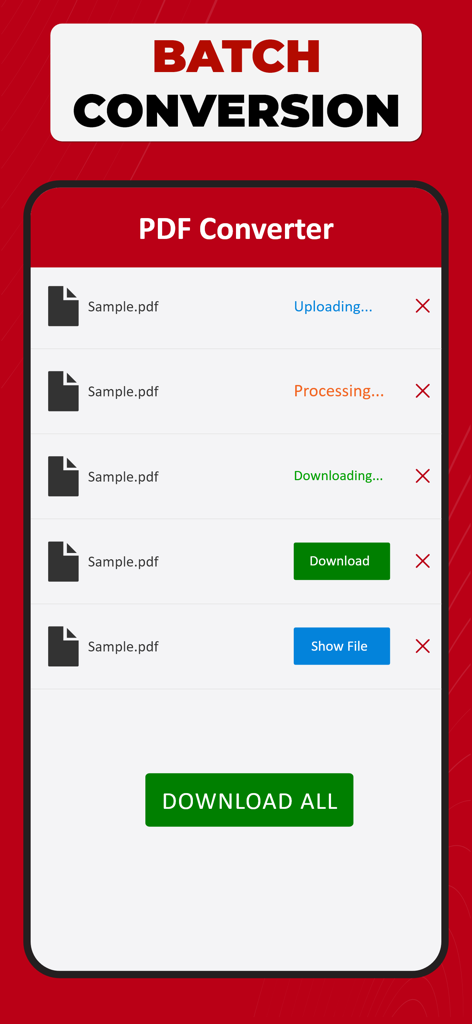
PDF Converter: Photo to PDF ! - Oberfläche der PDF Konverter App, die den Stapelkonvertierungsbildschirm mit mehreren verarbeiteten Dateien und einer Schaltfläche zum Herunterladen aller Dateien zeigt.
Oberfläche der PDF Konverter App, die den Stapelkonvertierungsbildschirm mit mehreren verarbeiteten Dateien und einer Schaltfläche zum Herunterladen aller Dateien zeigt.

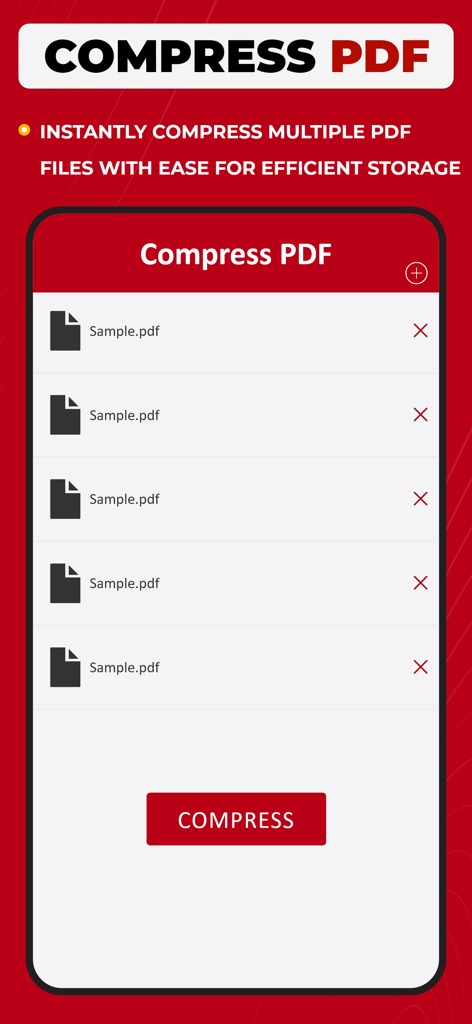
PDF Converter: Photo to PDF ! - Bildschirm einer mobilen App, der eine Liste ausgewählter PDF-Dateien und eine Schaltfläche zum sofortigen Komprimieren für eine effiziente Speicherung anzeigt.
Bildschirm einer mobilen App, der eine Liste ausgewählter PDF-Dateien und eine Schaltfläche zum sofortigen Komprimieren für eine effiziente Speicherung anzeigt.

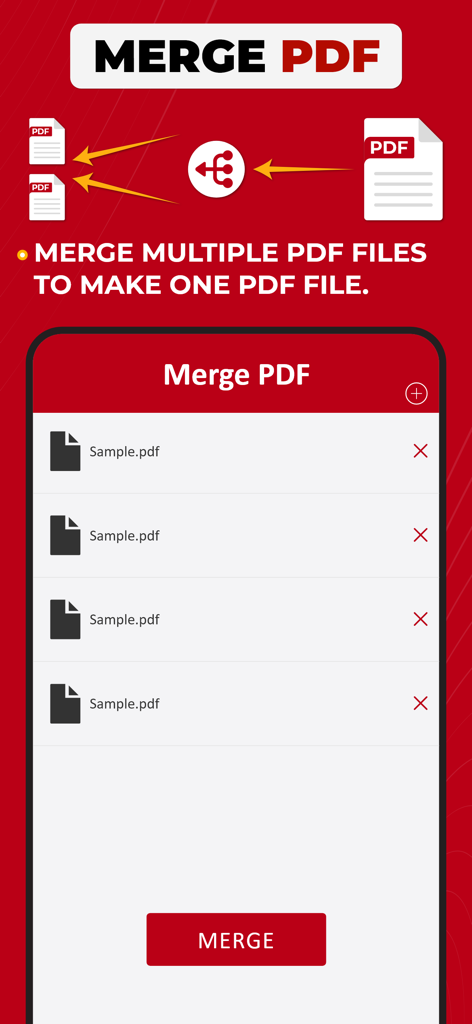
PDF Converter: Photo to PDF ! - Oberfläche der PDF Konverter App, die die Funktion zum Zusammenführen mehrerer PDF-Dateien in einer zeigt.
Oberfläche der PDF Konverter App, die die Funktion zum Zusammenführen mehrerer PDF-Dateien in einer zeigt.

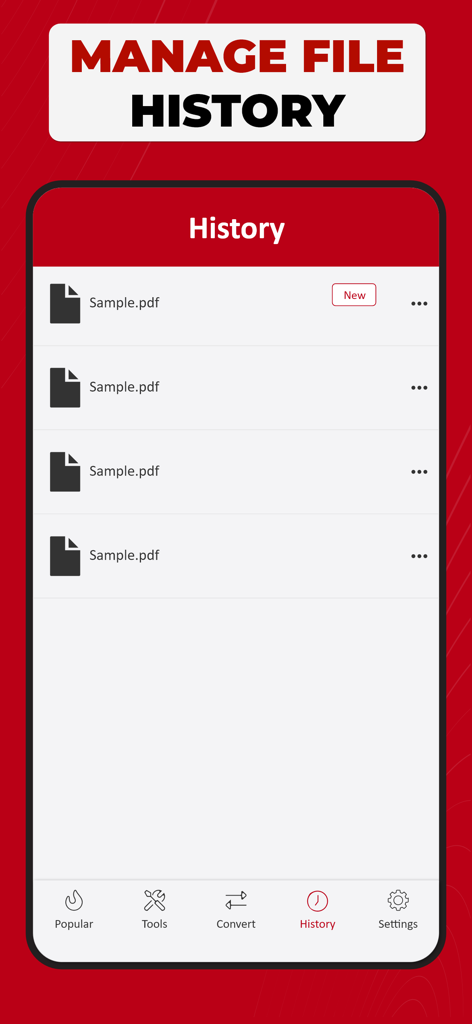
PDF Converter: Photo to PDF ! - Bildschirm einer mobilen App, der die Dateiverlaufsverwaltung mit einer Liste konvertierter PDF-Dokumente zeigt.
Bildschirm einer mobilen App, der die Dateiverlaufsverwaltung mit einer Liste konvertierter PDF-Dokumente zeigt.

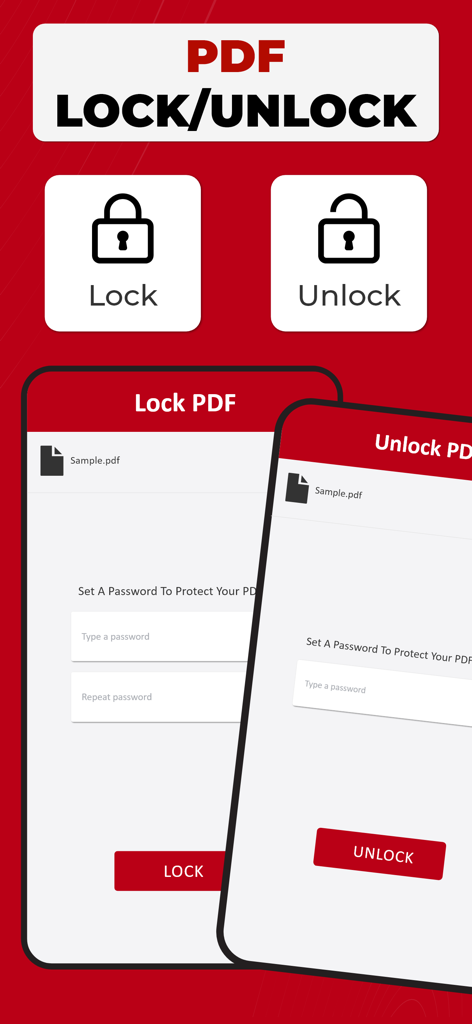
PDF Converter: Photo to PDF ! - Oberfläche zum Sperren und Entsperren von PDF-Dateien mit Passwortschutz
Oberfläche zum Sperren und Entsperren von PDF-Dateien mit Passwortschutz

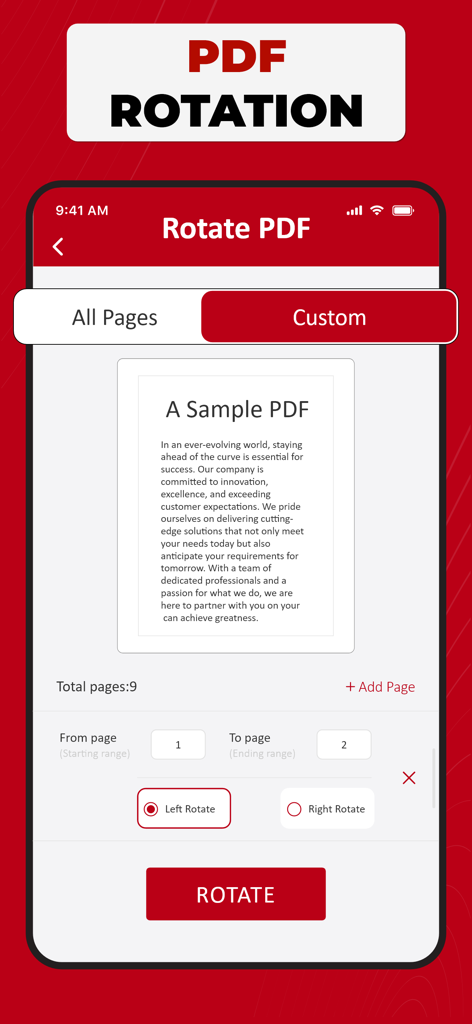
PDF Converter: Photo to PDF ! - Oberfläche der PDF Konverter App, die das PDF-Rotationswerkzeug mit Optionen für benutzerdefinierte Seitenbereiche und Links- oder Rechtsdrehung zeigt

Oberfläche der PDF Konverter App, die das PDF-Rotationswerkzeug mit Optionen für benutzerdefinierte Seitenbereiche und Links- oder Rechtsdrehung zeigt

Beschreibung

PDF Converter - Your Document Transformation Companion Welcome to PDF Converter, your go-to solution for effortlessly transforming your documents into portable and easily shareable PDF files & vice versa. This intuitive app is designed with simplicity in mind, ensuring a seamless and efficient conversion process for all your document needs. Get "Simple. Fast. Powerful.” PDF Converter Now! With PDF Converter, you can convert a variety of file formats, including Word documents, Excel spreadsheets, PowerPoint presentations, and images, into high-quality PDFs with just a few taps. Whether you're a student needing to convert lecture notes into a PDF or a professional looking to create polished reports, our app has you covered. The user-friendly interface of PDF Converter makes the conversion process a breeze. Simply open the app, select the file you want to convert, and let the app do the rest. No complicated settings or technical jargon – just a straightforward and smooth experience. One of the standout features of PDF Converter is its ability to maintain the original formatting of your documents. Fonts, images, and layouts are preserved, ensuring that your converted PDF looks just like the original. This attention to detail sets PDF Converter apart, providing you with professional-looking documents every time. We understand the importance of flexibility in today's fast-paced world, which is why PDF Converter allows you to convert documents easily. Whether your files are stored on your device, in the cloud, or received as email attachments, PDF Converter seamlessly integrates with your preferred storage solutions, making it convenient for you to access and convert your documents from anywhere. Security is a top priority, and PDF Converter ensures that your sensitive information remains confidential. The app is equipped with robust encryption features, adding an extra layer of protection to your converted PDFs. Share your documents with confidence, knowing that your data is secure. PDF Converter is not just a tool; it's a productivity companion that simplifies your document management tasks. Say goodbye to the hassle of incompatible file formats and hello to a streamlined, efficient workflow. Download PDF Converter today and experience the power of seamless document transformation at your fingertips. For any assistance, don't hesitate to contact us at askdevforhelp@gmail.com Please note: Free conversions and tools are complimentary, and additional in-app purchases are required for unlimited conversions. Select the plan that fits your requirements – Weekly, Monthly, Yearly, or consider a Lifetime subscription. This app provides an optional auto-renewable subscription with a 3-day free trial available on Weekly, Monthly, and Yearly plans. No commitment; you can cancel anytime before the trial period concludes. We offer a 3-day free trial for Weekly, Monthly, and Yearly plans. Cancel anytime before the trial ends; no strings attached. Payment is debited from your iTunes account upon confirmation, and subscriptions renew automatically unless you turn off auto-renewal at least 24 hours before the current period concludes. Manage subscriptions and disable auto-renewal in your iTunes Account Settings post-purchase. Any unused portion of the free trial will be forfeited if a subscription is initiated before the trial concludes. Privacy Policy: https://samiaasifdev.wordpress.com/privacy-policy/  Terms of Use: https://samiaasifdev.wordpress.com/terms-of-use/

Download

Herunterladen auf App Store

Diese Seite ist keine offizielle Seite der App oder ihres Entwicklers, sondern eine unabhängige redaktionelle Veröffentlichung, die zu Informations- und Kommentarzwecken erstellt wurde. Sofern nicht ausdrücklich anders angegeben, sind weder die App noch ihr Entwickler mit MWM, Apple, Google Play, dem App-Herausgeber oder dem Entwickler der App verbunden, von ihnen unterstützt, gesponsert, autorisiert oder anderweitig offiziell verbunden, und nichts auf dieser Seite impliziert, dass die App unter Verwendung der Dienste von MWM entwickelt wurde. Alle Marken, Logos, Screenshots und andere Inhalte bleiben Eigentum ihrer jeweiligen Inhaber.








