PDF Editor App | Edit Document

PDF Editor App | Edit Document

Herunterladen auf App Store
Logo von PDF Editor App | Edit Document

PDF Editor App: Das ultimative All-in-One-Dokumenten-Toolkit

Scannen, signieren, bearbeiten und kommentieren Sie nahtlos von Ihrem iPhone oder iPad aus. Professionelle Werkzeuge für effiziente Wissensarbeiter und Studenten, die Dokumente unterwegs verwalten müssen.

Herunterladen auf App Store

Herausgeber

Allied Clicks LLC

Kategorie

Business

Downloads

53K+

Bewertung

4.6/5

Bewertungen gesamt

700

Sprachen

11

Effizienz auf Knopfdruck

Entdecken Sie die Oberfläche, die von 53K+ Nutzern verwendet wird.

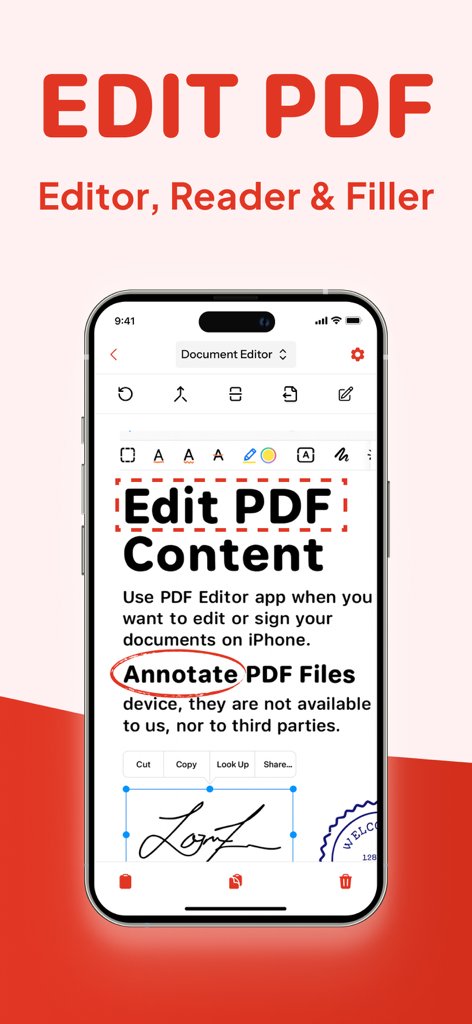
Smartphone-Bildschirm zeigt PDF-Bearbeitungsfunktionen für Anmerkungen und digitale Signaturen
Smartphone-Bildschirm zeigt PDF-Bearbeitungsfunktionen für Anmerkungen und digitale Signaturen

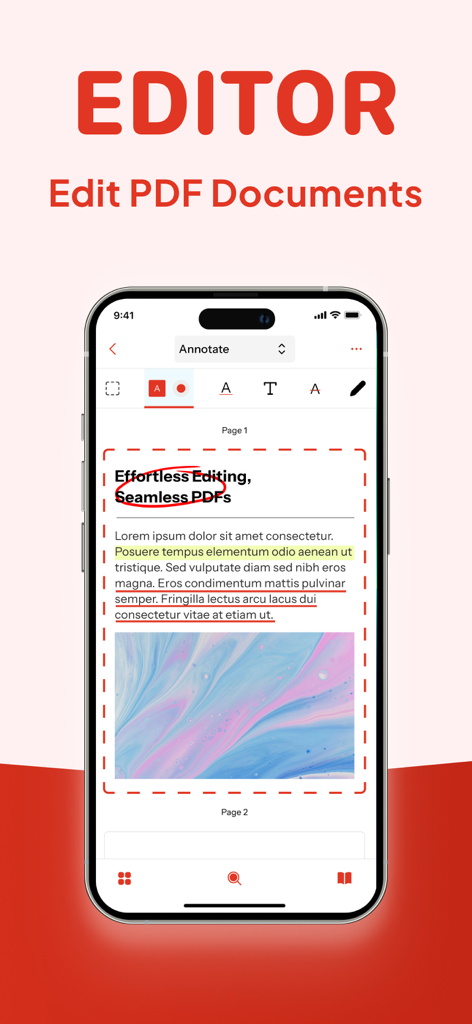
iPhone-Oberfläche eines PDF-Editors zeigt Werkzeuge zur Dokumentenanmerkung, einschließlich Hervorhebungen und Kreisen.
iPhone-Oberfläche eines PDF-Editors zeigt Werkzeuge zur Dokumentenanmerkung, einschließlich Hervorhebungen und Kreisen.

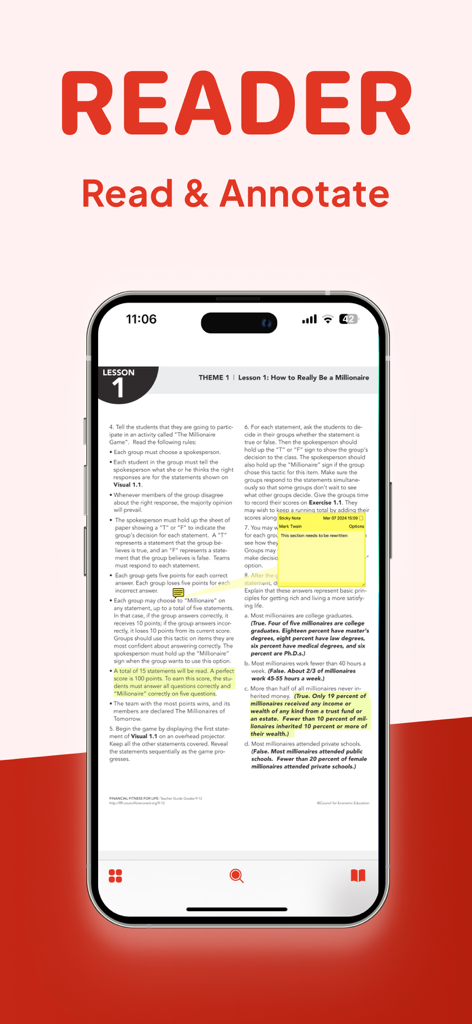
iPhone-Bildschirm zeigt ein PDF-Dokument mit gelben Hervorhebungen und einer digitalen Haftnotiz für Anmerkungen
iPhone-Bildschirm zeigt ein PDF-Dokument mit gelben Hervorhebungen und einer digitalen Haftnotiz für Anmerkungen

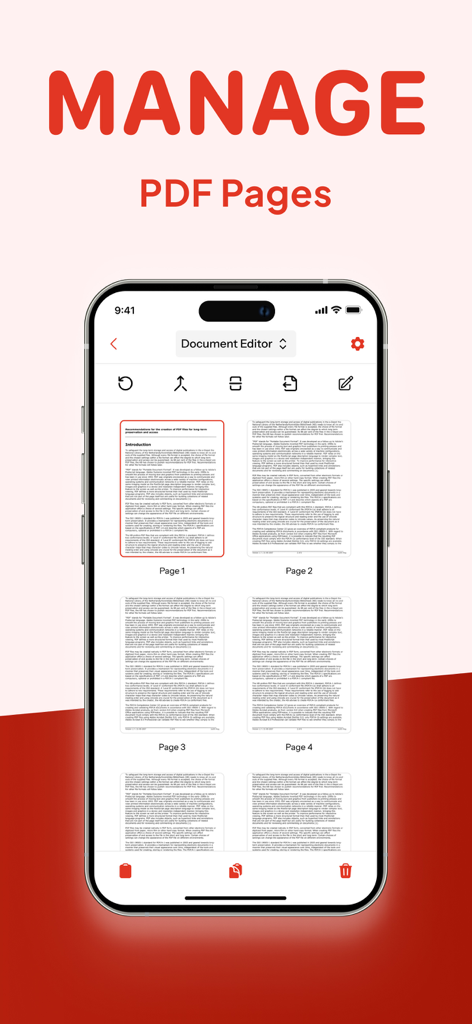
iPhone-Bildschirm zeigt die Funktion „PDF-Seiten verwalten“ in der PDF Editor App
iPhone-Bildschirm zeigt die Funktion „PDF-Seiten verwalten“ in der PDF Editor App

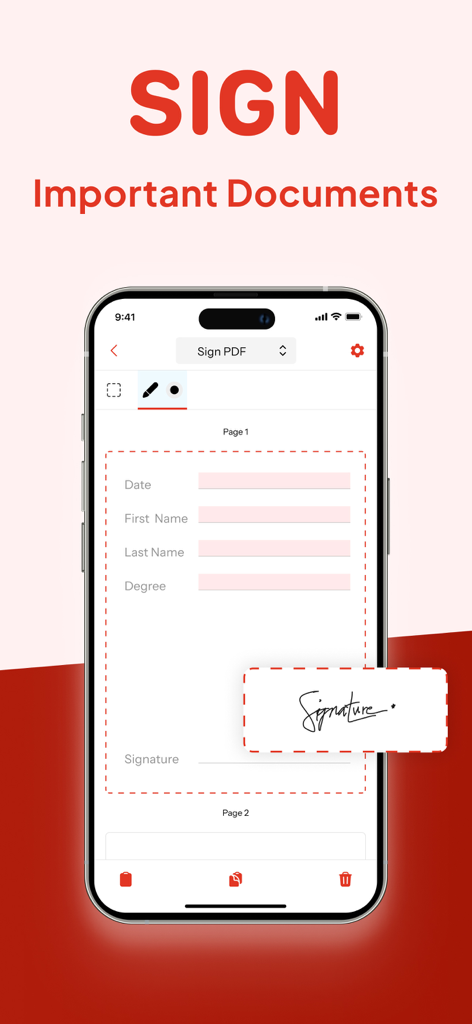
Ein iPhone-Bildschirm zeigt die digitale Signaturfunktion eines PDF-Editors zur Unterzeichnung wichtiger Dokumente.
Ein iPhone-Bildschirm zeigt die digitale Signaturfunktion eines PDF-Editors zur Unterzeichnung wichtiger Dokumente.

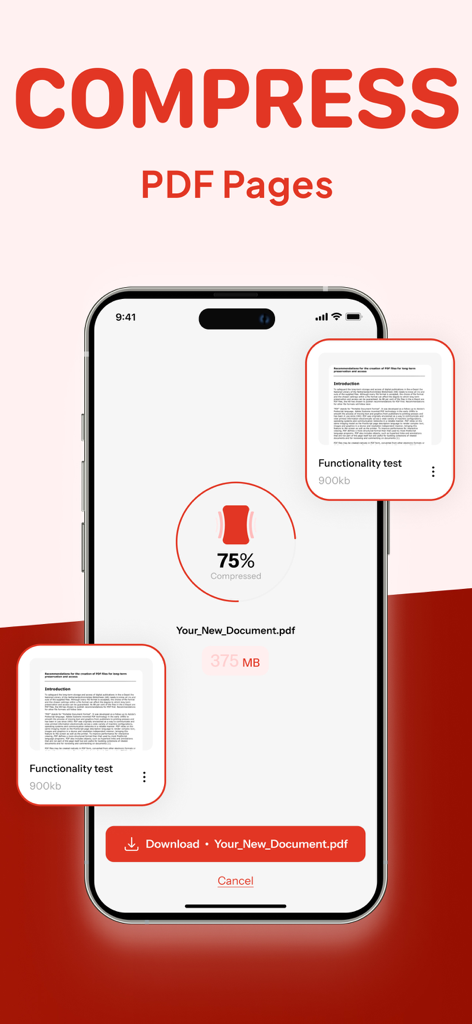
Smartphone zeigt ein PDF-Komprimierungstool zur Reduzierung der Dateigröße um 75 Prozent
Smartphone zeigt ein PDF-Komprimierungstool zur Reduzierung der Dateigröße um 75 Prozent

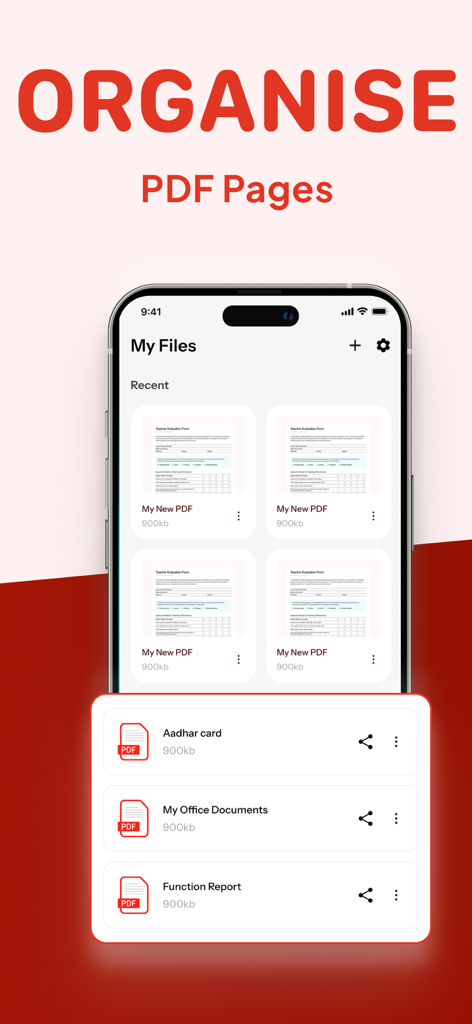
Oberfläche, die zeigt, wie PDF-Seiten organisiert und Dateien verwaltet werden

Oberfläche, die zeigt, wie PDF-Seiten organisiert und Dateien verwaltet werden

Alles, was Sie brauchen, um Ihren Workflow zu meistern

Die Tools, die diese App auszeichnen, gewählt von 53K+ Nutzern.

✍️

Dokumente überall signieren und sichern

Unterschreiben Sie Verträge rechtlich bindend und schwärzen Sie sensible Informationen in Sekundenschnelle direkt von Ihrem iPhone oder iPad.

📝

Text und Bilder direkt bearbeiten

Kein Neuerstellen von Dateien mehr. Ändern Sie Text, tauschen Sie Bilder aus und korrigieren Sie Tippfehler so einfach wie in einem Word-Dokument.

📂

Zusammenführen, Aufteilen und Komprimieren

Organisieren Sie Ihren Workflow, indem Sie PDFs kombinieren oder Dateigrößen reduzieren für nahtlosen E-Mail-Versand und Uploads.

Über die App

Alles, was Sie über wissen müssen PDF Editor App | Edit Document.

Beschreibung

PDF Editor App: Edit, Scan, Convert, Annotate & Sign Your PDF Documents Introducing PDF Editor, your all-in-one solution for working with PDF documents. Our intuitive app makes it simple to edit PDF, create PDF, and manage PDF files on the go, bringing professional document editing capabilities right to your fingertips. Transform the way you handle documents with powerful editing features that let you modify PDF text, adjust images, and format content exactly how you want it. Whether you're a business professional, student, or anyone who works with documents, our file editor delivers exceptional results for every task. Key Features: New PDF - Create documents from scratch with our comprehensive tools Manage Pages - Rearrange, rotate, and delete pages with intuitive controls Compress PDF - Reduce file size while maintaining document quality Sign PDF - Add digital signatures for professional and legal documents Redact PDF - Protect sensitive information with secure redaction tools Comment on PDF - Add notes and feedback for improved collaboration Annotate PDF - Mark up documents with highlights, underlines, and more Edit PDF - Modify text, images, and formatting directly in your documents Split/Merge PDF - Divide large documents or combine multiple files seamlessly Complete PDF Solution Our free PDF editor gives you complete control over your paperwork editor needs, functioning as both a full-featured editor and PDF reader in one convenient package. Edit PDF for free without compromising on quality or capabilities – all at no cost. Smart Document Management The smart PDF editor technology behind our app adapts to how you work, streamlining your document management process. Reorganize PDF content, reorder PDF pages, and make adjustments with just a few taps. Need to divide a large document? Our PDF splitter tool makes it easy to create separate files from a single document, while our compress PDF feature helps you save PDF space without sacrificing quality. Professional Annotation Tools Enhance your documents with our comprehensive markup editor tools. Annotate PDF with highlights, underlines, text boxes, and handwritten notes directly on your PDFs. Sketch on PDF diagrams, use PDF marker tools for important sections, and comment on PDF for collaborators – all within the same application. Security & Signatures We take security seriously. Our redact PDF feature ensures sensitive information stays protected, while our PDF signature tool lets you sign PDF documents digitally for legal and business purposes. Fill out PDF forms, type on PDF fields, and sign PDF files to finalize important paperwork without printing a single page. Why Should You Choose Our PDF Editor App? Compatible With All Apple Devices - Our PDF Editor is compatible with all Apple devices – iPhone (iOS 15.0 or later), iPad (iPadOS 15.0 or later), Mac (macOS 12.0 or later and a Mac with Apple M1 chip or later) Free Premium Trial - Unlock the Full Potential with a Free Trial. Experience all the premium features of our PDF Editor free for 3 days! Choose a subscription plan that best suits your needs and cancel anytime without obligation. What are you waiting for? No need to download multiple PDF Editor, PDF Scanner, PDF Manager, PDF Organizer or PDF Reader. Make your life easier with PDF Editor app today Please note: Subscriptions are charged through your App Store account. Subscriptions automatically renew unless canceled at least 24 hours before the end of the current period. Manage your subscription through your App Store account settings after purchase. Terms of Service - https://www.alliedclicks.com/app-terms.php Terms of Service for EULA - https://www.apple.com/legal/internet-services/itunes/dev/stdeula/ Refer to our privacy policy for any other issues - https://www.alliedclicks.com/app-privacy.php

Neueste Version

1.2.6

Größe

96.1 MB

Erstveröffentlichung

22. Juli 2025

Bereit, Ihre Unterlagen mit einem Fingertipp zu meistern?

Schließen Sie sich über 50.000 Fachleuten und Studenten an. Laden Sie die All-in-One-PDF-Lösung für iPhone, iPad und Mac herunter und starten Sie noch heute Ihre 3-tägige kostenlose Testversion.

Herunterladen auf App Store

App information, icons, screenshots, and descriptions displayed on this page are sourced from the Apple App Store and are the property of their respective developers. Download estimates and rankings are based on MWM's proprietary models and may not reflect actual figures. This page is provided for informational and analytical purposes only.

Believe this page infringes your intellectual property? File a dispute