PDF PRO Files - Quick & Easy

PDF PRO Files - Quick & Easy

Herunterladen auf App Store
Logo von PDF PRO Files - Quick & Easy

PDF PRO Files: Die All-in-One KI-Dokumenten-Powerhouse

Steigern Sie Ihre Produktivität mit dem intelligentesten Reader und Editor. Nutzen Sie einen KI-Assistenten, um Dokumente zusammenzufassen, mit pixelgenauer Apple Pencil-Präzision zu unterschreiben und Ihre professionelle Bibliothek mit sicheren, Cloud-synchronisierten Ordnern zu organisieren.

Herunterladen auf App Store

Herausgeber

Kairoos Solutions S.L.

Kategorie

Business

Downloads

48K+

Bewertung

4.6/5

Bewertungen gesamt

0

Sprachen

10

Präzision auf einen Blick

Entdecken Sie die Oberfläche, die von 48K+ Nutzern verwendet wird.
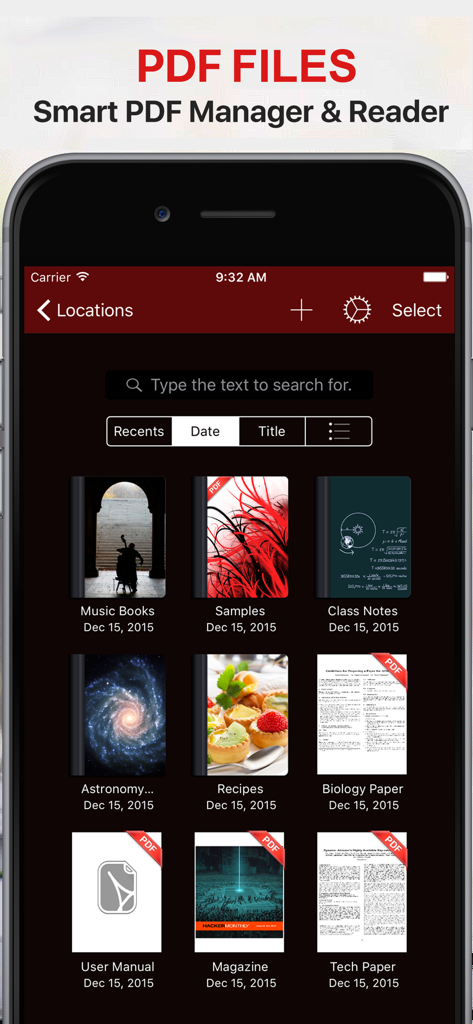
PDF PRO Files App Dokumentenmanager-Oberfläche, die eine Bibliothek von PDFs im Dunkelmodus zeigt

PDF PRO Files App Dokumentenmanager-Oberfläche, die eine Bibliothek von PDFs im Dunkelmodus zeigt

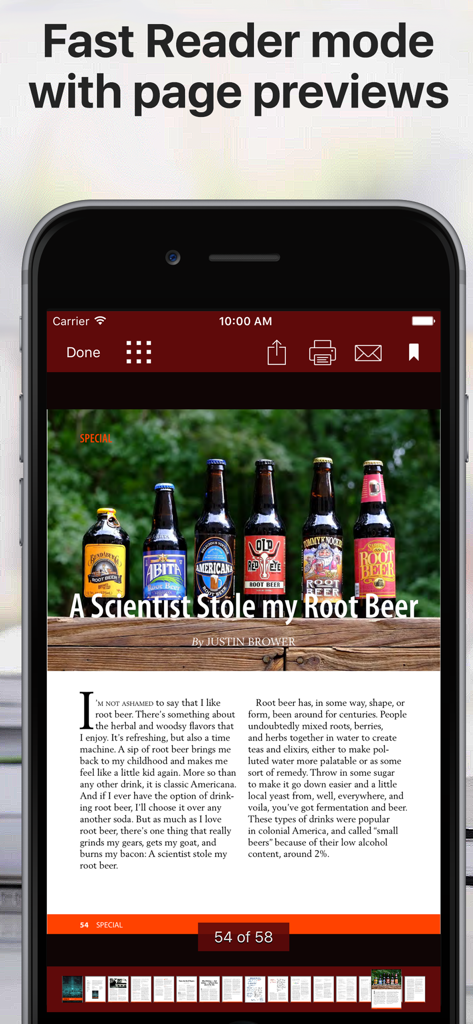
Eine mobile Oberfläche einer PDF-Reader-App, die ein Dokument im schnellen Lesemodus mit Seitenminiaturen unten anzeigt

Eine mobile Oberfläche einer PDF-Reader-App, die ein Dokument im schnellen Lesemodus mit Seitenminiaturen unten anzeigt

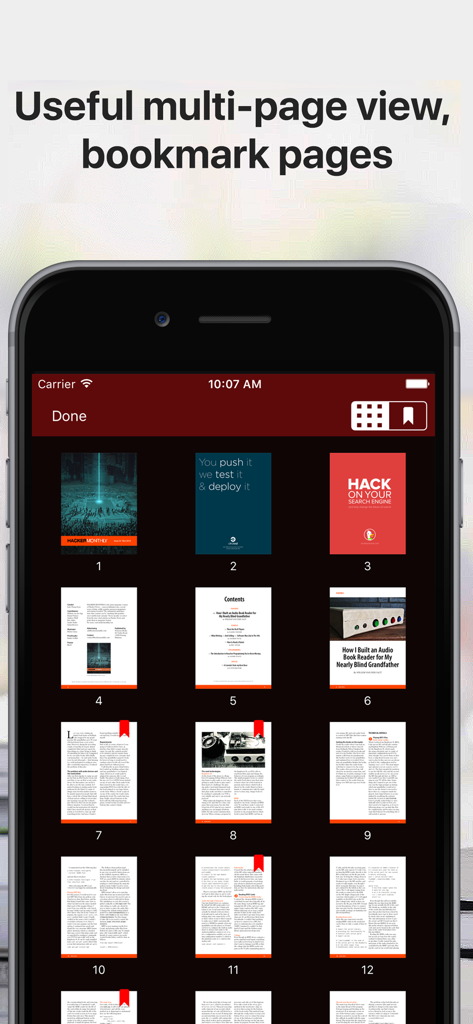
Mehrseitige Rasteransicht eines PDF-Dokuments mit Lesezeichen im Dunkelmodus

Mehrseitige Rasteransicht eines PDF-Dokuments mit Lesezeichen im Dunkelmodus

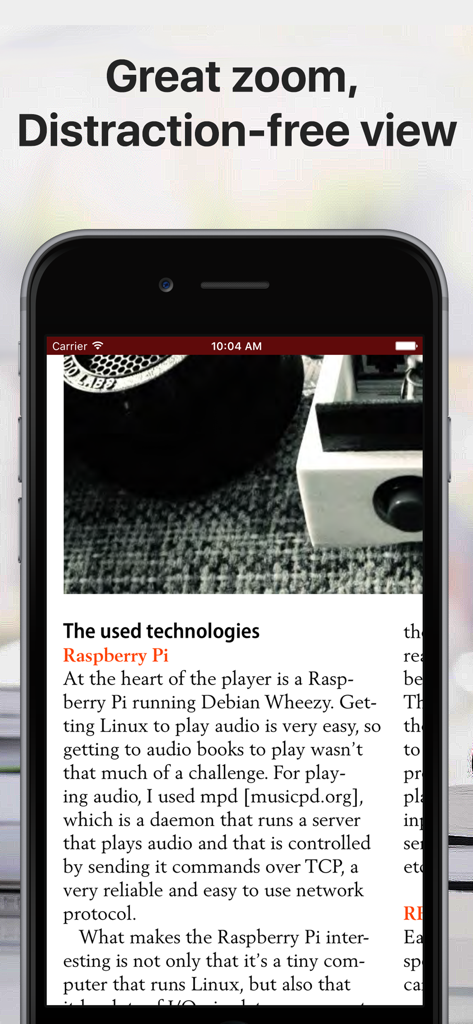
iPhone-Bildschirm, der ein PDF-Dokument im ablenkungsfreien Lesemodus mit einer sauberen Oberfläche anzeigt

iPhone-Bildschirm, der ein PDF-Dokument im ablenkungsfreien Lesemodus mit einer sauberen Oberfläche anzeigt

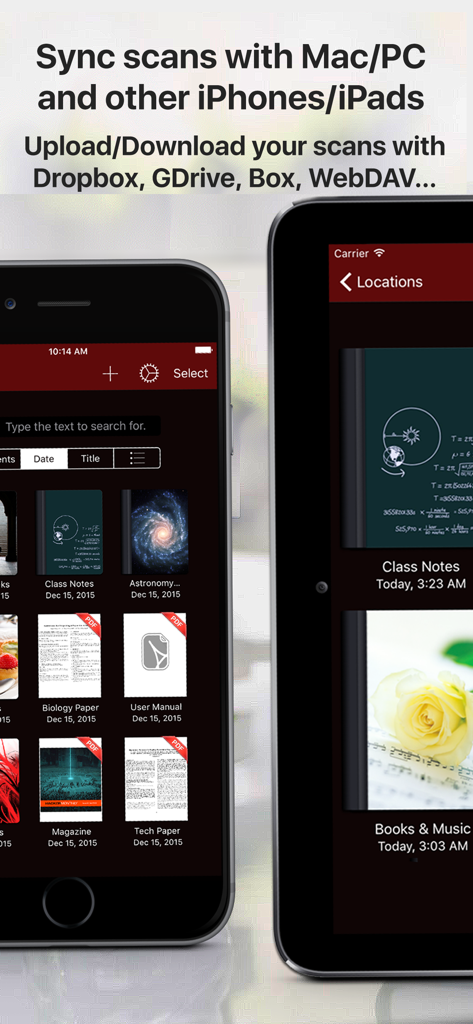
PDF PRO Files App Bibliothek, die Dokumentensynchronisation und Cloud-Speicherfunktionen auf Mobilgeräten zeigt

PDF PRO Files App Bibliothek, die Dokumentensynchronisation und Cloud-Speicherfunktionen auf Mobilgeräten zeigt

Beherrschen Sie Ihre Dokumente mit KI-gestützter Präzision

Die Tools, die diese App auszeichnen, gewählt von 48K+ Nutzern.

🤖

Intelligenter KI-Assistent

Chatten Sie direkt mit Ihren PDFs, um lange Berichte zusammenzufassen, Text sofort zu übersetzen und klare Erklärungen für komplexe Begriffe in Sekundenschnelle zu erhalten.

🖋️

Pixelgenaue Anmerkungen

Erleben Sie den Goldstandard des Schreibens mit voller Apple Pencil-Unterstützung, inklusive Neigungs- und Druckempfindlichkeit für natürliches Unterschreiben und Notieren.

📂

Professionelles Dateimanagement

Organisieren Sie unbegrenzte Ordner mit benutzerdefinierten Titelseiten, synchronisieren Sie nahtlos über alle Cloud-Dienste hinweg und schützen Sie sensible Dokumente mit Passcode-Schutz.

Über die App

Alles, was Sie über wissen müssen PDF PRO Files - Quick & Easy.

Beschreibung

PDF Files is a smart and powerful but easy to use PDF reader, editor and file manager. Organize your libraries and collections of PDF in unlimited folders and subfolders. You can also convert Microsoft Office, iWork, and other documents to PDF and annotate them! With PDF Files you can: + Annotate, fill in, sign and highlight PDFs: lets you feel the ink and paper thanks to the intuitive, fast and pixel-perfect precise control of your Apple Pencil with useful tilt and pressure sensitivity, and support for palm rejection. Leap forward into the future of PDFs with an optional AI Assistant that is designed to assist you: + Aid in understanding: What’s that word? Allow the AI Assistant to explain. Need a brief? Ask it to summarize. Language barrier? Request for a translation. Your assistant is ready to lend a hand. Chat with the AI Assistant about your PDF! + Use the iOS camera to scan documents then edit and annotate them. + Organize small or huge collections of PDFs files + Powerful document browser integrated with Files app and any cloud services like iCloud, Dropbox, Box, GDrive, oneDrive, etc. to import, export and sync your files. + Powerful PDF Text to Speech read aloud. + File and documents manager. Customize the cover of folders and subfolders with your own images. + Quickly find your documents: List of most recent opened documents, order by date or by title and search by file name. + You can use your iPad and Apple Pencil (and other supported styluses) to write by hand in any text field in the PDF or in your own rich text boxes, like the search field in Safari or a text field in Mail. + Protect your PDF documents with a security passcode + Open PDF email attachments and store them in PDF Files + Bookmark pages in your documents like in an actual book + Zoom pages and read them in a distraction-free user interface + Reader mode interface for distraction free moments. + Dark mode supported. Ready for aviation use. Privacy Policy http://www.noteswriter.com/Kairoos_Privacy_Policy.html EULA https://www.apple.com/legal/internet-services/itunes/dev/stdeula/

Neueste Version

4.4.0

Größe

271.2 MB

Erstveröffentlichung

17. Dez. 2015

Beherrschen Sie Ihre Dokumente mit KI-gestützter Präzision

Schließen Sie sich über 48.000 Power-Usern an. Scannen, unterschreiben und fassen Sie alles in Sekundenschnelle mit dem ultimativen professionellen PDF-Toolkit für iPad und iPhone zusammen.

Herunterladen auf App Store

App information, icons, screenshots, and descriptions displayed on this page are sourced from the Apple App Store and are the property of their respective developers. Download estimates and rankings are based on MWM's proprietary models and may not reflect actual figures. This page is provided for informational and analytical purposes only.

Believe this page infringes your intellectual property? File a dispute