
Diese Seite ist keine offizielle Seite der App oder ihres Entwicklers, sondern eine unabhängige redaktionelle Veröffentlichung, die zu Informations- und Kommentarzwecken erstellt wurde. Sofern nicht ausdrücklich anders angegeben, sind weder die App noch ihr Entwickler mit MWM, Apple, Google Play, dem App-Herausgeber oder dem Entwickler der App verbunden, von ihnen unterstützt, gesponsert, autorisiert oder anderweitig offiziell verbunden, und nichts auf dieser Seite impliziert, dass die App unter Verwendung der Dienste von MWM entwickelt wurde. Alle Marken, Logos, Screenshots und andere Inhalte bleiben Eigentum ihrer jeweiligen Inhaber.


PDF Reader Auto Scroll
Ein minimalistisches, auf Privatsphäre ausgerichtetes Tool für tiefen Fokus. Lesen Sie Bücher und Dokumente mühelos mit einstellbarem automatischem Scrollen, horizontaler Sperre und null Ablenkungen oder Werbung.
Downloads
400Bewertung
Bewertungen gesamt
0Herausgeber
Kategorie
UtilitiesSprachen
1Neueste Version
1.2Größe
0.8 MBErstveröffentlichung
14. Okt. 2024Meistern Sie Ihren Lese-Workflow
Der minimalistische PDF-Reader für freihändige Effizienz, absolute Privatsphäre und ein ablenkungsfreies Erlebnis.
Adaptive Freihändige Bildlaufsteuerung
Lesen Sie in Ihrem eigenen Tempo mit einstellbaren automatischen Scrollgeschwindigkeiten. Perfekt zum Studieren von Fachartikeln, Noten oder Rezepten, ohne einen Finger zu rühren.
Präzise horizontale Sperre
Verhindern Sie das lästige seitliche Verschieben. Sperren Sie Ihre Ansicht horizontal, damit Sie für Klarheit zoomen und perfekt ausgerichtet vertikal scrollen können.
Die folgenden Screenshots und die Beschreibung stammen direkt aus dem offiziellen Store-Eintrag der App und sind Eigentum des Entwicklers.
App Store
Screenshots
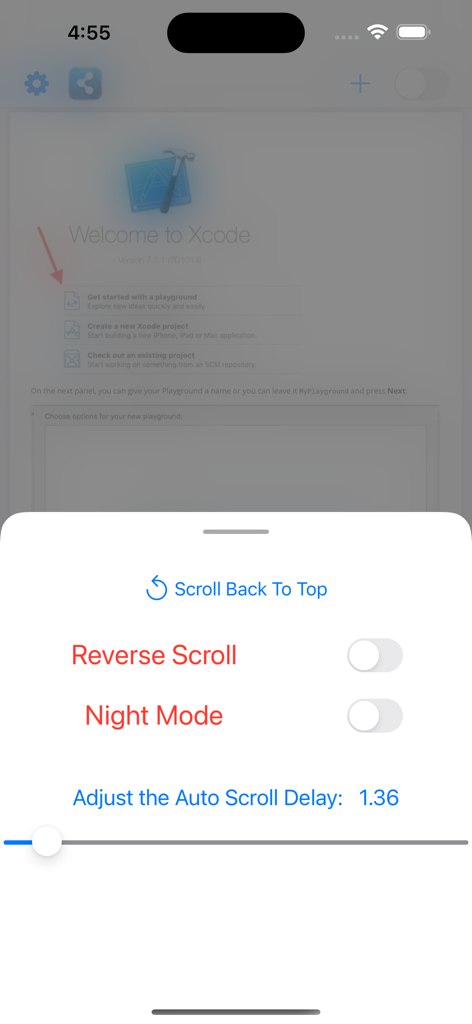
Einstellungsmenü in der PDF Reader Auto Scroll App, das Steuerelemente für Rückwärts-Scrollen, Nachtmodus und automatische Scroll-Verzögerungsgeschwindigkeit anzeigt.
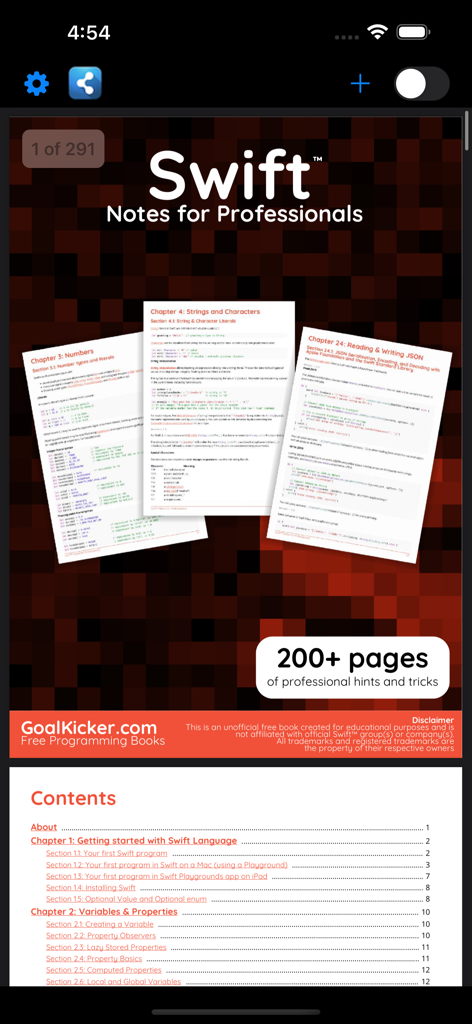
Screenshot der PDF Reader Auto Scroll App-Oberfläche, die ein Swift-Programmierbuch und dessen Inhaltsverzeichnis anzeigt
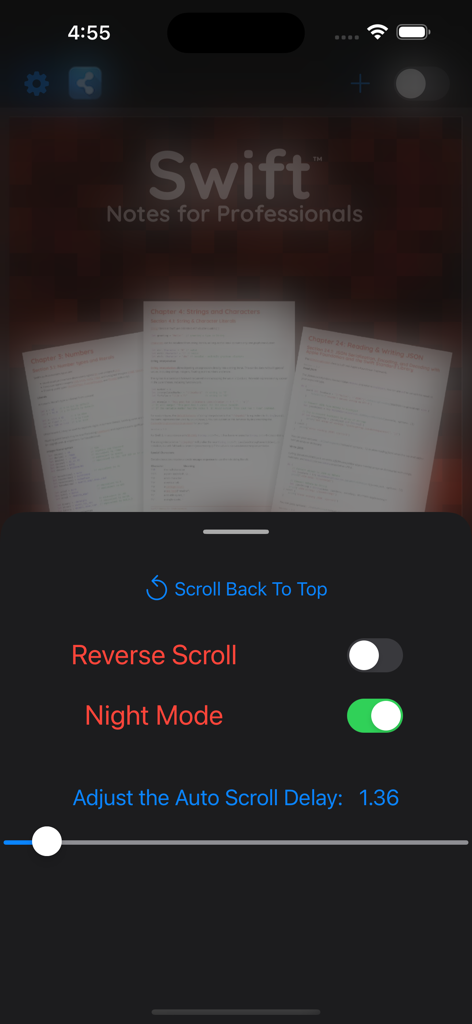
PDF-Reader-App-Oberfläche, die automatische Scroll-Einstellungen und den aktivierten Nachtmodus zum Lesen technischer Dokumente anzeigt.
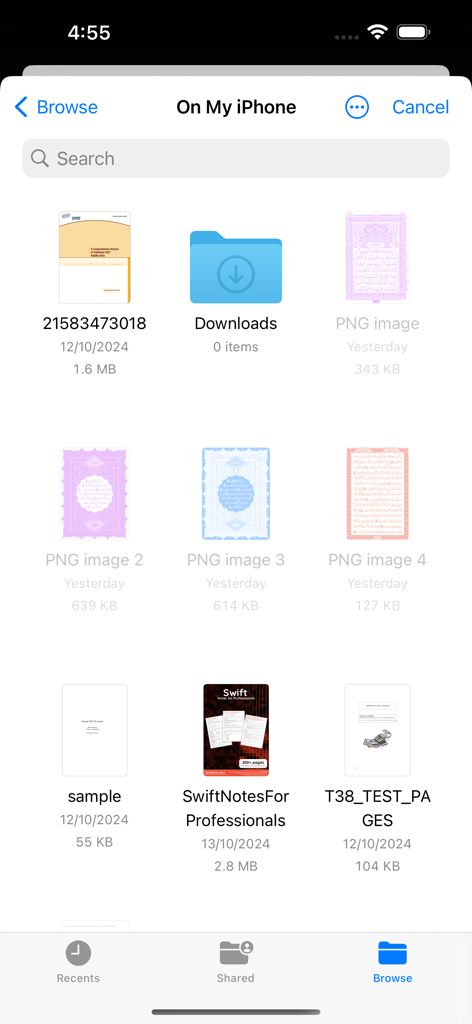
iOS-Dateimanager-Oberfläche, die eine Liste von PDF-Dokumenten und Ordnern anzeigt, die zum Lesen verfügbar sind.
Beschreibung
Download
Ähnliche Apps
Top-gerankte Apps in derselben Kategorie

Google LLC

Google Chrome
Google LLC

中国移动(手机营业厅)
China Mobile Online Services Co., Ltd.

Google Authenticator
Google LLC

CNH do Brasil
Servicos e Informacoes do Brasil

Cleanup: Phone Storage Cleaner
DEEP FLOW SOFTWARE SERVICES - FZCO

gov.br
Servicos e Informacoes do Brasil

中国电信-全国统一官方服务平台
CHINA TELECOM Corporation Ltd.

Microsoft Edge: AI Browser
Microsoft Corporation
Diese Seite ist keine offizielle Seite der App oder ihres Entwicklers, sondern eine unabhängige redaktionelle Veröffentlichung, die zu Informations- und Kommentarzwecken erstellt wurde. Sofern nicht ausdrücklich anders angegeben, sind weder die App noch ihr Entwickler mit MWM, Apple, Google Play, dem App-Herausgeber oder dem Entwickler der App verbunden, von ihnen unterstützt, gesponsert, autorisiert oder anderweitig offiziell verbunden, und nichts auf dieser Seite impliziert, dass die App unter Verwendung der Dienste von MWM entwickelt wurde. Alle Marken, Logos, Screenshots und andere Inhalte bleiben Eigentum ihrer jeweiligen Inhaber.