PDF Reader - Read PDF Files
Herunterladen auf App Store

Diese Seite ist keine offizielle Seite der App oder ihres Entwicklers, sondern eine unabhängige redaktionelle Veröffentlichung, die zu Informations- und Kommentarzwecken erstellt wurde. Sofern nicht ausdrücklich anders angegeben, sind weder die App noch ihr Entwickler mit MWM, Apple, Google Play, dem App-Herausgeber oder dem Entwickler der App verbunden, von ihnen unterstützt, gesponsert, autorisiert oder anderweitig offiziell verbunden, und nichts auf dieser Seite impliziert, dass die App unter Verwendung der Dienste von MWM entwickelt wurde. Alle Marken, Logos, Screenshots und andere Inhalte bleiben Eigentum ihrer jeweiligen Inhaber.

Logo von PDF Reader - Read PDF Files
Herunterladen auf App Store

PDF Reader - Read PDF Files

Verabschieden Sie sich von teuren Abonnements und App-Müdigkeit. Text direkt bearbeiten, Verträge unterschreiben und mit Google Drive oder Dropbox synchronisieren – alles aus Ihrer Tasche für einen Bruchteil der Kosten.

Kennzahlen

Downloads

800

Bewertung

1.0/5

Bewertungen gesamt

0

Herausgeber

Sanjaykumar Khunt

Kategorie

Productivity

Sprachen

1

Neueste Version

1.3

Größe

37.7 MB

Erstveröffentlichung

31. Jan. 2024
Funktionen

Ihr komplettes mobiles PDF-Studio

Hören Sie auf, zwischen teuren Tools zu wechseln. Erhalten Sie professionelle Bearbeitungs-, Signatur- und Scanfunktionen für einen Bruchteil der Kosten von Desktop-Software.

Textbearbeitung auf Desktop-Niveau

Vorhandenen Text ändern, Tippfehler korrigieren und Bilder direkt auf Ihrem Handy austauschen. Kein Laptop erforderlich, um professionelle Aktualisierungen vorzunehmen.

Sicher unterschreiben & Formulare ausfüllen

Mietverträge und Verträge in Sekundenschnelle mit rechtsgültigen elektronischen Signaturen finalisieren. Komplexe Regierungsformulare ausfüllen, ohne jemals auf 'Drucken' klicken zu müssen.

Die folgenden Screenshots und die Beschreibung stammen direkt aus dem offiziellen Store-Eintrag der App und sind Eigentum des Entwicklers.

App Store

Screenshots
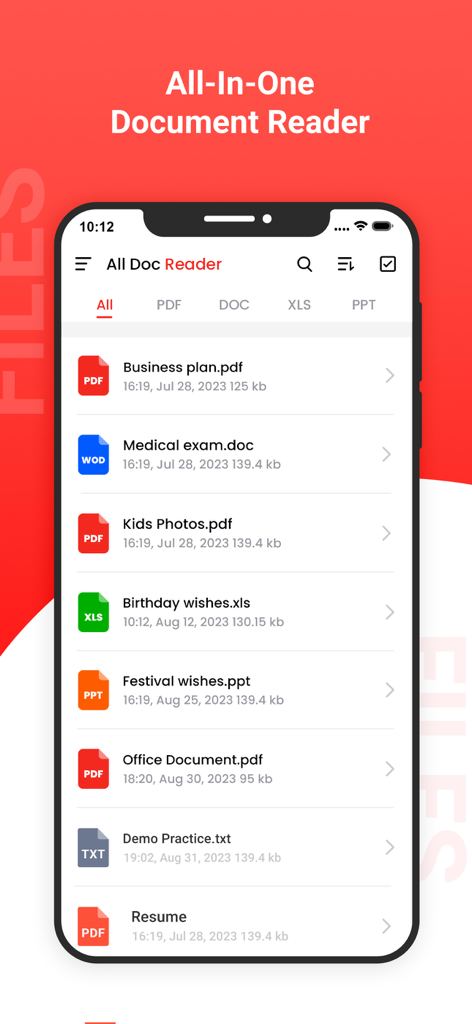
PDF Reader - Read PDF Files - Ein Smartphone-Bildschirm zeigt die All-in-One-Dokumentenleser-App mit einer Liste von PDF-, Word-, Excel- und PowerPoint-Dateien.
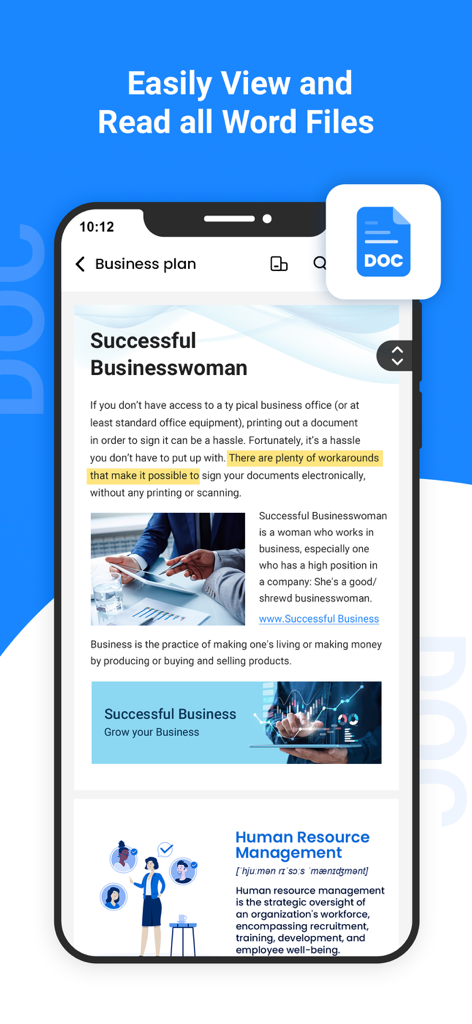
Ein Smartphone-Bildschirm zeigt die All-in-One-Dokumentenleser-App mit einer Liste von PDF-, Word-, Excel- und PowerPoint-Dateien.

PDF Reader - Read PDF Files - Ein Smartphone zeigt ein Word-Dokument innerhalb der PDF Reader App
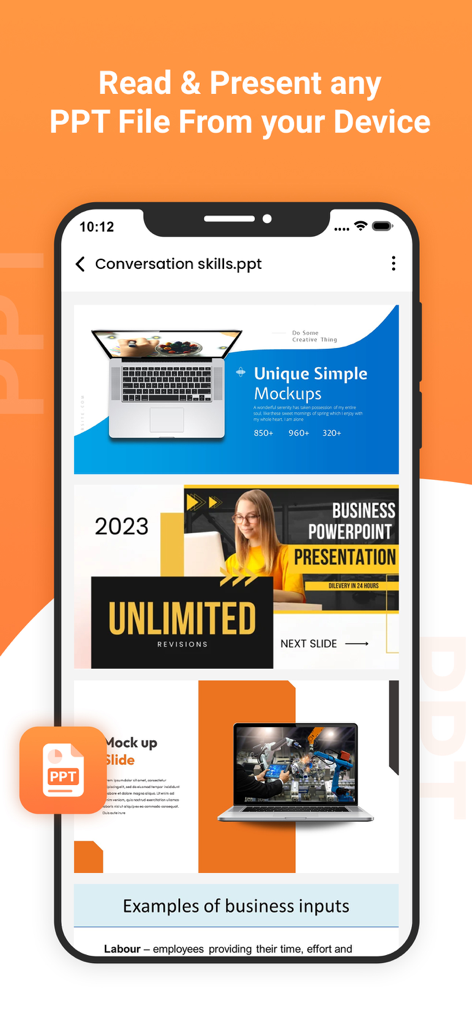
Ein Smartphone zeigt ein Word-Dokument innerhalb der PDF Reader App

PDF Reader - Read PDF Files - PDF Reader App zeigt eine mobile Oberfläche zur Anzeige und Präsentation von PowerPoint-Dateien
PDF Reader App zeigt eine mobile Oberfläche zur Anzeige und Präsentation von PowerPoint-Dateien

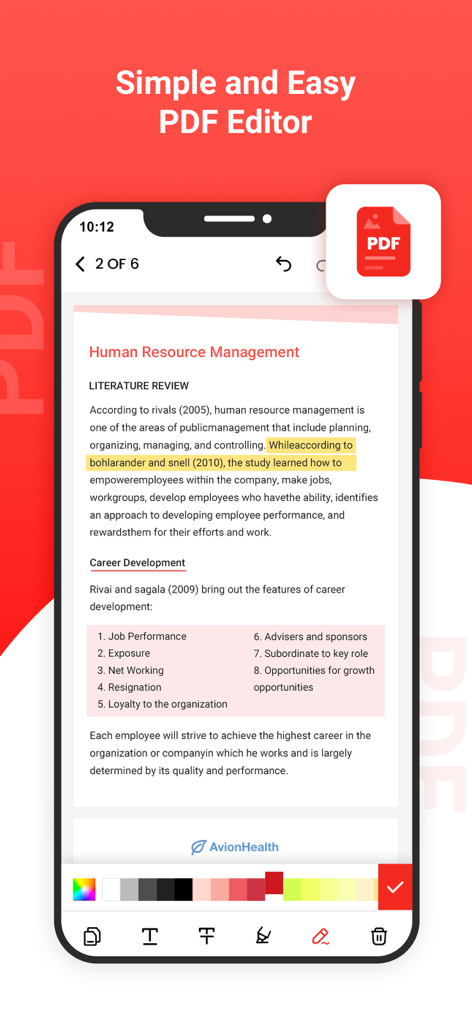
PDF Reader - Read PDF Files - Ein mobiler Bildschirm zeigt die Benutzeroberfläche der PDF Reader App mit Werkzeugen zum Hervorheben und Bearbeiten von Text
Ein mobiler Bildschirm zeigt die Benutzeroberfläche der PDF Reader App mit Werkzeugen zum Hervorheben und Bearbeiten von Text

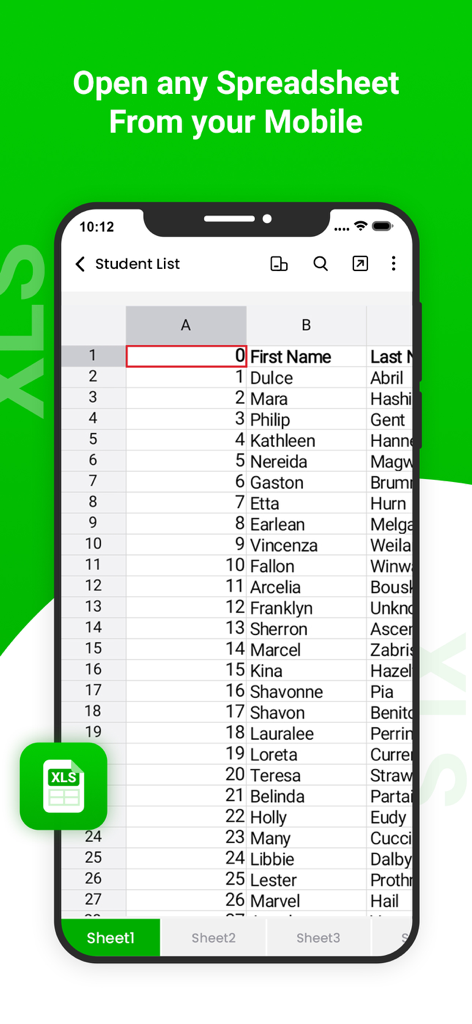
PDF Reader - Read PDF Files - Ein Smartphone-Bildschirm zeigt eine Tabellenkalkulation mit einer Studentenliste innerhalb einer mobilen XLS-Reader-App
Ein Smartphone-Bildschirm zeigt eine Tabellenkalkulation mit einer Studentenliste innerhalb einer mobilen XLS-Reader-App

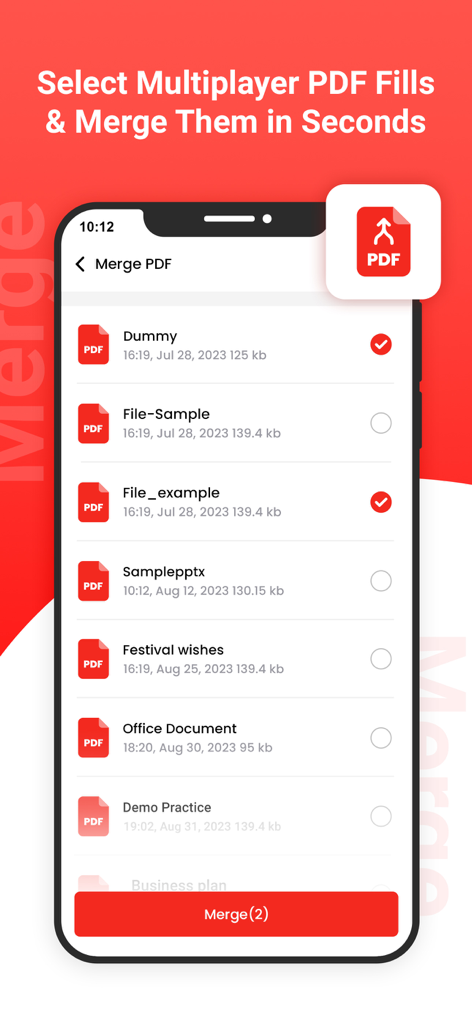
PDF Reader - Read PDF Files - Ein mobiler Bildschirm zeigt die Funktion zum Zusammenführen von PDFs mit einer Liste von Dokumenten und Auswahlkästchen.
Ein mobiler Bildschirm zeigt die Funktion zum Zusammenführen von PDFs mit einer Liste von Dokumenten und Auswahlkästchen.

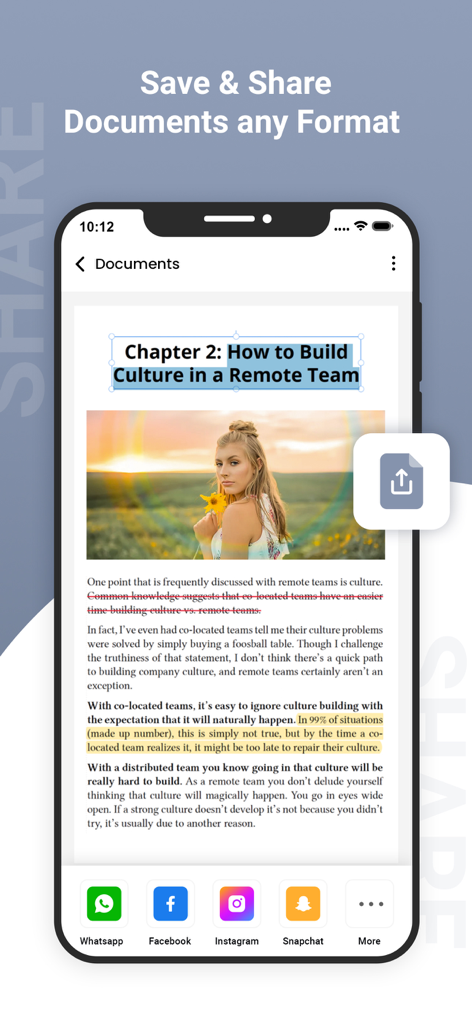
PDF Reader - Read PDF Files - Eine mobile Benutzeroberfläche einer PDF-Reader-App, die Optionen zum Teilen von Dokumenten für verschiedene Social-Media-Plattformen anzeigt

Eine mobile Benutzeroberfläche einer PDF-Reader-App, die Optionen zum Teilen von Dokumenten für verschiedene Social-Media-Plattformen anzeigt

Beschreibung

PDF Reader Pro is an all-in-one PDF reader & editor, without downloading multiple Apps, you can get all your PDF works done perfectly in PDF Reader Pro, here comes your almighty PDF tool: 1. PDF Editor: Edit PDF text and images easily on the phone 2. PDF Converter: Magically convert PDF to editable Word files 3. PDF Scanner: Scan paper documents to PDF clearly & quickly 4. PDF Signature App: Sign and fill PDF documents, e-signature is legal & secure 5. PDF Formfiller: Fill in a PDF file directly on the phone without printing or faxing 6. Protect PDF privacy, set the password for your PDF documents 7. Read PDF more easily, Black Mode & Reading Mode for your choice 8. Sync with Cloud documents, all PDF files in one place 9. Add annotations, Merge PDF, Compress PDF, etc All-in-one PDF tool, Maximizing PDF productivity, The most efficient choice for PDF users! ◆ PDF Reader Pro meets all your PDF needs "Edit, Sign and Fill PDF" - Real text-editable PDF editor, more than annotating PDF, edit PDF text like Word - Add, delete or rotate PDF images freely - E-sign your PDF smoothly, safest & most secure e-signature - Sign documents anywhere from any device - Fill in a PDF file directly on the phone "Protect PDF documents security" - Protect PDF documents by adding passwords - Add watermark to PDF documents - Safest electronic signature "All your PDF documents in one place" - Sync with Google Drive, Gmail, OneDrive, Dropbox, handle all pdf files in one place - Clearly categorized and well-organized PDF documents "More highlight features" - Annotate, highlight, comment PDF - Merge multiple PDF documents into one PDF - Organize PDF pages freely - Compress PDF files to reduce the file size - Extract text from PDF and images "Add text to PDF. Type on a PDF" - Make sure the 'Text' tool is selected. Click anywhere on the PDF page to add text. "Change PDF text" - Select the 'Text' tool in the top toolbar. Click any existing text to start editing. Make text bold or italic, change font size, font family and text color. "Add image to PDF" - Click the 'Images' menu and select 'New Image'. Select an image from your computer and then add it to the PDF page. You can drag with your mouse to move it, drag on the corners to resize it. "Fill out PDF forms" - Click any form field in the PDF and start typing. Form contains no input fields? Select the 'Text' tool to type text and the 'Forms' tool for checkmarks and radio bullets. "Add links to PDF and edit existing hyperlinks" - Add new links to web URLs or pages in the document. Easily edit existing hyperlinks in the PDF. "Whiteout PDF" - Cover part of the PDF page with a white rectangle so the contents is no longer visible. "Add shapes" - Click the 'Shape' tool to add rectangular or ellipsis shapes to a PDF page. Change border or background fill color. "Find and replace in PDF" - Easily find and replace all occurrences of words in a PDF. "Add form fields to PDF" - Click on 'Forms' in the top menu and select the type of form input you want to add: Text, Multiline Text, Dropdown, Checkbox, Radio choices. - Click on the desired form field type and place it on the page. Enter the new field's name and, optionally, the default value. "Annotate PDF pages" - Use the PDF annotator to strikethrough and highlight text on PDF pages. Click on 'Annotate', then choose the style and select text on page to apply. "Save your changes" - Click the 'Apply changes' button to apply the changes and then 'Download' your edited PDF document. Get unlimited access to all premium flyers, posters and banners. Subscribe Monthly PDF Editor Pro at $1.99 and Yearly PDF Editor Pro at $9.99 to use ads free versions of the premium app which can cancel anytime. • Privacy Policy: https://sites.google.com/view/postart-policy • Terms of Service: https://sites.google.com/view/postart-termsofuse Experience the future of PDF editing – Edit Everything!

Download

Herunterladen auf App Store

Diese Seite ist keine offizielle Seite der App oder ihres Entwicklers, sondern eine unabhängige redaktionelle Veröffentlichung, die zu Informations- und Kommentarzwecken erstellt wurde. Sofern nicht ausdrücklich anders angegeben, sind weder die App noch ihr Entwickler mit MWM, Apple, Google Play, dem App-Herausgeber oder dem Entwickler der App verbunden, von ihnen unterstützt, gesponsert, autorisiert oder anderweitig offiziell verbunden, und nichts auf dieser Seite impliziert, dass die App unter Verwendung der Dienste von MWM entwickelt wurde. Alle Marken, Logos, Screenshots und andere Inhalte bleiben Eigentum ihrer jeweiligen Inhaber.








