
Diese Seite ist keine offizielle Seite der App oder ihres Entwicklers, sondern eine unabhängige redaktionelle Veröffentlichung, die zu Informations- und Kommentarzwecken erstellt wurde. Sofern nicht ausdrücklich anders angegeben, sind weder die App noch ihr Entwickler mit MWM, Apple, Google Play, dem App-Herausgeber oder dem Entwickler der App verbunden, von ihnen unterstützt, gesponsert, autorisiert oder anderweitig offiziell verbunden, und nichts auf dieser Seite impliziert, dass die App unter Verwendung der Dienste von MWM entwickelt wurde. Alle Marken, Logos, Screenshots und andere Inhalte bleiben Eigentum ihrer jeweiligen Inhaber.

PDF to Excel
Verwandeln Sie komplexe PDF-Berichte in Sekundenschnelle in perfekt formatierte Tabellenkalkulationen. Durch die 100 % lokale Verarbeitung bleiben Ihre sensiblen Geschäftsdaten privat und sicher auf Ihrem Gerät, auch ohne Internetverbindung.
Downloads
519K+Bewertung
Bewertungen gesamt
200Herausgeber
Kategorie
BusinessSprachen
12Neueste Version
8.8.7Größe
78.2 MBErstveröffentlichung
12. Aug. 2015Leistungsstarke Funktionen für datengesteuerte Profis
Eliminieren Sie manuelle Dateneingaben und gewinnen Sie Ihre abrechenbaren Stunden zurück. Konvertieren Sie komplexe PDF-Berichte mit nur wenigen Fingertipps in vollständig editierbare Excel-Tabellen.
Private & sichere lokale Verarbeitung
Schützen Sie sensible Unternehmensdaten mit 100 % Offline-Konvertierung. Ihre Dateien verlassen nie Ihr Gerät und für die Verarbeitung ist keine Internetverbindung erforderlich.
Blitzschnelle Effizienz
Konvertieren Sie ein 50-seitiges Dokument in weniger als 20 Sekunden. Hochgeschwindigkeitsverarbeitung, die mit dem Tempo Ihres Geschäftsalltags Schritt hält.
Die folgenden Screenshots und die Beschreibung stammen direkt aus dem offiziellen Store-Eintrag der App und sind Eigentum des Entwicklers.
App Store
Screenshots
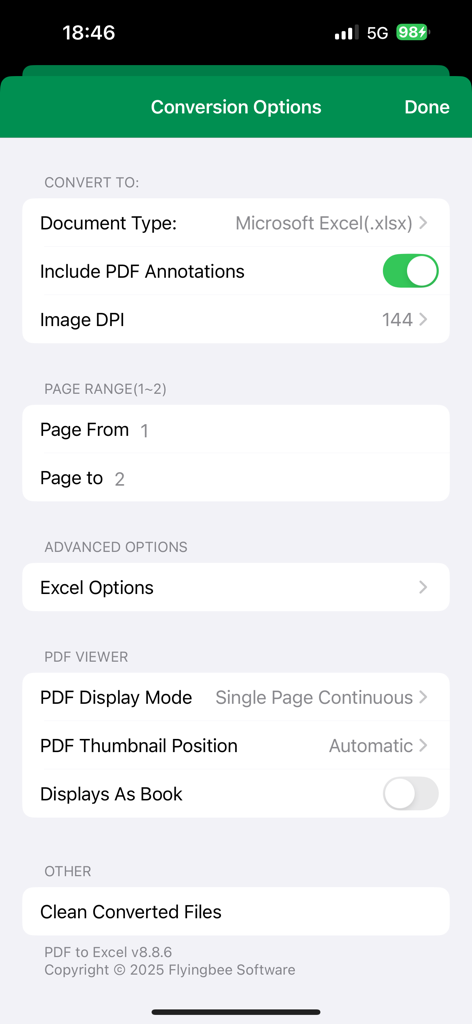
Benutzeroberfläche der PDF-zu-Excel-App mit Konvertierungsoptionen wie Dokumenttyp, Seitenbereich und Anmerkungseinstellungen
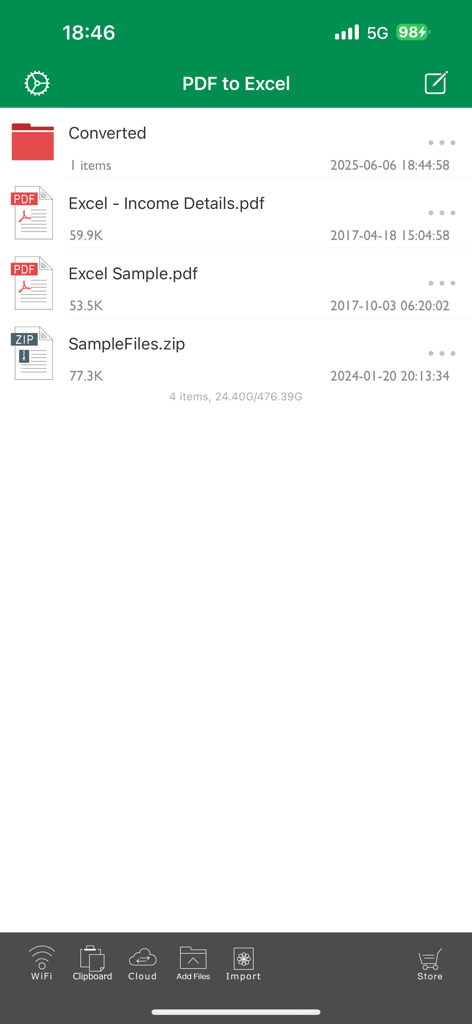
Die Dateiverwaltungsoberfläche der PDF-zu-Excel-App mit einer Liste von Dokumenten und Konvertierungsoptionen
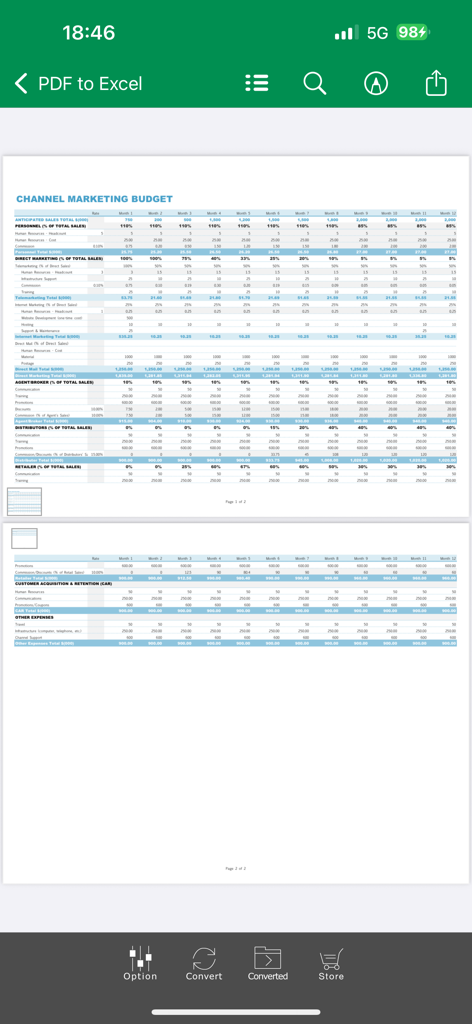
Eine App-Benutzeroberfläche, die eine Kanal-Marketingbudget-Tabelle im PDF-zu-Excel-Konverter anzeigt.
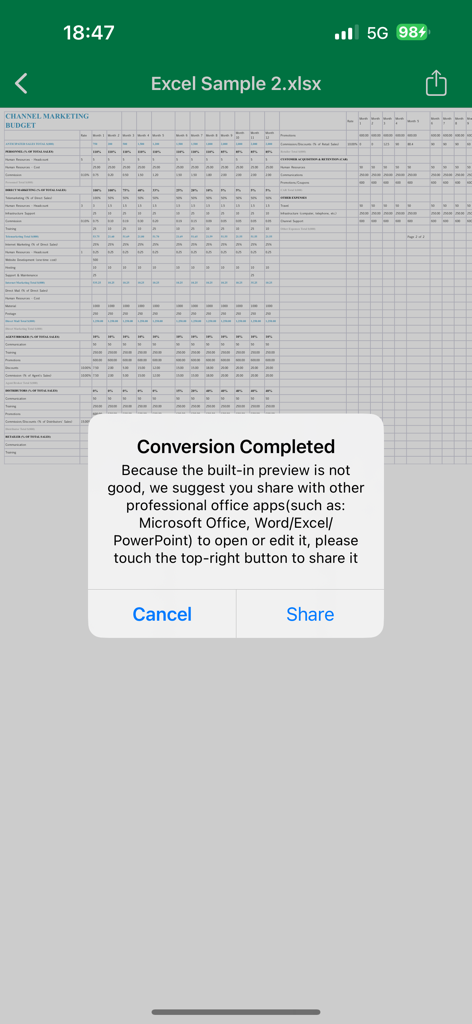
Ein Benachrichtigungs-Pop-up, das die erfolgreiche Konvertierung einer PDF-Datei in eine Excel-Tabelle mit einer Freigabeoption bestätigt
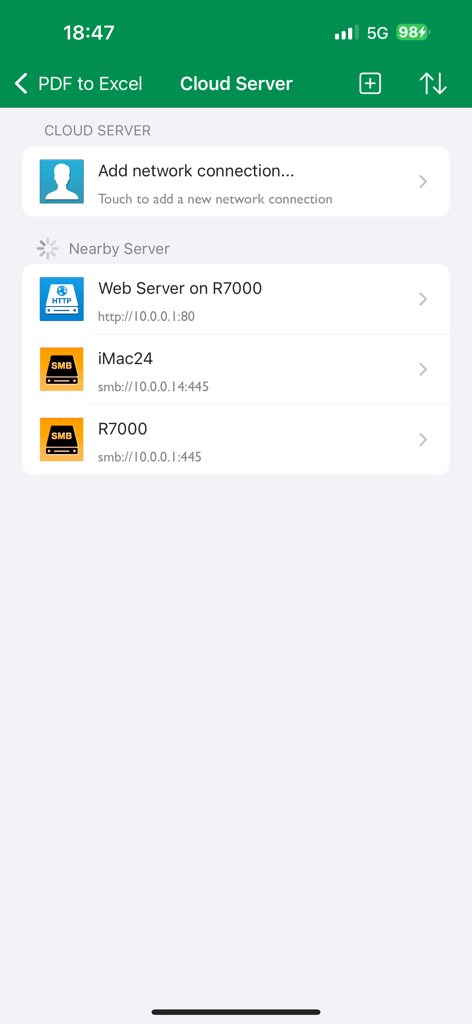
Benutzeroberfläche der PDF-zu-Excel-App mit Cloud-Server-Einstellungen und lokalen Netzwerkverbindungen in der Nähe wie SMB und HTTP.
Beschreibung
Download
Ähnliche Apps
Top-gerankte Apps in derselben Kategorie

Microsoft Teams
Microsoft Corporation

Zoom Workplace
Zoom Communications, Inc.

WhatsApp Business
WhatsApp Inc.

Indeed Job Search
Indeed Inc.

LinkedIn: Network & Job Finder
LinkedIn Corporation

Adobe Acrobat Reader: Sign PDF
Adobe Inc.

WeCom-Work Communication&Tools
Tencent Technology (Shenzhen) Company Limited

BOSS直聘-招聘求职找工作神器
Beijing China Product Bo Farce Network Technology Co., Ltd.

DingDing - Redefine Work in AI
DingTalk Technology Co., Ltd.
Diese Seite ist keine offizielle Seite der App oder ihres Entwicklers, sondern eine unabhängige redaktionelle Veröffentlichung, die zu Informations- und Kommentarzwecken erstellt wurde. Sofern nicht ausdrücklich anders angegeben, sind weder die App noch ihr Entwickler mit MWM, Apple, Google Play, dem App-Herausgeber oder dem Entwickler der App verbunden, von ihnen unterstützt, gesponsert, autorisiert oder anderweitig offiziell verbunden, und nichts auf dieser Seite impliziert, dass die App unter Verwendung der Dienste von MWM entwickelt wurde. Alle Marken, Logos, Screenshots und andere Inhalte bleiben Eigentum ihrer jeweiligen Inhaber.