
Diese Seite ist keine offizielle Seite der App oder ihres Entwicklers, sondern eine unabhängige redaktionelle Veröffentlichung, die zu Informations- und Kommentarzwecken erstellt wurde. Sofern nicht ausdrücklich anders angegeben, sind weder die App noch ihr Entwickler mit MWM, Apple, Google Play, dem App-Herausgeber oder dem Entwickler der App verbunden, von ihnen unterstützt, gesponsert, autorisiert oder anderweitig offiziell verbunden, und nichts auf dieser Seite impliziert, dass die App unter Verwendung der Dienste von MWM entwickelt wurde. Alle Marken, Logos, Screenshots und andere Inhalte bleiben Eigentum ihrer jeweiligen Inhaber.

Peak: Health & Fitness Widgets
Verwandeln Sie Ihre Apple Health-Daten in ein beeindruckendes, personalisiertes Dashboard. Bauen Sie nachhaltige Gewohnheiten mit flexiblen Zielen und 100 % Privatsphäre auf, exklusiv für Ihr iPhone, Ihre Watch und Ihr Vision Pro.
Downloads
8K+Bewertung
Bewertungen gesamt
100Herausgeber
Kategorie
Health & FitnessSprachen
3Neueste Version
5.0.4Größe
281.3 MBErstveröffentlichung
6. Juli 2023Meistern Sie Ihre Metriken
Verwandeln Sie Ihre Apple Health-Daten in ein personalisiertes Dashboard, das zu Ihrem Lebensstil passt. Von flexiblen Zielen bis hin zu beeindruckenden Widgets für den Home-Bildschirm hilft Ihnen Peak, Ihre Fitness im Griff zu behalten, ohne auszubrennen.
Nachhaltige Zielsetzung
Vergessen Sie den Druck perfekter Serien. Setzen Sie flexible 'Zeigen'-Ziele, die Ruhetage zulassen und Sie langfristig auf Kurs halten.
Design-orientierte Dashboards
Drücken Sie Ihren Stil mit über 80 Themen aus. Passen Sie Ihr iPhone, Ihre Apple Watch und Ihr Vision Pro mit Widgets an, die ebenso schön wie funktional sind.
Die folgenden Screenshots und die Beschreibung stammen direkt aus dem offiziellen Store-Eintrag der App und sind Eigentum des Entwicklers.
App Store
Screenshots
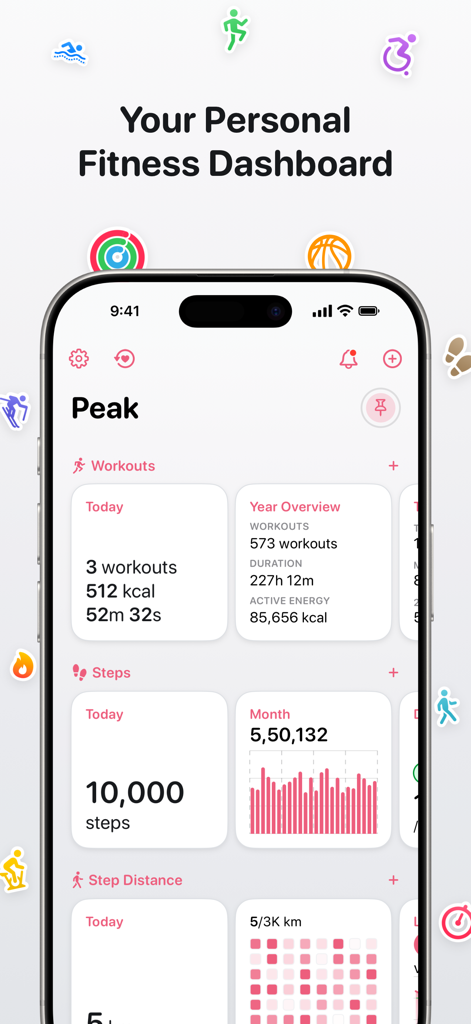
Ein persönliches Fitness-Dashboard auf einem iPhone, das tägliche Trainingseinheiten, Schrittzähler und Jahresübersichten mit sauberen Datenvisualisierungen anzeigt.
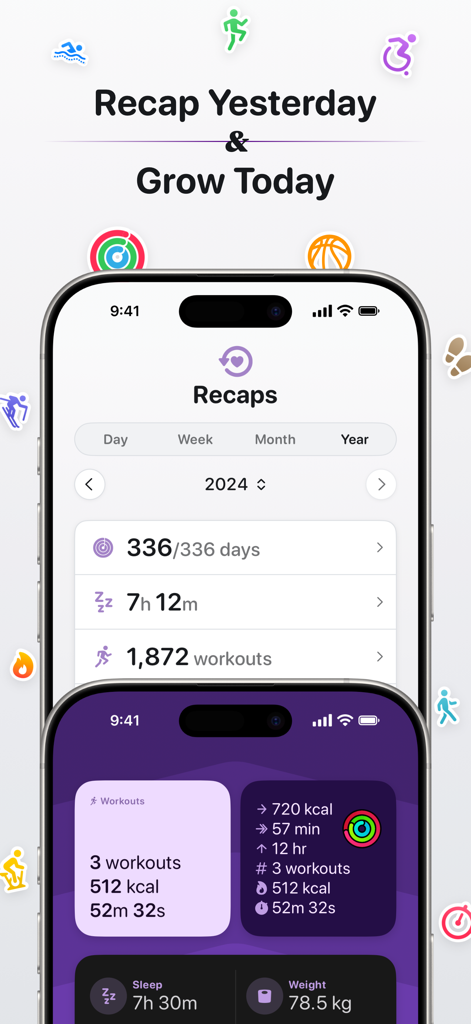
Jährliche Gesundheitsübersichten und anpassbare Aktivitäts-Dashboard-Widgets in der Peak-Fitness-App
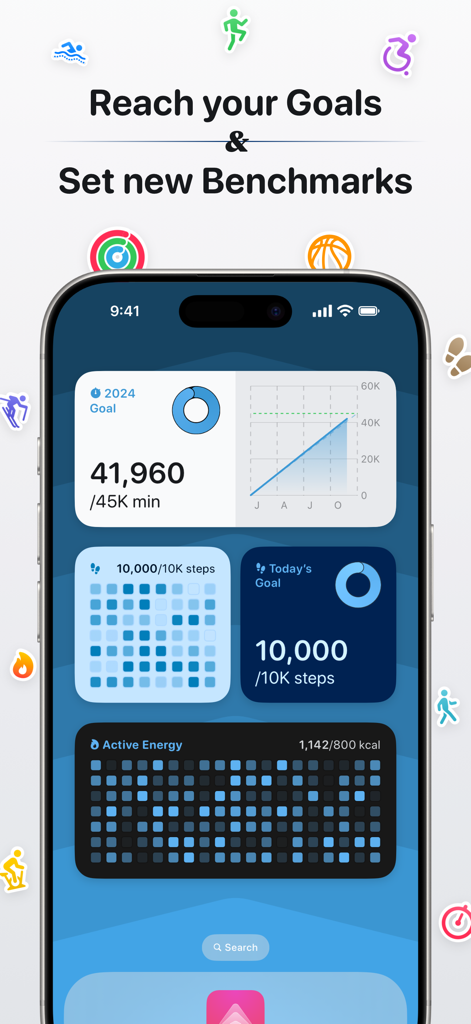
iPhone zeigt das Peak-Gesundheits- und Fitness-Dashboard mit Zielen und Benchmark-Widgets an
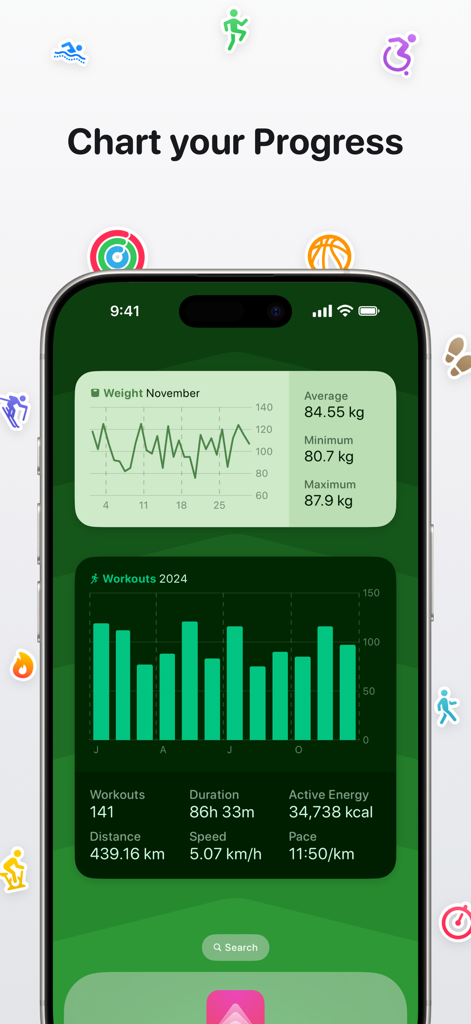
Peak-App-Dashboard auf einem iPhone, das detaillierte Gewichts- und Trainingsfortschrittsdiagramme mit benutzerdefinierten Gesundheits-Widgets anzeigt
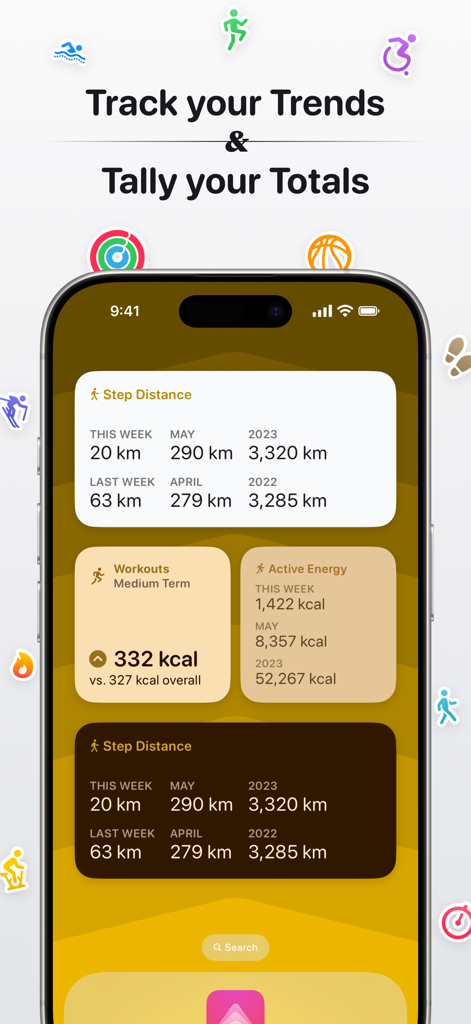
iPhone zeigt Peak-Gesundheits-Widgets zur Verfolgung von wöchentlichen und monatlichen Fitnesstrends und -summen an
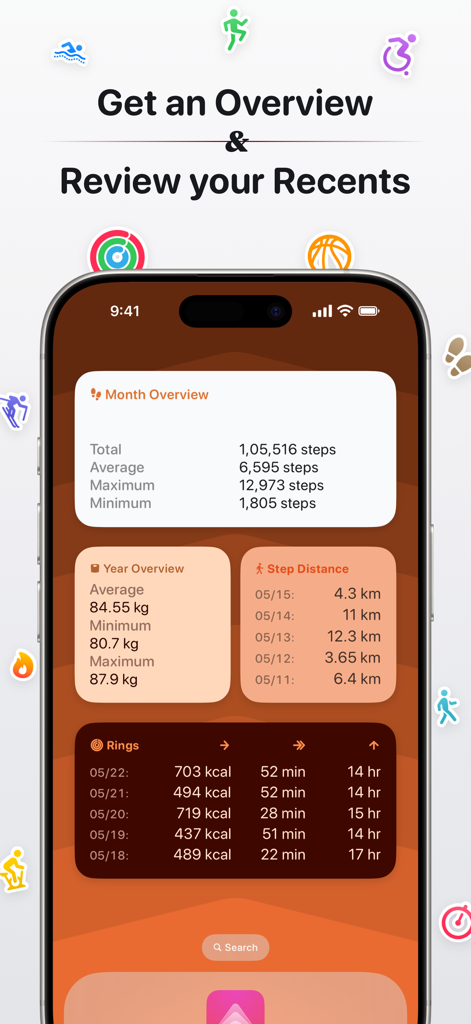
iPhone-Anzeige mit Peak-App-Fitness-Dashboard mit Widgets für Schritte, Gewicht und Aktivitätsringe
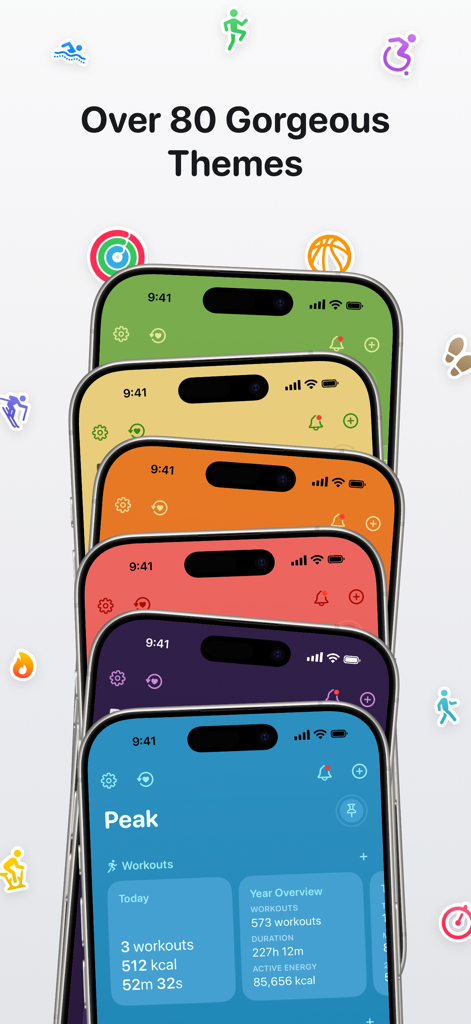
Ein Stapel iPhones, der verschiedene farbenfrohe Gesundheits-Dashboard-Themen in der Peak-App mit verschiedenen schwebenden Fitness-Symbolen zeigt.
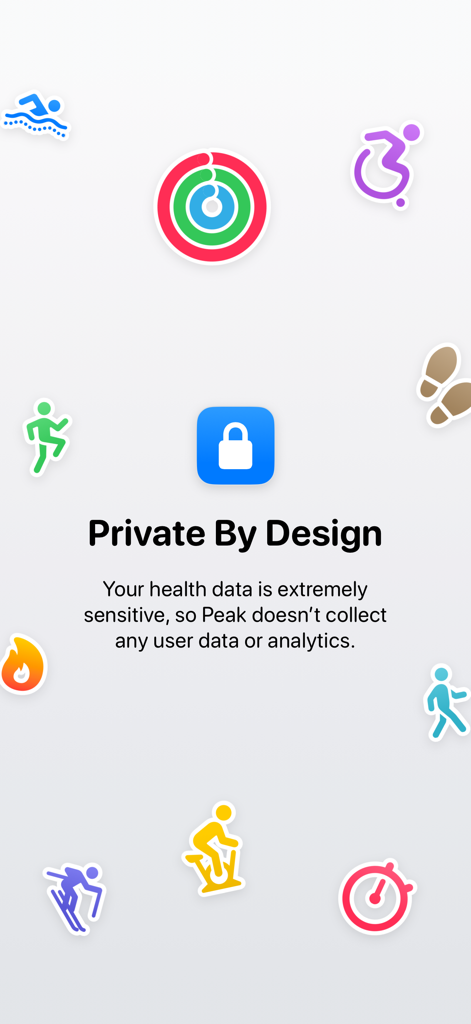
Ein Bildschirm aus der Peak-App mit dem Titel 'Privat by Design', der erklärt, dass keine Benutzerdaten oder Analysen gesammelt werden, umgeben von farbenfrohen Aktivitäts-Symbolen und einem zentralen Schlosssymbol.
Beschreibung
Download
Ähnliche Apps
Top-gerankte Apps in derselben Kategorie

Strava: Run, Bike, Walk
Strava Inc.

Flo Cycle & Period Tracker
FLO HEALTH UK LIMITED

AI Calorie Tracker by Yazio
YAZIO GmbH

MyFitnessPal: Calorie Counter
MyFitnessPal, Inc.

Mi Fitness (Xiaomi Wear Lite)
Beijing Xiaomi Co., Ltd

美柚 - 经期·备孕·怀孕·育儿&亲友版
Xiamen Meet You Co., Ltd.

Cal AI - Calorie Tracker
Viral Development LLC

Yuka - Food & Cosmetic Scanner
Yuca

BitePal: Food Tracker Pet
REFACE LITHUANIA UAB
Diese Seite ist keine offizielle Seite der App oder ihres Entwicklers, sondern eine unabhängige redaktionelle Veröffentlichung, die zu Informations- und Kommentarzwecken erstellt wurde. Sofern nicht ausdrücklich anders angegeben, sind weder die App noch ihr Entwickler mit MWM, Apple, Google Play, dem App-Herausgeber oder dem Entwickler der App verbunden, von ihnen unterstützt, gesponsert, autorisiert oder anderweitig offiziell verbunden, und nichts auf dieser Seite impliziert, dass die App unter Verwendung der Dienste von MWM entwickelt wurde. Alle Marken, Logos, Screenshots und andere Inhalte bleiben Eigentum ihrer jeweiligen Inhaber.