
Diese Seite ist keine offizielle Seite der App oder ihres Entwicklers, sondern eine unabhängige redaktionelle Veröffentlichung, die zu Informations- und Kommentarzwecken erstellt wurde. Sofern nicht ausdrücklich anders angegeben, sind weder die App noch ihr Entwickler mit MWM, Apple, Google Play, dem App-Herausgeber oder dem Entwickler der App verbunden, von ihnen unterstützt, gesponsert, autorisiert oder anderweitig offiziell verbunden, und nichts auf dieser Seite impliziert, dass die App unter Verwendung der Dienste von MWM entwickelt wurde. Alle Marken, Logos, Screenshots und andere Inhalte bleiben Eigentum ihrer jeweiligen Inhaber.


PianoRemote
Entfesseln Sie das volle Potenzial Ihres Instruments mit einer eleganten Touchscreen-Oberfläche. Passen Sie mühelos Ihren Klang mit den Virtual Technician-Einstellungen an, greifen Sie auf Hunderte integrierte Lektionen zu und verwalten Sie Ihre Musikbibliothek nahtlos über Bluetooth MIDI.
Downloads
48K+Bewertung
Bewertungen gesamt
200Herausgeber
Kategorie
MusicSprachen
2Neueste Version
1.1.12Größe
79.9 MBErstveröffentlichung
10. Apr. 2020Meistern Sie Ihre Performance mit Leichtigkeit
Entfesseln Sie das volle Potenzial Ihres Kawai Digitalpianos mit einer eleganten, intuitiven Oberfläche, die klobige Tasten durch moderne Touch-Steuerung ersetzt.
Intuitive Touch-Oberfläche
Überspringen Sie komplexe manuellen Codes. Wählen Sie mühelos Klänge aus und passen Sie Einstellungen mit einer schönen Benutzeroberfläche an, die das hochwertige Aussehen Ihres Kawai-Instruments widerspiegelt.
Professionelle Klanggestaltung
Werden Sie Ihr eigener Klaviertechniker. Nutzen Sie den Virtual Technician, um Akustik fein abzustimmen, vom Hammeranschlag bis zur Dämpferresonanz, über Ihr iPad oder iPhone.
Die folgenden Screenshots und die Beschreibung stammen direkt aus dem offiziellen Store-Eintrag der App und sind Eigentum des Entwicklers.
App Store
Screenshots
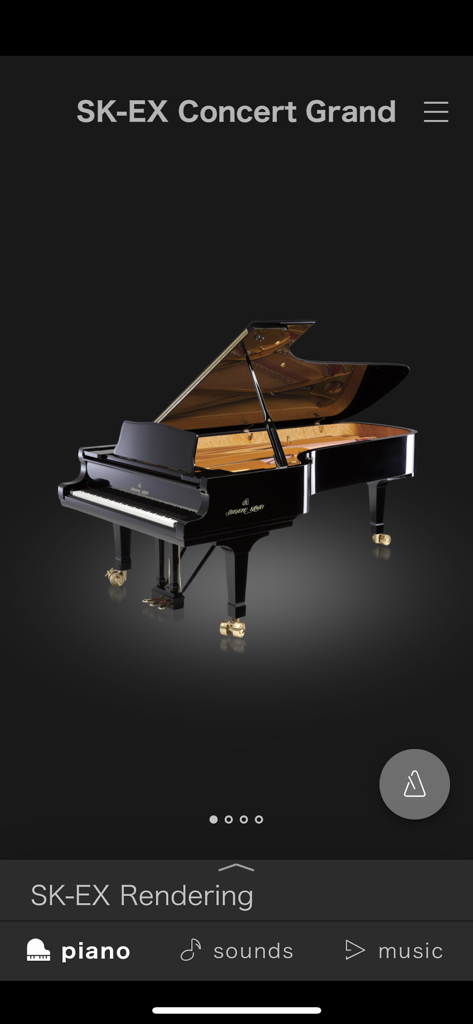
Oberfläche der PianoRemote-App, die den Auswahlbildschirm für den SK-EX Concert Grand-Klang mit einer detaillierten Klavierdarstellung zeigt
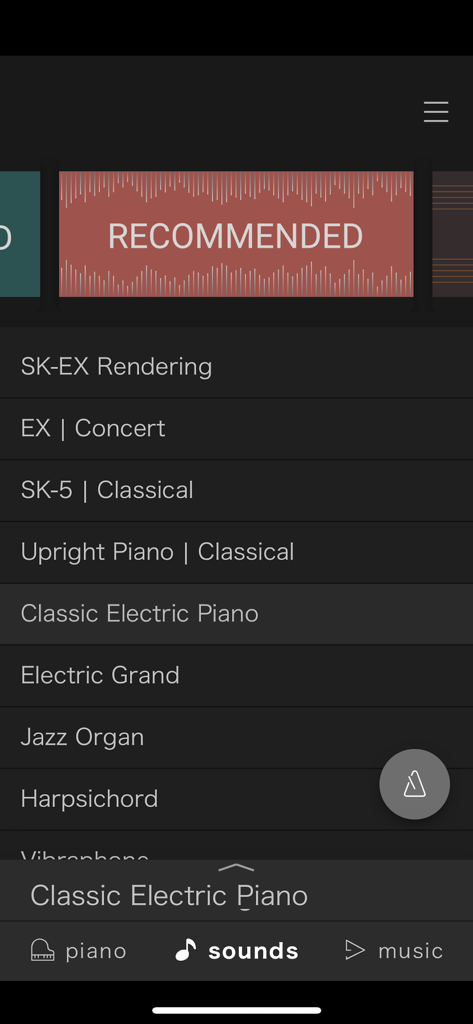
PianoRemote-App-Oberfläche, die eine Liste wählbarer Digitalpiano-Klänge anzeigt, darunter Konzertflügel, aufrecht und E-Piano-Optionen
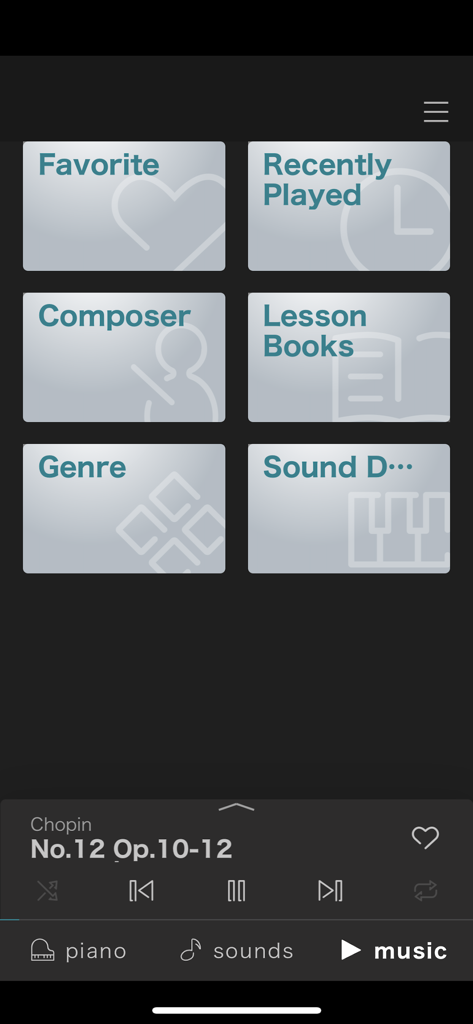
PianoRemote-App-Musikbibliothek-Oberfläche mit Kategorien wie Komponist und Liederbücher mit einem Wiedergabesteuergerät
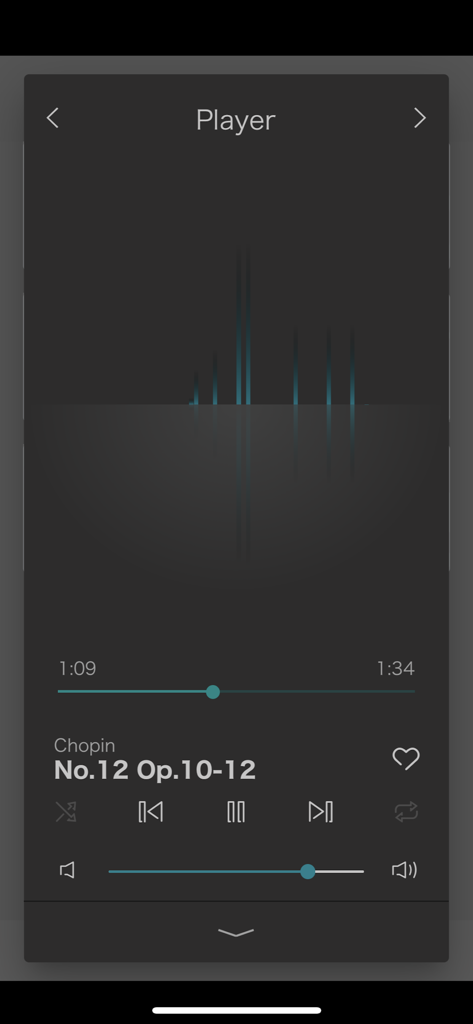
Ein Screenshot des PianoRemote-App-Musikplayers, der Wiedergabesteuerungen und ein Chopin-Klavierstück anzeigt
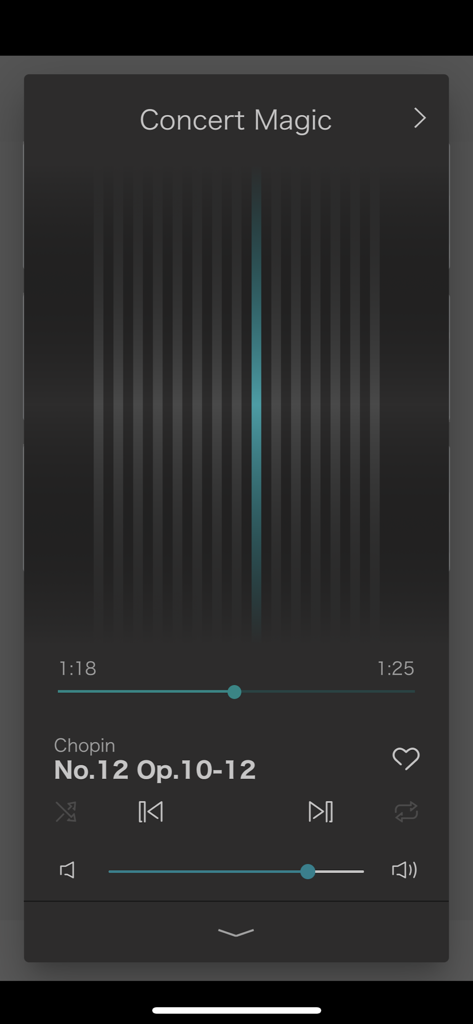
Die Concert Magic-Musikplayer-Oberfläche innerhalb der PianoRemote-App
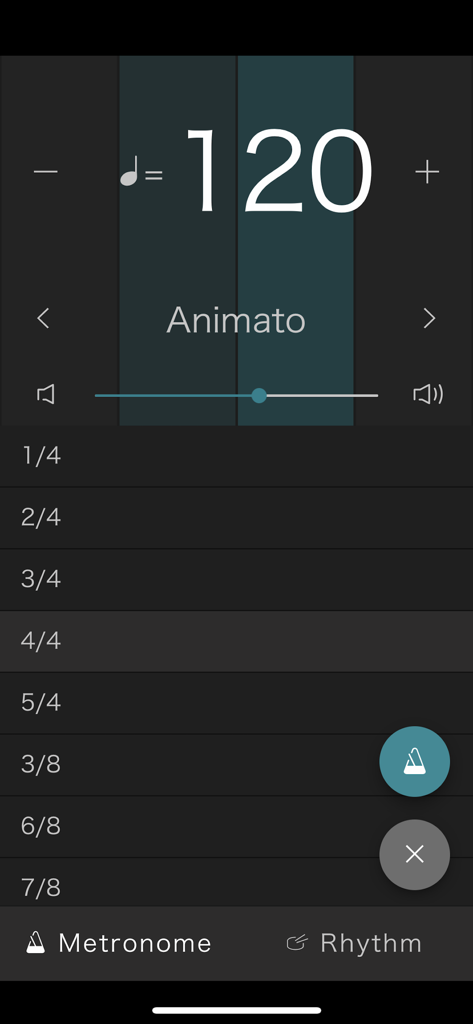
PianoRemote-App-Metronom-Bildschirm für Kawai Digitalpianos, der ein Tempo von 120 BPM und eine Liste von Taktarten anzeigt.
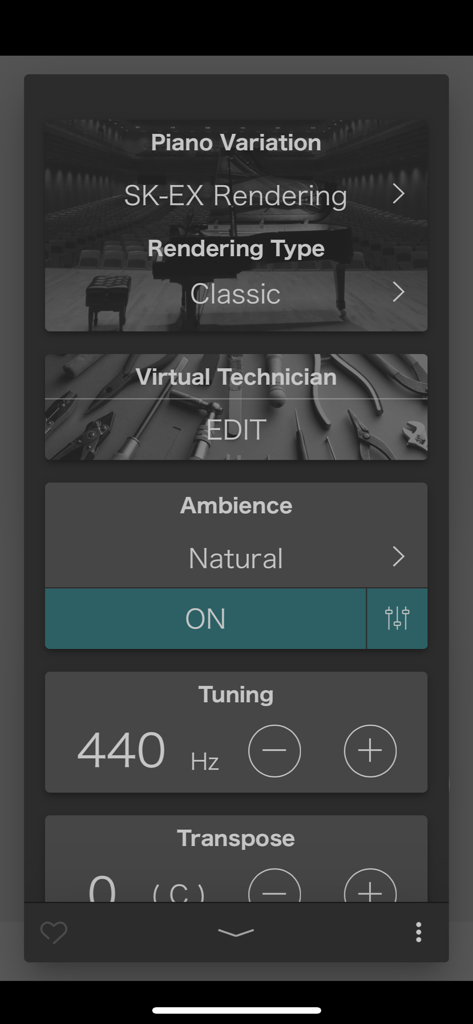
Kawai PianoRemote-App-Oberfläche, die Variationen des Klavierklangs und Einstellungen zur Klangabstimmung anzeigt
Beschreibung
Download
Ähnliche Apps
Top-gerankte Apps in derselben Kategorie

Spotify: Music and Podcasts
Spotify

YouTube Music
Google LLC

Shazam: Find Music & Concerts
Apple Inc.

SoundCloud: The Music You Love
SoundCloud Global Limited & Co KG

Suno - AI Songs & Music
Suno Inc.

QQ音乐 - 听我想听
Tencent Technology (Shenzhen) Company Limited

Audiomack - Play Music Offline
Audiomack, Inc.

GuitarTuna: Tune & Play Guitar
Yousician Ltd

BandLab – Music Maker & Beats
BandLab Singapore Pte Ltd
Diese Seite ist keine offizielle Seite der App oder ihres Entwicklers, sondern eine unabhängige redaktionelle Veröffentlichung, die zu Informations- und Kommentarzwecken erstellt wurde. Sofern nicht ausdrücklich anders angegeben, sind weder die App noch ihr Entwickler mit MWM, Apple, Google Play, dem App-Herausgeber oder dem Entwickler der App verbunden, von ihnen unterstützt, gesponsert, autorisiert oder anderweitig offiziell verbunden, und nichts auf dieser Seite impliziert, dass die App unter Verwendung der Dienste von MWM entwickelt wurde. Alle Marken, Logos, Screenshots und andere Inhalte bleiben Eigentum ihrer jeweiligen Inhaber.