
Diese Seite ist keine offizielle Seite der App oder ihres Entwicklers, sondern eine unabhängige redaktionelle Veröffentlichung, die zu Informations- und Kommentarzwecken erstellt wurde. Sofern nicht ausdrücklich anders angegeben, sind weder die App noch ihr Entwickler mit MWM, Apple, Google Play, dem App-Herausgeber oder dem Entwickler der App verbunden, von ihnen unterstützt, gesponsert, autorisiert oder anderweitig offiziell verbunden, und nichts auf dieser Seite impliziert, dass die App unter Verwendung der Dienste von MWM entwickelt wurde. Alle Marken, Logos, Screenshots und andere Inhalte bleiben Eigentum ihrer jeweiligen Inhaber.


Pixel Studio PRO for pixel art
Erwecken Sie Ihre Retro-Visionen mit professionellen Ebenen, Frame-by-Frame-Animationen und nahtloser plattformübergreifender Synchronisierung zum Leben. Egal, ob Sie Indie-Game-Sprites oder Meisterwerke für soziale Medien erstellen, mit dem Tool, dem über 2 Millionen Künstler vertrauen, können Sie überall und jederzeit erstellen.
Downloads
67K+Bewertung
Bewertungen gesamt
200Herausgeber
Kategorie
Graphics & DesignSprachen
26Neueste Version
5.42Größe
125.0 MBErstveröffentlichung
19. Aug. 2019Erstellen Sie Pixel-Perfektion überall
Von Frame-by-Frame-Animationen bis hin zu erweiterten Ebenenverwaltungen erhalten Sie die professionellen Werkzeuge, die Sie benötigen, um Assets für Spiele, soziale Medien oder Ihr nächstes Leidenschaftsprojekt zu erstellen.
Nahtloser plattformübergreifender Workflow
Beginnen Sie auf Ihrem iPad mit Apple Pencil und beenden Sie es auf Ihrem PC. Synchronisieren Sie über Google Drive und importieren Sie Aseprite-Dateien, um Ihre kreative Dynamik überall aufrechtzuerhalten.
Profi-Animationen und Spiele-Assets
Beherrschen Sie Frame-by-Frame-Animationen mit Onion-Skinning. Exportieren Sie Ihre Kreationen als Sprite-Sheets, GIFs oder MP4s mit Musik, bereit für Ihre Spiele-Engine oder Ihren sozialen Feed.
Die folgenden Screenshots und die Beschreibung stammen direkt aus dem offiziellen Store-Eintrag der App und sind Eigentum des Entwicklers.
App Store
Screenshots

Pixel Studio PRO mobile App-Oberfläche, die einen Pixel-Art-Charakter und Zeichenwerkzeuge zeigt
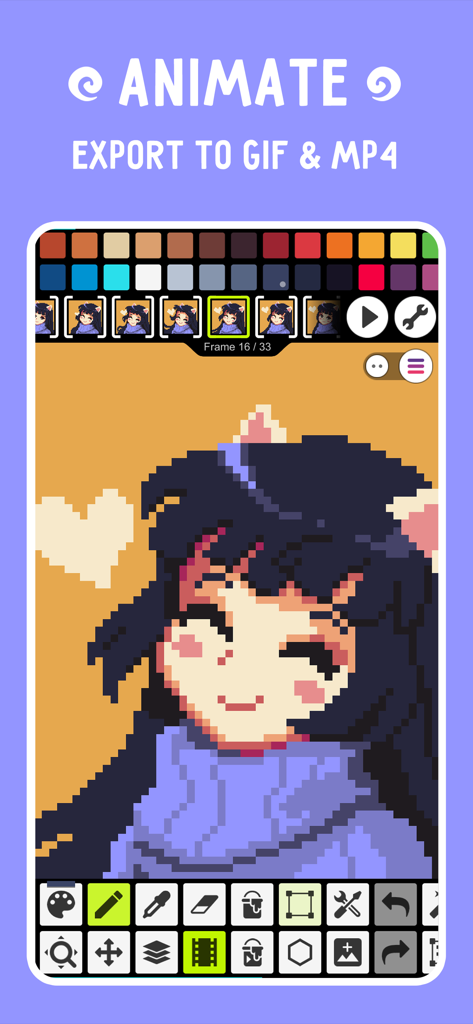
Pixel Studio PRO mobile Benutzeroberfläche, die eine Frame-by-Frame-Animation eines Pixel-Art-Charakters mit Optionen zum Export als GIF und MP4 zeigt
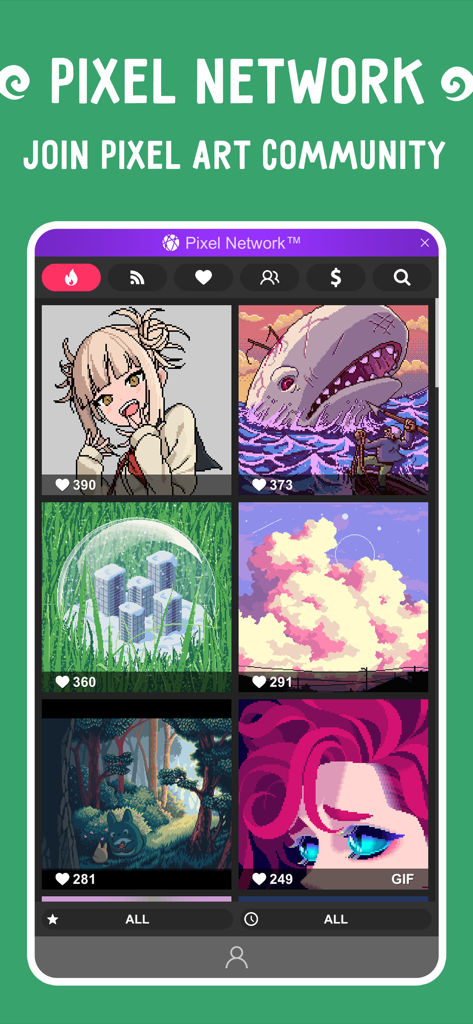
Pixel Network Community-Galerie mit Pixel-Art-Kreationen in Pixel Studio PRO
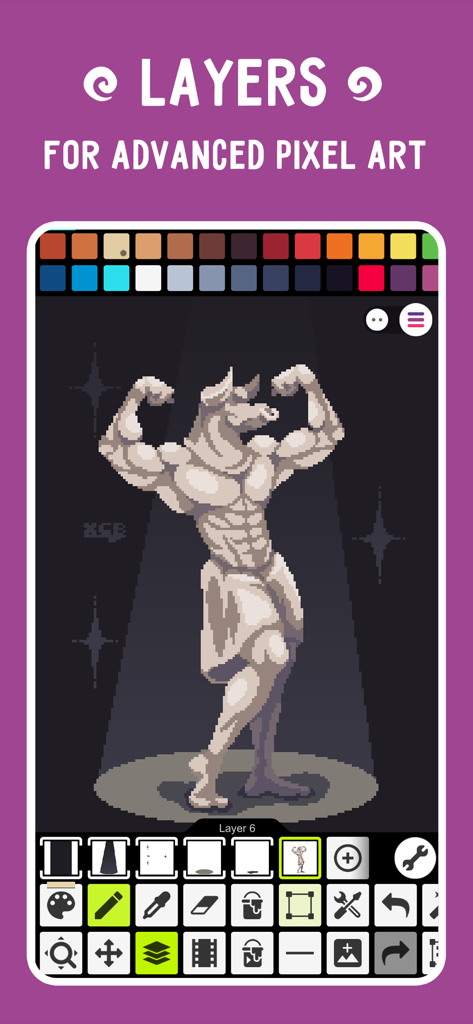
Pixel Studio PRO-Oberfläche, die Ebenen für fortgeschrittene Pixel-Art mit einer Statuen-Illustration demonstriert
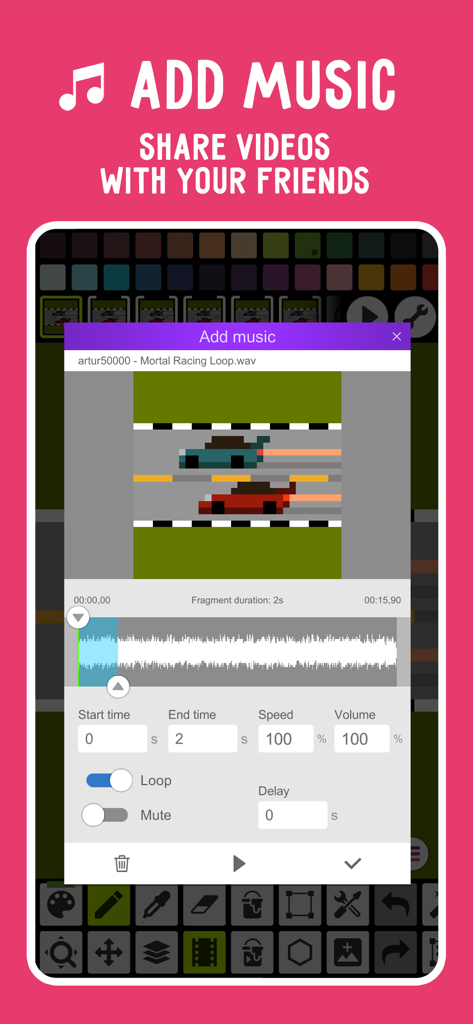
Benutzeroberfläche, die die Funktion zum Hinzufügen von Musik für eine Pixel-Art-Autorennen-Animation in Pixel Studio PRO zeigt
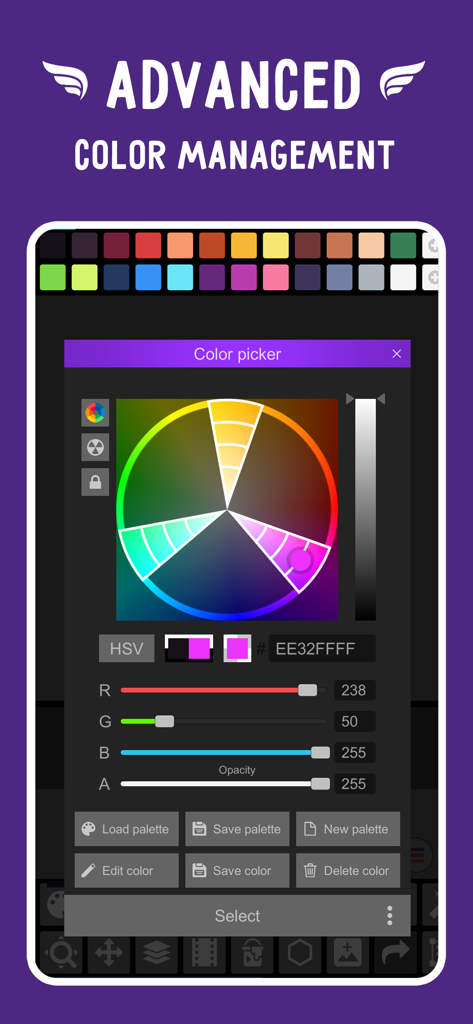
Erweiterter Farbauswahl- und Verwaltungs-Tool in Pixel Studio PRO
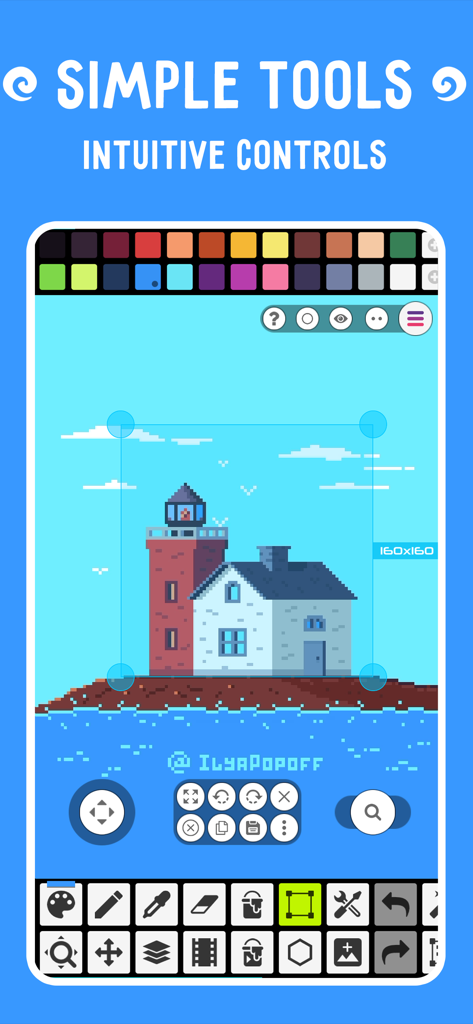
Eine Pixel-Art-Editor-Oberfläche, die eine Leuchtturm-Zeichnung und verschiedene kreative Werkzeuge zeigt
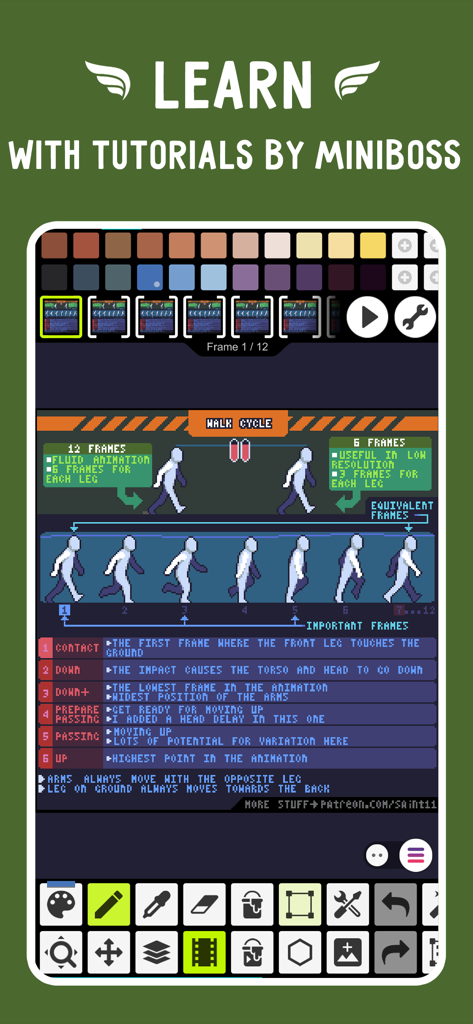
Pixel Studio PRO-Oberfläche mit einem Pixel-Art-Walk-Cycle-Animations-Tutorial
Beschreibung
Download
Ähnliche Apps
Top-gerankte Apps in derselben Kategorie

Kling AI: AI Image&Video Maker
LOHAS GAMES PTE. LTD.

iScreen - Widgets & Wallpaper
Xiamen ShenZhuo Information Technology Co., Ltd.

Dreamina AI: Image&Video Maker
BYTEDANCE PTE. LTD.

Home AI - AI Interior Design
HUBX YAZILIM HIZMETLERI ANONIM SIRKETI

ibis Paint X
ibis inc.

ThemeKit: Widget & Icon Themes
Woohoo Tech. Ltd.

Sketchbook®
Sketchbook, Inc.

Colorful Widget- Widget&Themes
Guangzhou ZHIFENG Information Technology Co.,Ltd.

ReRoom AI: Interior Design
GM UniverseApps Limited
Diese Seite ist keine offizielle Seite der App oder ihres Entwicklers, sondern eine unabhängige redaktionelle Veröffentlichung, die zu Informations- und Kommentarzwecken erstellt wurde. Sofern nicht ausdrücklich anders angegeben, sind weder die App noch ihr Entwickler mit MWM, Apple, Google Play, dem App-Herausgeber oder dem Entwickler der App verbunden, von ihnen unterstützt, gesponsert, autorisiert oder anderweitig offiziell verbunden, und nichts auf dieser Seite impliziert, dass die App unter Verwendung der Dienste von MWM entwickelt wurde. Alle Marken, Logos, Screenshots und andere Inhalte bleiben Eigentum ihrer jeweiligen Inhaber.