
Diese Seite ist keine offizielle Seite der App oder ihres Entwicklers, sondern eine unabhängige redaktionelle Veröffentlichung, die zu Informations- und Kommentarzwecken erstellt wurde. Sofern nicht ausdrücklich anders angegeben, sind weder die App noch ihr Entwickler mit MWM, Apple, Google Play, dem App-Herausgeber oder dem Entwickler der App verbunden, von ihnen unterstützt, gesponsert, autorisiert oder anderweitig offiziell verbunden, und nichts auf dieser Seite impliziert, dass die App unter Verwendung der Dienste von MWM entwickelt wurde. Alle Marken, Logos, Screenshots und andere Inhalte bleiben Eigentum ihrer jeweiligen Inhaber.


Pixen - pixel art editor
Erstellen Sie präzise 8-Bit-Sprites und flüssige Animationen mit dem leistungsstärksten nativen Tool für Indie-Game-Entwickler und digitale Künstler.
Downloads
43K+Bewertung
Bewertungen gesamt
300Herausgeber
Kategorie
Graphics & DesignSprachen
1Neueste Version
3.0.2Größe
6.6 MBErstveröffentlichung
11. Okt. 2016Profi-Pixel-Art, perfektioniert für das iPad
Von Retro-Game-Sprites bis hin zu modernen Lo-Fi-Loops – Pixen bietet die präzisen Werkzeuge und Animations-Workflows, die Sie benötigen, um Ihre 8-Bit-Visionen zum Leben zu erwecken.
Präzision mit dem Apple Pencil
Beherrschen Sie jeden Pixel mit dem 'Pixel Perfect'-Modus und voller Apple Pencil Pro Hover-Unterstützung für pixelgenaue Kontrolle.
Flüssiges Animationsstudio
Erwecken Sie Charaktere mit der intuitiven Filmstreifen-Ansicht zum Leben und exportieren Sie Ihre Arbeit als GIFs, Filme oder Sprite-Sheets.
Die folgenden Screenshots und die Beschreibung stammen direkt aus dem offiziellen Store-Eintrag der App und sind Eigentum des Entwicklers.
App Store
Screenshots
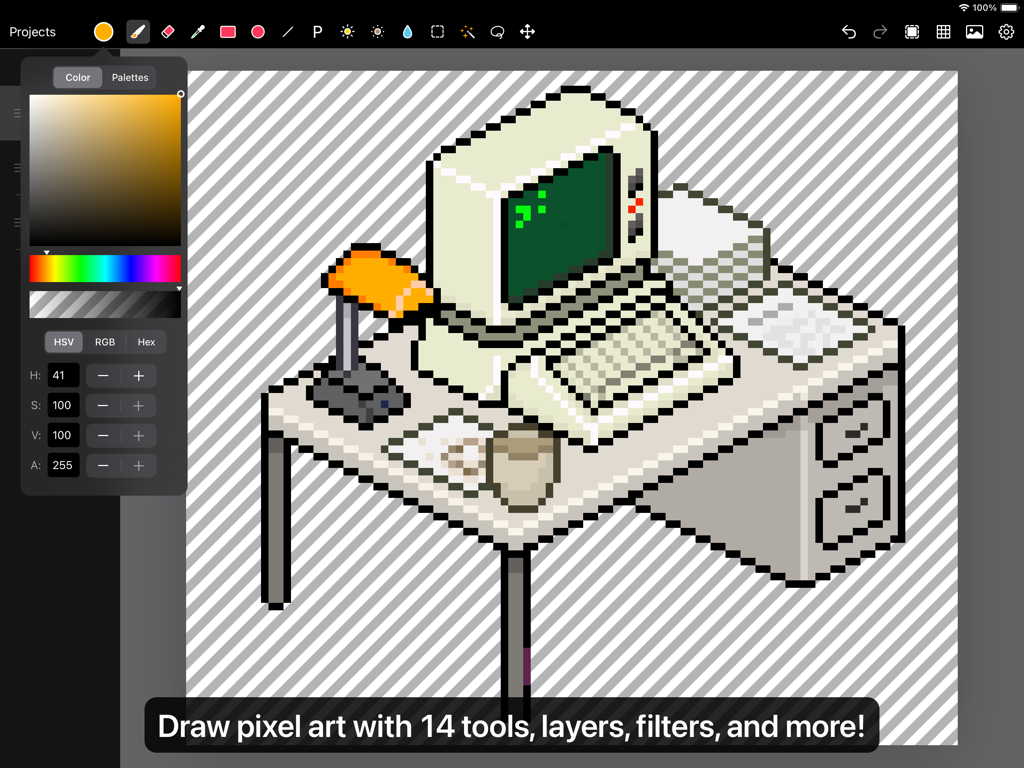
Benutzeroberfläche des Pixen Pixel-Art-Editors auf dem iPad, die eine Zeichnung eines Retro-Computers auf einem Schreibtisch zeigt
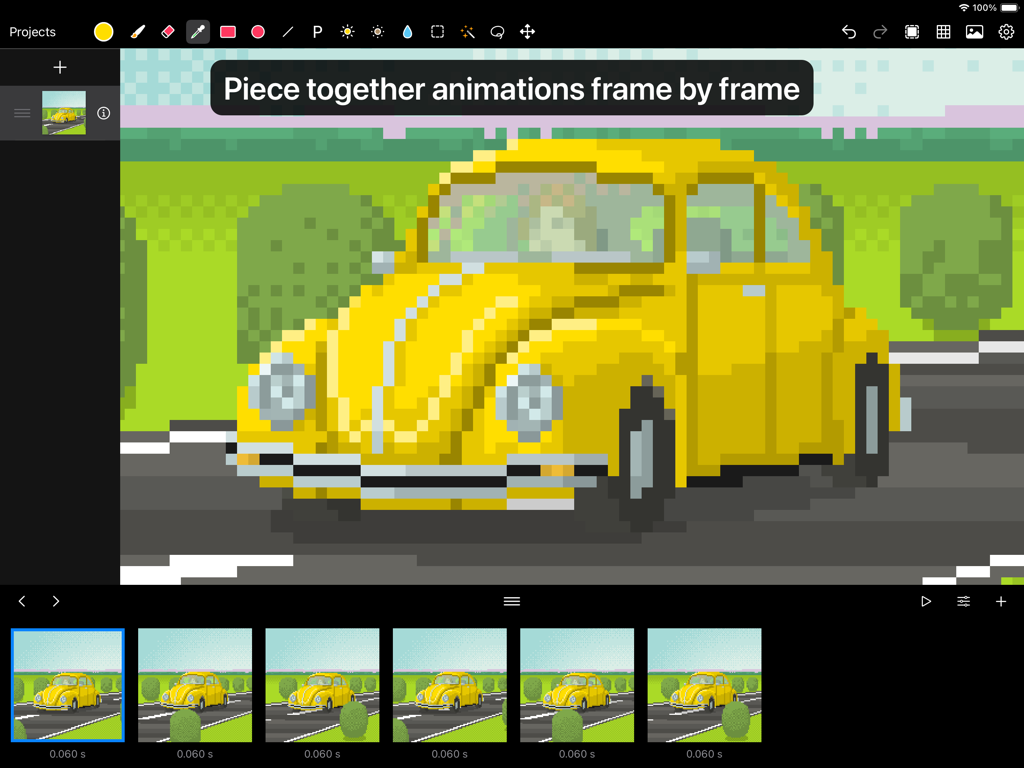
Pixen App-Oberfläche zeigt eine Frame-für-Frame Pixel-Art-Animation eines gelben Autos
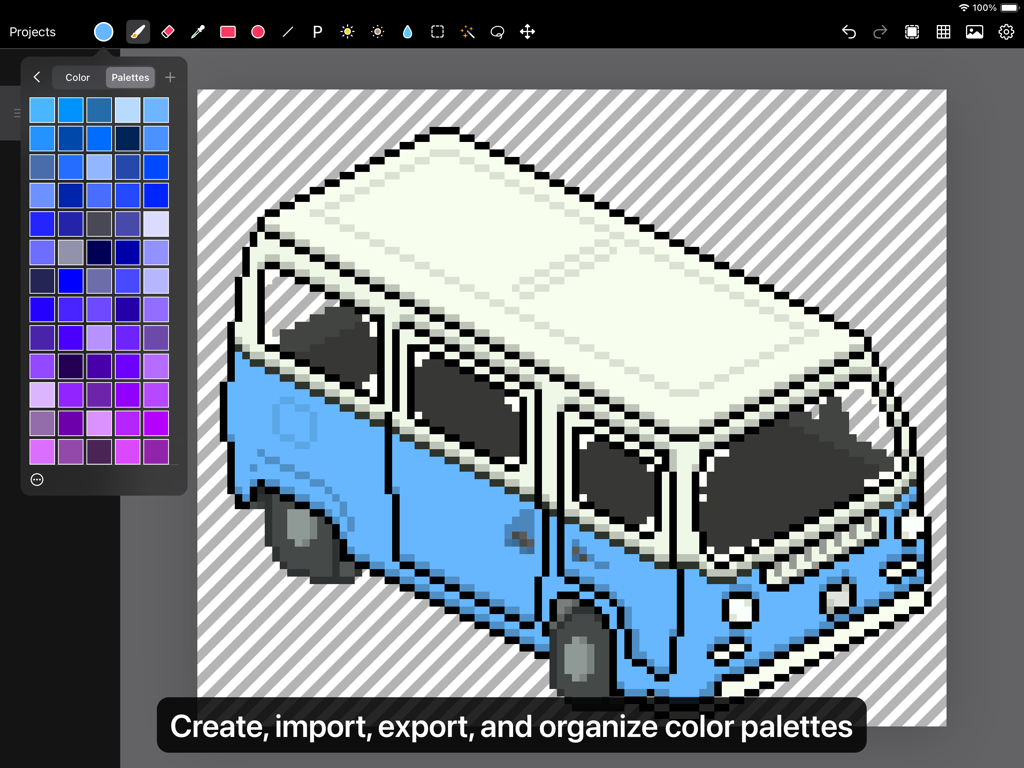
Eine isometrische Pixel-Art-Zeichnung eines blau-weißen Lieferwagens auf einem iPad mit geöffnetem Pixen-Farppaletten-Panel.
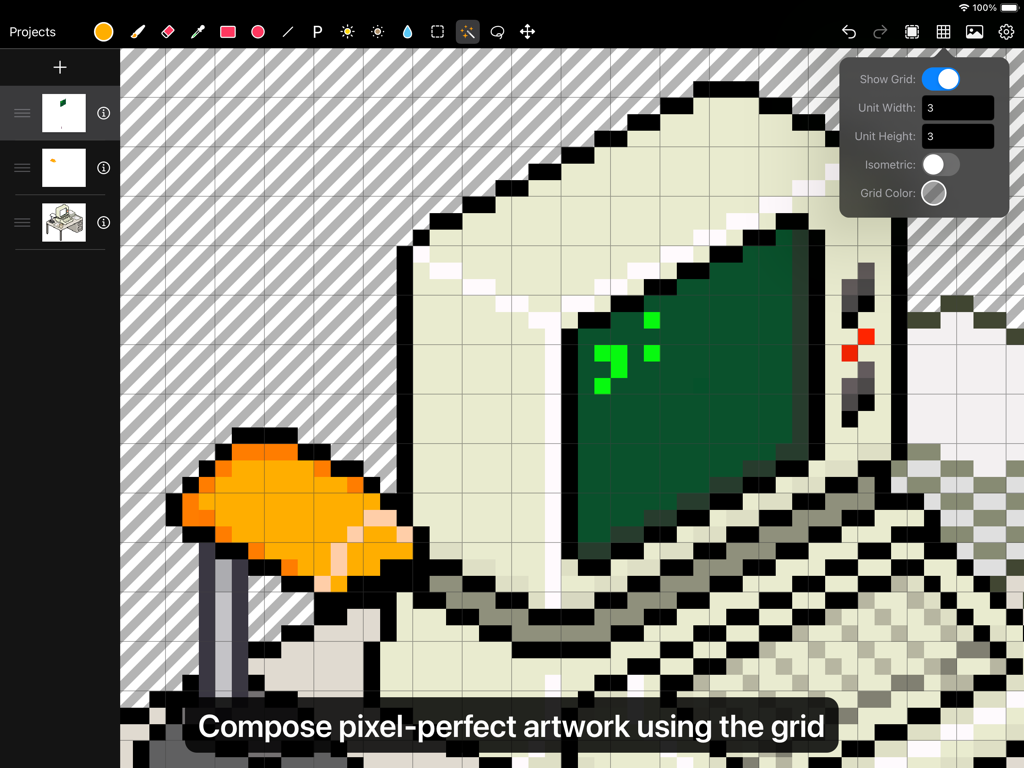
Benutzeroberfläche der Pixen App zeigt die Bearbeitung eines Pixel-Art-Computers mit einem Raster-Werkzeug-Overlay
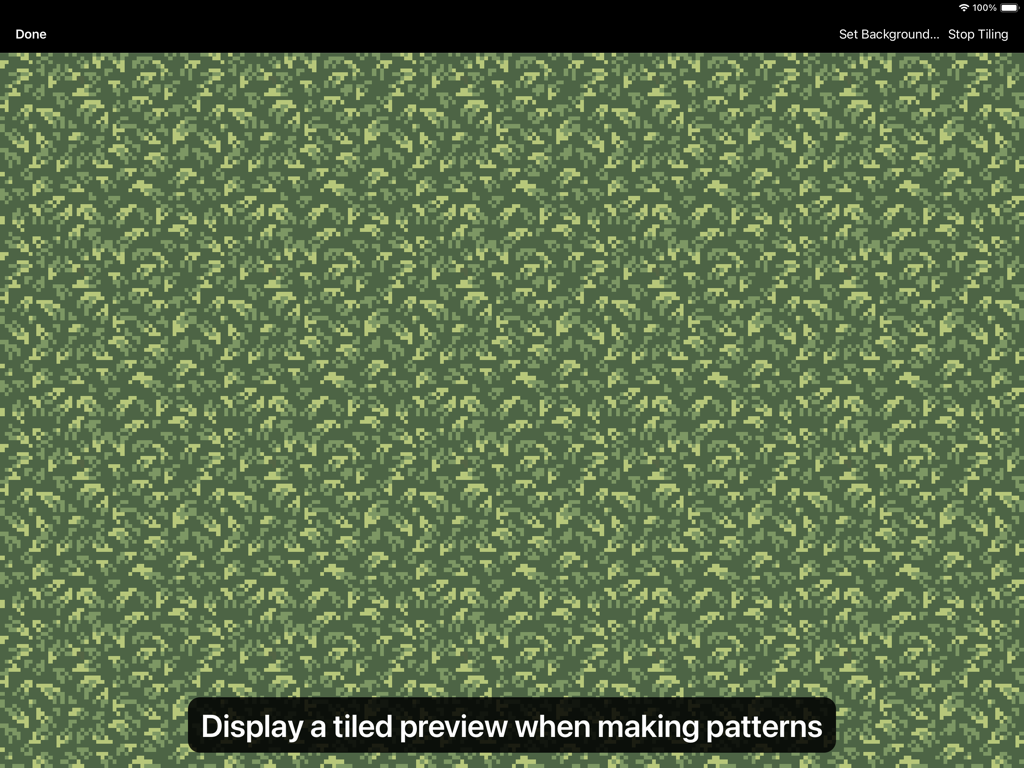
Eine gekachelte Vorschau eines Pixel-Art-Musters mit grünem Laub in der Pixen App-Oberfläche
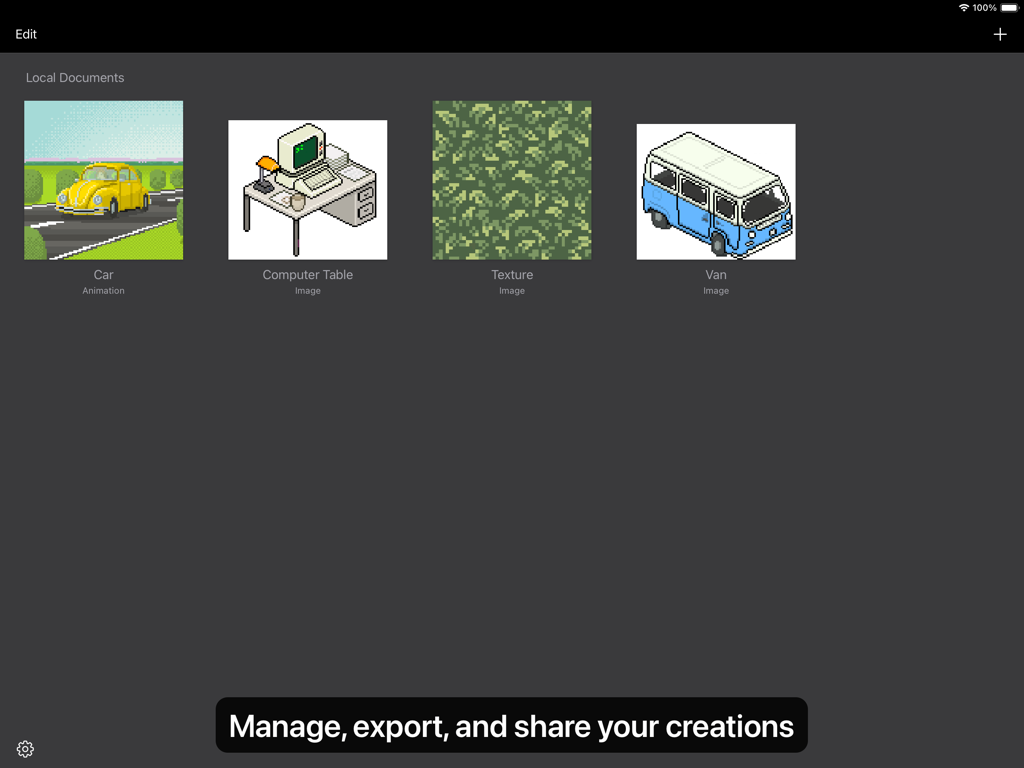
Eine Galerie-Ansicht in der Pixen App mit verschiedenen Pixel-Art-Kreationen wie einem Auto, Computertisch und einer Textur.
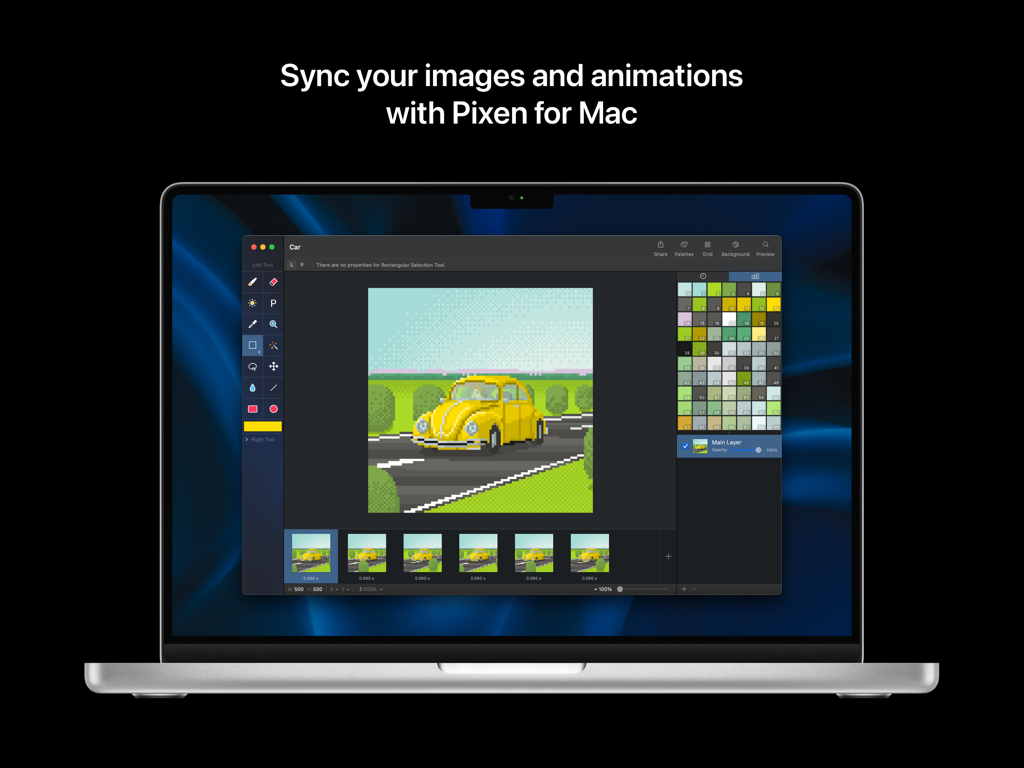
Pixen Pixel-Art-Editor-Oberfläche auf einem Mac-Laptop zeigt eine Auto-Animation und Farbpaletten
Beschreibung
Download
Ähnliche Apps
Top-gerankte Apps in derselben Kategorie

Kling AI: AI Image&Video Maker
LOHAS GAMES PTE. LTD.

iScreen - Widgets & Wallpaper
Xiamen ShenZhuo Information Technology Co., Ltd.

Dreamina AI: Image&Video Maker
BYTEDANCE PTE. LTD.

Home AI - AI Interior Design
HUBX YAZILIM HIZMETLERI ANONIM SIRKETI

ibis Paint X
ibis inc.

ThemeKit: Widget & Icon Themes
Woohoo Tech. Ltd.

Sketchbook®
Sketchbook, Inc.

Colorful Widget- Widget&Themes
Guangzhou ZHIFENG Information Technology Co.,Ltd.

ReRoom AI: Interior Design
GM UniverseApps Limited
Diese Seite ist keine offizielle Seite der App oder ihres Entwicklers, sondern eine unabhängige redaktionelle Veröffentlichung, die zu Informations- und Kommentarzwecken erstellt wurde. Sofern nicht ausdrücklich anders angegeben, sind weder die App noch ihr Entwickler mit MWM, Apple, Google Play, dem App-Herausgeber oder dem Entwickler der App verbunden, von ihnen unterstützt, gesponsert, autorisiert oder anderweitig offiziell verbunden, und nichts auf dieser Seite impliziert, dass die App unter Verwendung der Dienste von MWM entwickelt wurde. Alle Marken, Logos, Screenshots und andere Inhalte bleiben Eigentum ihrer jeweiligen Inhaber.