
Diese Seite ist keine offizielle Seite der App oder ihres Entwicklers, sondern eine unabhängige redaktionelle Veröffentlichung, die zu Informations- und Kommentarzwecken erstellt wurde. Sofern nicht ausdrücklich anders angegeben, sind weder die App noch ihr Entwickler mit MWM, Apple, Google Play, dem App-Herausgeber oder dem Entwickler der App verbunden, von ihnen unterstützt, gesponsert, autorisiert oder anderweitig offiziell verbunden, und nichts auf dieser Seite impliziert, dass die App unter Verwendung der Dienste von MWM entwickelt wurde. Alle Marken, Logos, Screenshots und andere Inhalte bleiben Eigentum ihrer jeweiligen Inhaber.


Privacy Guard: Photos & Docs
Finden und schützen Sie sofort sensible Ausweise, Kreditkarten und Kontoauszüge, die in Ihrer Kamera-Rolle versteckt sind, mit sicherer, 100% geräteinterner KI-Scan.
Downloads
0Bewertung
Bewertungen gesamt
0Herausgeber
Kategorie
UtilitiesSprachen
2Neueste Version
1.6Größe
15.4 MBErstveröffentlichung
12. Nov. 2024Schützen Sie Ihre Identität, nicht nur Ihre Fotos
Übernehmen Sie die volle Kontrolle über Ihren digitalen Fußabdruck mit fortschrittlicher KI, die sensible Daten in Ihrer Kamera-Rolle erkennt und schützt – und das alles, ohne dass Ihre Daten jemals Ihr Gerät verlassen.
100% Verarbeitung auf dem Gerät
Ihre Privatsphäre ist nicht verhandelbar. Jeder Scan findet lokal auf Ihrem Telefon statt, um sicherzustellen, dass Ihre sensiblen Dokumente niemals in die Cloud hochgeladen oder an Dritte weitergegeben werden.
Intelligente Risikokategorisierung
Sparen Sie stundenlanges manuelles Scrollen. Unsere KI identifiziert und gruppiert sofort kritische Elemente wie Reisepässe, Kreditkarten und Kontoauszüge, damit Sie diese sofort sichern können.
Die folgenden Screenshots und die Beschreibung stammen direkt aus dem offiziellen Store-Eintrag der App und sind Eigentum des Entwicklers.
App Store
Screenshots
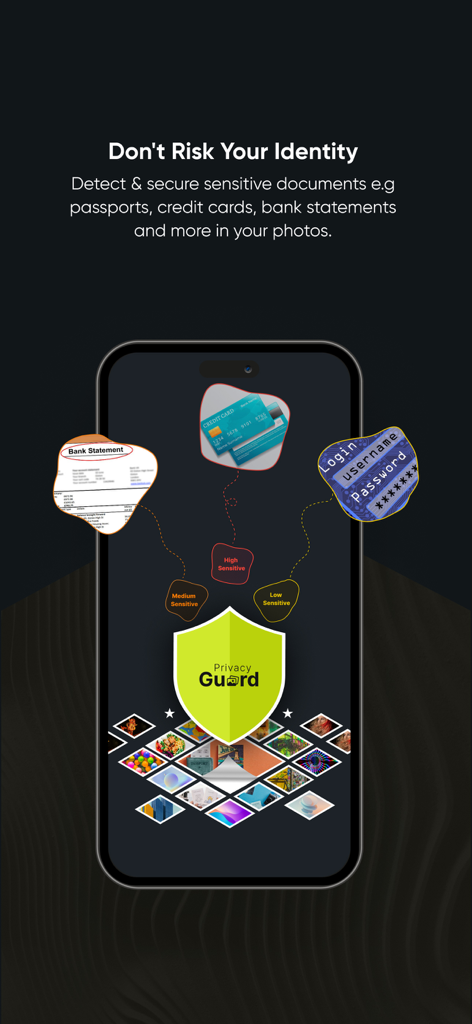
Privacy Guard App-Oberfläche, die sensible Dokumente wie Kontoauszüge und Kreditkarten in einer Fotobibliothek zur Identitätssicherung identifiziert.
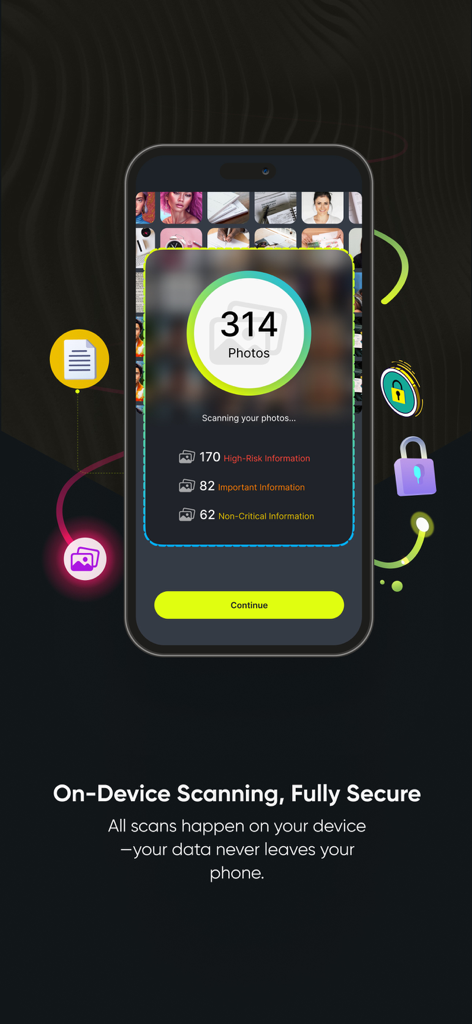
Privacy Guard App-Oberfläche, die Scanergebnisse für sensible Fotos und Dokumente anzeigt.
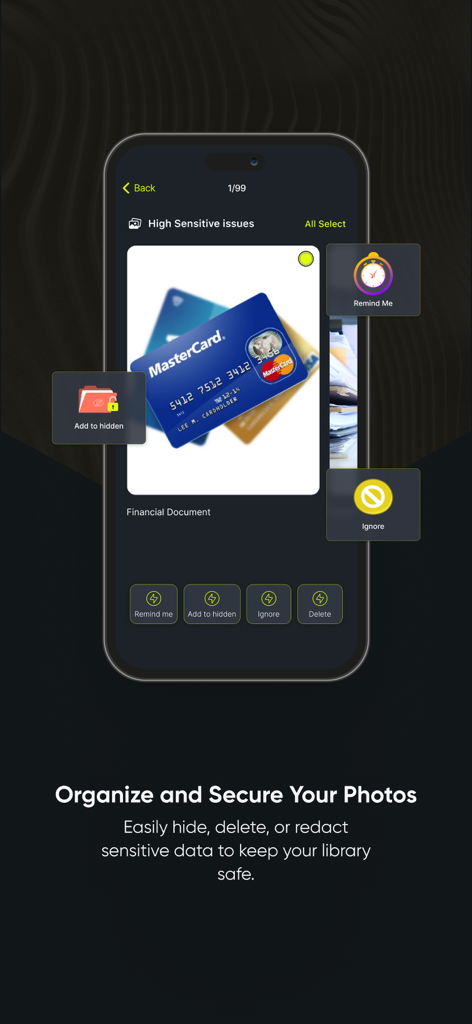
Privacy Guard App-Oberfläche, die sensible Finanzfotos identifiziert und Optionen zum Ausblenden oder Löschen bietet.
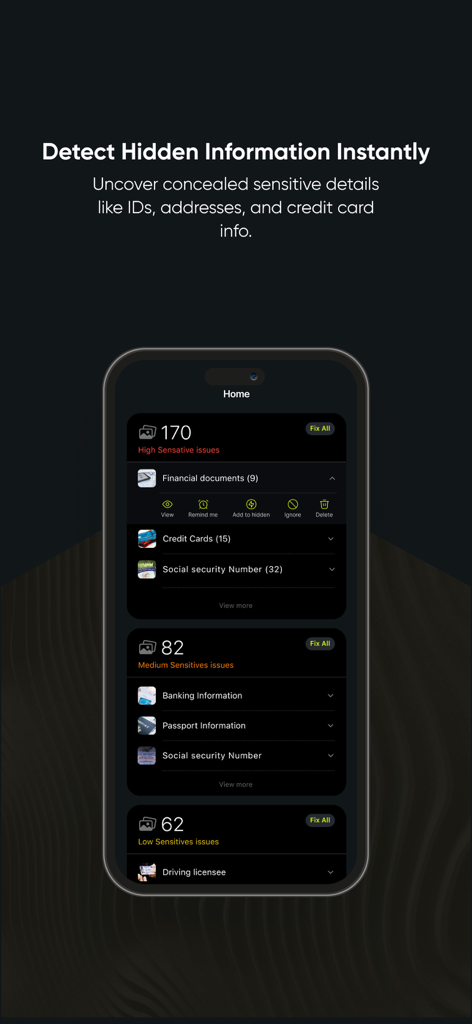
Privacy Guard App-Oberfläche, die die Erkennung und Kategorisierung sensibler Dokumente wie Ausweise und Kreditkarten zeigt.
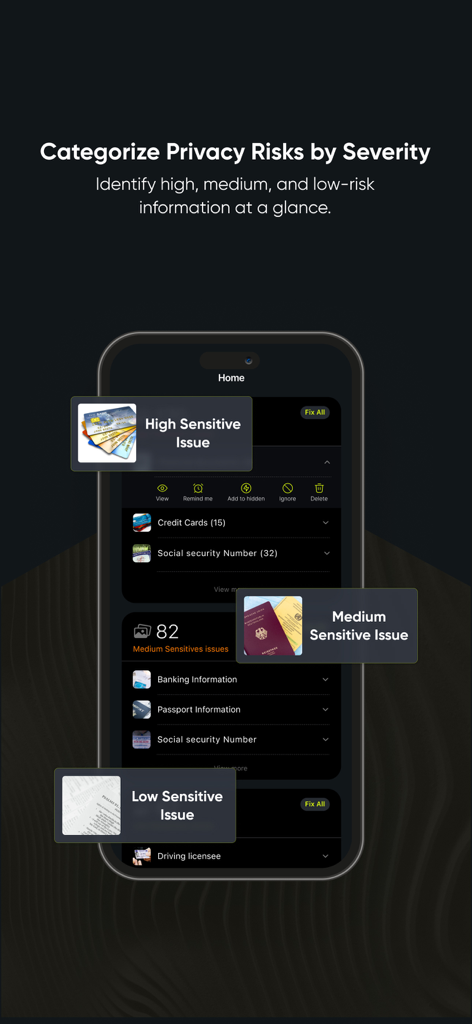
Privacy Guard App-Oberfläche, die sensible Dokumente nach Risikostufen (hoch, mittel, niedrig) kategorisiert.
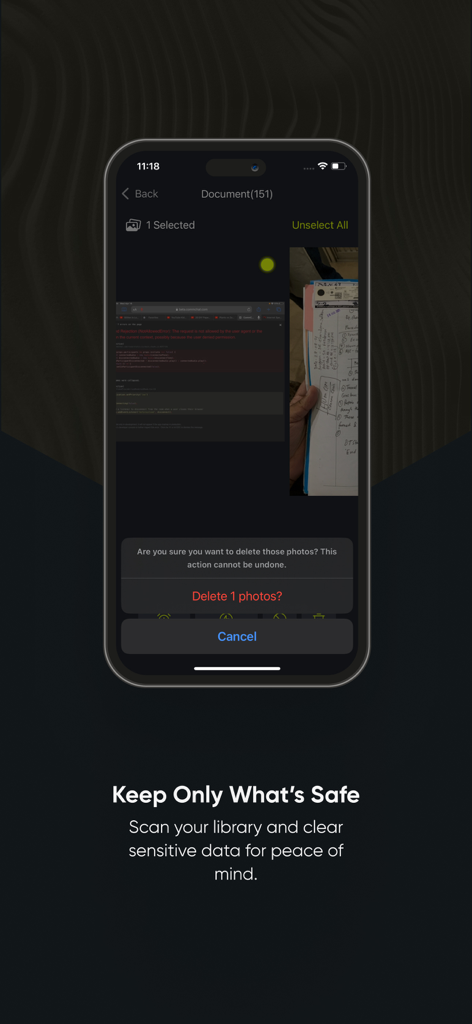
Ein mobiler Bildschirm der Privacy Guard App, der eine Aufforderung zum Löschen sensibler Dokumentenfotos aus Sicherheitsgründen anzeigt.
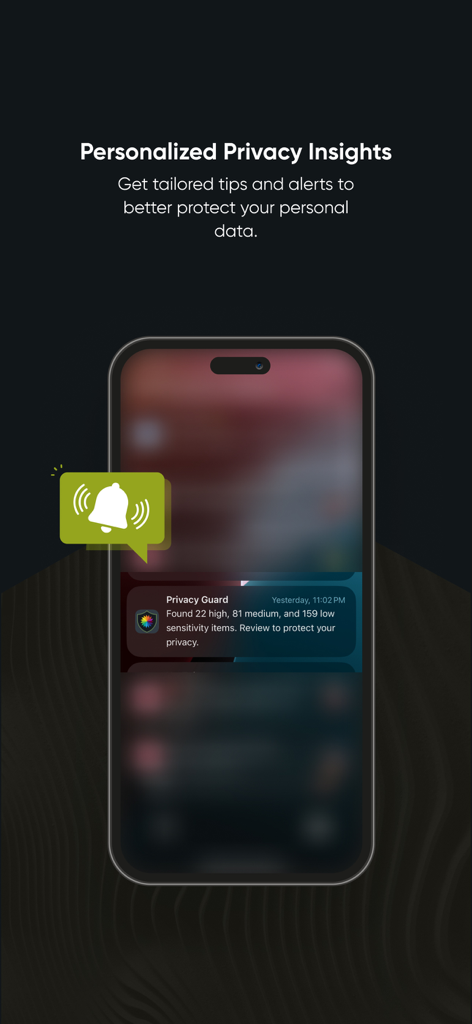
Privacy Guard App, die auf einem Smartphone-Bildschirm eine Benachrichtigung über erkannte hochsensible Elemente anzeigt.
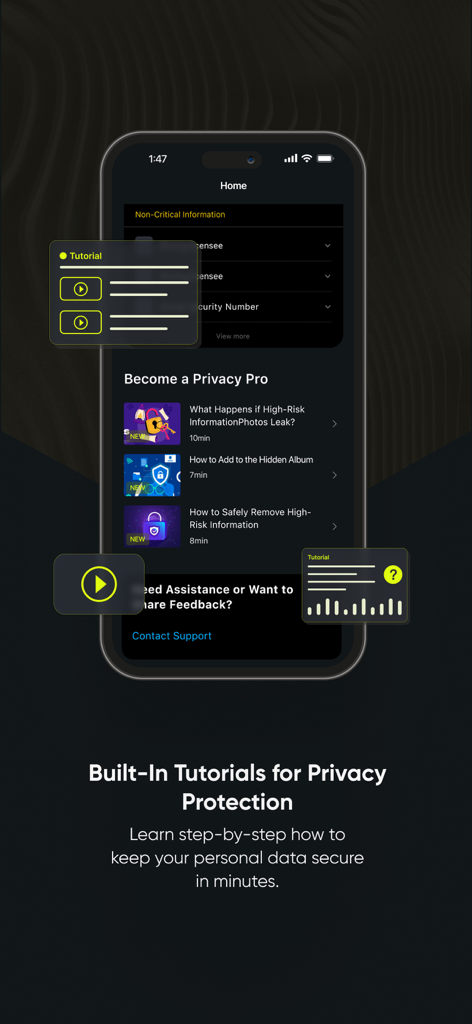
Privacy Guard App-Oberfläche, die integrierte Sicherheits- und Datenschutz-Tutorials für Benutzer anzeigt.
Beschreibung
Download
Ähnliche Apps
Top-gerankte Apps in derselben Kategorie

Google LLC

Google Chrome
Google LLC

中国移动(手机营业厅)
China Mobile Online Services Co., Ltd.

Google Authenticator
Google LLC

CNH do Brasil
Servicos e Informacoes do Brasil

Cleanup: Phone Storage Cleaner
DEEP FLOW SOFTWARE SERVICES - FZCO

gov.br
Servicos e Informacoes do Brasil

中国电信-全国统一官方服务平台
CHINA TELECOM Corporation Ltd.

Microsoft Edge: AI Browser
Microsoft Corporation
Diese Seite ist keine offizielle Seite der App oder ihres Entwicklers, sondern eine unabhängige redaktionelle Veröffentlichung, die zu Informations- und Kommentarzwecken erstellt wurde. Sofern nicht ausdrücklich anders angegeben, sind weder die App noch ihr Entwickler mit MWM, Apple, Google Play, dem App-Herausgeber oder dem Entwickler der App verbunden, von ihnen unterstützt, gesponsert, autorisiert oder anderweitig offiziell verbunden, und nichts auf dieser Seite impliziert, dass die App unter Verwendung der Dienste von MWM entwickelt wurde. Alle Marken, Logos, Screenshots und andere Inhalte bleiben Eigentum ihrer jeweiligen Inhaber.