PV - Secret Photo Album
Herunterladen auf App Store

Diese Seite ist keine offizielle Seite der App oder ihres Entwicklers, sondern eine unabhängige redaktionelle Veröffentlichung, die zu Informations- und Kommentarzwecken erstellt wurde. Sofern nicht ausdrücklich anders angegeben, sind weder die App noch ihr Entwickler mit MWM, Apple, Google Play, dem App-Herausgeber oder dem Entwickler der App verbunden, von ihnen unterstützt, gesponsert, autorisiert oder anderweitig offiziell verbunden, und nichts auf dieser Seite impliziert, dass die App unter Verwendung der Dienste von MWM entwickelt wurde. Alle Marken, Logos, Screenshots und andere Inhalte bleiben Eigentum ihrer jeweiligen Inhaber.


Logo von PV - Secret Photo Album
Herunterladen auf App Store

PV - Secret Photo Album

Beenden Sie die Scroll-Angst. Sichern Sie Ihre privaten Medien mit Face ID, Tarnpasswörtern und versteckten Symbolen – über 3 Millionen Nutzern vertrauen darauf, ihre digitalen Grenzen zu wahren.

Kennzahlen

Downloads

3M+

Bewertung

4.8/5

Bewertungen gesamt

311K+

Herausgeber

Haibin Jiao

Kategorie

Photo & Video

Sprachen

12

Neueste Version

7.2.20

Größe

131.5 MB

Erstveröffentlichung

5. Mai 2014
Funktionen

Ihr Privatleben bleibt privat

Machen Sie es wie über 3 Millionen Nutzer, die PV vertrauen, ihre sensibelsten Medien mit militärischer Verschlüsselung und fortschrittlichen Tarnfunktionen zu schützen.

Fake-Passwort-Tarnung

Vermeiden Sie sozialen Druck, indem Sie ein zweites Passwort verwenden, das eine harmlose Schein-Galerie öffnet und Ihr echtes Versteck komplett verborgen hält.

Sofortiger Notfall-Wechsel

Drehen Sie Ihr Handy mit dem Display nach unten, um sofort zu einer anderen App zu springen – perfekt, um Ihre Privatsphäre zu schützen, wenn jemand hereinkommt.

Die folgenden Screenshots und die Beschreibung stammen direkt aus dem offiziellen Store-Eintrag der App und sind Eigentum des Entwicklers.

App Store

Screenshots
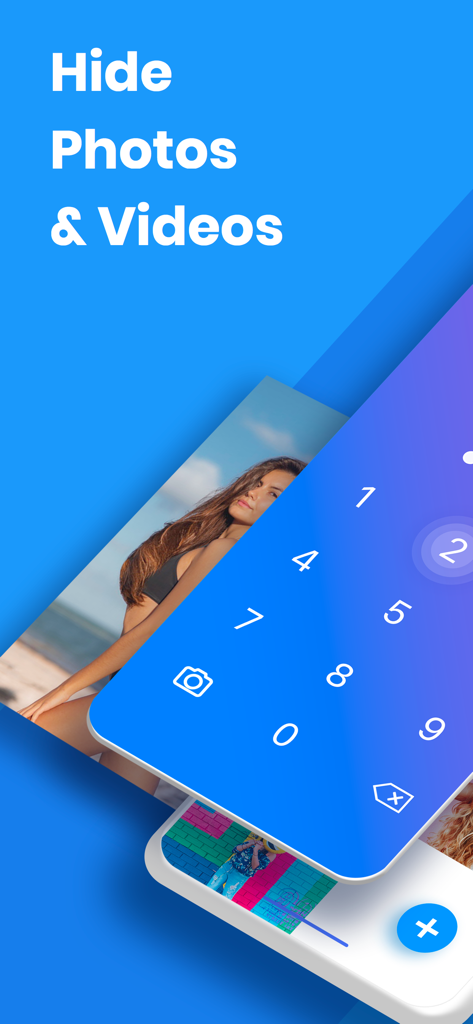
PV - Secret Photo Album - Oberfläche der geheimen Fotoalbum-App mit einem numerischen Passwortsperrbildschirm zum Verbergen privater Medien.
Oberfläche der geheimen Fotoalbum-App mit einem numerischen Passwortsperrbildschirm zum Verbergen privater Medien.

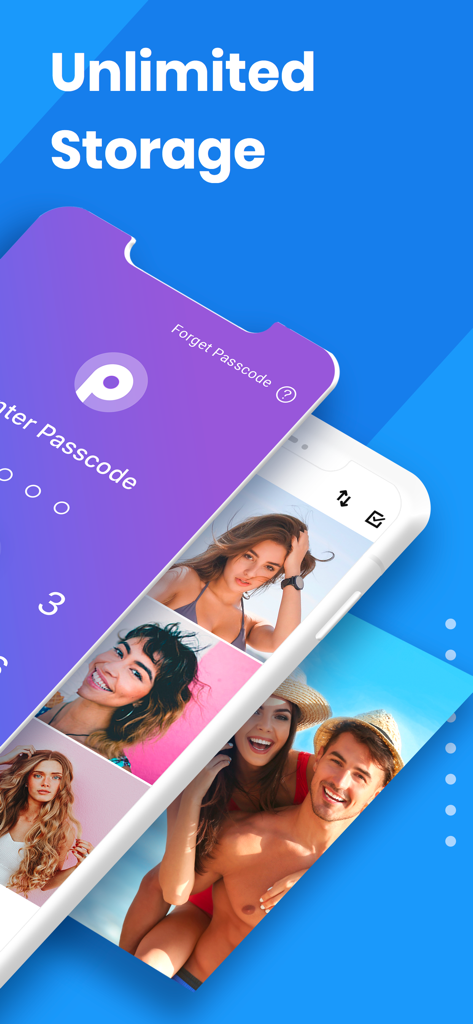
PV - Secret Photo Album - Oberfläche der PV Secret Photo Album App, die unbegrenzten Speicherplatz und einen Passwortsperrbildschirm zeigt
Oberfläche der PV Secret Photo Album App, die unbegrenzten Speicherplatz und einen Passwortsperrbildschirm zeigt

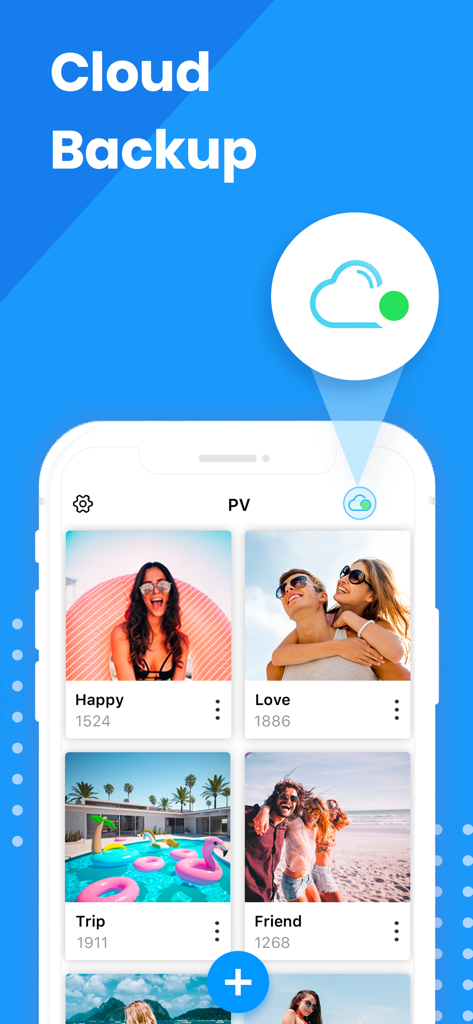
PV - Secret Photo Album - Oberfläche der PV Secret Photo Album App mit der Cloud-Backup-Funktion und organisierten privaten Fotoordnern
Oberfläche der PV Secret Photo Album App mit der Cloud-Backup-Funktion und organisierten privaten Fotoordnern

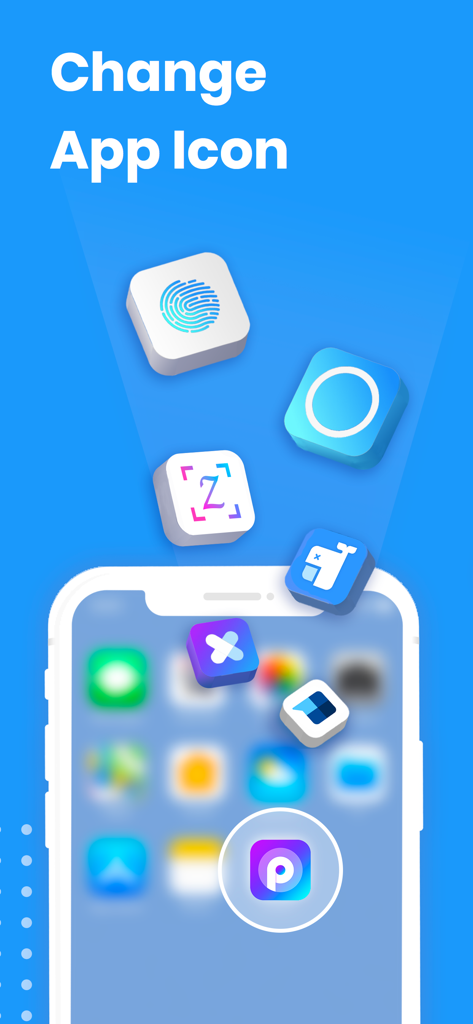
PV - Secret Photo Album - Werbung für die benutzerdefinierte App-Symbol-Funktion in PV Secret Photo Album für verbesserte Privatsphäre und Tarnung.
Werbung für die benutzerdefinierte App-Symbol-Funktion in PV Secret Photo Album für verbesserte Privatsphäre und Tarnung.

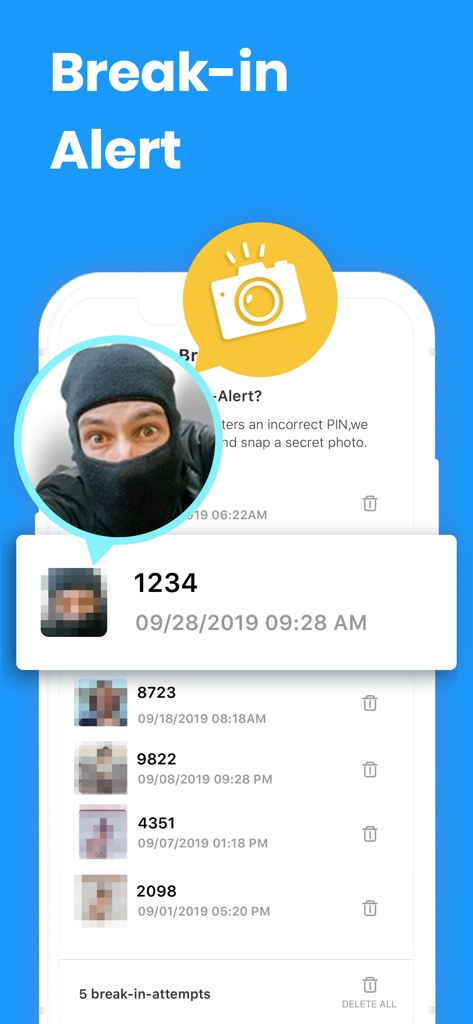
PV - Secret Photo Album - Oberfläche der PV Secret Photo Album App, die die Einbruchwarnfunktion mit einem aufgenommenen Foto eines Eindringlings zeigt.
Oberfläche der PV Secret Photo Album App, die die Einbruchwarnfunktion mit einem aufgenommenen Foto eines Eindringlings zeigt.

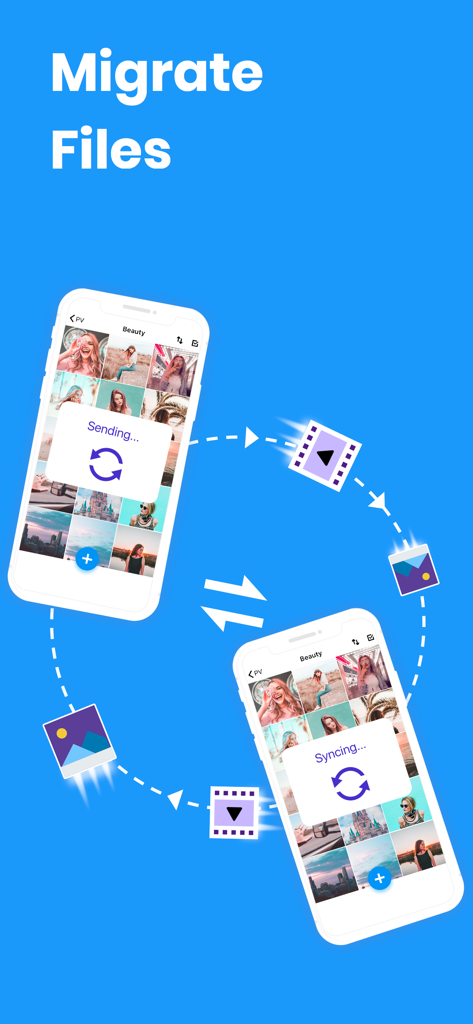
PV - Secret Photo Album - Zwei iPhones synchronisieren und übertragen drahtlos private Fotos und Videos zwischen Geräten
Zwei iPhones synchronisieren und übertragen drahtlos private Fotos und Videos zwischen Geräten

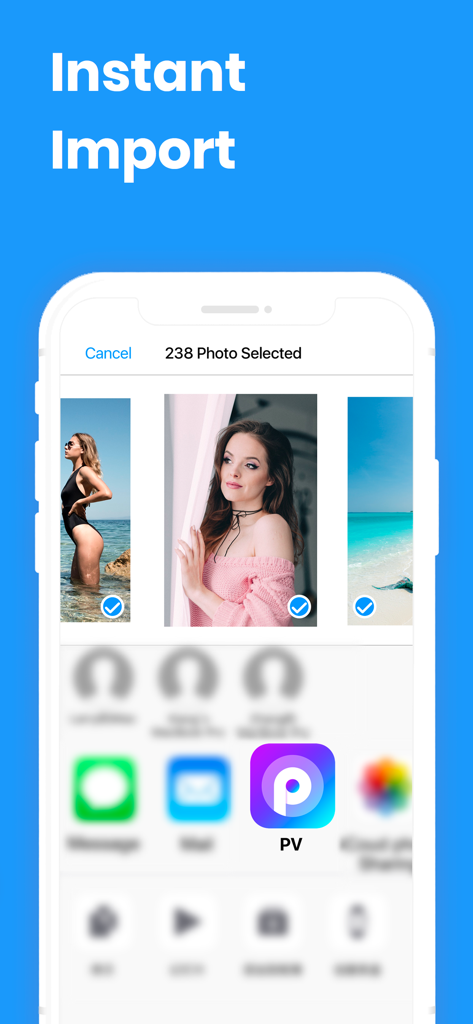
PV - Secret Photo Album - Eine mobile Oberfläche, die die sofortige Importfunktion der PV Secret Photo Album App mit mehreren für die private Speicherung ausgewählten Fotos zeigt.
Eine mobile Oberfläche, die die sofortige Importfunktion der PV Secret Photo Album App mit mehreren für die private Speicherung ausgewählten Fotos zeigt.

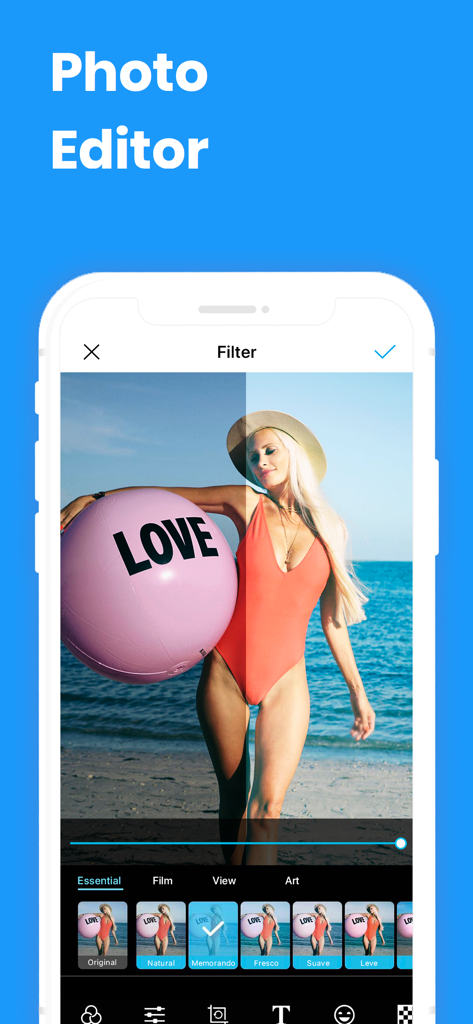
PV - Secret Photo Album - Oberfläche der PV Secret Photo Album App, die ihren integrierten Bildeditor mit verschiedenen auf ein Strandfoto angewendeten Filtern zeigt.

Oberfläche der PV Secret Photo Album App, die ihren integrierten Bildeditor mit verschiedenen auf ein Strandfoto angewendeten Filtern zeigt.

PV - Secret Photo Album - Ein Screenshot der PV - Secret Photo Album App, der seine Video-Player- und GIF-Unterstützungsfunktionen auf Mobilgeräten zeigt.
Ein Screenshot der PV - Secret Photo Album App, der seine Video-Player- und GIF-Unterstützungsfunktionen auf Mobilgeräten zeigt.

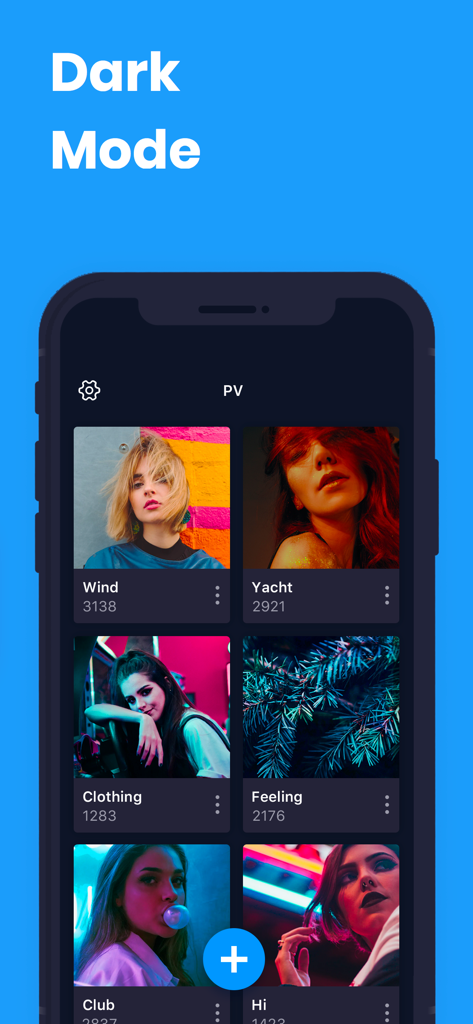
PV - Secret Photo Album - Smartphone-Bildschirm, der die Benutzeroberfläche der PV Secret Photo Album App im Dunkelmodus mit mehreren Fotoalben zeigt

Smartphone-Bildschirm, der die Benutzeroberfläche der PV Secret Photo Album App im Dunkelmodus mit mehreren Fotoalben zeigt

Beschreibung

Lock your photos and videos with password protection. Download PV to join millions of users to protect your private photos and videos safely! You deserve it! PV protects your private photos and videos by passcode protect, fingerprint touch ID and data encryption. It's easy to use and safe for storing your private photos, and it provides cloud storage service in-app. ========================== Basic Features - Hide private photos and videos into app with encrypted data transfer - Free unlimited storage - Automatically delete photos from public library after hiding private photos - Password and Face ID protection - Fake password protection - Slideshow - Set customized album cover - Trash folder to store deleted photos temporarily - All-in-one photo editor - Customize the app icon - Nearby Drop: transfer photos between the phones - Tags, notes and search - Emergency Switch: jump to other apps when the phone is facing down. - Support audio files. ========================== Advanced Features: - Ad Free: Get rid of all ads! - Cloud Sync: privilege of Super members. - Third party cloud backup (privilege of Pro members). - Wi-Fi Transfer: Make your app device and PC connected in the same network, and batch transfer your photos and videos. ========================== Contact Us • Email: photovault.info@gmail.com , we are glad to hear from you! ========================== FAQ Please read below FAQ document if you need help, it summarizes the most popular questions from customers: https://www.photovault.cn/pv/faq_en.html ========================== Notice Must-Read!!! Q: What if you forgot your passcode? A: Please go to App Setting > Set Recovery Email to set an email address, this email will be used when you forget password next time. Q: I deleted the app/lost my phone/restored factory defaults, can I get back my photos? A: All the photos/videos stored in this app are stored in your local device′s storage. If you delete this app, iOS will delete all the data inside this app. It means if you never backup the data in the app, the photos/videos will be gone. ========================== PV Super Membership Subscription - With a PV Super Membership subscription, you have access to all features and paid cloud backup(PV provides the interface to transfer data between this app and third-party public cloud apps such as Dropbox, Google Drive, Box, One Drive), Wi-Fi transfer, Fake Password, etc. Advertisements will be removed automatically. - PV Pro Unlimited subscription is billed monthly or annually at the rate corresponding to the selected plan. In addition, a one-time payment will be offered if needed, which is not one of the subscription plan. - Payment will be charged to iTunes Account at confirmation of purchase. - Subscription automatically renews unless auto-renew is turned off at least 24-hours before the end of the current period. - Account will be charged for renewal within 24-hours prior to the end of the current period, and identify the cost of the renewal. - Subscriptions may be managed by the user and auto-renewal may be turned off by going to the user's Account Settings after purchase. To cancel your subscription, you can go to your iPhone/iPad/iPod's Settings> [your name] > iTunes & App Store, tap your Apple ID, tap View Apple ID, tap Subscriptions, click on 'Cancel Subsciption' for the app. - Any unused portion of a free trial period, if offered, will be forfeited when the user purchases a subscription to that publication, where applicable. Music: https://www.bensound.com - Terms of use https://www.photovault.cn/pv/terms.html - Privacy Policy https://www.photovault.cn/pv/privacy.html Music: https://www.bensound.com

Download

Herunterladen auf App Store

Diese Seite ist keine offizielle Seite der App oder ihres Entwicklers, sondern eine unabhängige redaktionelle Veröffentlichung, die zu Informations- und Kommentarzwecken erstellt wurde. Sofern nicht ausdrücklich anders angegeben, sind weder die App noch ihr Entwickler mit MWM, Apple, Google Play, dem App-Herausgeber oder dem Entwickler der App verbunden, von ihnen unterstützt, gesponsert, autorisiert oder anderweitig offiziell verbunden, und nichts auf dieser Seite impliziert, dass die App unter Verwendung der Dienste von MWM entwickelt wurde. Alle Marken, Logos, Screenshots und andere Inhalte bleiben Eigentum ihrer jeweiligen Inhaber.