
Diese Seite ist keine offizielle Seite der App oder ihres Entwicklers, sondern eine unabhängige redaktionelle Veröffentlichung, die zu Informations- und Kommentarzwecken erstellt wurde. Sofern nicht ausdrücklich anders angegeben, sind weder die App noch ihr Entwickler mit MWM, Apple, Google Play, dem App-Herausgeber oder dem Entwickler der App verbunden, von ihnen unterstützt, gesponsert, autorisiert oder anderweitig offiziell verbunden, und nichts auf dieser Seite impliziert, dass die App unter Verwendung der Dienste von MWM entwickelt wurde. Alle Marken, Logos, Screenshots und andere Inhalte bleiben Eigentum ihrer jeweiligen Inhaber.


Quick Edit: Video,Photo Editor
Erstellen Sie beeindruckende 4K-Inhalte mit angesagten FX, verschwommenen Hintergründen und ohne Wasserzeichen – perfekt zugeschnitten für Instagram, TikTok und Ihre persönliche Marke.
Downloads
46K+Bewertung
Bewertungen gesamt
300Herausgeber
Kategorie
Graphics & DesignSprachen
16Neueste Version
1.4.2Größe
132.3 MBErstveröffentlichung
20. Okt. 2022Erstellen Sie wie ein Profi, posten Sie ohne Einschränkungen
Der All-in-One-Editor für Kreative, die keine Kompromisse eingehen wollen. Erhalten Sie 4K-Qualität, angesagte Effekte und die perfekte Passform für jede Plattform – sofort.
Perfekte Passform jedes Mal
Hören Sie auf, Ihre Vision von Social-Media-Plattformen beschneiden zu lassen. Passen Sie Fotos und Videos einfach an jedes Seitenverhältnis an, während Sie den ursprünglichen Rahmen mit schönen Hintergründen beibehalten.
Kristallklares 4K, keine Wasserzeichen
Werten Sie Ihren Feed mit professionellen Exporten auf. Keine störenden Logos, nur hochauflösende Inhalte, die Ihre persönliche Marke oder Ihr Geschäft wirklich elitär aussehen lassen.
Die folgenden Screenshots und die Beschreibung stammen direkt aus dem offiziellen Store-Eintrag der App und sind Eigentum des Entwicklers.
App Store
Screenshots
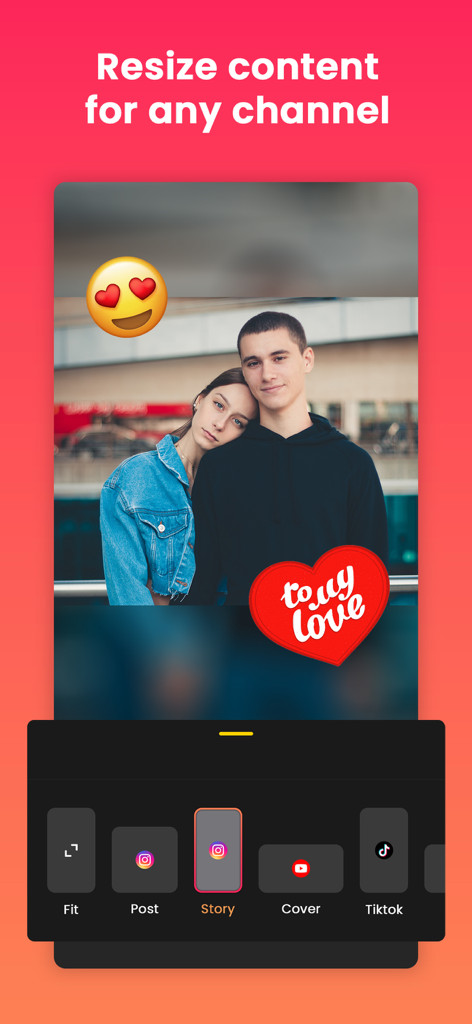
Bildschirm einer mobilen App, der Optionen zur Größenänderung von Fotos für Instagram Story und TikTok mit Stickern und verschwommenem Hintergrund zeigt
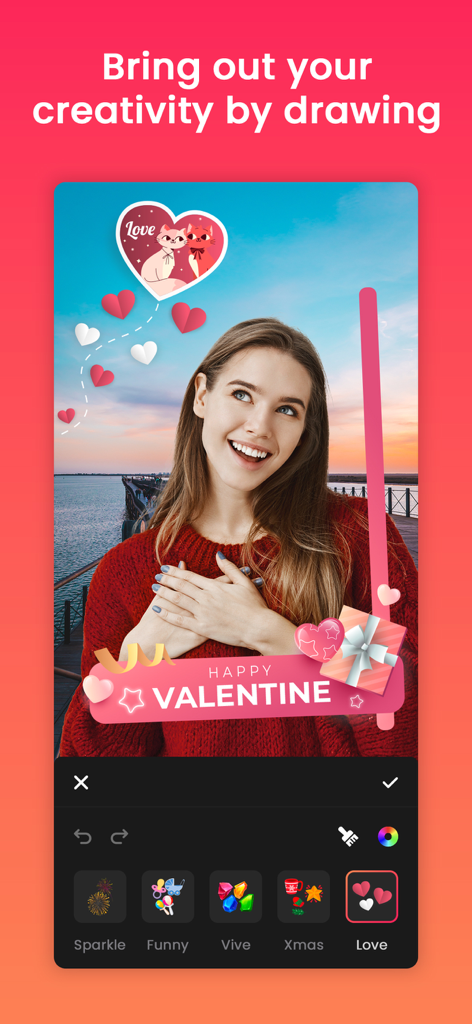
Eine Frau benutzt die Quick Edit App, um einem Foto thematische Valentine-Sticker und Zeichnungen hinzuzufügen
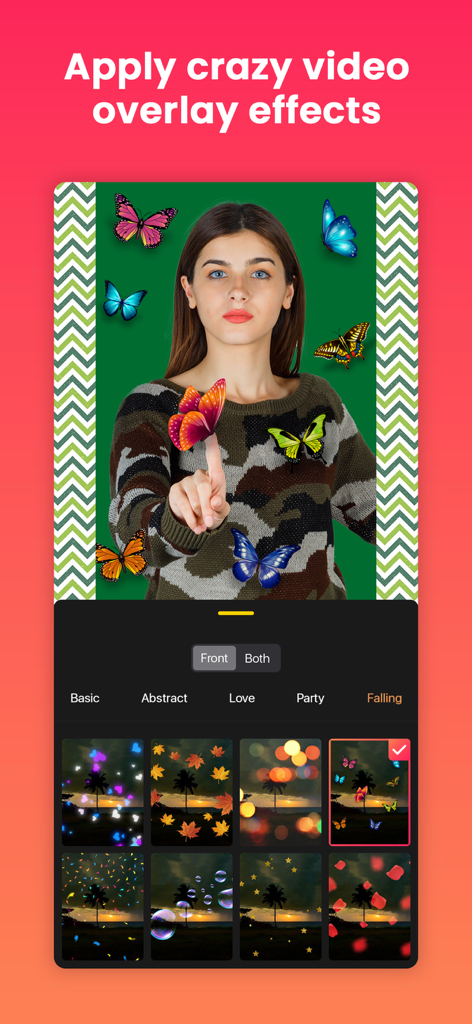
Oberfläche der Quick Edit App, die Video-Overlays wie Schmetterlinge und Bokeh-Filter zeigt
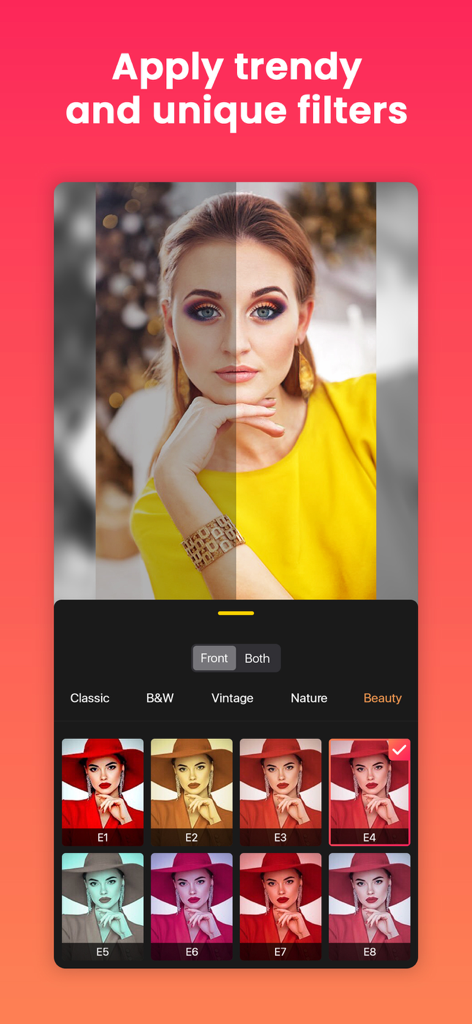
Bildschirm der Quick Edit App mit angesagten Fotofiltern und einem Vorher-Nachher-Vergleich.
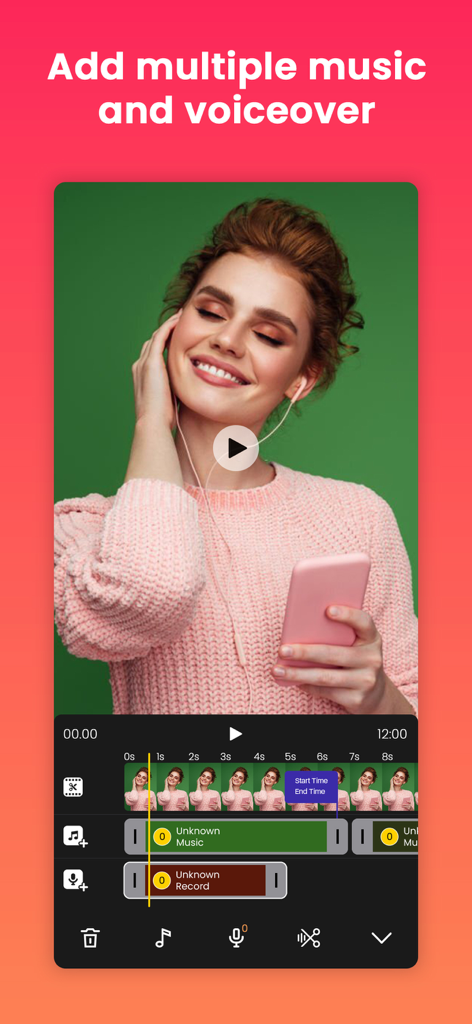
Zeitleiste für die mobile Videobearbeitung mit mehreren Musik- und Voiceover-Spuren
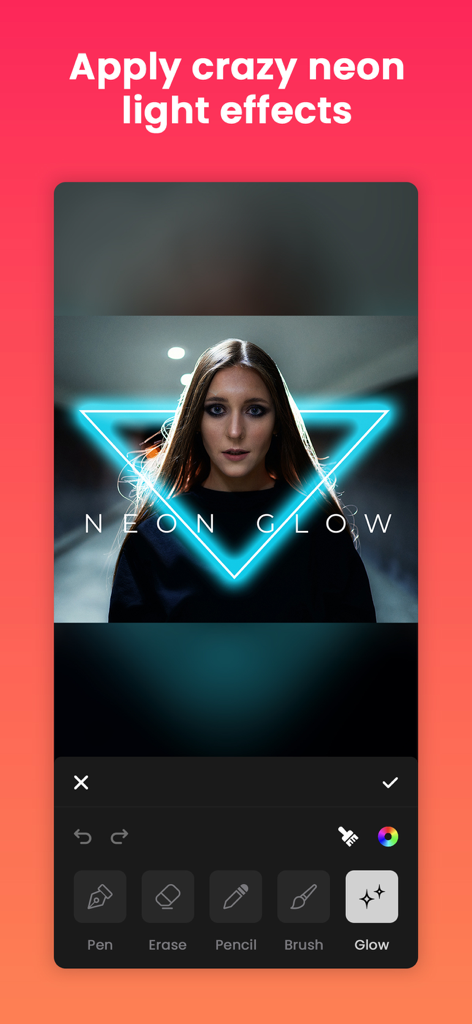
Anwendung eines blauen Neon-Dreieck-Glow-Effekts auf ein Porträt in der mobilen Quick Edit App
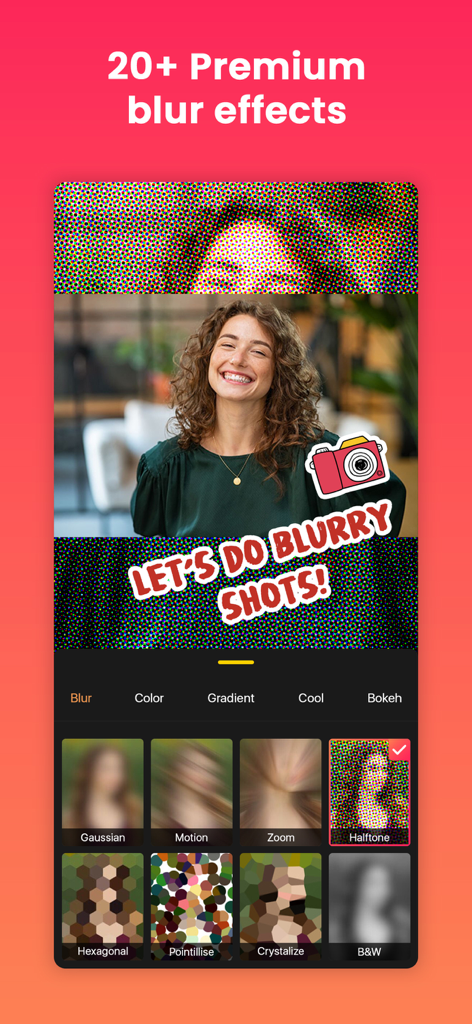
Oberfläche der Quick Edit App mit Premium-Weichzeichner-Effekten und Hintergrundoptionen für ein Porträtfoto.
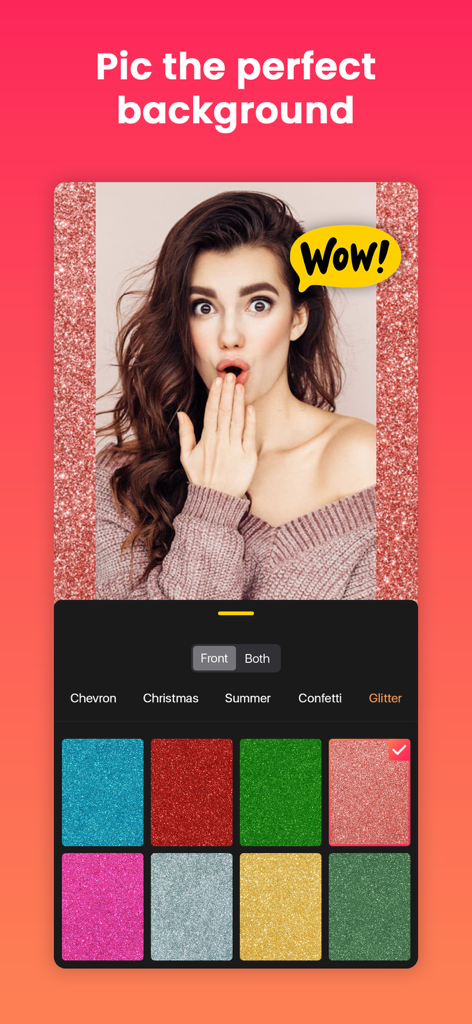
Ein mobiler Bildschirm zeigt ein Porträtfoto mit glitzerndem Hintergrund und verschiedenen Farboptionen in der Quick Edit App.
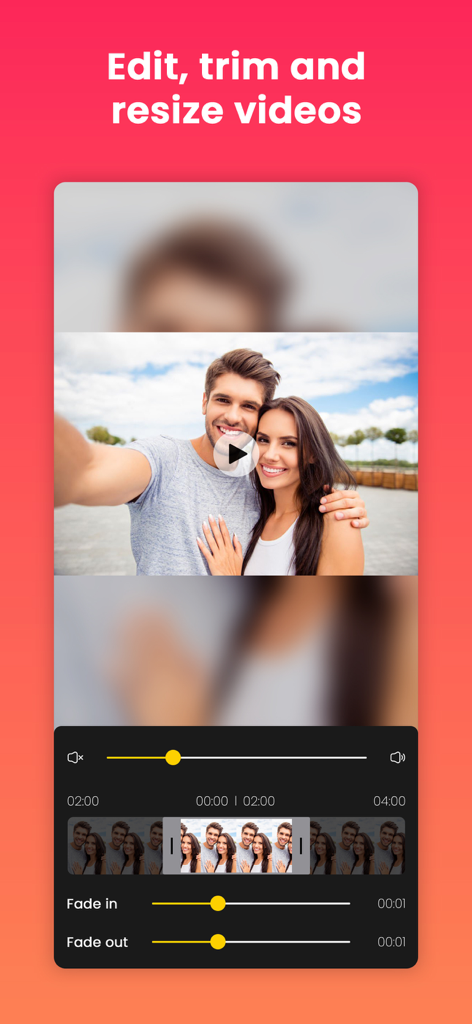
Oberfläche der Quick Edit App zur Bearbeitung, zum Zuschneiden und zur Größenänderung von Videos mit Zeitleiste und Fade-Effekten
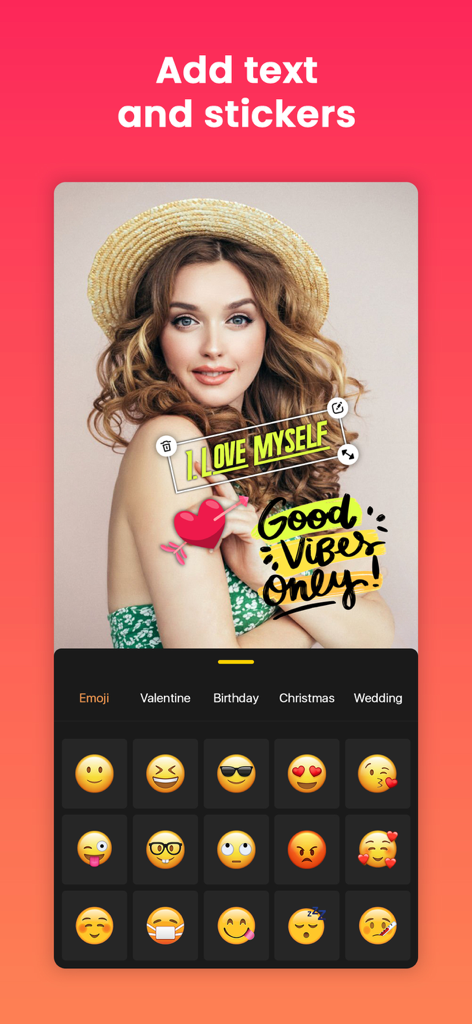
Oberfläche der Quick Edit App, die ein Porträt zeigt, das mit Textaufklebern und einer Emoji-Auswahl angepasst wird
Beschreibung
Download
Ähnliche Apps
Apps mit ähnlichen Funktionen und Nutzererfahrung

No Crop Photo Video Resize
Honk Honk Punch Pty Ltd

Blackhole Lite - Black Hole
Parth Talpara

CutStory: AI Reels Editor
LLC Sport Star Management

No Crop - Square quick sized
HOANG PHAM

TikEdit-国际版国外热门短视频编辑器
琼 周

Edit Up: AI Photo Video Editor
Debotosh Dey

BlackSave Video Spliter
Milinda Dsouza

Ai Photo Retouch -Video Editor
SKYNES LAB LIMITED

Video Plus - Music Editor Crop
pixel force private limited
Diese Seite ist keine offizielle Seite der App oder ihres Entwicklers, sondern eine unabhängige redaktionelle Veröffentlichung, die zu Informations- und Kommentarzwecken erstellt wurde. Sofern nicht ausdrücklich anders angegeben, sind weder die App noch ihr Entwickler mit MWM, Apple, Google Play, dem App-Herausgeber oder dem Entwickler der App verbunden, von ihnen unterstützt, gesponsert, autorisiert oder anderweitig offiziell verbunden, und nichts auf dieser Seite impliziert, dass die App unter Verwendung der Dienste von MWM entwickelt wurde. Alle Marken, Logos, Screenshots und andere Inhalte bleiben Eigentum ihrer jeweiligen Inhaber.