
Diese Seite ist keine offizielle Seite der App oder ihres Entwicklers, sondern eine unabhängige redaktionelle Veröffentlichung, die zu Informations- und Kommentarzwecken erstellt wurde. Sofern nicht ausdrücklich anders angegeben, sind weder die App noch ihr Entwickler mit MWM, Apple, Google Play, dem App-Herausgeber oder dem Entwickler der App verbunden, von ihnen unterstützt, gesponsert, autorisiert oder anderweitig offiziell verbunden, und nichts auf dieser Seite impliziert, dass die App unter Verwendung der Dienste von MWM entwickelt wurde. Alle Marken, Logos, Screenshots und andere Inhalte bleiben Eigentum ihrer jeweiligen Inhaber.

Quick Scan Pro:Scanner for Doc
Verwandeln Sie Ihr Handy in ein sicheres mobiles Büro. Scannen, unterschreiben und branden Sie Dokumente in Sekundenschnelle mit erweiterter Bearbeitung und 100% Offline-Datenschutz.
Downloads
2K+Bewertung
Bewertungen gesamt
0Herausgeber
Kategorie
LifestyleSprachen
1Neueste Version
1.0.13Größe
113.4 MBErstveröffentlichung
25. Aug. 2020Ihr gesamtes Büro direkt in Ihrer Tasche
Von blitzschnellen Scans bis hin zu professionellen E-Signaturen – Quick Scan Pro bietet Ihnen die Werkzeuge, um Dokumente überall sicher zu verwalten – kein Internet erforderlich.
Vollständiger Datenschutz & Offline-Steuerung
Ihre Daten bleiben auf Ihrem Gerät. Scannen Sie sensible Dokumente ohne Internetverbindung und halten Sie Ihre Dateien 100% privat und sicher.
Sofortige E-Signatur & Branding
Unterschreiben Sie Verträge mit einem Fingertipp und fügen Sie das Logo Ihrer Organisation hinzu. Optimieren Sie Ihren Workflow, indem Sie Dokumente bearbeiten und branden, ohne die App zu wechseln.
Die folgenden Screenshots und die Beschreibung stammen direkt aus dem offiziellen Store-Eintrag der App und sind Eigentum des Entwicklers.
App Store
Screenshots
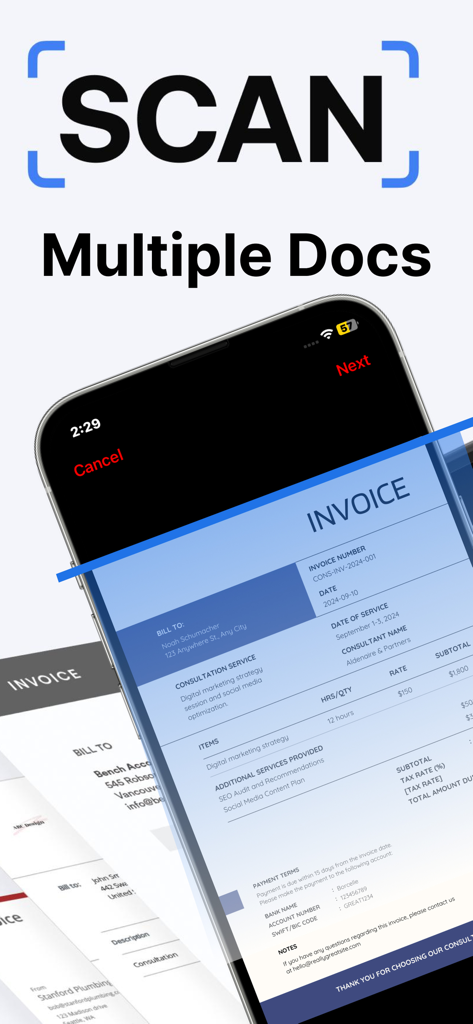
Quick Scan Pro App-Oberfläche beim Scannen mehrerer professioneller Rechnungen auf einem iPhone-Bildschirm.
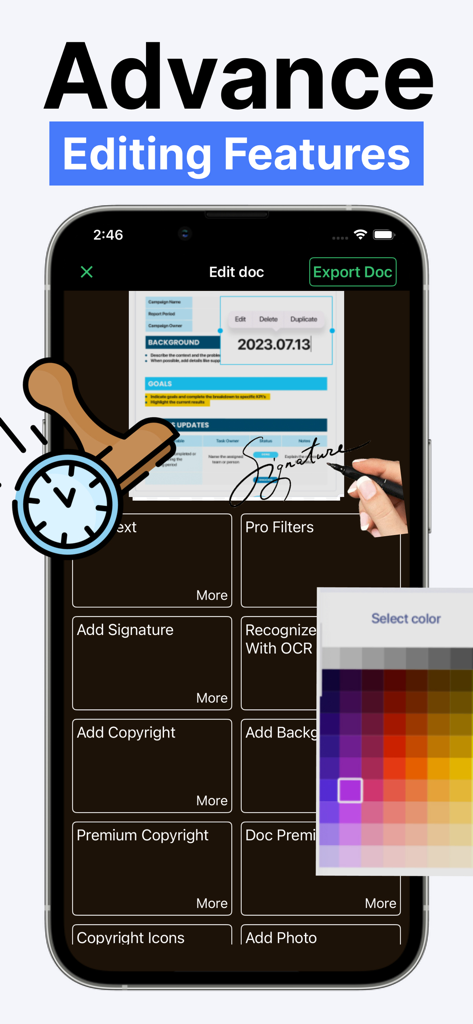
Quick Scan Pro App-Oberfläche mit erweiterten Dokumentenbearbeitungswerkzeugen, einschließlich E-Signatur und OCR.
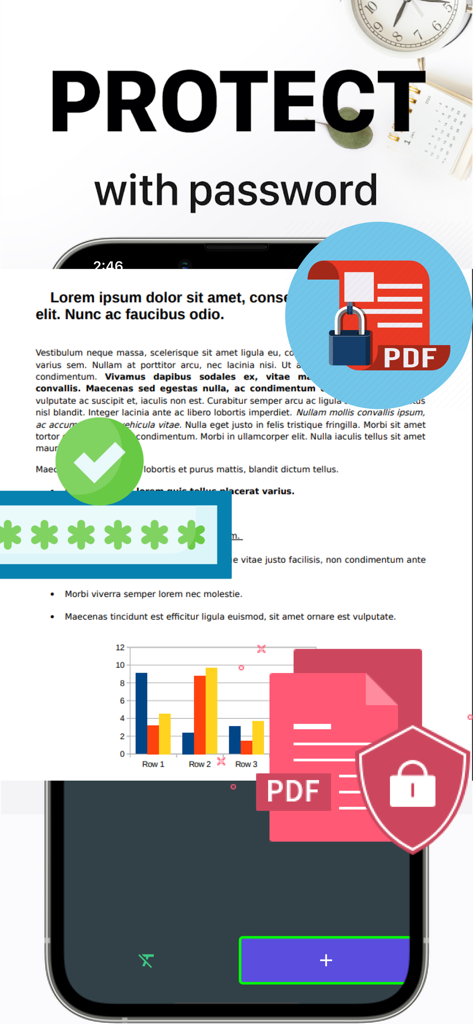
Mobile App-Oberfläche, die zeigt, wie PDF-Dokumente zum Schutz der Privatsphäre mit einem Passwort gesichert werden.
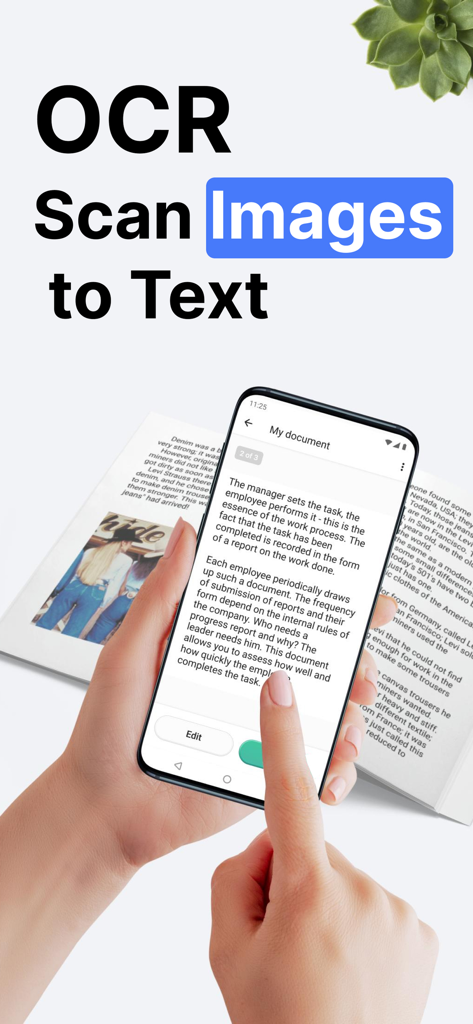
Smartphone scannt ein Dokument, um Bilder mit Quick Scan Pro OCR in Text umzuwandeln.
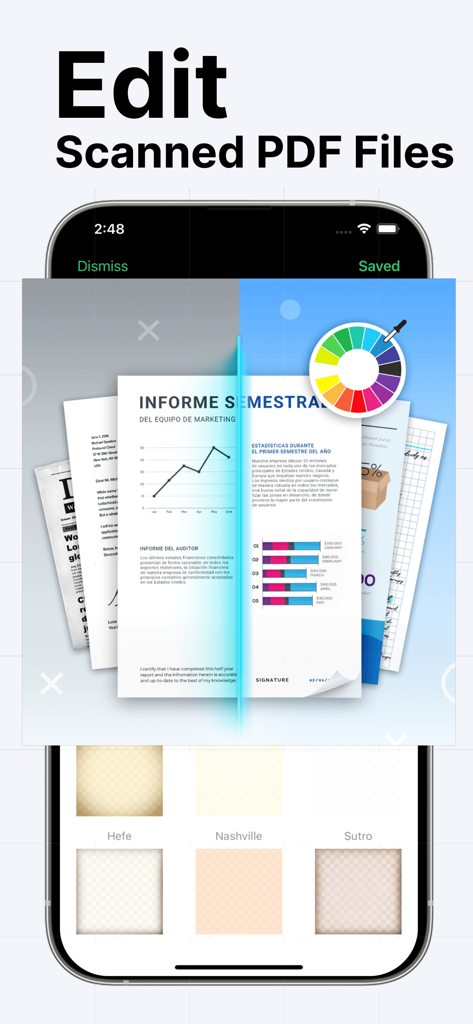
Oberfläche zeigt professionelle PDF-Bearbeitungswerkzeuge mit Farbrad und Dokumentfiltern in Quick Scan Pro.
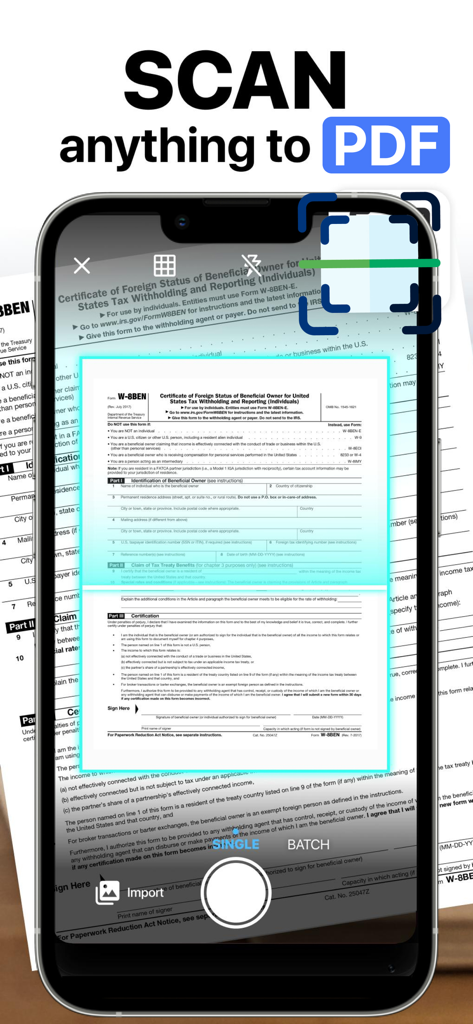
Ein Smartphone, das die Quick Scan Pro App verwendet, um ein physisches Steuerdokument zu scannen und es in ein digitales PDF-Format zu konvertieren.
Beschreibung
Download
Ähnliche Apps
Top-gerankte Apps in derselben Kategorie

Pinterest, Inc.

Alipay - Simplify Your Life
Alipay (Hangzhou) Technology Co., Ltd.

Dianping: Discover Good Places
Hanhai Information Technology (Shanghai) Co.Ltd

美团-美好生活小帮手
Sankuai Technology Co., Ltd.

Lemon8 - Lifestyle Community
TIKTOK PTE. LTD.

Xiaomi Home
Beijing Xiaomi Co., Ltd

Tinder Dating App: Date & Chat
Tinder LLC

SmartThings
Samsung Electronics Co., Ltd.

VNeTraffic
GLOBAL TECHNOLOGY - TELECOMMUNICATIONS CORPORATION
Diese Seite ist keine offizielle Seite der App oder ihres Entwicklers, sondern eine unabhängige redaktionelle Veröffentlichung, die zu Informations- und Kommentarzwecken erstellt wurde. Sofern nicht ausdrücklich anders angegeben, sind weder die App noch ihr Entwickler mit MWM, Apple, Google Play, dem App-Herausgeber oder dem Entwickler der App verbunden, von ihnen unterstützt, gesponsert, autorisiert oder anderweitig offiziell verbunden, und nichts auf dieser Seite impliziert, dass die App unter Verwendung der Dienste von MWM entwickelt wurde. Alle Marken, Logos, Screenshots und andere Inhalte bleiben Eigentum ihrer jeweiligen Inhaber.