
Diese Seite ist keine offizielle Seite der App oder ihres Entwicklers, sondern eine unabhängige redaktionelle Veröffentlichung, die zu Informations- und Kommentarzwecken erstellt wurde. Sofern nicht ausdrücklich anders angegeben, sind weder die App noch ihr Entwickler mit MWM, Apple, Google Play, dem App-Herausgeber oder dem Entwickler der App verbunden, von ihnen unterstützt, gesponsert, autorisiert oder anderweitig offiziell verbunden, und nichts auf dieser Seite impliziert, dass die App unter Verwendung der Dienste von MWM entwickelt wurde. Alle Marken, Logos, Screenshots und andere Inhalte bleiben Eigentum ihrer jeweiligen Inhaber.

RCF LiveRemote
Übernehmen Sie die volle Kontrolle über Ihre ART 9-AX und SUB-AX Lautsprecher vom optimalen Hörplatz aus. Verwalten Sie interne Mixer, 8-Band-EQs und Delay-Lines präzise direkt von Ihrem Smartphone oder Tablet.
Downloads
3K+Bewertung
Bewertungen gesamt
0Herausgeber
Kategorie
MusicSprachen
1Neueste Version
1.3.5Größe
32.5 MBErstveröffentlichung
12. Mai 2022Professionelle Steuerung auf Knopfdruck
Verwandeln Sie Ihr Mobilgerät in eine leistungsstarke Kommandozentrale für Ihr RCF-Soundsystem, entwickelt, um tourenden Musikern und DJs die vollständige drahtlose Kontrolle über ihren Mix zu geben.
Drahtloses Mischen vom 'optimalen Hörplatz'
Sparen Sie sich den Weg zu Ihren Lautsprechern. Passen Sie Pegel, 3-Band-EQs und interne Effekte vom Tanzboden aus an, um sicherzustellen, dass Ihr Publikum genau das hört, was Sie hören.
Optimieren Sie Ihr Setup
Lassen Sie den externen Mixer zu Hause. Nutzen Sie einen internen 6-In-, 2-Out-Digitalmixer mit professioneller Ducking-Funktion, Phantomspeisung und Bluetooth-Streaming, der direkt in Ihre ART 9-AX integriert ist.
Die folgenden Screenshots und die Beschreibung stammen direkt aus dem offiziellen Store-Eintrag der App und sind Eigentum des Entwicklers.
App Store
Screenshots
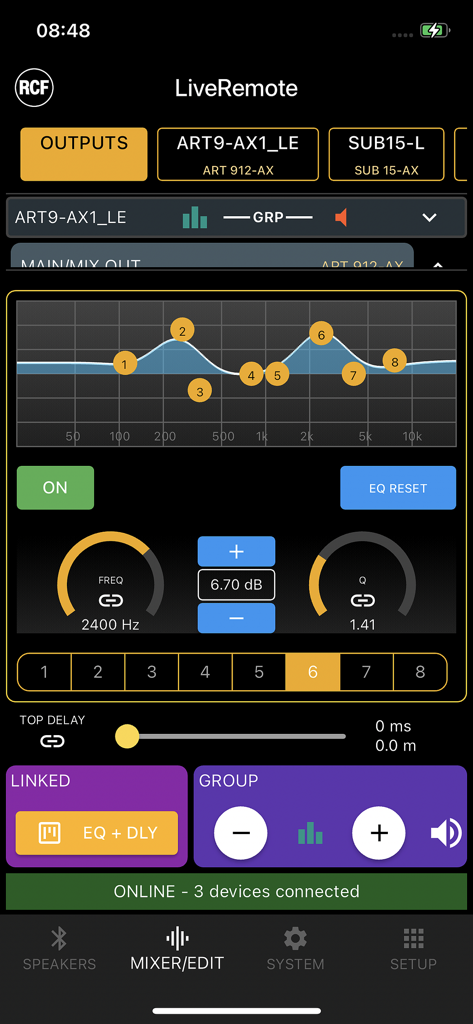
RCF LiveRemote App-Oberfläche, die 8-Band-Parametrik-EQ-Einstellungen für professionelle Lautsprechersteuerung anzeigt
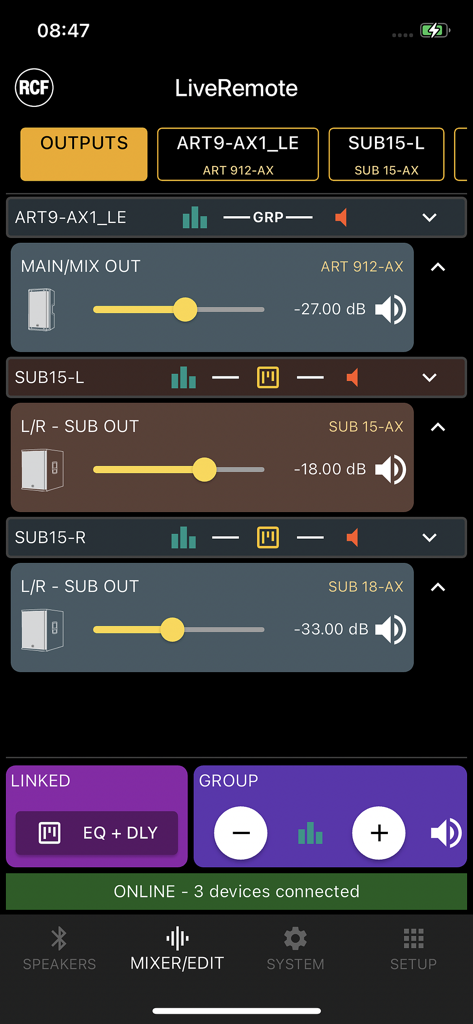
RCF LiveRemote App-Oberfläche mit Lautstärkereglern für ART 9-AX und SUB-AX professionelle Lautsprecher
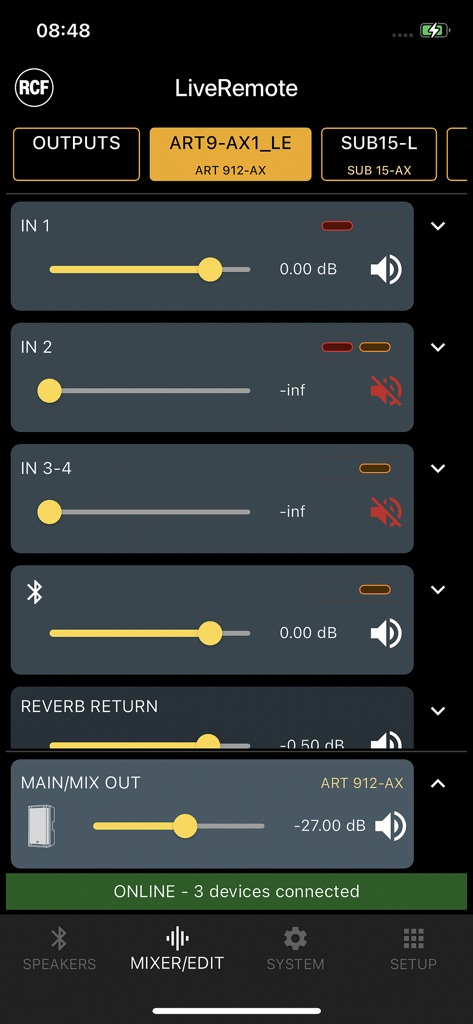
RCF LiveRemote App-Oberfläche, die die Steuerung des Digitalmixers mit Lautstärkereglern für professionelle Lautsprecher zeigt.
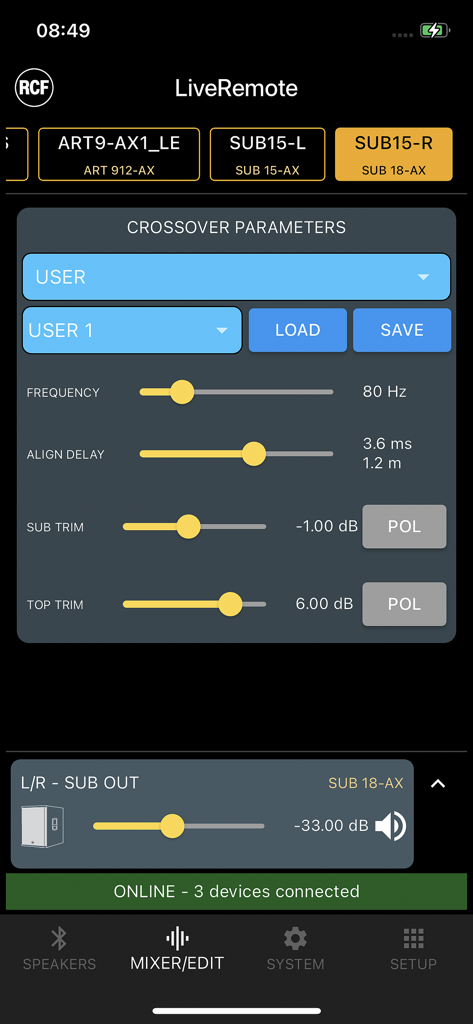
Frequenzweichen-Parameterbildschirm in der RCF LiveRemote App, der Frequenz- und Alignment-Delay-Einstellungen für professionelle Audiogeräte anzeigt
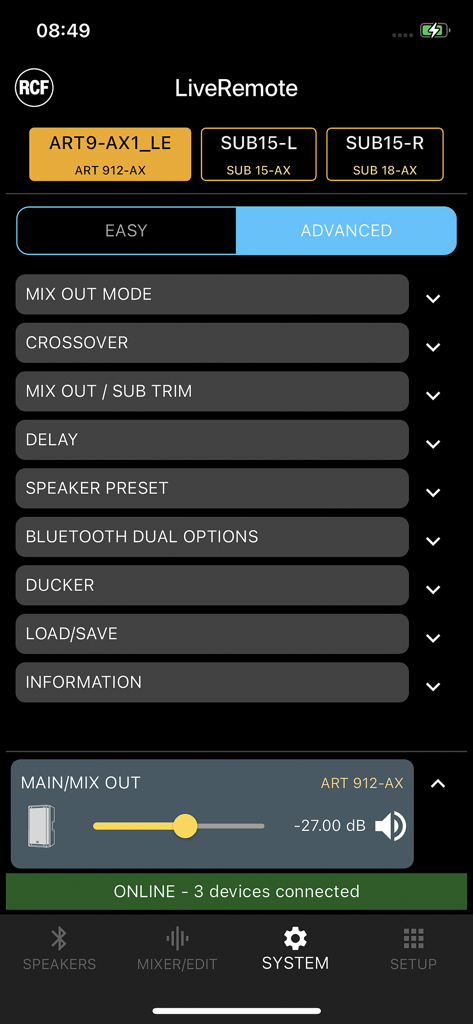
RCF LiveRemote App Systemmenü zur Steuerung von ART 912-AX Lautsprechern und Subwoofern.
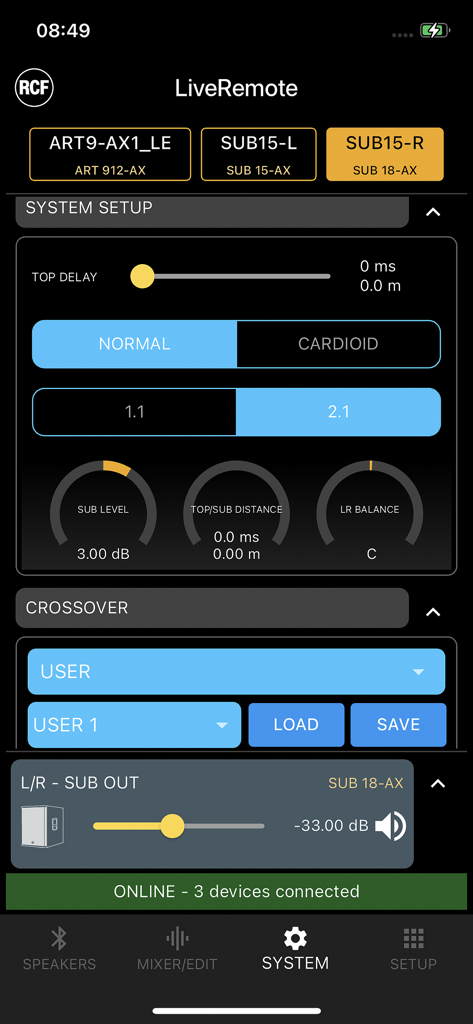
RCF LiveRemote App System-Setup-Bildschirm mit Lautsprecher-Delay- und Frequenzweichen-Einstellungen
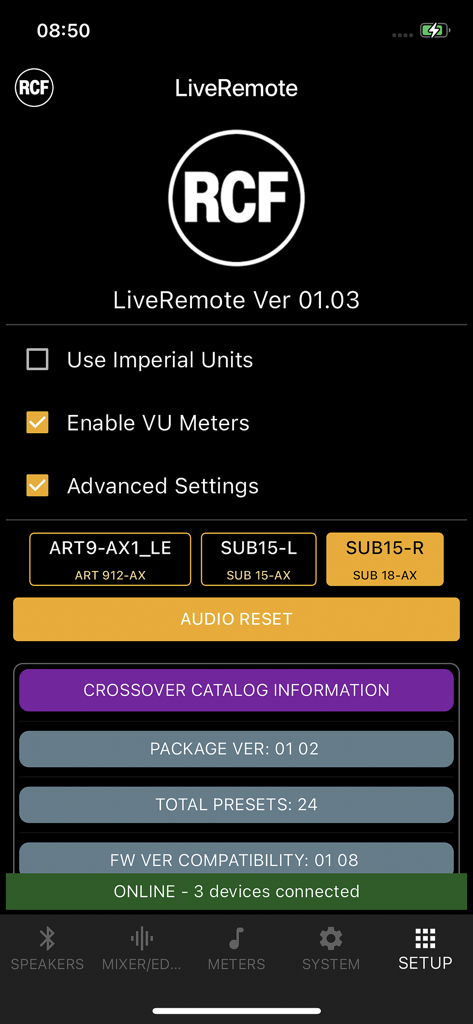
Einrichtungsseite der RCF LiveRemote App mit verbundenen Lautsprechern und Systemeinstellungen
Beschreibung
Download
Ähnliche Apps
Top-gerankte Apps in derselben Kategorie

Spotify: Music and Podcasts
Spotify

YouTube Music
Google LLC

Shazam: Find Music & Concerts
Apple Inc.
SoundCloud: The Music You Love
SoundCloud Global Limited & Co KG

Suno - AI Songs & Music
Suno Inc.

QQ音乐 - 听我想听
Tencent Technology (Shenzhen) Company Limited

Audiomack - Play Music Offline
Audiomack, Inc.

BandLab – Music Maker & Beats
BandLab Singapore Pte Ltd

GuitarTuna: Tune & Play Guitar
Yousician Ltd
Diese Seite ist keine offizielle Seite der App oder ihres Entwicklers, sondern eine unabhängige redaktionelle Veröffentlichung, die zu Informations- und Kommentarzwecken erstellt wurde. Sofern nicht ausdrücklich anders angegeben, sind weder die App noch ihr Entwickler mit MWM, Apple, Google Play, dem App-Herausgeber oder dem Entwickler der App verbunden, von ihnen unterstützt, gesponsert, autorisiert oder anderweitig offiziell verbunden, und nichts auf dieser Seite impliziert, dass die App unter Verwendung der Dienste von MWM entwickelt wurde. Alle Marken, Logos, Screenshots und andere Inhalte bleiben Eigentum ihrer jeweiligen Inhaber.