
Diese Seite ist keine offizielle Seite der App oder ihres Entwicklers, sondern eine unabhängige redaktionelle Veröffentlichung, die zu Informations- und Kommentarzwecken erstellt wurde. Sofern nicht ausdrücklich anders angegeben, sind weder die App noch ihr Entwickler mit MWM, Apple, Google Play, dem App-Herausgeber oder dem Entwickler der App verbunden, von ihnen unterstützt, gesponsert, autorisiert oder anderweitig offiziell verbunden, und nichts auf dieser Seite impliziert, dass die App unter Verwendung der Dienste von MWM entwickelt wurde. Alle Marken, Logos, Screenshots und andere Inhalte bleiben Eigentum ihrer jeweiligen Inhaber.


SafeInCloud 1
Übernehmen Sie die volle Kontrolle über Ihre digitale Sicherheit. Speichern Sie Ihre verschlüsselte Datenbank in Ihrer eigenen Cloud, synchronisieren Sie sie geräteübergreifend und genießen Sie Premium-Funktionen ohne Abo-Müdigkeit.
Downloads
342K+Bewertung
Bewertungen gesamt
11K+Herausgeber
Kategorie
ProductivitySprachen
33Neueste Version
25.1.0Größe
60.5 MBErstveröffentlichung
15. Jan. 2014Sicherheit ohne Kompromisse
SafeInCloud kombiniert militärische Sicherheit mit Wahlfreiheit. Verwalten Sie alle Ihre Passwörter auf jedem Gerät, ohne jemals ein Abonnement bezahlen zu müssen.
Vollständige Datenhoheit
Ihre Daten bleiben niemals auf unseren Servern. Synchronisieren Sie Ihr verschlüsseltes Tresor über Ihre eigene iCloud, Google Drive oder Ihr privates NAS.
Reibungslose Produktivität
Melden Sie sich sofort mit Face ID und Touch ID an. Nutzen Sie die kostenlose Desktop-App für Windows und Mac für blitzschnelle Dateneingabe.
Die folgenden Screenshots und die Beschreibung stammen direkt aus dem offiziellen Store-Eintrag der App und sind Eigentum des Entwicklers.
App Store
Screenshots
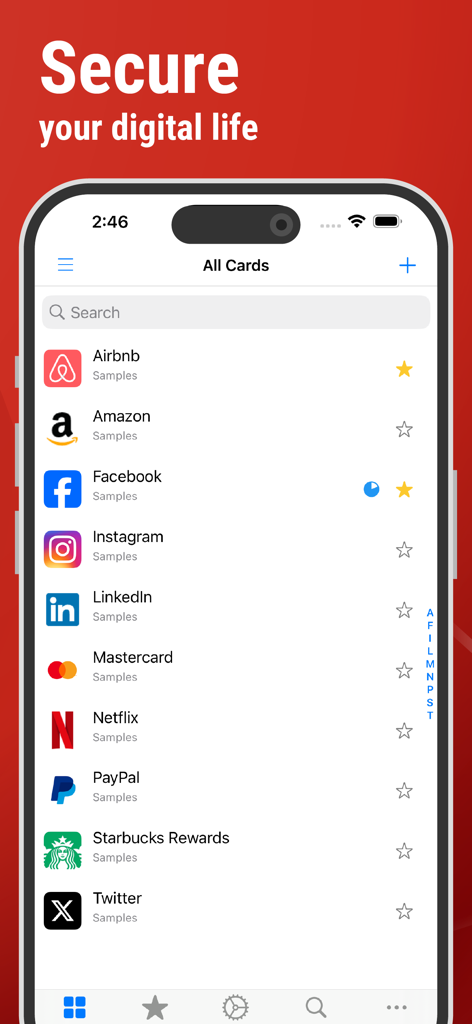
SafeInCloud App-Oberfläche, die eine sichere Liste von Passwortkarten für verschiedene Konten auf einem iPhone anzeigt
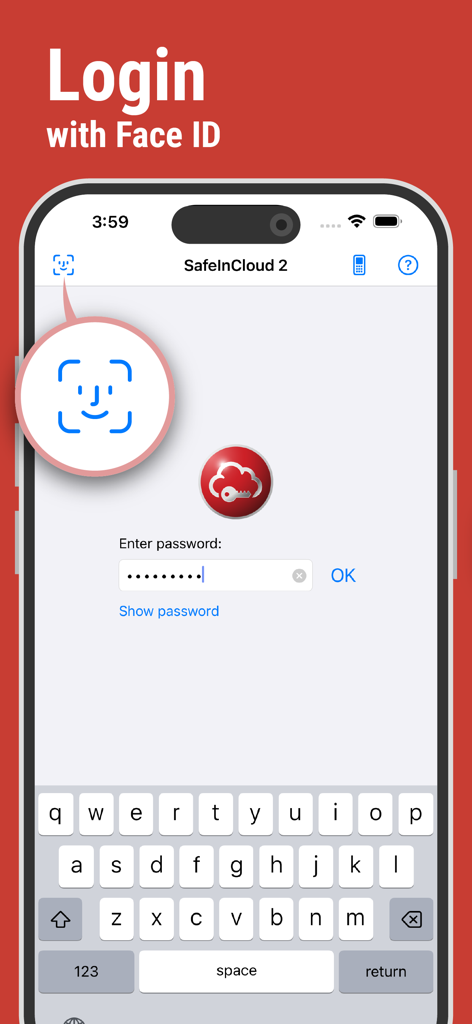
SafeInCloud Passwort-Manager Anmeldebildschirm mit biometrischer Face ID-Authentifizierung auf einem iPhone
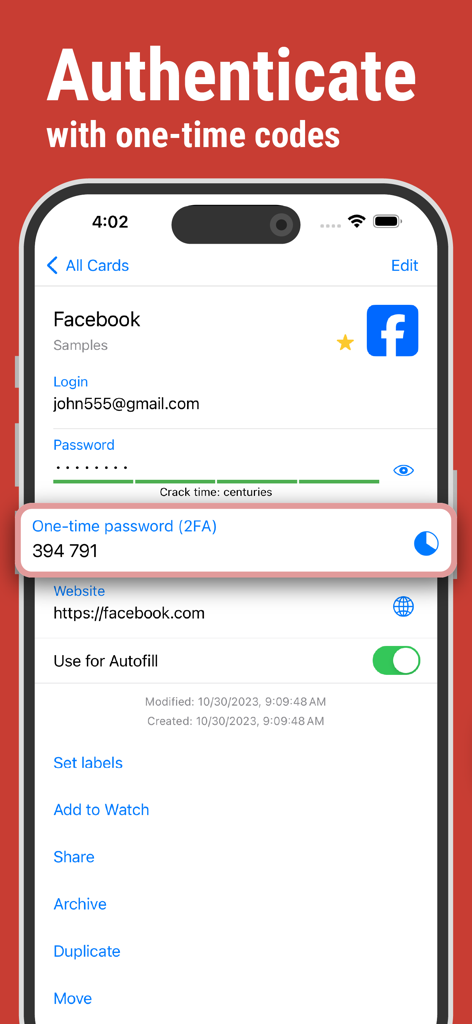
SafeInCloud App-Bildschirm, der einen 2FA-Einmalcode zur Kontenauthentifizierung anzeigt
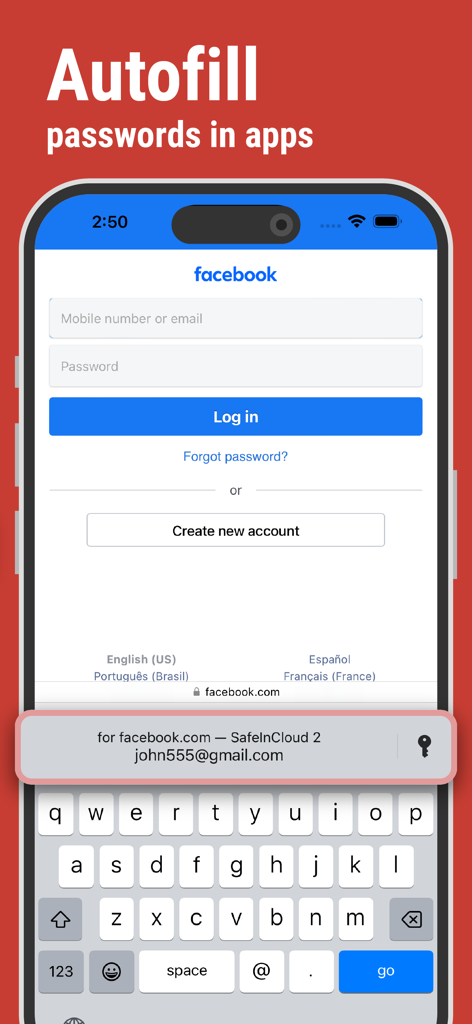
SafeInCloud Passwort-Manager, der Anmeldedaten auf einem iPhone automatisch ausfüllt
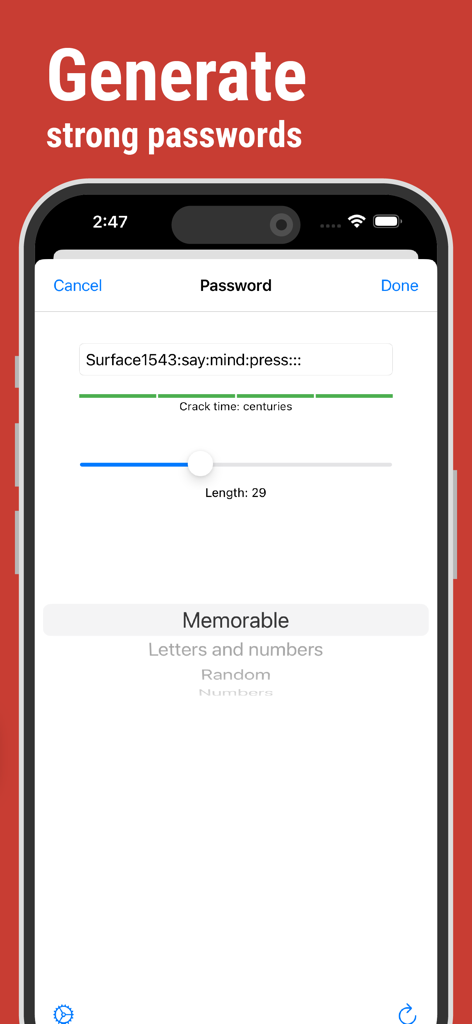
SafeInCloud App-Oberfläche zum Generieren starker und einprägsamer Passwörter mit Analyse der geschätzten Knackzeit.
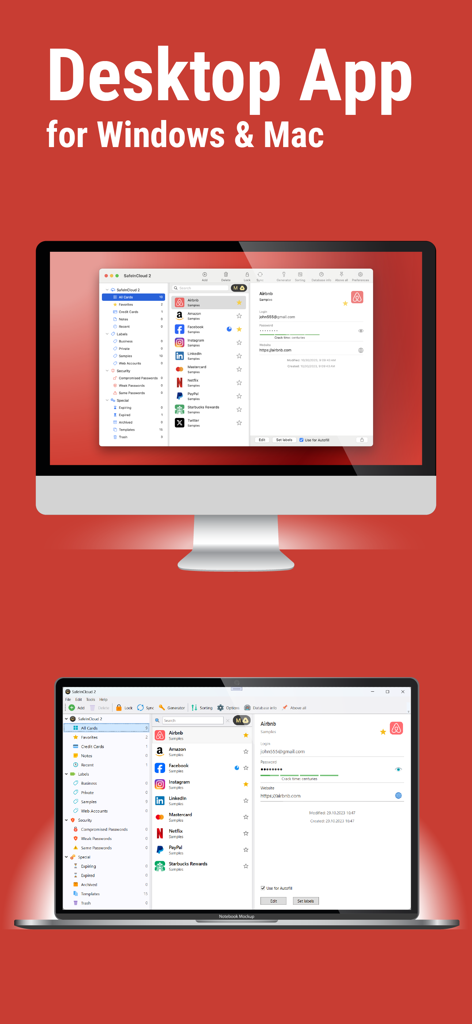
SafeInCloud Passwort-Manager Desktop-Anwendungsoberfläche auf einem Mac und einem Windows-Computer angezeigt
Beschreibung
Download
Ähnliche Apps
Top-gerankte Apps in derselben Kategorie

ChatGPT
OpenAI OpCo, LLC

Google Gemini
Google LLC

Grok
X.AI Corporation

Gmail - Email by Google
Google LLC

千问 - 阿里最强大模型官方AI助手
Shanghai Zhixin Puhui Technology Co., Ltd.

Google Drive
Google LLC

Microsoft Authenticator
Microsoft Corporation

Google Sheets
Google LLC

Google Docs
Google LLC
Diese Seite ist keine offizielle Seite der App oder ihres Entwicklers, sondern eine unabhängige redaktionelle Veröffentlichung, die zu Informations- und Kommentarzwecken erstellt wurde. Sofern nicht ausdrücklich anders angegeben, sind weder die App noch ihr Entwickler mit MWM, Apple, Google Play, dem App-Herausgeber oder dem Entwickler der App verbunden, von ihnen unterstützt, gesponsert, autorisiert oder anderweitig offiziell verbunden, und nichts auf dieser Seite impliziert, dass die App unter Verwendung der Dienste von MWM entwickelt wurde. Alle Marken, Logos, Screenshots und andere Inhalte bleiben Eigentum ihrer jeweiligen Inhaber.