Scanner App: Fast PDF Doc Scan

Scanner App: Fast PDF Doc Scan

Herunterladen auf App Store
Logo von Scanner App: Fast PDF Doc Scan

Scanner App: Schneller PDF-Dokumentenscan – Die professionelle Wahl für ein papierloses Leben

Verwandeln Sie Ihr iPhone in ein leistungsstarkes tragbares Büro. Mühelos Dokumente scannen, unterschreiben und OCR nutzen mit Sicherheit auf Unternehmensniveau und sofortiger Cloud-Synchronisation.

Herunterladen auf App Store

Herausgeber

7270356 Canada Inc

Kategorie

Business

Downloads

849K+

Bewertung

4.6/5

Bewertungen gesamt

11K+

Sprachen

11

Ihr Büro, digitalisiert

Entdecken Sie die Oberfläche, die von 849K+ Nutzern verwendet wird.
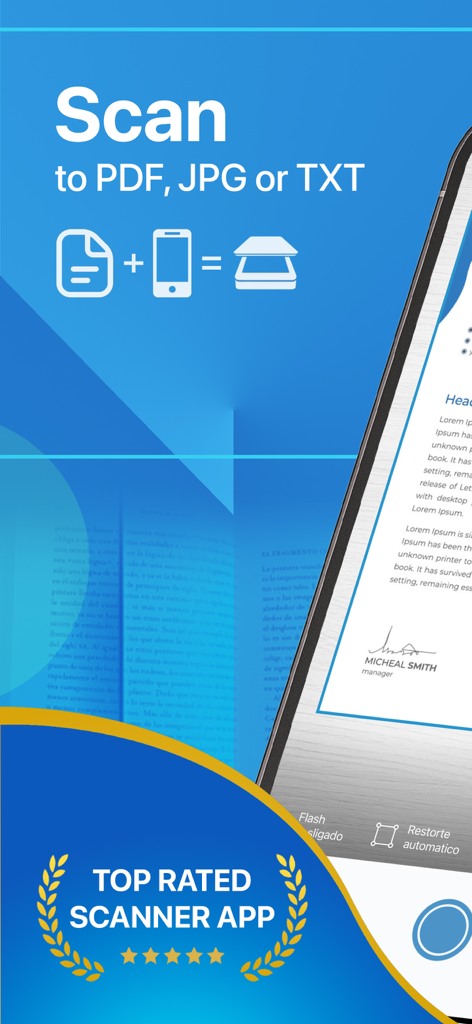
Werbebanner für die Scanner App, das das Scannen in PDF-, JPG- und TXT-Formate hervorhebt, mit einem Top-Bewertungsabzeichen

Werbebanner für die Scanner App, das das Scannen in PDF-, JPG- und TXT-Formate hervorhebt, mit einem Top-Bewertungsabzeichen

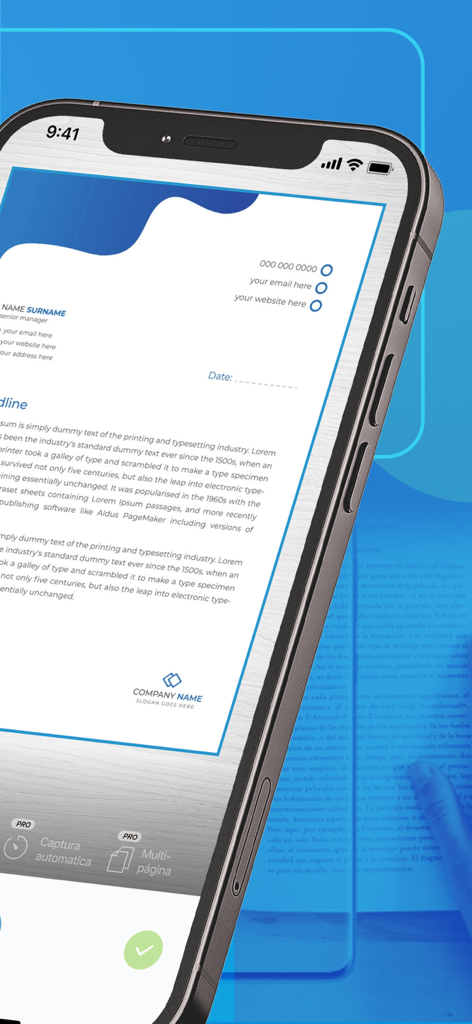
Smartphone-Bildschirm, der ein professionelles Dokument zeigt, das mit der Scanner App-Oberfläche gescannt wird

Smartphone-Bildschirm, der ein professionelles Dokument zeigt, das mit der Scanner App-Oberfläche gescannt wird

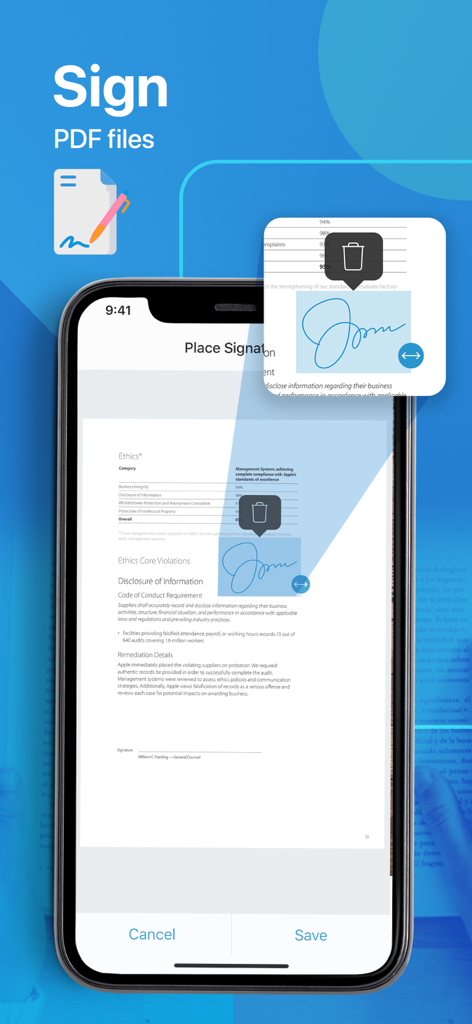
Oberfläche der Scanner App, die zeigt, wie eine digitale Signatur auf einem PDF-Dokument auf einem iPhone hinzugefügt und platziert wird

Oberfläche der Scanner App, die zeigt, wie eine digitale Signatur auf einem PDF-Dokument auf einem iPhone hinzugefügt und platziert wird

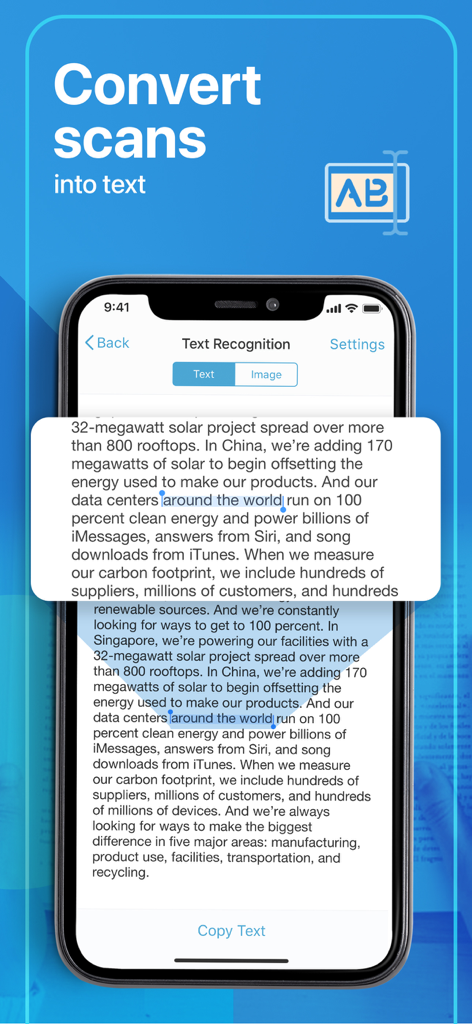
iPhone-Bildschirm, der die OCR-Texterkennungsfunktion zeigt, um Scans in der Scanner App in bearbeitbaren Text umzuwandeln

iPhone-Bildschirm, der die OCR-Texterkennungsfunktion zeigt, um Scans in der Scanner App in bearbeitbaren Text umzuwandeln

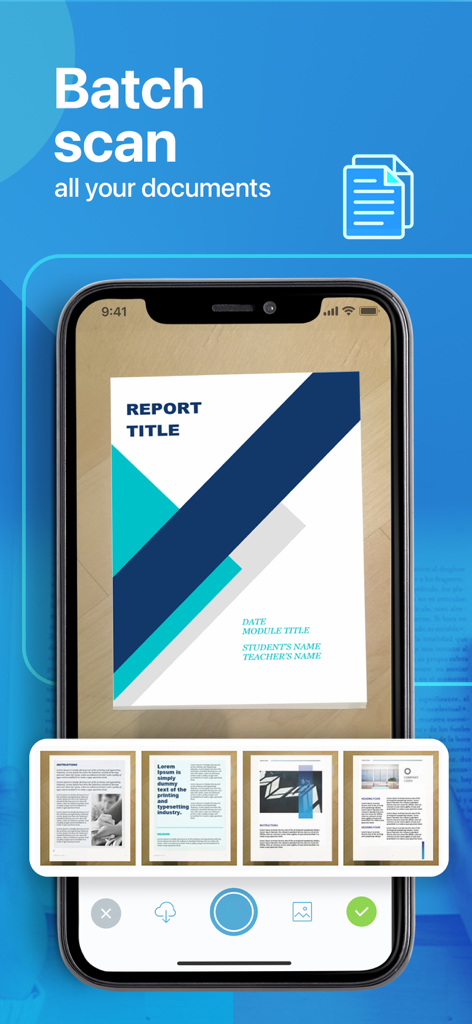
Ein Mobiltelefonbildschirm, der die Stapelscan-Funktion zum gleichzeitigen Digitalisieren mehrerer Dokumentseiten demonstriert.

Ein Mobiltelefonbildschirm, der die Stapelscan-Funktion zum gleichzeitigen Digitalisieren mehrerer Dokumentseiten demonstriert.

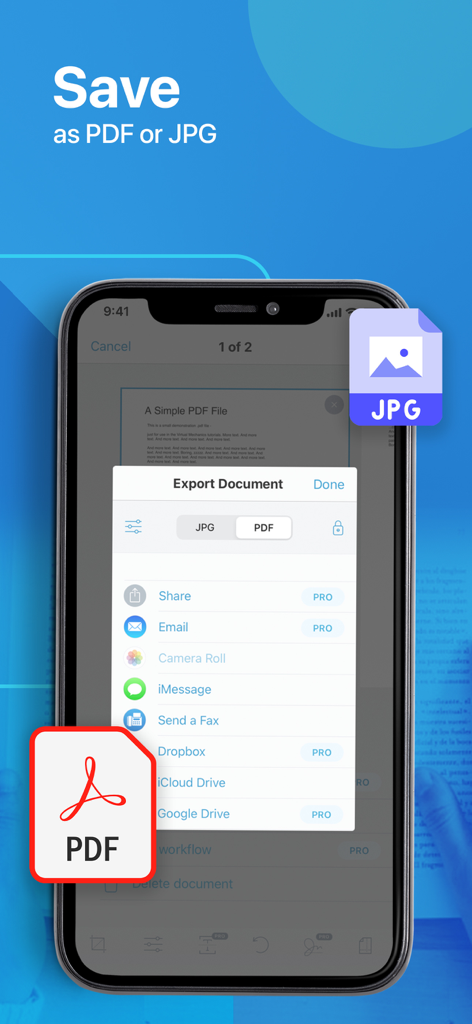
Mobiler Bildschirm, der Dokumentexportoptionen in PDF- und JPG-Formaten anzeigt.

Mobiler Bildschirm, der Dokumentexportoptionen in PDF- und JPG-Formaten anzeigt.

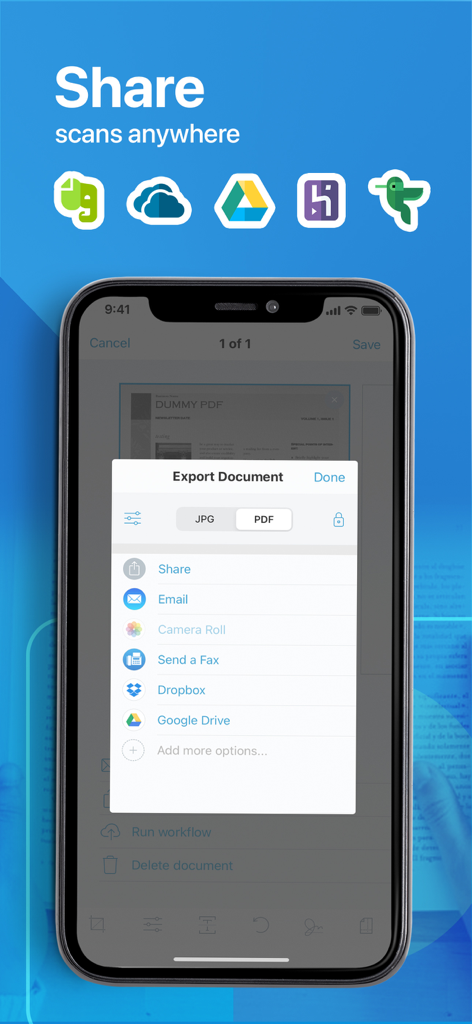
Mobiler Bildschirm, der Dokumentexportoptionen zum Teilen von PDF- und JPG-Dateien per E-Mail, Dropbox und Google Drive zeigt.

Mobiler Bildschirm, der Dokumentexportoptionen zum Teilen von PDF- und JPG-Dateien per E-Mail, Dropbox und Google Drive zeigt.

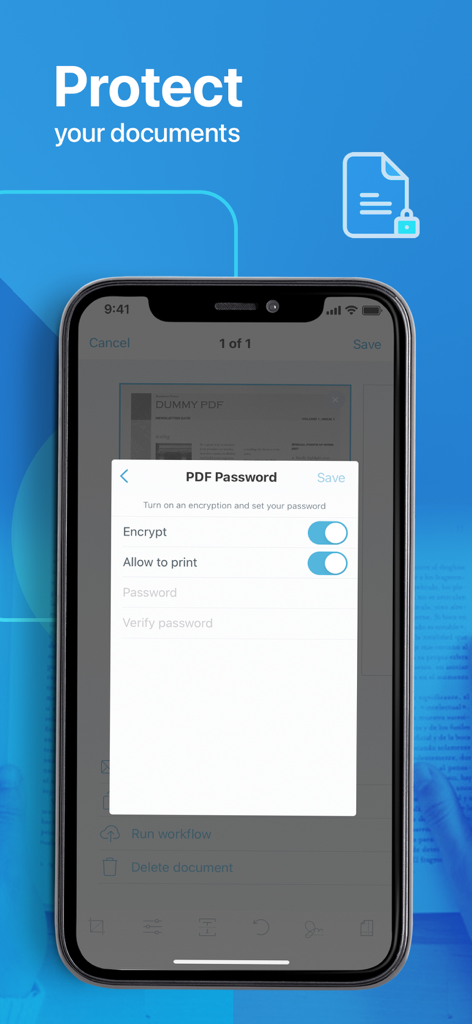
Ein Screenshot, der die PDF-Passwort- und Verschlüsselungseinstellungen auf einem mobilen Gerät zeigt

Ein Screenshot, der die PDF-Passwort- und Verschlüsselungseinstellungen auf einem mobilen Gerät zeigt

Alles scannen. Überall.

Die Tools, die diese App auszeichnen, gewählt von 849K+ Nutzern.

📄

Professionelle PDF-Qualität

Erfassen Sie jedes Detail von Verträgen, Quittungen und Ausweisen mit automatischem Zuschneiden und hochauflösender Verbesserungstechnologie.

🖋️

Digitale Signatur & OCR

Dokumente unterwegs unterschreiben und Bilder in durchsuchbaren Text umwandeln, um manuelle Eingaben und Papierchaos zu eliminieren.

🔒

Sichere Cloud-Synchronisation

Schützen Sie sensible Dateien mit Passwörtern und synchronisieren Sie nahtlos mit iCloud oder Google Drive für sofortigen Zugriff auf jedem Gerät.

Über die App

Alles, was Sie über wissen müssen Scanner App: Fast PDF Doc Scan.

Beschreibung

PDF Scanner is a powerful all-purpose portable scanner with built-in OCR and Wi-fi access elements. Key features include: - High-quality Scans and Storage - OCR technology - Wireless documents transfer - Flexible formats - All kind of papers support - Auto-save and upload option - Anytime anywhere access Enjoy Information Security! In our busy and highly digitized World, it is crucial to keep all critical-to-business information accessible and ready to be presented any minute. Our PDF Scanner replaces all your cabinets and boxes to one compatible mobile app. Forget the risks of losing a document, since our platform stores your files directly to your computer or preferred cloud service. Experience an advanced Scanning! In addition to designed high-quality technology and flexible file formatting (PDF or JPG) the App enables you with: - All kinds of paper recognition (receipts, contracts, images, or even colored pictures); - Password-protected PDFs; - Filename and e-mail templates & tags; - Adjustable print and custom paper sizes; - Multiple platforms to scan and operate at (E-mail, iCloud, Notes) Upgrade to a PRO: PDF Scanner is also empowered with advanced PRO features designed to make your life even easier and enable you with even vaster Scan editing benefits. Only imagine the possibility to add multiple signatures to the scanned files, work with multi-step workflows and automated text recognition! PRO Subscription The app contains the following subscription options: - 1 year 39.99$ with 7 free trial days - 1 week 1.99$ Please note the subscription automatically renews unless auto-renew is turned off at least 24-hours before the end of the current period By using PDF Scanner, you are agreeing to our Privacy Policy and Terms of Use: Private Policy http://getscannerapp.com/privacy.html Terms of Use http://getscannerapp.com/terms.html Payment will be charged to iTunes Account at confirmation of purchase • Account will be charged for renewal within 24-hours prior to the end of the current period, and identify the cost of the renewal • Subscriptions may be managed by the user and auto-renewal may be turned off by going to the user's Account Settings after purchase • Any unused portion of a free trial period, if offered, will be forfeited when the user purchases a subscription to that publication, where applicable Why our App? - Zero operational cost with a possibility to upgrade to a PRO version - One-touch functionality (easy, fast, save scans and sharing) - Improved information security and storage - Digital filing system and all types of paper recognition - Continuous improvements and performance enhancements - 12 support languages Stay in Contact: Don't hesitate to contact shall you have any questions or ideas, our support team is entirely at your service: www.getscannerapp.com/support Website: www.getscannerapp.com

Neueste Version

3.7.1

Größe

72.3 MB

Erstveröffentlichung

5. Apr. 2017

Bereit, den Papierkram zu eliminieren?

Schließen Sie sich über 849.000 Fachleuten an, die die Scanner App nutzen, um Dokumente in Sekundenschnelle zu digitalisieren, zu unterschreiben und zu sichern. Erleben Sie noch heute die Leistung eines tragbaren Büros.

Herunterladen auf App Store

App information, icons, screenshots, and descriptions displayed on this page are sourced from the Apple App Store and are the property of their respective developers. Download estimates and rankings are based on MWM's proprietary models and may not reflect actual figures. This page is provided for informational and analytical purposes only.

Believe this page infringes your intellectual property? File a dispute