
Diese Seite ist keine offizielle Seite der App oder ihres Entwicklers, sondern eine unabhängige redaktionelle Veröffentlichung, die zu Informations- und Kommentarzwecken erstellt wurde. Sofern nicht ausdrücklich anders angegeben, sind weder die App noch ihr Entwickler mit MWM, Apple, Google Play, dem App-Herausgeber oder dem Entwickler der App verbunden, von ihnen unterstützt, gesponsert, autorisiert oder anderweitig offiziell verbunden, und nichts auf dieser Seite impliziert, dass die App unter Verwendung der Dienste von MWM entwickelt wurde. Alle Marken, Logos, Screenshots und andere Inhalte bleiben Eigentum ihrer jeweiligen Inhaber.


ScanSnap Home
Verwandeln Sie Ihr iPhone oder iPad in ein mobiles Scan-Kraftpaket. Digitalisieren Sie mühelos, automatisieren Sie die Organisation mit OCR und greifen Sie überall auf Ihre Dokumente zu – kein Computer erforderlich.
Downloads
96K+Bewertung
Bewertungen gesamt
3K+Herausgeber
Kategorie
UtilitiesSprachen
11Neueste Version
2.3.0Größe
141.2 MBErstveröffentlichung
21. Juni 2023Effizienz ohne Schreibtisch
Übernehmen Sie die volle Kontrolle über Ihren ScanSnap-Scanner mit einem mobilen Erlebnis, das für leistungsstarke Profis und papierloses Leben entwickelt wurde.
Computerfreie Freiheit
Scannen, bearbeiten und organisieren Sie alles direkt auf Ihrem iPhone oder iPad. Kein Warten mehr, bis Ihr PC hochgefahren ist – nur ein Fingertipp, um Ihre Welt zu digitalisieren.
Intelligente Organisation
Unsere intelligente OCR-Technologie benennt Dateien automatisch und erstellt durchsuchbare PDFs, damit Sie jeden Vertrag oder Beleg in Sekundenschnelle finden können.
Die folgenden Screenshots und die Beschreibung stammen direkt aus dem offiziellen Store-Eintrag der App und sind Eigentum des Entwicklers.
App Store
Screenshots
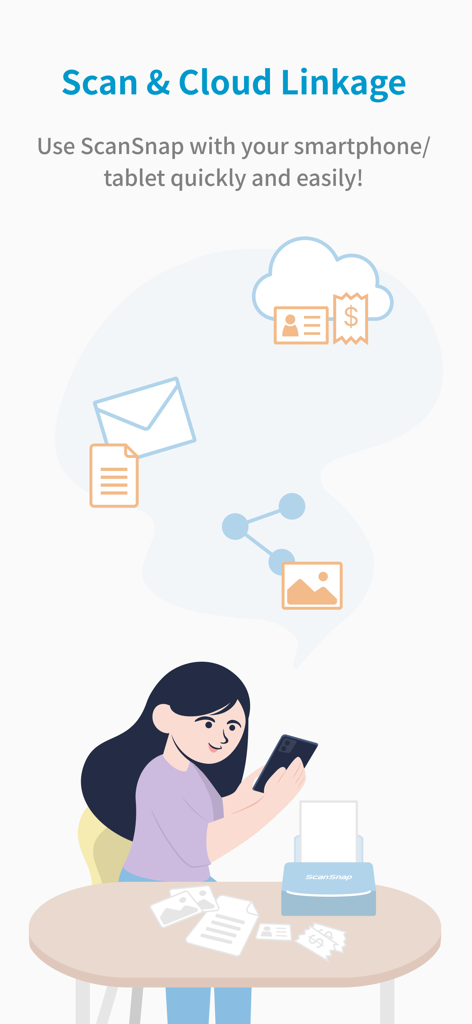
Eine Illustration, die zeigt, wie eine Frau die ScanSnap Home App auf ihrem Smartphone verwendet, um Papierdokumente zu scannen und in die Cloud zu synchronisieren.
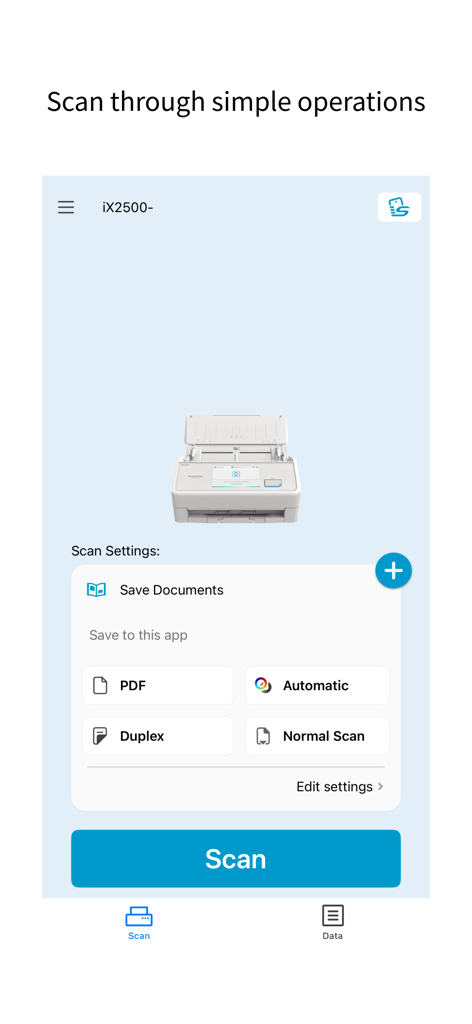
ScanSnap Home Mobile App-Oberfläche, die Dokumentenscan-Einstellungen und eine große blaue Scan-Schaltfläche anzeigt
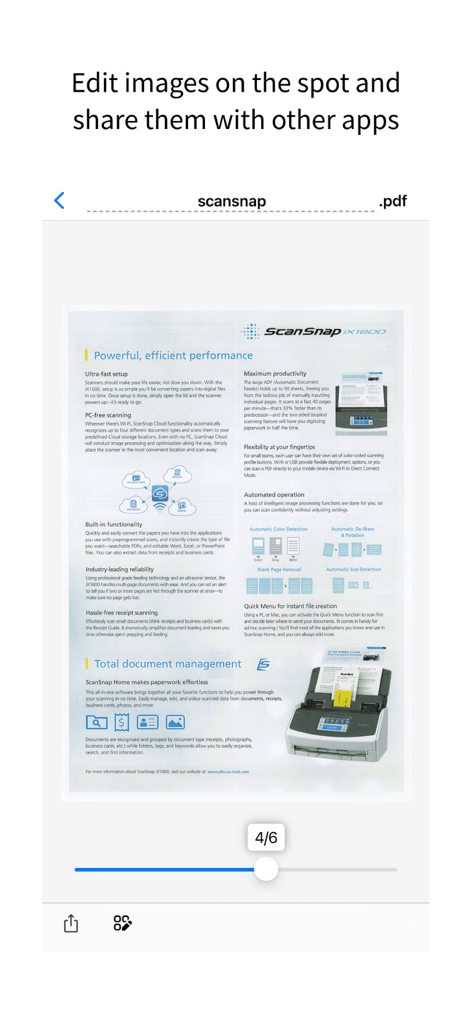
ScanSnap Home App-Vorschau eines gescannten PDF-Dokuments, das zur Bearbeitung und Weitergabe bereit ist
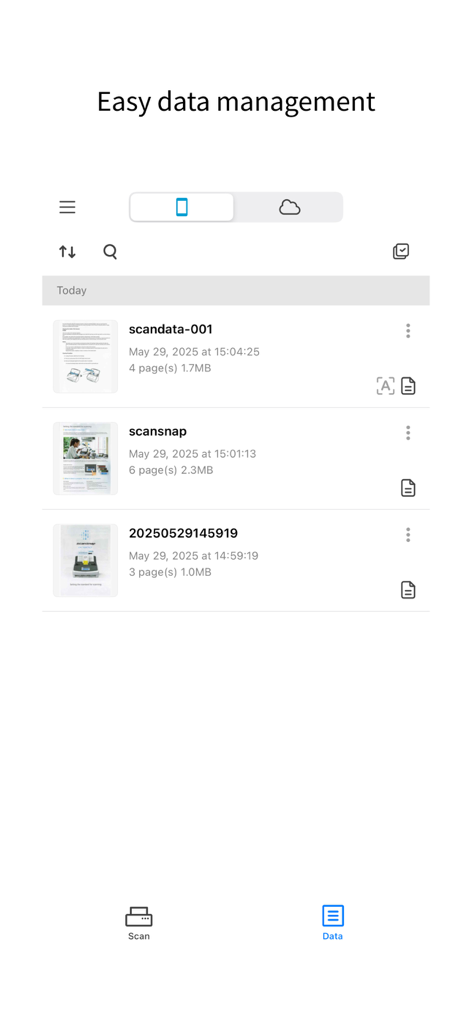
ScanSnap Home Mobile App-Oberfläche mit einer Liste organisierter gescannter Dokumente
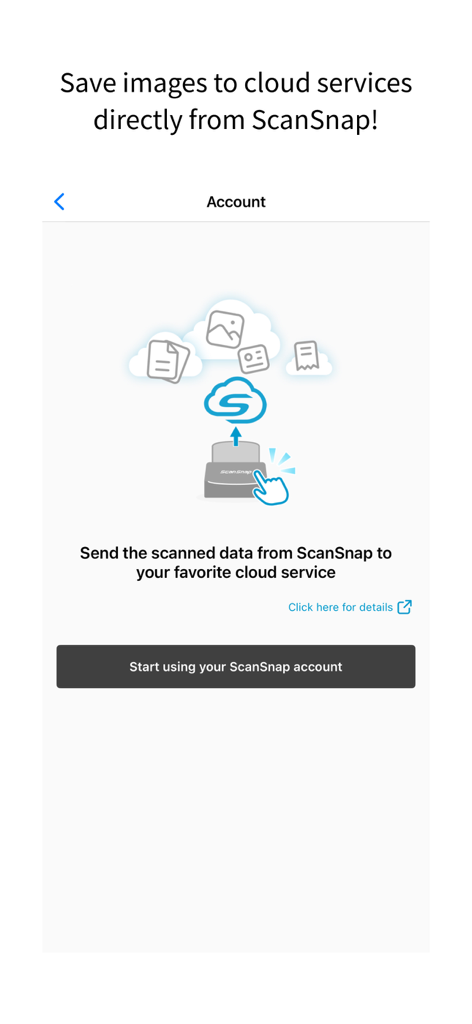
ScanSnap Home App-Einrichtung zur Synchronisierung gescannter Dokumente direkt mit Cloud-Diensten
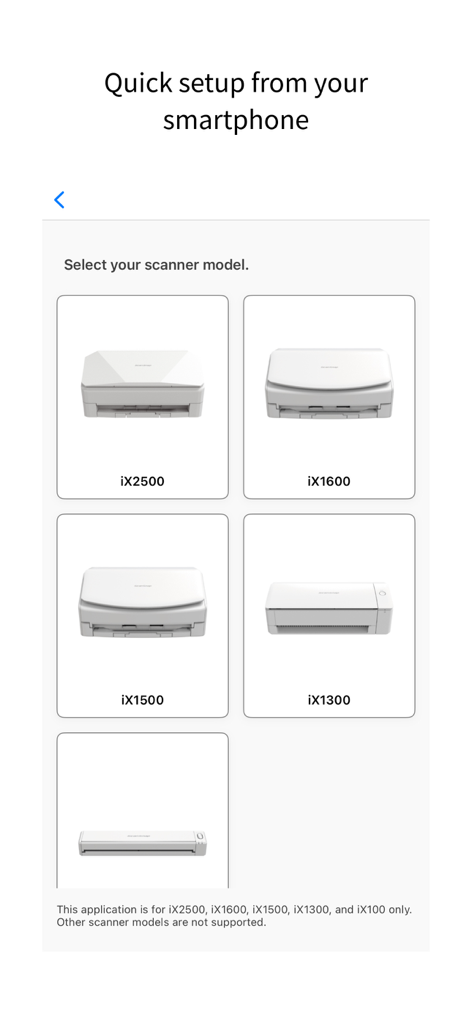
ScanSnap Home App-Oberfläche zur Auswahl eines Scannermodells während der mobilen Einrichtung
Beschreibung
Download
Ähnliche Apps
Top-gerankte Apps in derselben Kategorie

Google LLC

Google Chrome
Google LLC

中国移动(手机营业厅)
China Mobile Online Services Co., Ltd.

Google Authenticator
Google LLC

CNH do Brasil
Servicos e Informacoes do Brasil

Cleanup: Phone Storage Cleaner
DEEP FLOW SOFTWARE SERVICES - FZCO

gov.br
Servicos e Informacoes do Brasil

中国电信-全国统一官方服务平台
CHINA TELECOM Corporation Ltd.

Microsoft Edge: AI Browser
Microsoft Corporation
Diese Seite ist keine offizielle Seite der App oder ihres Entwicklers, sondern eine unabhängige redaktionelle Veröffentlichung, die zu Informations- und Kommentarzwecken erstellt wurde. Sofern nicht ausdrücklich anders angegeben, sind weder die App noch ihr Entwickler mit MWM, Apple, Google Play, dem App-Herausgeber oder dem Entwickler der App verbunden, von ihnen unterstützt, gesponsert, autorisiert oder anderweitig offiziell verbunden, und nichts auf dieser Seite impliziert, dass die App unter Verwendung der Dienste von MWM entwickelt wurde. Alle Marken, Logos, Screenshots und andere Inhalte bleiben Eigentum ihrer jeweiligen Inhaber.