Screen Mirroring: Smart cast

Screen Mirroring: Smart cast

Herunterladen auf App Store
Logo von Screen Mirroring: Smart cast

Screen Mirroring: Smart cast: Verbinden Sie Ihr iPhone sofort mit jedem Smart TV

Hören Sie auf, auf kleine Bildschirme zu starren. Spiegeln Sie mühelos Ihre Lieblingsfotos, Videos und Apps auf den großen Bildschirm für das ultimative gemeinsame Erlebnis – keine zusätzliche Hardware erforderlich.

Herunterladen auf App Store

Herausgeber

Pravin Gondaliya

Kategorie

Utilities

Downloads

326K+

Bewertung

1.8/5

Bewertungen gesamt

0

Sprachen

15

Ihre Welt, vergrößert

Entdecken Sie die Oberfläche, die von 326K+ Nutzern verwendet wird.

Oberfläche einer Screen-Mirroring-App, die Optionen zum Übertragen von Bildern und Videos von einem Telefon auf einen Computer zeigt
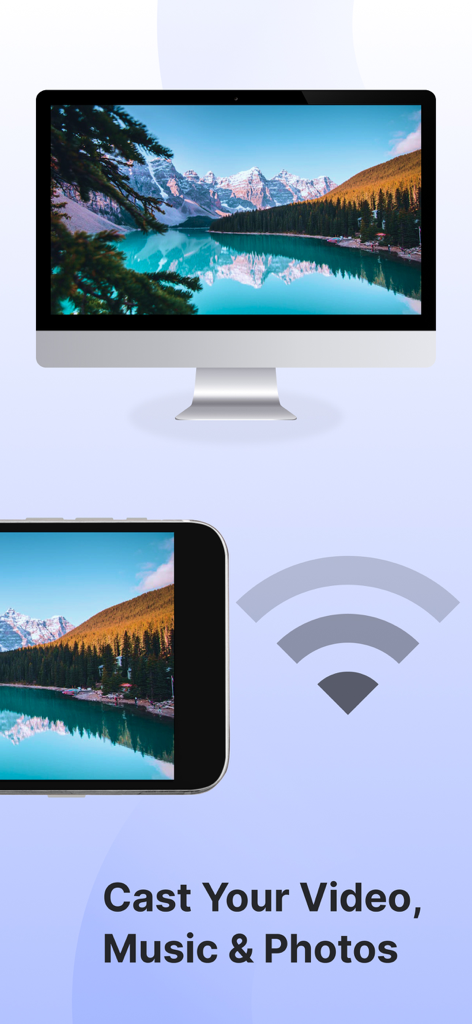
Oberfläche einer Screen-Mirroring-App, die Optionen zum Übertragen von Bildern und Videos von einem Telefon auf einen Computer zeigt

Smartphone überträgt ein Berglandschaftsfoto über WLAN auf einen Smart TV
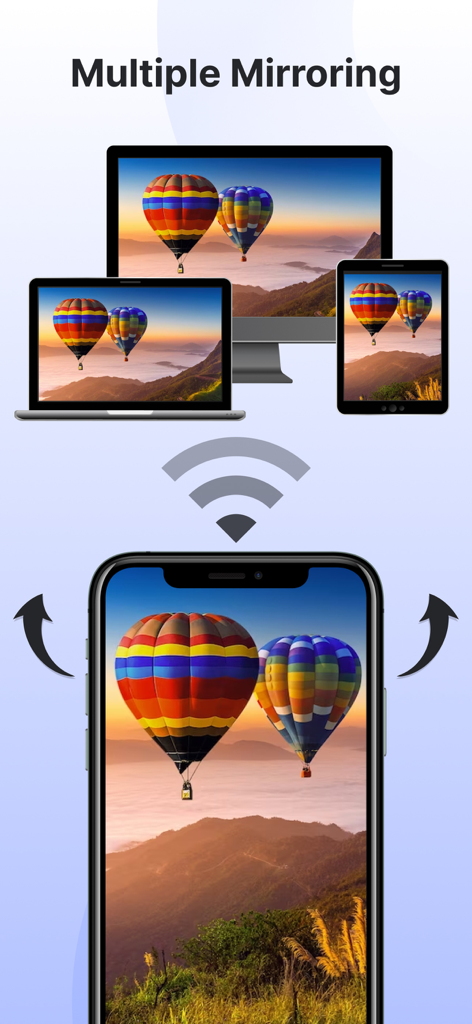
Smartphone überträgt ein Berglandschaftsfoto über WLAN auf einen Smart TV

Ein Smartphone spiegelt drahtlos seinen Bildschirm auf einen Fernseher, einen Laptop und ein Tablet gleichzeitig
Ein Smartphone spiegelt drahtlos seinen Bildschirm auf einen Fernseher, einen Laptop und ein Tablet gleichzeitig

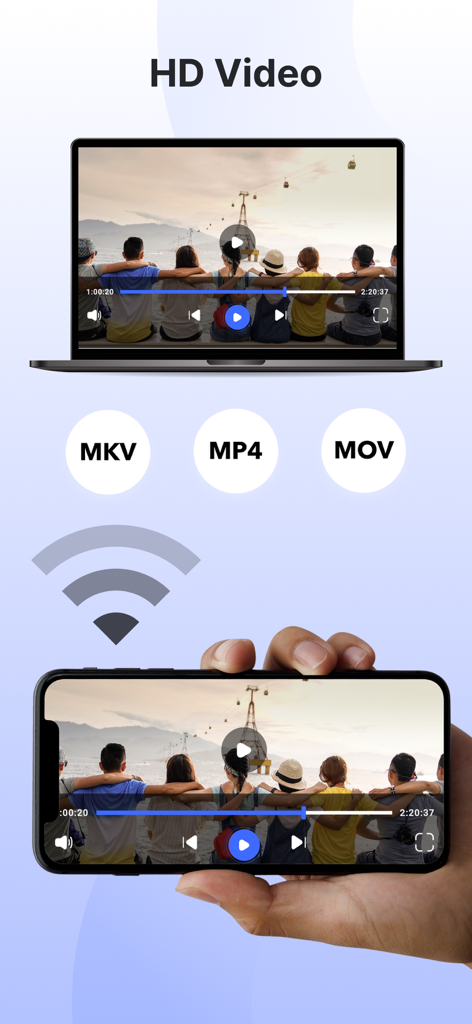
Ein Smartphone spiegelt HD-Video auf ein Laptop-Display mit unterstützten Formaten MKV MP4 und MOV

Ein Smartphone spiegelt HD-Video auf ein Laptop-Display mit unterstützten Formaten MKV MP4 und MOV

Alles, was Sie für ein nahtloses Erlebnis auf dem großen Bildschirm brauchen

Die Tools, die diese App auszeichnen, gewählt von 326K+ Nutzern.

📺

Universelles Screen Mirroring

Projizieren Sie Ihren gesamten Bildschirm sofort in hoher Auflösung. Egal ob Mobile Game, Fitness-App oder Business-Präsentation – teilen Sie alles in Echtzeit, ohne teure Hardware wie Apple TV.

📸

Direktes Übertragen von Fotos und Videos

Hören Sie auf, sich um ein 6-Zoll-Display zu drängen. Übertragen Sie Ihre persönliche Fotobibliothek und Ihre Heimvideos direkt auf den TV-Bildschirm, um Ihre Lieblingserinnerungen mit Freunden und Familie in atemberaubenden Details wieder aufleben zu lassen.

📱

Integrierte Smart Remote

Jagen Sie nie wieder eine verlorene Fernbedienung. Verwandeln Sie Ihr Telefon mit einem einzigen Fingertipp in eine leistungsstarke Steuerung, um Menüs zu navigieren, die Lautstärke anzupassen und Ihren Smart TV zu verwalten.

Über die App

Alles, was Sie über wissen müssen Screen Mirroring: Smart cast.

Beschreibung

Experience seamless connectivity & Elevate entertainment with our screen mirror app. Mirror phone to smart TV & embrace a new era of multimedia sharing! Screen Mirroring: Smarttv View app will Transform your viewing experience with this feature-packed app that empowers you to effortlessly mirror & share your device screen to Smart TVs. Whether it's for entertainment, presentations, or sharing moments with friends & family, our app is your go-to companion. The app has several features, including the ability to mirror your phone's screen to your TV, mirror photos and videos from your photo library to your TV, and mirror your phone's camera to your TV. Screen mirror & share apps are a popular way to display your phone's content on a smart TV. By using the Screen Mirror feature, you can effortlessly Cast project from phone screen to Smart TV. The Screen Mirroring app facilitates real-time screen mirroring for a seamless experience. Key Features for Screen Mirroring: Smarttv View: 1. Screen Mirroring to Smart Tv: Effortlessly mirror your smartphone or tablet screen to your Smart TV using advanced Miracast technology. Experience high-quality mirroring for a variety of content – from videos & photos to presentations & games. 2. Mirror Phone to Tv Screen: Share your screen in real-time, wirelessly. With just a tap, engage in collaborative work sessions, showcase your latest creations, or enjoy media content on the big screen. Connect seamlessly & share the joy. 3. Mirror your Smart TV: Turn your mobile device into a powerful remote control for your Smart TV. Navigate effortlessly through menus, control playback, and manage volume – all from the convenience of your device. The Screen Mirror app stands out for its user-friendly design and, notably, it's free to use! Key features of the Screen Mirror app include mirroring your phone's screen, sharing photos & videos from your phone's library, projecting your phone's camera to the TV, and supporting multiple screen mirroring simultaneously. To mirror your phone screen to your smart TV, ensure both devices are connected to the same Wi-Fi network, open the app, and follow the instructions. Here are the steps to mirror your screen: 1. Verify that your phone & TV are on the same Wi-Fi network. 2. Open the Screen Mirroring & Sharing app & connect to your Smart TV. (Note: On some devices, manual enabling may be required in System Settings.) 3. Activate the Wireless Display feature on your phone by clicking the "Start Mirroring" button & wait for the connection. When selecting a screen mirroring & sharing app, it's crucial to consider factors such as ensuring both your mobile device & the target device are connected to the same WiFi network. The Screen Mirroring app addresses these requirements, allowing you to effortlessly share your content on multiple TV screens & enhance your overall viewing experience. Important points to remember when using screen mirroring & sharing apps: 1. Connect both the target device & your TV to the same Wi-Fi network. 2. Ensure an internet connection for screen casting, mirroring, or TV projection. 3. Note that screen mirroring & sharing transfer only visual information, not audio signals from your device. Now, mirror phone to smart TV is a breeze! Simply mirror your phone to a TV or another device, and you'll be sharing your screen effortlessly in no time! Our app offers unlimited screen mirroring to Smart TVs. Enjoy the freedom to share without any financial constraints. Upgrade your screen mirroring experience today with "Screen Mirroring: Smarttv View." Download now & redefine how you connect & share with your Smart TV. Privacy Policy: https://vasundharaapps.com/screen-mirroring-and-sharing-ios/privacy-policy Terms of Use: https://vasundharaapps.com/screen-mirroring-and-sharing-ios/terms-of-use

Neueste Version

1.8

Größe

60.0 MB

Erstveröffentlichung

7. Dez. 2023

Sind Sie bereit, Ihre Inhalte auf den großen Bildschirm zu bringen?

Schließen Sie sich über 326.000 Nutzern an, die ihre Home-Entertainment-Erfahrung vereinfacht haben. Laden Sie jetzt kostenlos herunter, um Ihr iPhone auf jeden Smart TV zu spiegeln und Ihre Lieblingsmomente sofort zu teilen.

Herunterladen auf App Store

App information, icons, screenshots, and descriptions displayed on this page are sourced from the Apple App Store and are the property of their respective developers. Download estimates and rankings are based on MWM's proprietary models and may not reflect actual figures. This page is provided for informational and analytical purposes only.

Believe this page infringes your intellectual property? File a dispute