Screens for Organizations
Herunterladen auf App Store

Diese Seite ist keine offizielle Seite der App oder ihres Entwicklers, sondern eine unabhängige redaktionelle Veröffentlichung, die zu Informations- und Kommentarzwecken erstellt wurde. Sofern nicht ausdrücklich anders angegeben, sind weder die App noch ihr Entwickler mit MWM, Apple, Google Play, dem App-Herausgeber oder dem Entwickler der App verbunden, von ihnen unterstützt, gesponsert, autorisiert oder anderweitig offiziell verbunden, und nichts auf dieser Seite impliziert, dass die App unter Verwendung der Dienste von MWM entwickelt wurde. Alle Marken, Logos, Screenshots und andere Inhalte bleiben Eigentum ihrer jeweiligen Inhaber.

Logo von Screens for Organizations
Herunterladen auf App Store

Screens for Organizations

Befähigen Sie Ihre IT-Administratoren und Lehrkräfte mit nahtloser Kontrolle über Macs, PCs und Linux-Geräte von überall. Professionelle Fernzugriffslösung, entwickelt für sicherheitsbewusste Schulen und Unternehmen.

Kennzahlen

Downloads

0

Bewertung

1.0/5

Bewertungen gesamt

0

Herausgeber

Edovia Inc.

Kategorie

Utilities

Sprachen

17

Neueste Version

5.8

Größe

45.6 MB

Erstveröffentlichung

31. Okt. 2024
Funktionen

Volle Kontrolle über die Flotte Ihrer Organisation

Die ultimative Fernzugriffslösung für IT-Profis und Lehrkräfte. Verwalten Sie Mac-, Windows- und Linux-Systeme sicher von Ihrem iPhone, iPad oder Vision Pro.

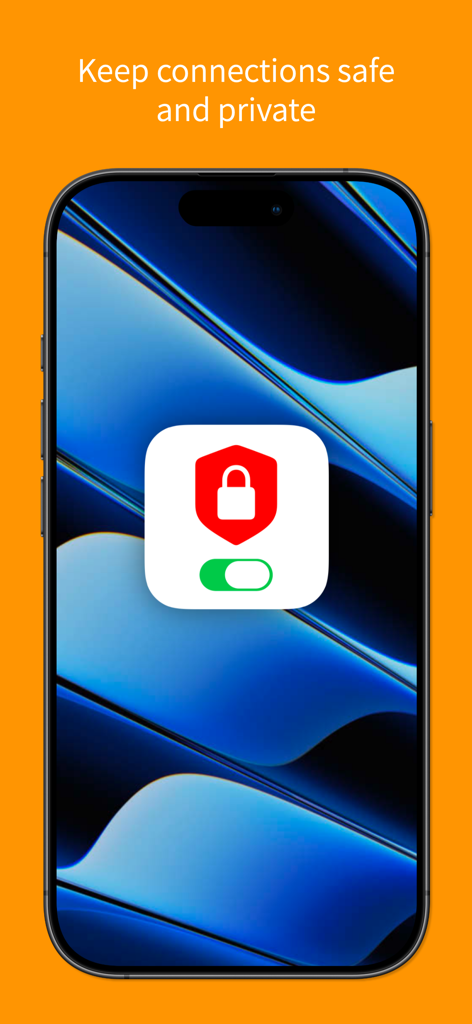
Sichere & private Sitzungen

Setzen Sie auf SSH-Verschlüsselung und Curtain Mode, um administrative Aktionen auf entfernten Bildschirmen ungesehen zu halten.

Einheitliche Geräteverwaltung

Schließen Sie die Lücke zwischen Mac, PC und Linux. Greifen Sie nahtlos auf jeden Server oder jede Workstation mit integrierter Tailscale-Integration zu.

Die folgenden Screenshots und die Beschreibung stammen direkt aus dem offiziellen Store-Eintrag der App und sind Eigentum des Entwicklers.

App Store

Screenshots
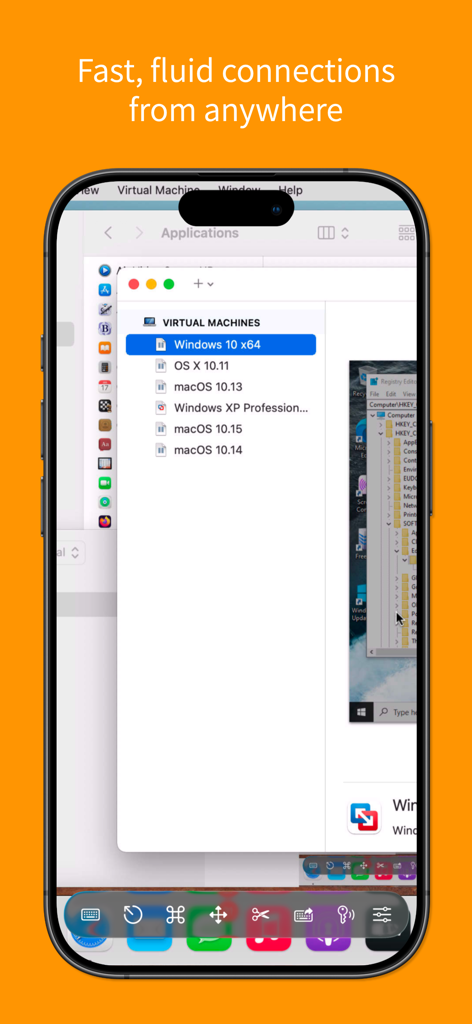
Screens for Organizations - Screens für Organisationen mobile Oberfläche zeigt Fernzugriffskontrolle von virtuellen Maschinen.

Screens für Organisationen mobile Oberfläche zeigt Fernzugriffskontrolle von virtuellen Maschinen.
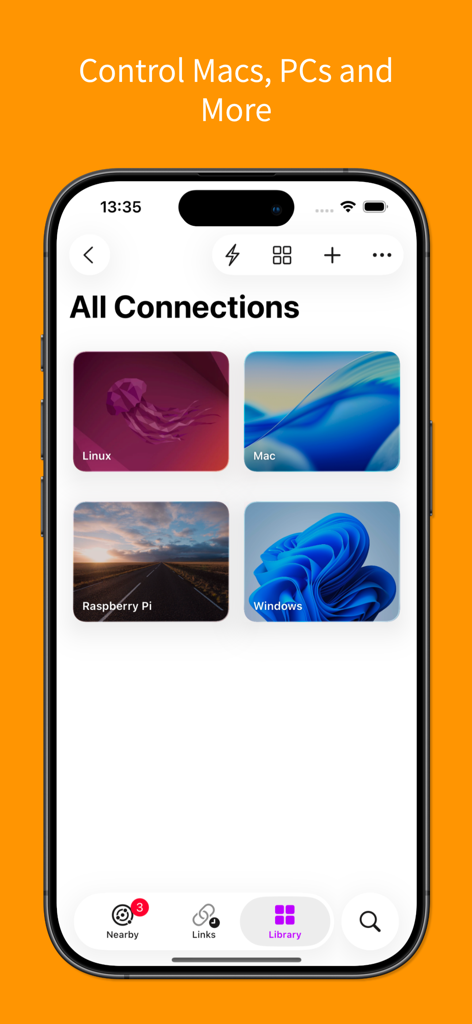
Screens for Organizations - Screenshot der Screens für Organisationen App zeigt Fernverbindungen für Mac, Windows, Linux und Raspberry Pi.
Screenshot der Screens für Organisationen App zeigt Fernverbindungen für Mac, Windows, Linux und Raspberry Pi.

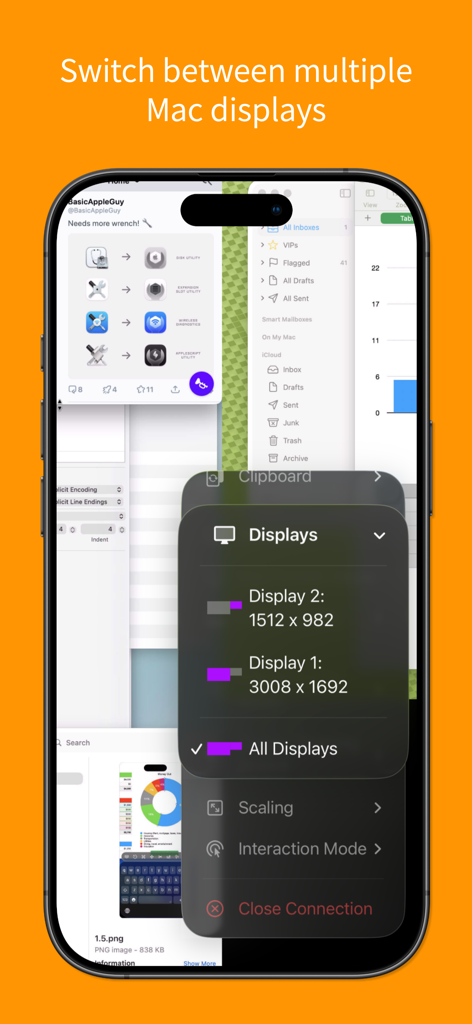
Screens for Organizations - iPhone-Oberfläche der Screens für Organisationen App zeigt Optionen zum Wechseln zwischen mehreren Mac-Fernanzeigen.
iPhone-Oberfläche der Screens für Organisationen App zeigt Optionen zum Wechseln zwischen mehreren Mac-Fernanzeigen.

Screens for Organizations - Screens für Organisationen Oberfläche zeigt sichere und private Fernverbindungsfunktionen.
Screens für Organisationen Oberfläche zeigt sichere und private Fernverbindungsfunktionen.

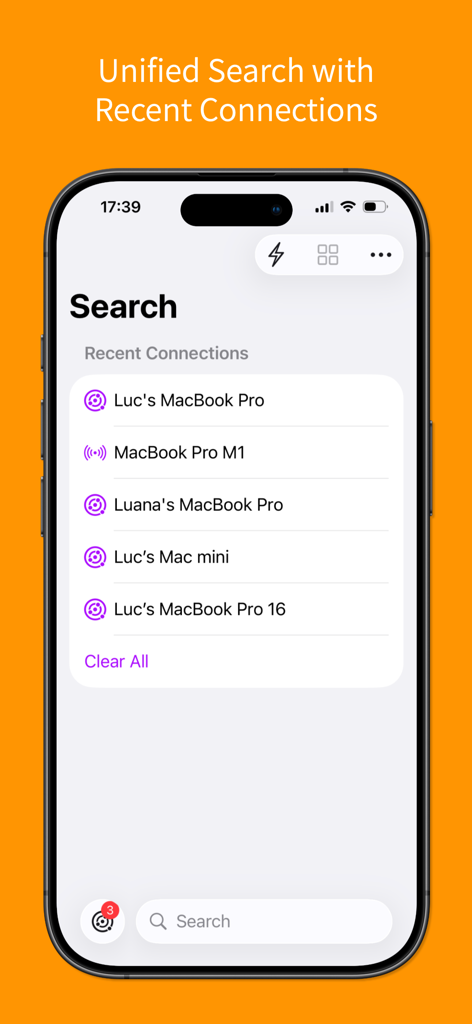
Screens for Organizations - Einheitliche Suchoberfläche, die kürzliche Fernverbindungen auf einem iPhone anzeigt.
Einheitliche Suchoberfläche, die kürzliche Fernverbindungen auf einem iPhone anzeigt.

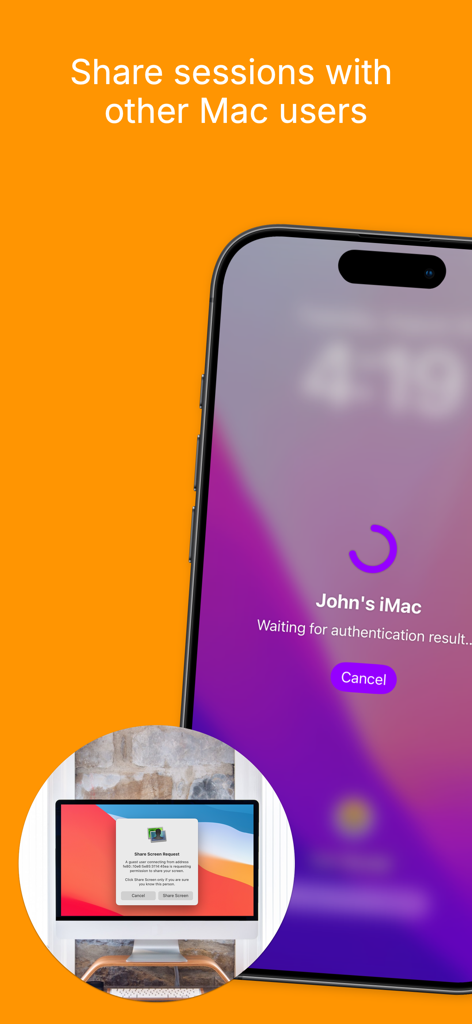
Screens for Organizations - iPhone-Oberfläche zeigt eine Fernsitzungsanfrage zum Teilen eines Mac-Bildschirms.
iPhone-Oberfläche zeigt eine Fernsitzungsanfrage zum Teilen eines Mac-Bildschirms.

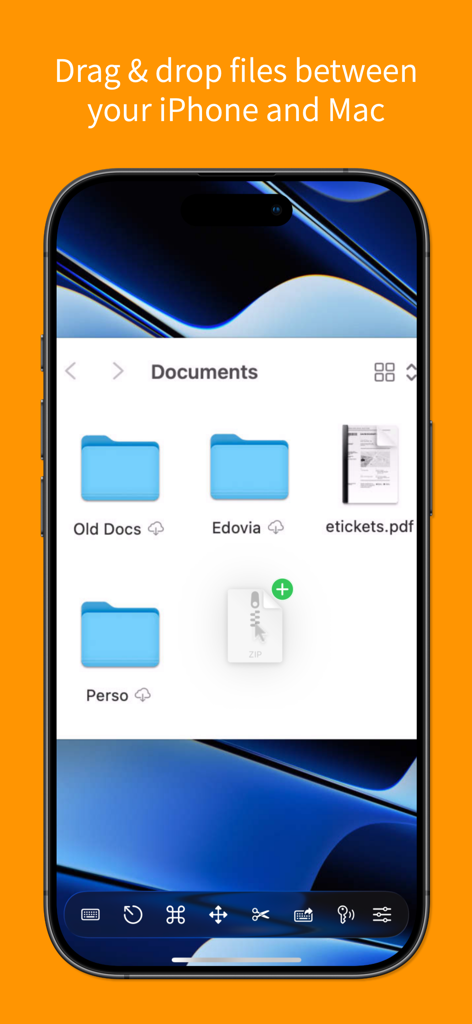
Screens for Organizations - Screenshot der Screens für Organisationen App zeigt Drag-and-Drop-Dateiübertragung zwischen iPhone und Mac.
Screenshot der Screens für Organisationen App zeigt Drag-and-Drop-Dateiübertragung zwischen iPhone und Mac.

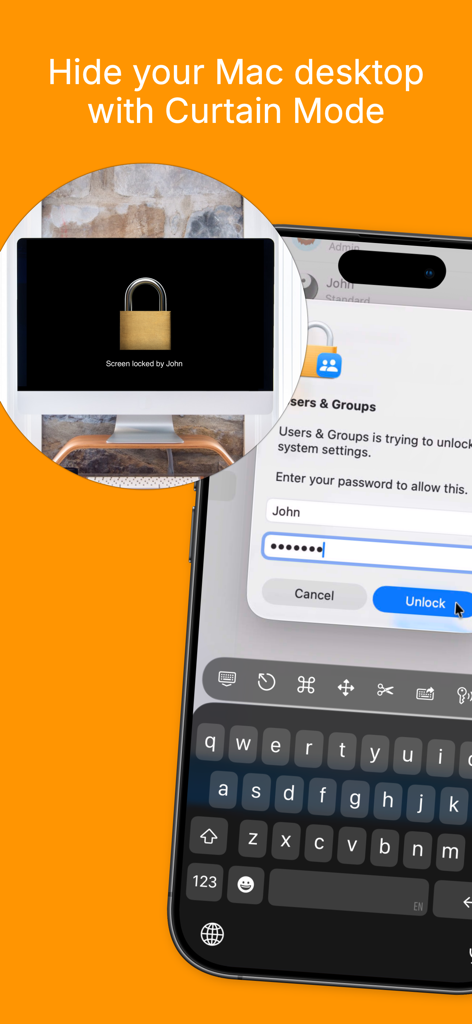
Screens for Organizations - iPhone zeigt die Curtain Mode-Funktion von Screens für Organisationen, um den Mac-Desktop für Privatsphäre auszublenden.
iPhone zeigt die Curtain Mode-Funktion von Screens für Organisationen, um den Mac-Desktop für Privatsphäre auszublenden.

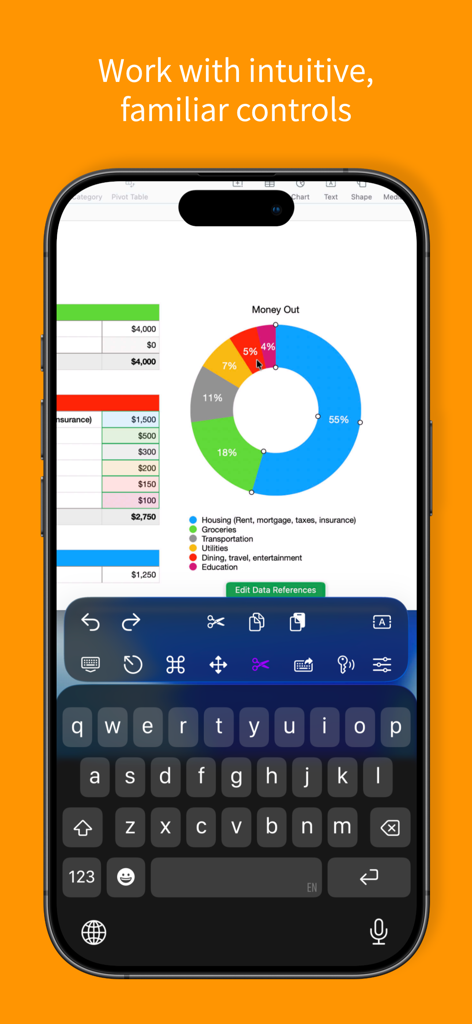
Screens for Organizations - Screens für Organisationen App auf dem iPhone zeigt eine Fernsitzung mit einem Tabellenkalkulations-Donut-Diagramm und einer benutzerdefinierten Symbolleiste.
Screens für Organisationen App auf dem iPhone zeigt eine Fernsitzung mit einem Tabellenkalkulations-Donut-Diagramm und einer benutzerdefinierten Symbolleiste.

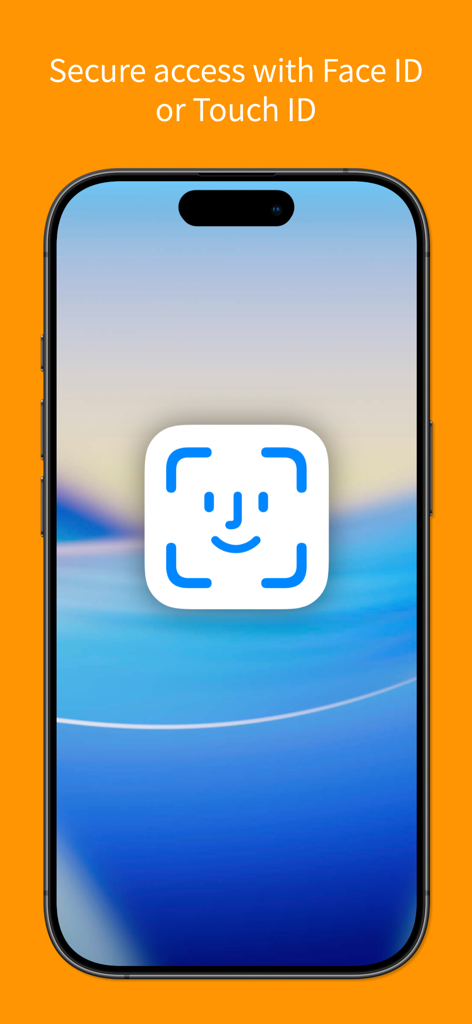
Screens for Organizations - Smartphone-Bildschirm zeigt sicheren Zugriff mit Face ID und Touch ID für die Screens für Organisationen App.

Smartphone-Bildschirm zeigt sicheren Zugriff mit Face ID und Touch ID für die Screens für Organisationen App.

Beschreibung

Screens for Organizations: Remote Computer Control for Schools and Businesses Control your Mac, Windows PC, Linux PC, or Raspberry Pi effortlessly from any location—be it a classroom, office, or even across the globe. Screens for Organizations is your dependable remote desktop solution, designed for institutions that value speed, security, and reliability, offering seamless control over multiple devices. With Screens for Organizations, remote access is at your fingertips, tailored for educational and business environments. Here’s why it’s the ideal choice for your organization: Connect from Anywhere Install Screens Connect on your Mac or Windows PC to gain remote access from anywhere. Your computers are now within reach wherever you are. Screens for Organizations fully integrates with Tailscale, making remote connections to Linux PCs and Raspberry Pi devices seamless. Curtain Mode Maintain privacy during sessions with Curtain Mode, which masks the remote Mac’s display. Ideal for classrooms and shared workspaces, this feature keeps your activity discreet. Secure Connections Screens provides secure access to your computers. Enable Remote Login on your Mac or configure SSH for Windows, Linux, or Raspberry Pi. For enhanced security, Screens also supports SSH key authentication. Effortless Login With automated password entry, connecting to your remote computer is fast and hassle-free. Save time with a seamless login experience. Display Selection Choose the display you want on multi-screen Macs or show them all. Screens remembers your choice for each session. Clipboard Sharing Synchronize text, URLs, images, and more between local and remote clipboards. Keep everything in sync without interruption. Session Selection When someone is using a remote Mac, Screens allows you to either share their session or start a new one, giving you control over access. Raspberry Pi 5 Compatibility Screens supports Bookworm and WayVNC with RSA-AES authentication, ensuring fast, reliable performance. Shortcuts Toolbar Boost productivity with easy access to your favorite shortcuts through a scrollable toolbar. External Input Devices Support Use your Magic Keyboard or any compatible external keyboard and pointing device for a seamless, intuitive control experience. Easy to Use Screens for Organizations offers familiar, intuitive controls, ensuring a consistent experience across iOS, Mac, and Vision Pro devices. Assist Students and Staff With the free Screens Assist utility (Mac), support your team by troubleshooting issues, updating apps, and more, making tech support simple. Other Features - Adaptive and Full display quality - Observe or control the remote computer - iCloud Synchronization - Full URL Schemes Support - Secure access with Touch ID and Face ID - And much more! Special Requirements - A VNC Server like UltraVNC or TightVNC is needed for Windows connections. - Windows, Linux PCs, and Raspberry Pi support text and URL sharing. - Due to VNC protocol limitations, Screens does not support audio. - Screens Connect requires macOS 10.11 or later for Mac, Windows 7 SP1 or later for PCs, and a free Screens ID. - Screens does not support remote connections initiated from a PC. Screens for Organizations is your trusted tool for secure, reliable remote control, whether in a classroom, office, or beyond. Empower your organization with seamless access and control.

Download

Herunterladen auf App Store

Diese Seite ist keine offizielle Seite der App oder ihres Entwicklers, sondern eine unabhängige redaktionelle Veröffentlichung, die zu Informations- und Kommentarzwecken erstellt wurde. Sofern nicht ausdrücklich anders angegeben, sind weder die App noch ihr Entwickler mit MWM, Apple, Google Play, dem App-Herausgeber oder dem Entwickler der App verbunden, von ihnen unterstützt, gesponsert, autorisiert oder anderweitig offiziell verbunden, und nichts auf dieser Seite impliziert, dass die App unter Verwendung der Dienste von MWM entwickelt wurde. Alle Marken, Logos, Screenshots und andere Inhalte bleiben Eigentum ihrer jeweiligen Inhaber.








