
Diese Seite ist keine offizielle Seite der App oder ihres Entwicklers, sondern eine unabhängige redaktionelle Veröffentlichung, die zu Informations- und Kommentarzwecken erstellt wurde. Sofern nicht ausdrücklich anders angegeben, sind weder die App noch ihr Entwickler mit MWM, Apple, Google Play, dem App-Herausgeber oder dem Entwickler der App verbunden, von ihnen unterstützt, gesponsert, autorisiert oder anderweitig offiziell verbunden, und nichts auf dieser Seite impliziert, dass die App unter Verwendung der Dienste von MWM entwickelt wurde. Alle Marken, Logos, Screenshots und andere Inhalte bleiben Eigentum ihrer jeweiligen Inhaber.


Simple Shifts
Müheloses Geofencing stempelt Sie automatisch ein und aus, sobald Sie ankommen. Keine Abonnements, keine Werbung – nur eine intelligentere Möglichkeit, Ihre Schichten, Rechnungen und Notizen ohne monatliche Gebühren zu verwalten.
Downloads
0Bewertung
Bewertungen gesamt
0Herausgeber
Kategorie
ProductivitySprachen
1Neueste Version
2.2Größe
4.1 MBErstveröffentlichung
17. Aug. 2025Mühelose Zeiterfassung für Ihr geschäftiges Leben
Verschwenden Sie keine Zeit mehr mit manuellen Protokollen. Simple Shifts automatisiert Ihren Arbeitstag mit intelligentem Geofencing und ohne Abonnementgebühren.
Automatisches Geofencing
Vergessen Sie nie wieder das Einstempeln. Unsere batterieeffiziente Technologie erfasst automatisch Ihre Stunden in dem Moment, in dem Sie Ihren Arbeitsplatz betreten.
Für immer kostenlos
Keine monatlichen Gebühren, keine versteckten Kosten und absolut keine Werbung. Besitzen Sie ein professionelles Werkzeug, das speziell für den modernen Stundenarbeiter entwickelt wurde.
Die folgenden Screenshots und die Beschreibung stammen direkt aus dem offiziellen Store-Eintrag der App und sind Eigentum des Entwicklers.
App Store
Screenshots
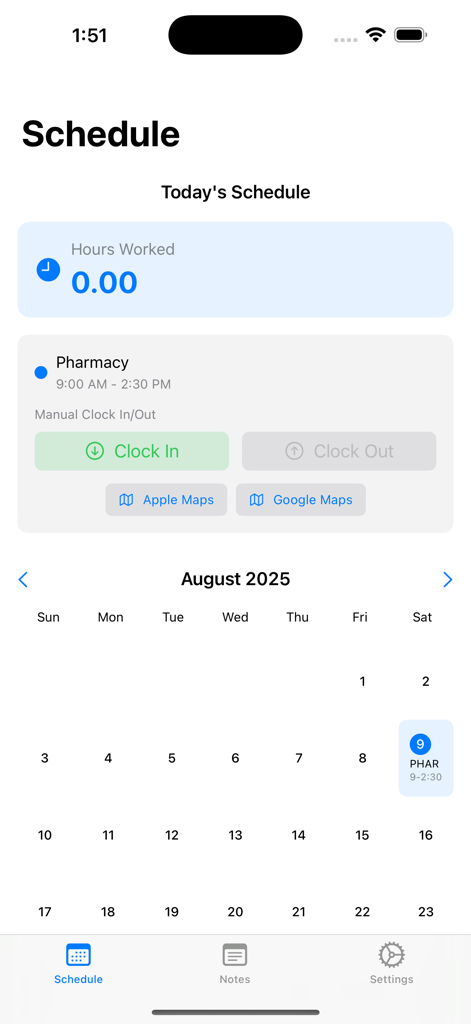
Simple Shifts App-Oberfläche, die einen Arbeitsplan mit Kalender und manuellen Einstempel-Schaltflächen anzeigt.
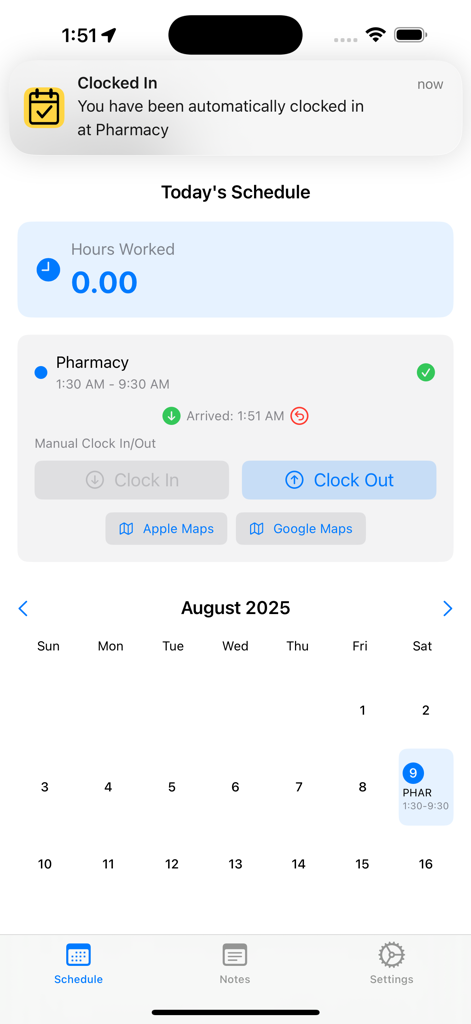
Simple Shifts App-Oberfläche, die eine automatische Einstempel-Benachrichtigung und den heutigen Arbeitsplan anzeigt
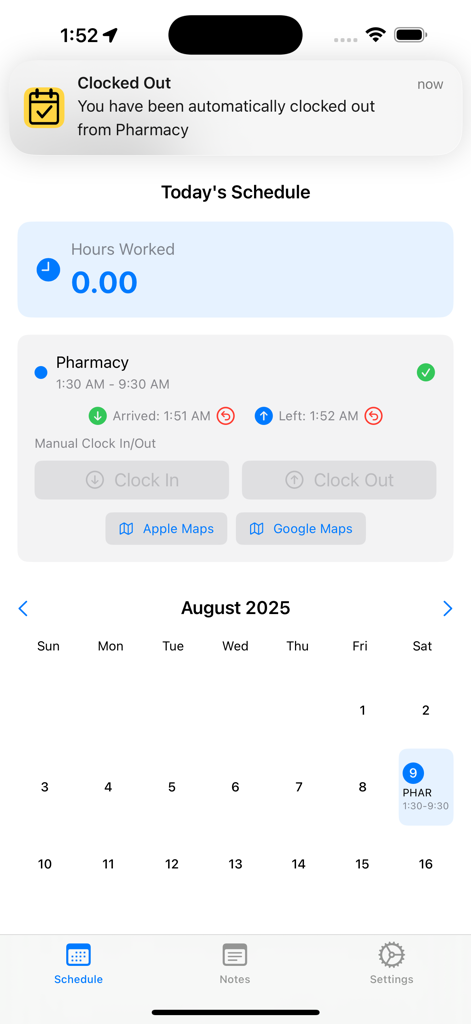
Simple Shifts App-Bildschirm, der eine automatische Ausstempel-Benachrichtigung und einen Tagesplan mit Ankunfts- und Abfahrtszeiten anzeigt.
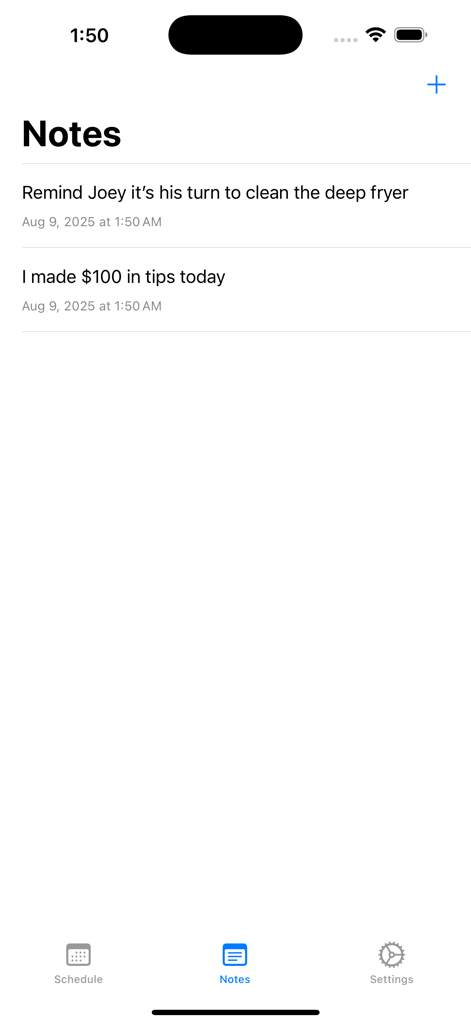
Notiz-Tab der Simple Shifts App mit Arbeitserinnerungen und Trinkgeld-Protokollen
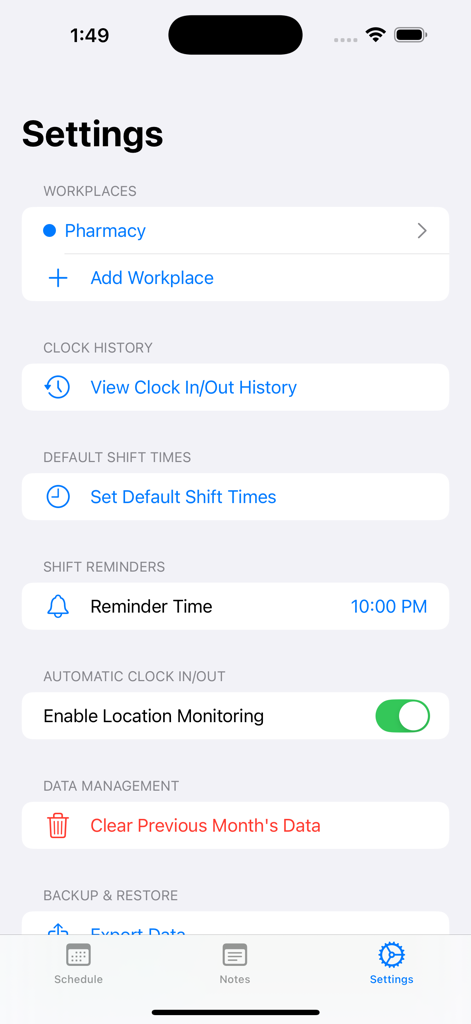
Der Einstellungsbildschirm der Simple Shifts App mit Arbeitsplatzverwaltung und automatischen Einstempelungsoptionen.
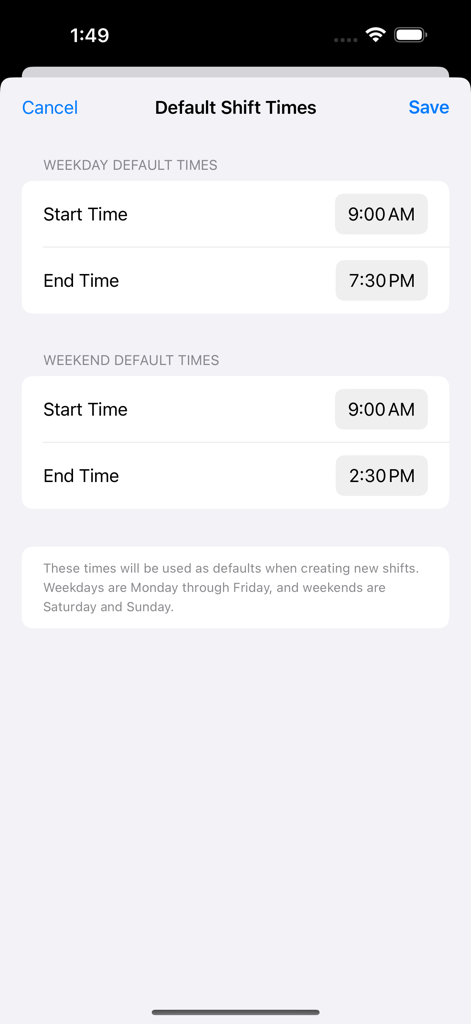
Konfigurationsbildschirm für Standard-Schichtzeiten in der Simple Shifts App mit Start- und Endzeit-Einstellungen für Wochentage und Wochenenden.
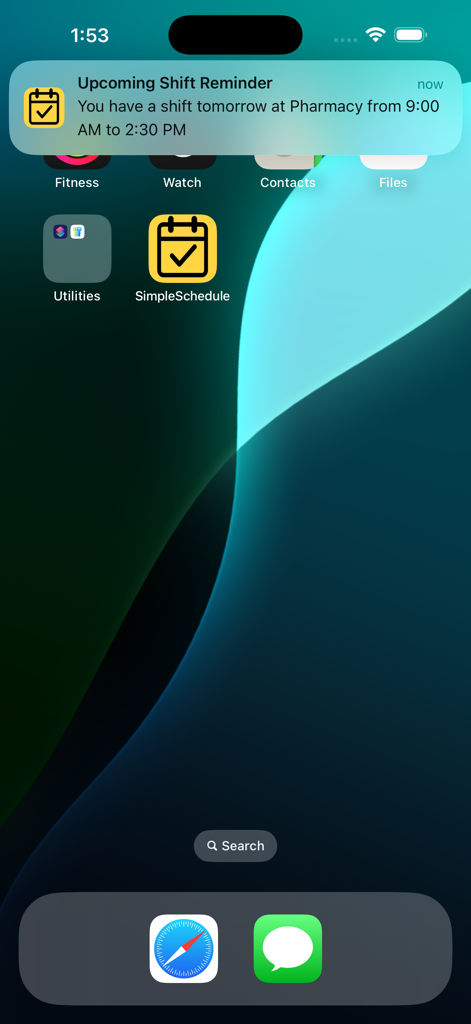
iPhone-Startbildschirm mit einer Schicht-Erinnerungsbenachrichtigung von Simple Shifts
Beschreibung
Download
Ähnliche Apps
Top-gerankte Apps in derselben Kategorie

ChatGPT
OpenAI OpCo, LLC

Google Gemini
Google LLC

Grok
X.AI Corporation

Gmail - Email by Google
Google LLC

千问 - 阿里最强大模型官方AI助手
Shanghai Zhixin Puhui Technology Co., Ltd.

Google Drive
Google LLC

Microsoft Authenticator
Microsoft Corporation

Google Sheets
Google LLC

Google Docs
Google LLC
Diese Seite ist keine offizielle Seite der App oder ihres Entwicklers, sondern eine unabhängige redaktionelle Veröffentlichung, die zu Informations- und Kommentarzwecken erstellt wurde. Sofern nicht ausdrücklich anders angegeben, sind weder die App noch ihr Entwickler mit MWM, Apple, Google Play, dem App-Herausgeber oder dem Entwickler der App verbunden, von ihnen unterstützt, gesponsert, autorisiert oder anderweitig offiziell verbunden, und nichts auf dieser Seite impliziert, dass die App unter Verwendung der Dienste von MWM entwickelt wurde. Alle Marken, Logos, Screenshots und andere Inhalte bleiben Eigentum ihrer jeweiligen Inhaber.