Diese Seite ist keine offizielle Seite der App oder ihres Entwicklers, sondern eine unabhängige redaktionelle Veröffentlichung, die zu Informations- und Kommentarzwecken erstellt wurde. Sofern nicht ausdrücklich anders angegeben, sind weder die App noch ihr Entwickler mit MWM, Apple, Google Play, dem App-Herausgeber oder dem Entwickler der App verbunden, von ihnen unterstützt, gesponsert, autorisiert oder anderweitig offiziell verbunden, und nichts auf dieser Seite impliziert, dass die App unter Verwendung der Dienste von MWM entwickelt wurde. Alle Marken, Logos, Screenshots und andere Inhalte bleiben Eigentum ihrer jeweiligen Inhaber.
Smart Printer : Scanner App
Der mühelose Weg, Dokumente, Fotos und Webseiten von deinem iPhone auf jeden kabellosen Drucker zu drucken. Scanne, signiere und teile Dateien sofort – perfekt für Remote-Profis und vielbeschäftigte Haushalte.
Kennzahlen
Downloads
1K+
Bewertung
4.0/5
Bewertungen gesamt
0
Herausgeber
Muhammad Umar Farooq
Kategorie
Business
Sprachen
15
Neueste Version
2.2
Größe
4.0 MB
Erstveröffentlichung
28. Jan. 2025
Funktionen
Dein komplettes mobiles Büro in einer App
Stärke deinen hybriden Workflow mit der intuitivsten Methode zum Scannen, Verwalten und Drucken von Dokumenten direkt von deinem iPhone oder iPad, ohne Kabel oder komplizierte Einrichtung.
Universeller kabelloser Druck
Vergiss sperrige Treiber. Erkenne automatisch jeden WLAN- oder Bluetooth-Drucker in deinem Netzwerk und drucke Dokumente, Fotos oder Webseiten in Sekundenschnelle mit wenigen Fingertipps.
Hochauflösender Dokumentenscanner
Verwandle dein Gerät in einen tragbaren Scanner. Digitalisiere Verträge, Quittungen und Formulare sofort mit integrierten Werkzeugen zum Zuschneiden, Drehen und Verbessern deiner Scans vor dem Drucken.
Die folgenden Screenshots und die Beschreibung stammen direkt aus dem offiziellen Store-Eintrag der App und sind Eigentum des Entwicklers.
App Store
Screenshots
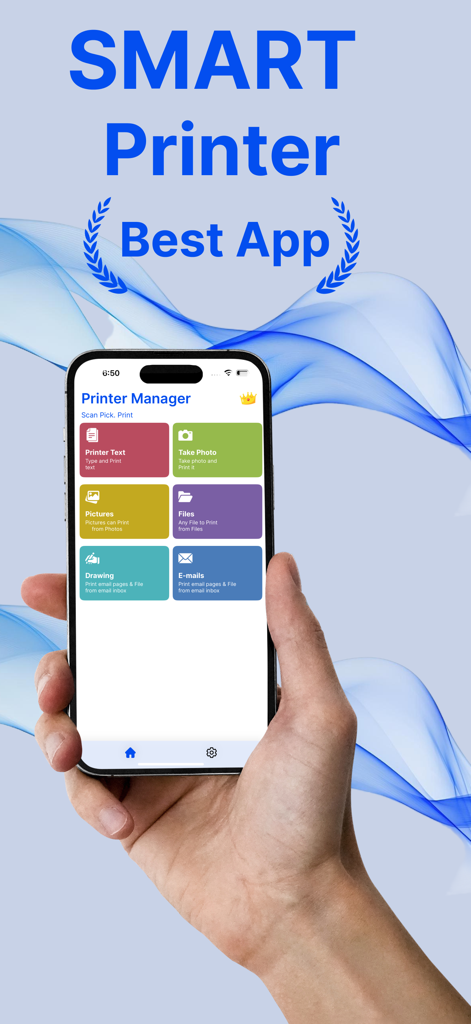
Eine Hand hält ein iPhone, das das Dashboard der Smart Printer App mit Optionen zum Drucken von Text, Fotos, Dateien und E-Mails anzeigt
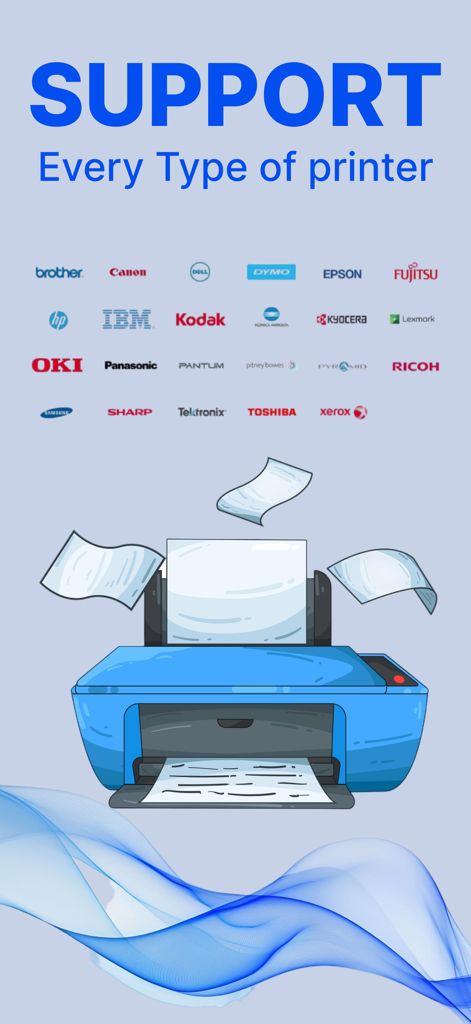
Eine Illustration eines blauen Druckers mit verschiedenen Markennamen wie HP, Canon und Epson, die die universelle Druckerkompatibilität zeigen.
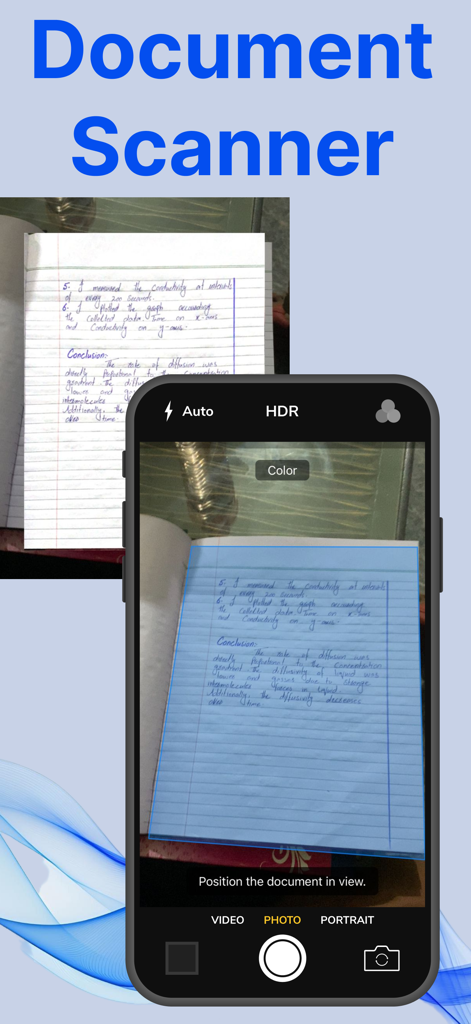
iPhone-Oberfläche, die die Dokumentenscanfunktion zeigt, die eine handgeschriebene Notizbuchseite erfasst
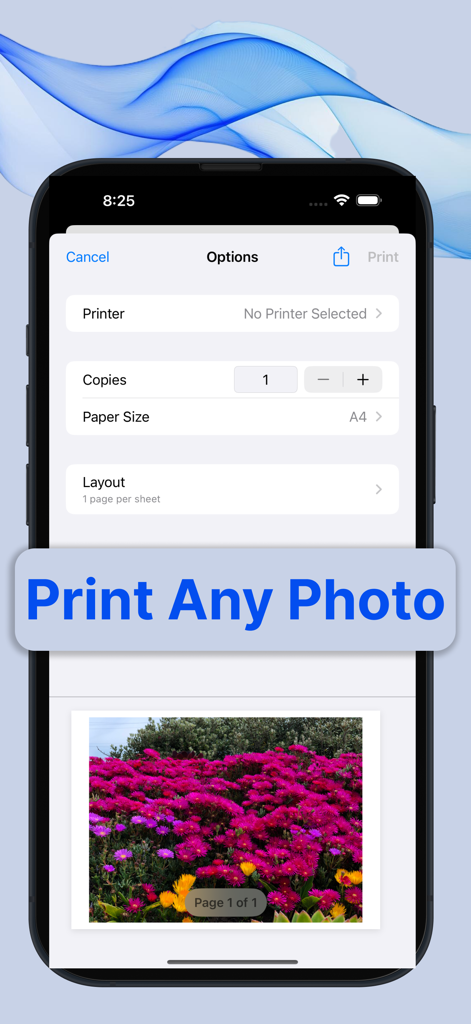
Ein Smartphone zeigt die Foto-Druckvorschau und die Einstellungsoberfläche der Smart Printer App.
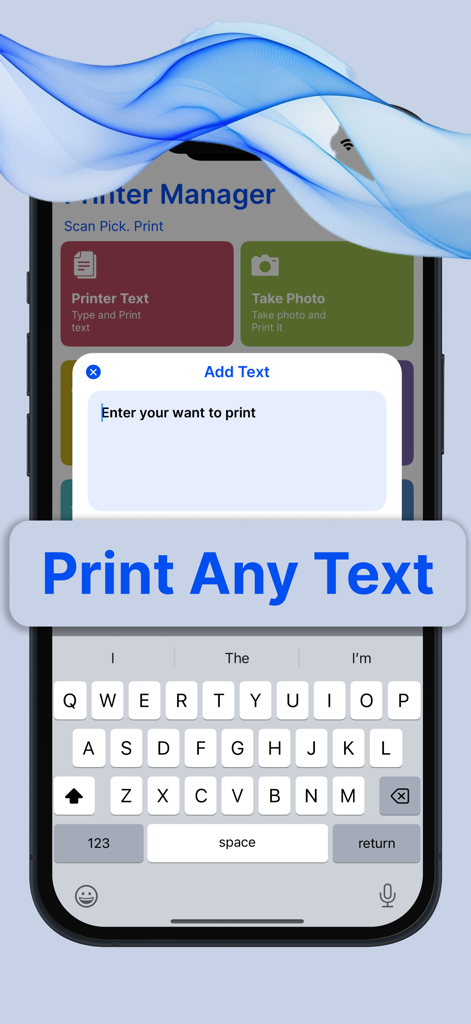
iPhone-Bildschirm, der die Benutzeroberfläche der Smart Printer App zum Eingeben und Drucken von benutzerdefiniertem Text anzeigt
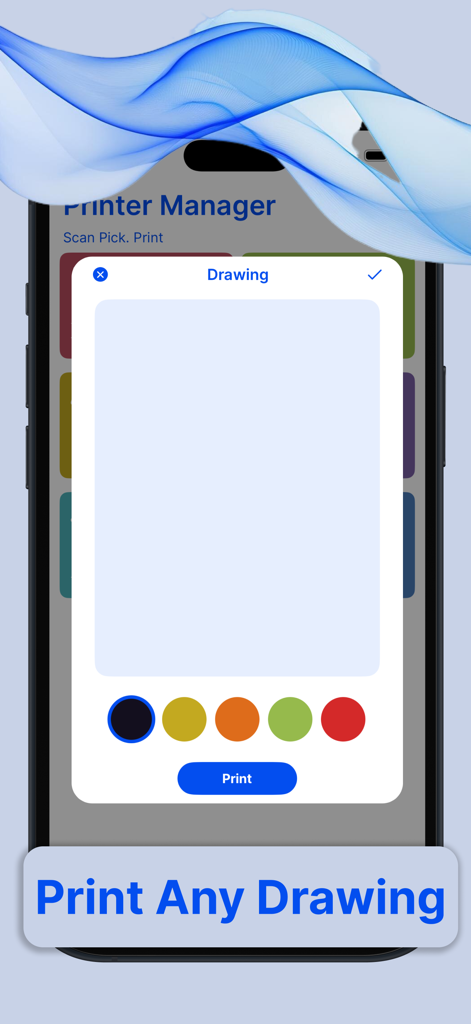
Oberfläche der Smart Printer App, die ein Zeichenwerkzeug mit Farbauswahl und einer Druck-Schaltfläche anzeigt
Beschreibung
Printer App: The Ultimate Wireless Printing Solution
In today’s fast-paced, mobile-driven world, convenience and accessibility are paramount. With the rise of smartphones, tablets, and other mobile devices, the need for seamless integration between these devices and traditional technologies like printers has become more important than ever. The Printer App is a game-changer in this regard. It is a robust, easy-to-use application designed to wirelessly connect users to any compatible printer, enabling them to print anything, anytime, from their mobile device without the need for cables or complicated setups.
A Seamless Experience
The primary goal of the Printer App is to eliminate the friction that often comes with traditional printing. In the past, users needed to deal with clunky drivers, complex configurations, and cables. This app streamlines the entire process, ensuring that users can print documents, photos, and even web pages with just a few taps, making the experience feel effortless.
Wireless Connectivity
The core feature of the Printer App is its ability to connect wirelessly to any printer that supports Wi-Fi, Bluetooth, or other wireless printing protocols. Whether you're at home, in the office, or on the go, the app makes it easy to find and connect to any nearby printer. Whether you have an inkjet, laser, or photo printer, the app ensures compatibility with most modern printer models, regardless of the manufacturer.
The app automatically detects available printers on the same Wi-Fi network, eliminating the need to manually search for or configure devices. It can also pair with printers using Bluetooth, making it an excellent solution for users who want to print directly from their phones without the need for a Wi-Fi connection.
Easy-to-Use Interface
The Printer App is designed with user experience in mind. Its interface is clean, intuitive, and highly responsive, making it easy for even the least tech-savvy individuals to navigate. Upon opening the app, users are greeted with a simple dashboard that displays options to print documents, images, or even web pages directly from their browser.
To print a document, users simply select the file they wish to print, choose the printer from a list of available devices, and hit the print button. The app even allows users to adjust print settings, such as paper size, print quality, and the number of copies, all from within the app. If you’re printing a photo, the app offers built-in options to crop, rotate, or enhance images before printing.
Versatility: Print from Anywhere
One of the standout features of the Printer App is its ability to print from virtually any location. As long as your mobile device and the printer are connected to the same wireless network, you can print documents from the comfort of your home or office. Even if you're on the go, the app allows you to send print jobs to remote printers via cloud printing services, meaning you can print from a cafe, library, or even while traveling.
The app supports printing from a variety of sources, including documents stored on your mobile device, cloud storage platforms like Google Drive and Dropbox, or even email attachments. For those who frequently need to print from web pages, the app also includes a web browser integration that lets users print directly from websites without having to download or transfer files.
https://farooqdevs.wordpress.com/2024/06/22/term-of-use/
https://farooqdevs.wordpress.com/2024/06/22/privacy-policy/
Diese Seite ist keine offizielle Seite der App oder ihres Entwicklers, sondern eine unabhängige redaktionelle Veröffentlichung, die zu Informations- und Kommentarzwecken erstellt wurde. Sofern nicht ausdrücklich anders angegeben, sind weder die App noch ihr Entwickler mit MWM, Apple, Google Play, dem App-Herausgeber oder dem Entwickler der App verbunden, von ihnen unterstützt, gesponsert, autorisiert oder anderweitig offiziell verbunden, und nichts auf dieser Seite impliziert, dass die App unter Verwendung der Dienste von MWM entwickelt wurde. Alle Marken, Logos, Screenshots und andere Inhalte bleiben Eigentum ihrer jeweiligen Inhaber.