
Diese Seite ist keine offizielle Seite der App oder ihres Entwicklers, sondern eine unabhängige redaktionelle Veröffentlichung, die zu Informations- und Kommentarzwecken erstellt wurde. Sofern nicht ausdrücklich anders angegeben, sind weder die App noch ihr Entwickler mit MWM, Apple, Google Play, dem App-Herausgeber oder dem Entwickler der App verbunden, von ihnen unterstützt, gesponsert, autorisiert oder anderweitig offiziell verbunden, und nichts auf dieser Seite impliziert, dass die App unter Verwendung der Dienste von MWM entwickelt wurde. Alle Marken, Logos, Screenshots und andere Inhalte bleiben Eigentum ihrer jeweiligen Inhaber.


SmartyCRM. Task tracker
Verabschieden Sie sich von fragmentierten Apps und Notizblöcken. Verwalten Sie Ihre Kontakte, Aufgaben und langfristigen Ziele in einem intuitiven, farbcodierten Dashboard, das überall funktioniert, wo Sie arbeiten – sogar offline.
Downloads
3K+Bewertung
Bewertungen gesamt
100Herausgeber
Kategorie
BusinessSprachen
8Neueste Version
3.5.139Größe
55.2 MBErstveröffentlichung
28. Aug. 2014Meistern Sie Ihre Business-Produktivität
SmartyCRM ersetzt verstreute Notizblöcke und getrennte Tools durch einen visuellen All-in-One-Arbeitsbereich, der für vielbeschäftigte Profis und wachsende Teams entwickelt wurde.
Visuelle Prioritäten-Engine
Identifizieren Sie Leads mit hohem Wert und dringende Aufgaben auf einen Blick mit unserer intuitiven, farbcodierten Kachel-Oberfläche, die Ihren gesamten Workflow visualisiert.
Vereinigter Business-Hub
Beenden Sie die Ermüdung durch App-Wechsel. Verwalten Sie Ihre Kontakte, strategischen Ziele, Notizen und Projektdateien in einer einzigen, optimierten, professionellen Umgebung.
Die folgenden Screenshots und die Beschreibung stammen direkt aus dem offiziellen Store-Eintrag der App und sind Eigentum des Entwicklers.
App Store
Screenshots
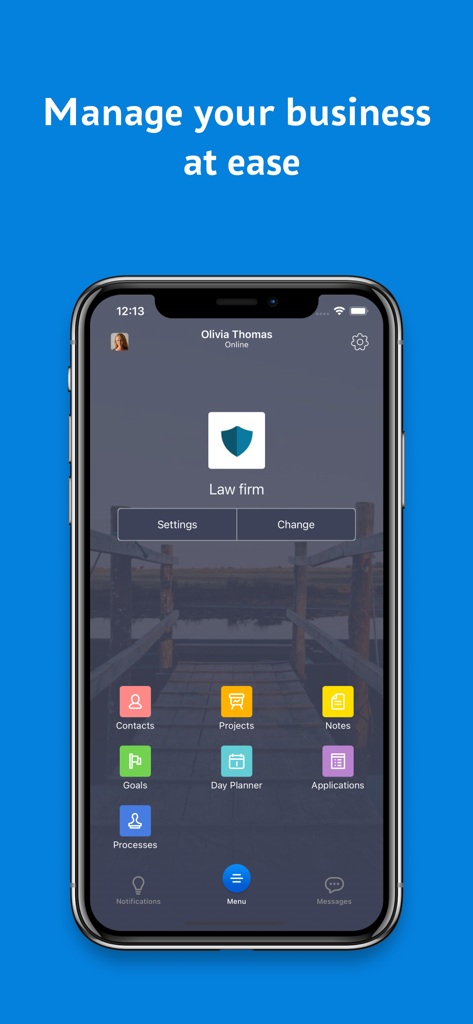
SmartyCRM mobile App Dashboard mit einer Business Organizer Oberfläche mit bunten Aufgabensymbolen.
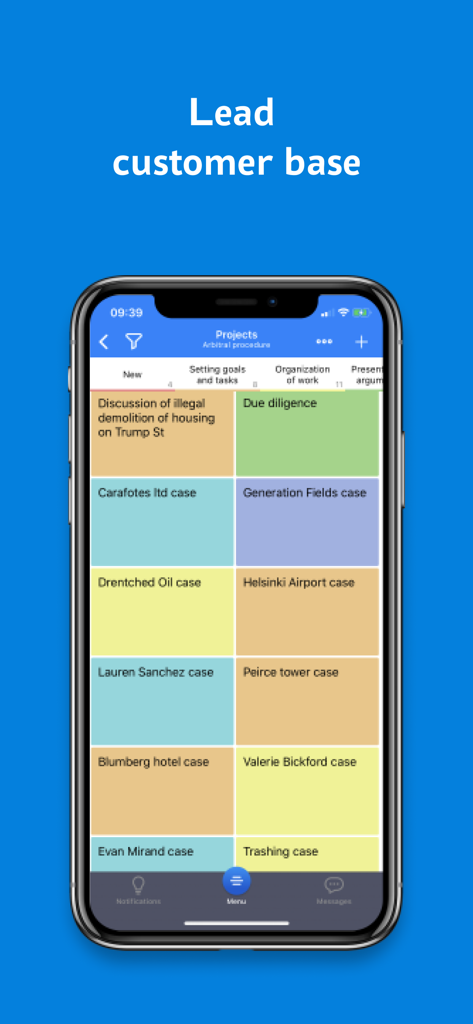
SmartyCRM mobile App zeigt eine Lead-Kundenbasis mit einer farbcodierten, gekachelten Projekt-Oberfläche.
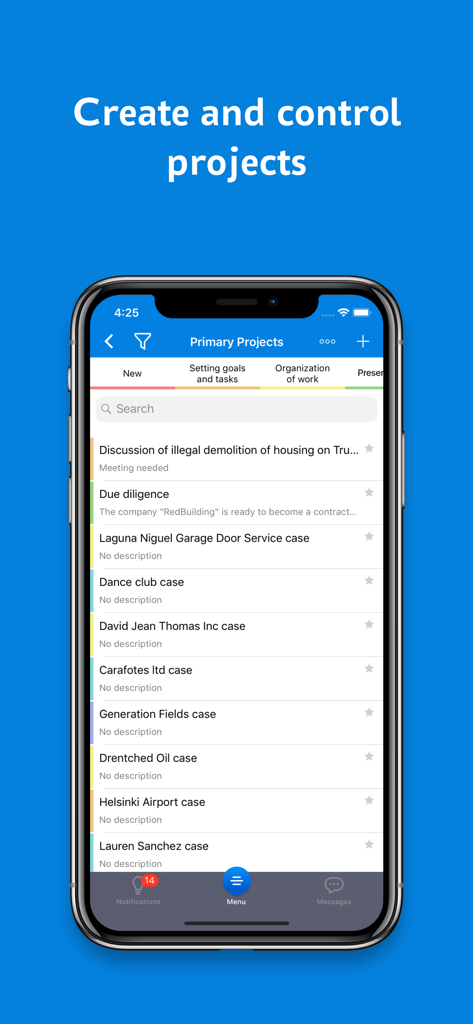
SmartyCRM mobile App Bildschirm zeigt eine Liste der primären Projekte und Statusfarben für die Aufgabenverwaltung.
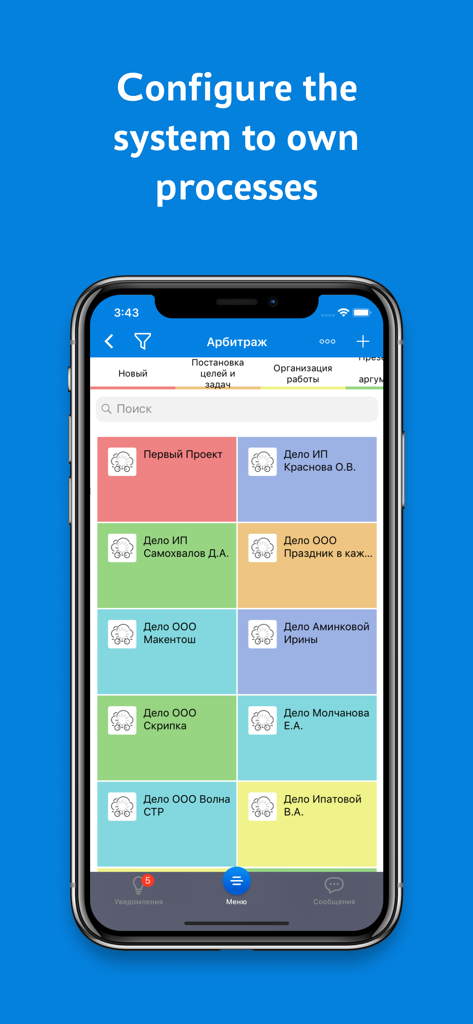
SmartyCRM mobile App Oberfläche zeigt ein buntes gekacheltes Dashboard zur Organisation von Geschäftsaufgaben.
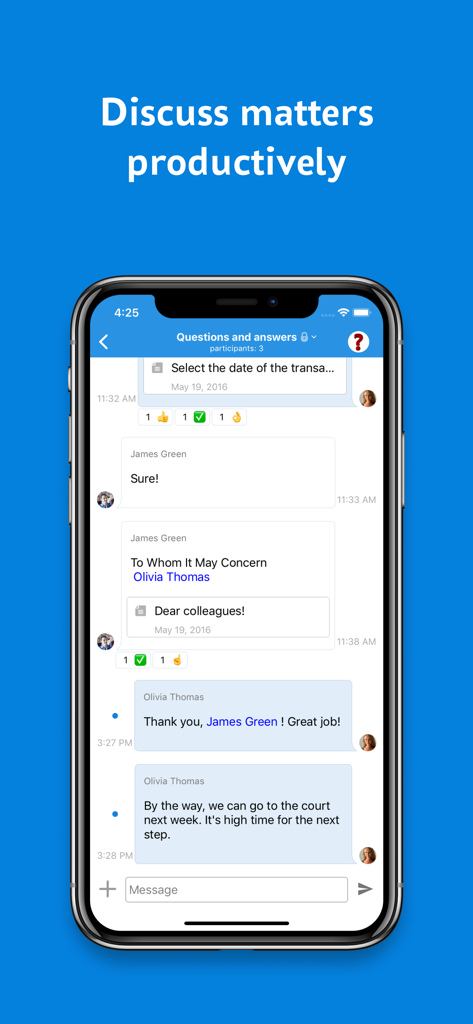
SmartyCRM mobile App Oberfläche zeigt einen Team-Chat für produktive Geschäftsgespräche und Dateifreigabe.
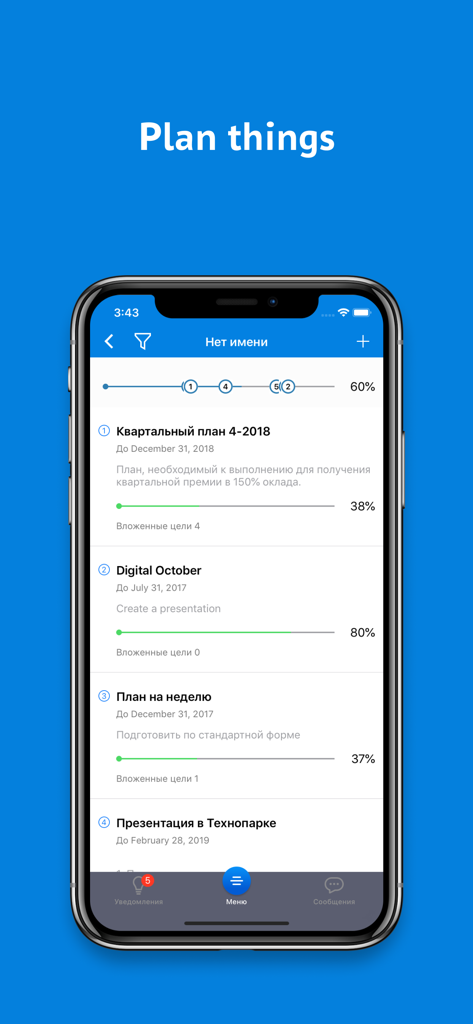
SmartyCRM App Oberfläche zeigt Zielverwaltung und Projekt-Fortschrittsbalken.
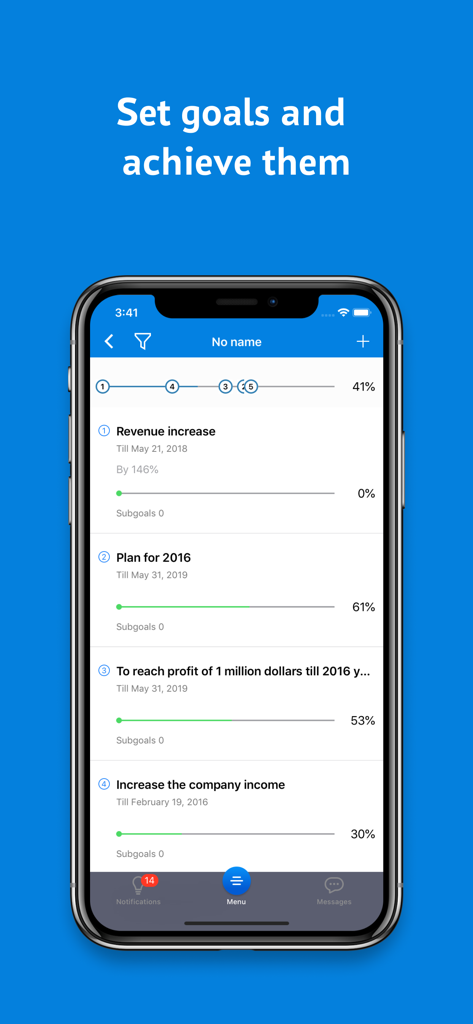
SmartyCRM App Bildschirm zeigt eine Liste von Geschäftsziele mit prozentualen Fortschrittsbalken und Zieldaten.
Beschreibung
Download
Ähnliche Apps
Top-gerankte Apps in derselben Kategorie

Microsoft Teams
Microsoft Corporation

Zoom Workplace
Zoom Communications, Inc.

WhatsApp Business
WhatsApp Inc.

Indeed Job Search
Indeed Inc.

LinkedIn: Network & Job Finder
LinkedIn Corporation

Adobe Acrobat Reader: Sign PDF
Adobe Inc.

DingDing - Redefine Work in AI
DingTalk Technology Co., Ltd.

WeCom-Work Communication&Tools
Tencent Technology (Shenzhen) Company Limited

BOSS直聘-招聘求职找工作神器
Beijing China Product Bo Farce Network Technology Co., Ltd.
Diese Seite ist keine offizielle Seite der App oder ihres Entwicklers, sondern eine unabhängige redaktionelle Veröffentlichung, die zu Informations- und Kommentarzwecken erstellt wurde. Sofern nicht ausdrücklich anders angegeben, sind weder die App noch ihr Entwickler mit MWM, Apple, Google Play, dem App-Herausgeber oder dem Entwickler der App verbunden, von ihnen unterstützt, gesponsert, autorisiert oder anderweitig offiziell verbunden, und nichts auf dieser Seite impliziert, dass die App unter Verwendung der Dienste von MWM entwickelt wurde. Alle Marken, Logos, Screenshots und andere Inhalte bleiben Eigentum ihrer jeweiligen Inhaber.