
Diese Seite ist keine offizielle Seite der App oder ihres Entwicklers, sondern eine unabhängige redaktionelle Veröffentlichung, die zu Informations- und Kommentarzwecken erstellt wurde. Sofern nicht ausdrücklich anders angegeben, sind weder die App noch ihr Entwickler mit MWM, Apple, Google Play, dem App-Herausgeber oder dem Entwickler der App verbunden, von ihnen unterstützt, gesponsert, autorisiert oder anderweitig offiziell verbunden, und nichts auf dieser Seite impliziert, dass die App unter Verwendung der Dienste von MWM entwickelt wurde. Alle Marken, Logos, Screenshots und andere Inhalte bleiben Eigentum ihrer jeweiligen Inhaber.


Speed Tracker. Pro
Werten Sie Ihre Reise auf mit professioneller Präzision, einem futuristischen Head-Up-Display und umfassender Trip-Protokollierung für Autos, Boote und Fahrräder.
Downloads
455K+Bewertung
Bewertungen gesamt
400Herausgeber
Kategorie
NavigationSprachen
11Neueste Version
6.9.6Größe
117.2 MBErstveröffentlichung
13. Jan. 2011Fahren Sie intelligenter mit professioneller Präzision
Speed Tracker Pro kombiniert fortschrittliche GPS-Technologie mit einem schlanken Trip-Computer, um Ihnen die volle Kontrolle und Einblick in jede zurückgelegte Meile zu geben, egal ob auf der Straße oder auf dem Wasser.
Head-Up-Display der nächsten Generation
Verwandeln Sie Ihre Windschutzscheibe in ein digitales Armaturenbrett. Projizieren Sie Ihre Geschwindigkeit direkt in Ihre Sichtlinie für ein sichereres, futuristisches Fahrerlebnis bei Nacht.
Detaillierte Trip-Intelligenz
Gehen Sie über das Wesentliche hinaus mit automatischer Stopp-Erkennung, Geschwindigkeitsgraphen und einfachem Datenexport im CSV- oder GPX-Format für Kilometerverfolgung und Hobby-Protokolle.
Die folgenden Screenshots und die Beschreibung stammen direkt aus dem offiziellen Store-Eintrag der App und sind Eigentum des Entwicklers.
App Store
Screenshots
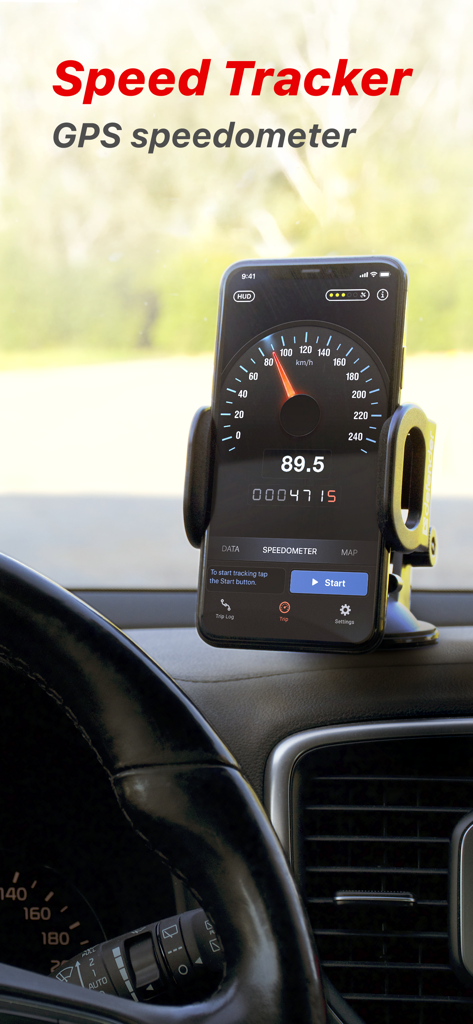
Speed Tracker Pro GPS-Tachometer-App auf einem auf dem Armaturenbrett eines Autos montierten iPhone angezeigt
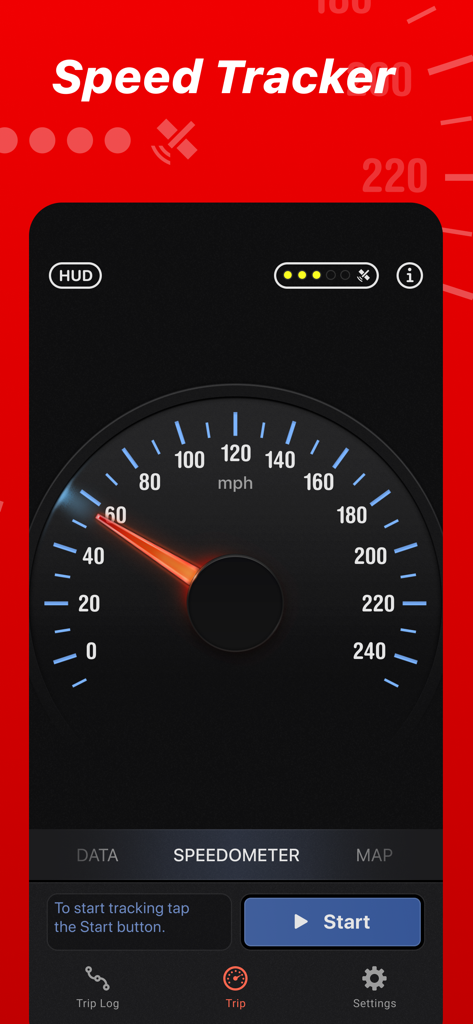
Oberfläche der Speed Tracker Pro App mit einem klassischen analogen GPS-Tachometer-Zifferblatt
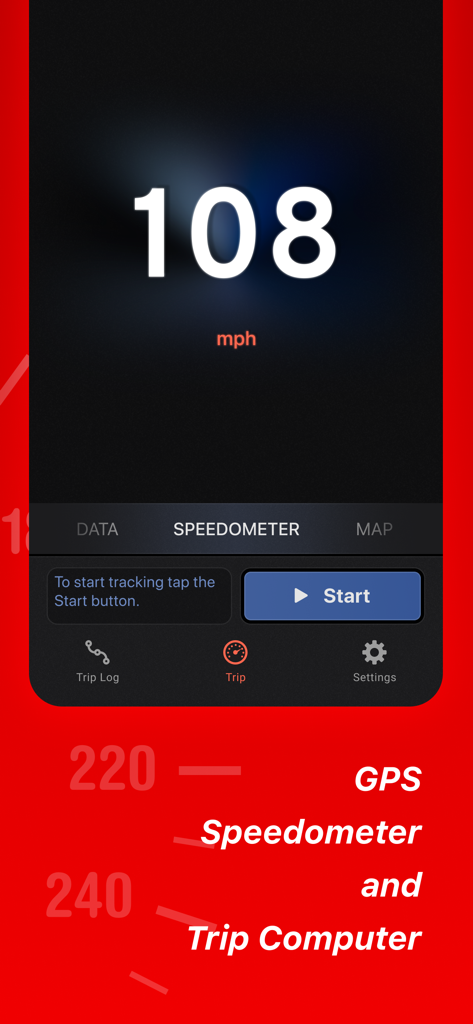
Digitale Tachometeranzeige in der mobilen Speed Tracker Pro App.
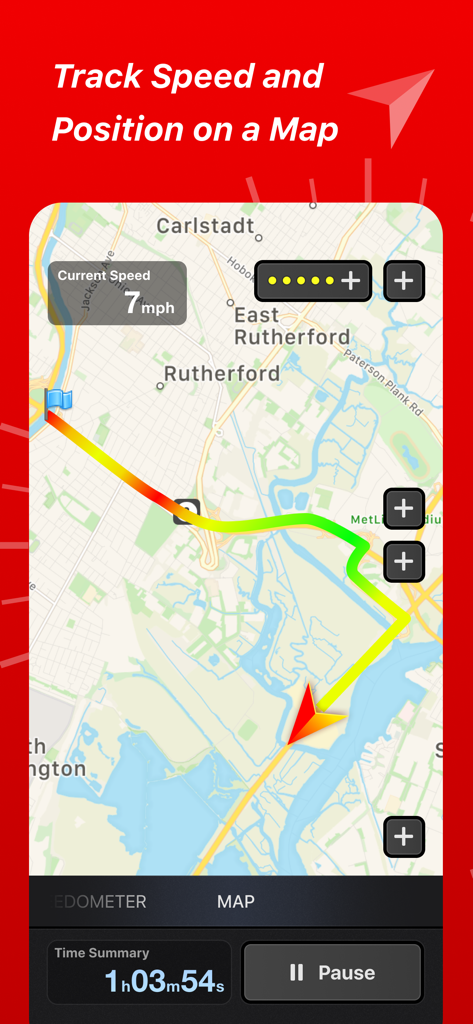
Oberfläche der Speed Tracker Pro App mit einer farblich gekennzeichneten Trip-Route auf einer GPS-Karte mit Geschwindigkeits- und Zeitstatistiken
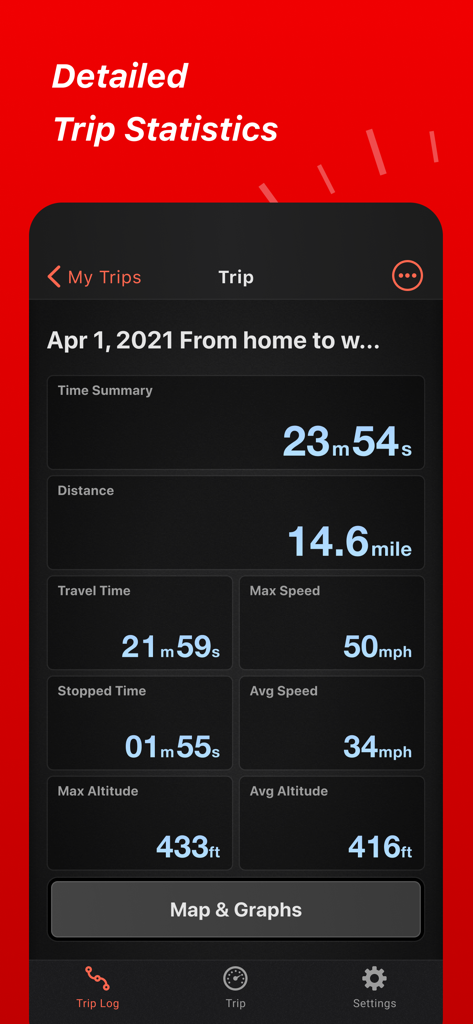
Oberfläche der Speed Tracker Pro App mit detaillierten Trip-Statistiken, einschließlich Entfernung, Geschwindigkeit und Höhe
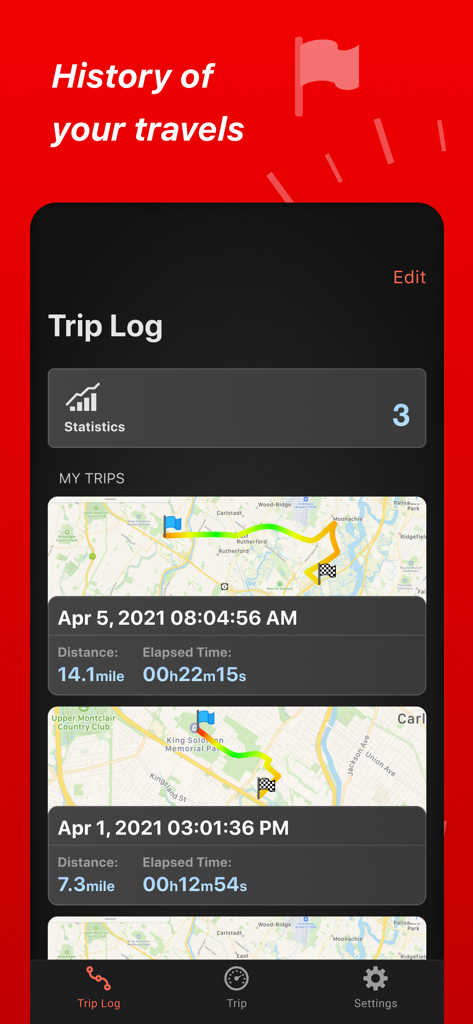
Trip-Log-Oberfläche von Speed Tracker Pro mit einer Liste vergangener Fahrten mit Karten und Reise-Statistiken.
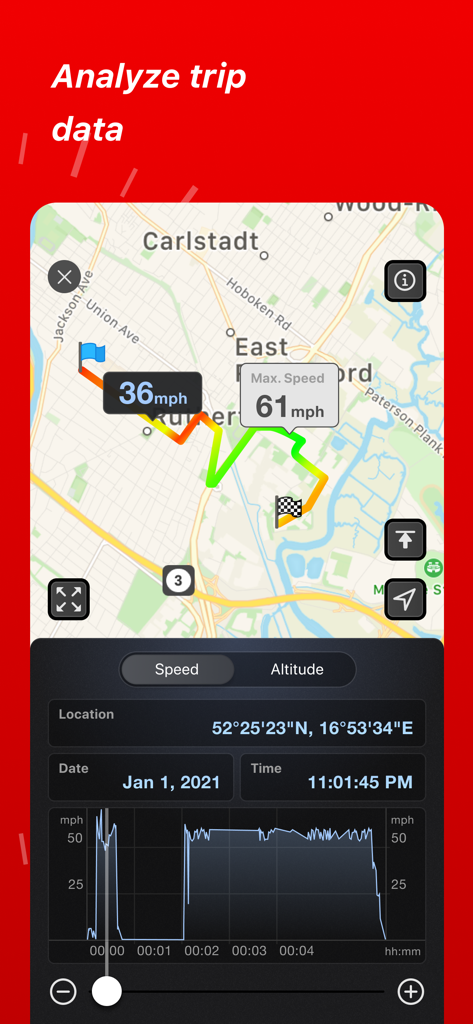
Speed Tracker Pro Trip-Analyse zeigt eine Kartenroute und ein Geschwindigkeitsdiagramm an

Speed Tracker Pro Head-Up-Display zeigt die aktuelle Fahrgeschwindigkeit, die sich nachts auf einer Autobahnwindschutzscheibe spiegelt
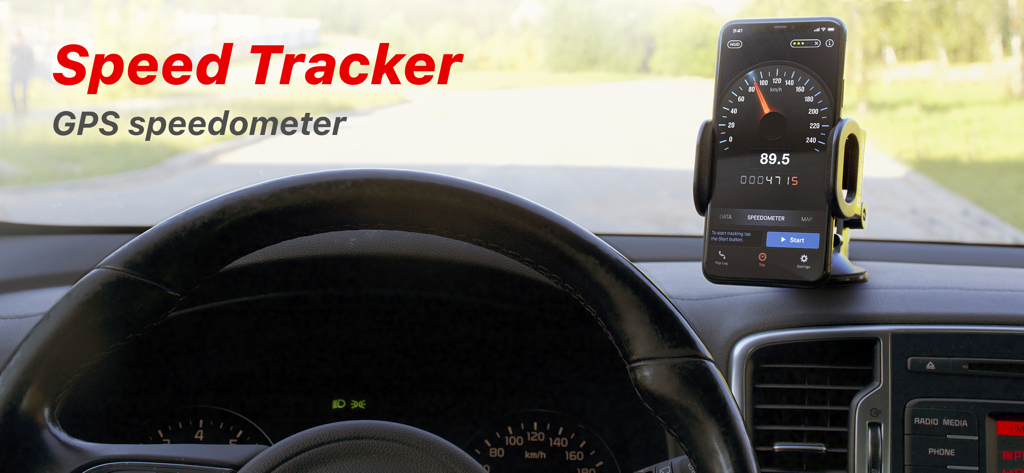
Smartphone auf einem Autodashboard montiert, auf dem die Speed Tracker Pro GPS-Tachometer-App läuft
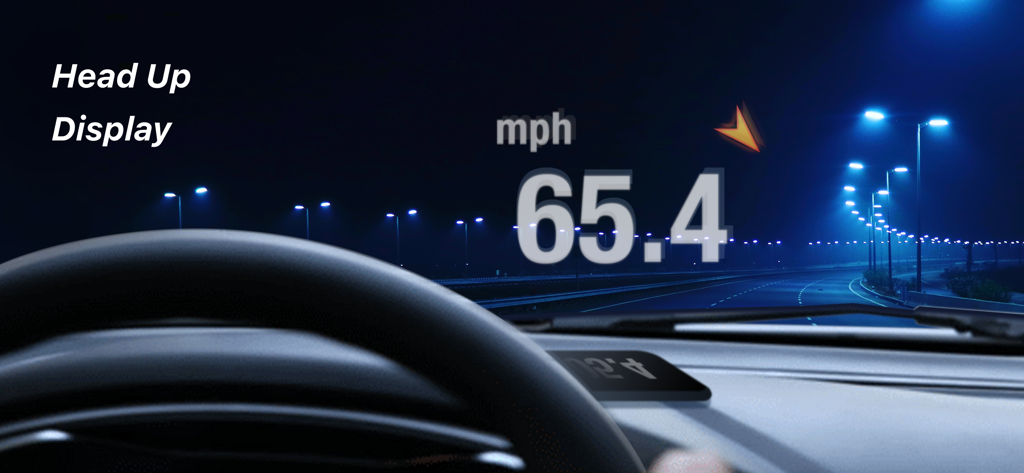
Head-Up-Display spiegelt die aktuelle Fahrgeschwindigkeit nachts auf einer Autobahnwindschutzscheibe
Beschreibung
Download
Ähnliche Apps
Apps mit ähnlichen Funktionen und Nutzererfahrung

Speedometer»
Tim O's Studios, LLC

Speedometer: Speed Control.
Sandy Masey

Speedometer Simple
WATT APPS LTD

GPS Speedometer HUD - SpeedAce
Changsha Liangchao Technology Co., Ltd.
GPS Speedometer: MPH Tracker
APPASPECT TECHNOLOGIES PRIVATE LIMITED
Speedometer 55 GPS Speed & HUD
Stanislav Dvoychenko

GPS Speedometer MPH Tracker
BITHAUS.TECH, UNIPESSOAL LDA

Speedometer∞
Roman Baulin

Speedometer GPS: Speed Monitor
Changsha Duyou Network Technology Co., Ltd
Diese Seite ist keine offizielle Seite der App oder ihres Entwicklers, sondern eine unabhängige redaktionelle Veröffentlichung, die zu Informations- und Kommentarzwecken erstellt wurde. Sofern nicht ausdrücklich anders angegeben, sind weder die App noch ihr Entwickler mit MWM, Apple, Google Play, dem App-Herausgeber oder dem Entwickler der App verbunden, von ihnen unterstützt, gesponsert, autorisiert oder anderweitig offiziell verbunden, und nichts auf dieser Seite impliziert, dass die App unter Verwendung der Dienste von MWM entwickelt wurde. Alle Marken, Logos, Screenshots und andere Inhalte bleiben Eigentum ihrer jeweiligen Inhaber.