Sticky Notes App Remind Widget
Herunterladen auf App Store

Diese Seite ist keine offizielle Seite der App oder ihres Entwicklers, sondern eine unabhängige redaktionelle Veröffentlichung, die zu Informations- und Kommentarzwecken erstellt wurde. Sofern nicht ausdrücklich anders angegeben, sind weder die App noch ihr Entwickler mit MWM, Apple, Google Play, dem App-Herausgeber oder dem Entwickler der App verbunden, von ihnen unterstützt, gesponsert, autorisiert oder anderweitig offiziell verbunden, und nichts auf dieser Seite impliziert, dass die App unter Verwendung der Dienste von MWM entwickelt wurde. Alle Marken, Logos, Screenshots und andere Inhalte bleiben Eigentum ihrer jeweiligen Inhaber.


Logo von Sticky Notes App Remind Widget
Herunterladen auf App Store

Sticky Notes App Remind Widget

Verwandeln Sie Ihr iPhone in einen personalisierten Produktivitäts-Hub. Erfassen Sie Ideen per Sprache, Handschrift oder Fotos und behalten Sie Ihre Prioritäten mit benutzerdefinierten Widgets und Sperrbildschirm-Erinnerungen im Blick.

Kennzahlen

Downloads

977K+

Bewertung

4.4/5

Bewertungen gesamt

5K+

Herausgeber

Epiphany Labs

Kategorie

Productivity

Sprachen

1

Neueste Version

3.1.45

Größe

165.5 MB

Erstveröffentlichung

21. März 2013
Funktionen

Meistern Sie Ihr Chaos mit visueller Leichtigkeit

Die digitale Weiterentwicklung der Post-it-Note. Entwickelt für visuell denkende Menschen, die Ideen schnell erfassen und im Blick behalten müssen.

Erfassen in jedem Format

Schreiben, sprechen oder fotografieren Sie. Entladen Sie Ihre Gedanken sofort mit flexiblen Tools, die sich an Ihre geschäftigsten Momente anpassen.

Immer sichtbar

Hören Sie auf zu vergessen. Verwenden Sie dynamische Widgets und Sperrbildschirm-Hintergründe, um Ihre Prioritäten jedes Mal sichtbar zu halten, wenn Sie Ihr Telefon aufwecken.

Die folgenden Screenshots und die Beschreibung stammen direkt aus dem offiziellen Store-Eintrag der App und sind Eigentum des Entwicklers.

App Store

Screenshots
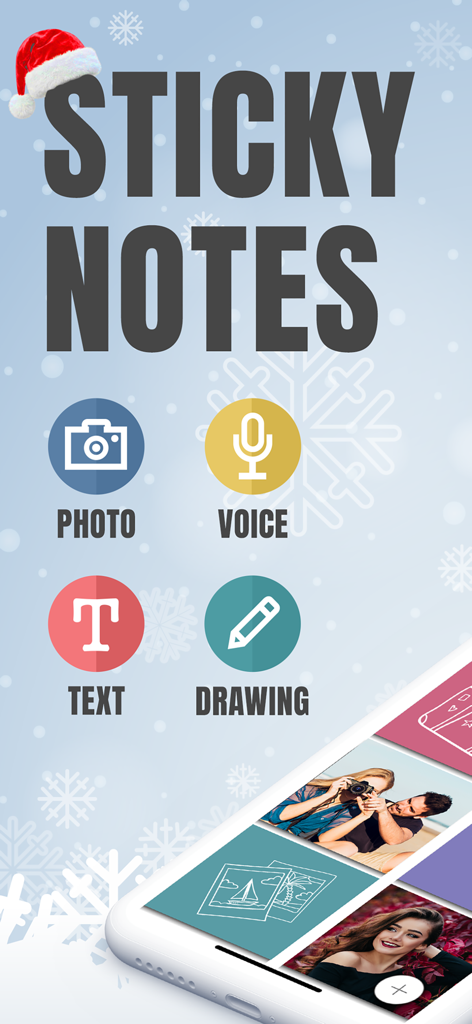
Sticky Notes App Remind Widget - Hauptbildschirm der Sticky Notes App, der Foto-, Sprach-, Text- und Zeichenoptionen hervorhebt
Hauptbildschirm der Sticky Notes App, der Foto-, Sprach-, Text- und Zeichenoptionen hervorhebt

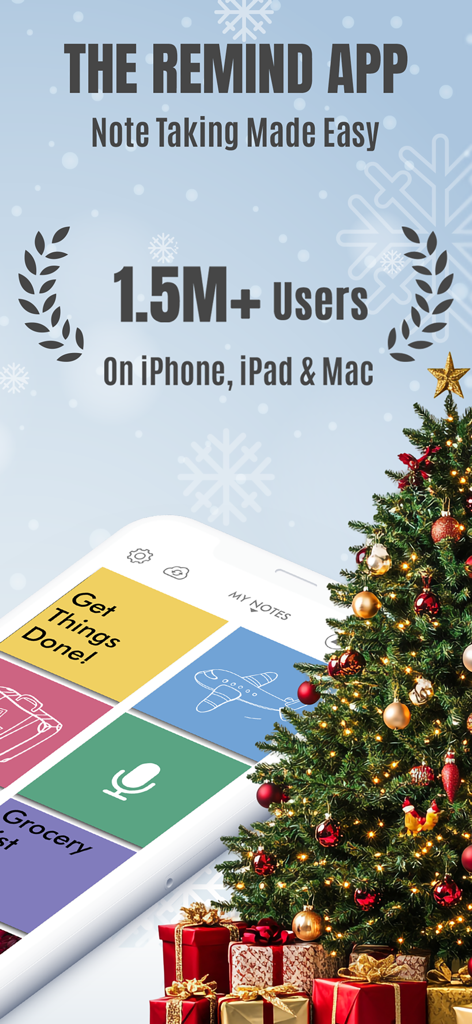
Sticky Notes App Remind Widget - Werbebildschirm für das Sticky Notes App Remind Widget mit 1,5 Millionen Nutzern und einer visuellen Notizoberfläche.
Werbebildschirm für das Sticky Notes App Remind Widget mit 1,5 Millionen Nutzern und einer visuellen Notizoberfläche.

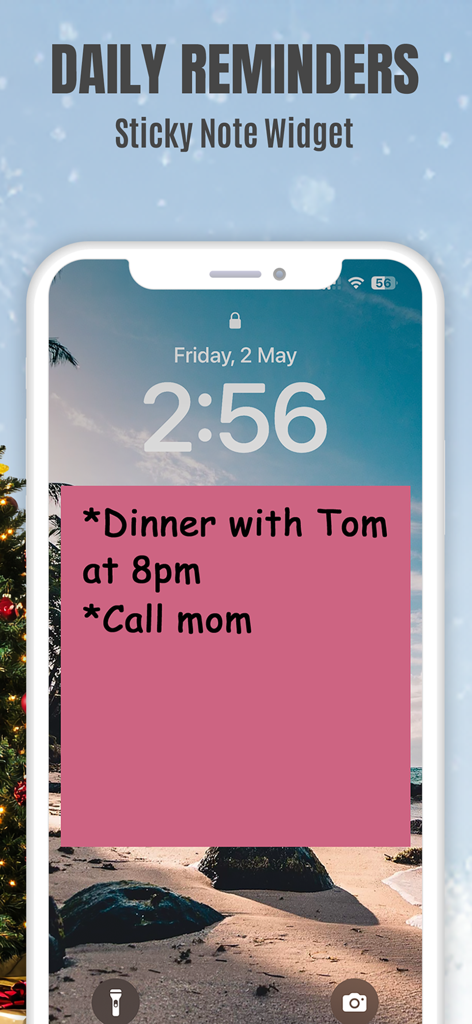
Sticky Notes App Remind Widget - Ein iPhone-Sperrbildschirm mit einem rosa Haftnotizen-Widget mit täglichen Erinnerungen für Abendessen und Anruf bei Mama.
Ein iPhone-Sperrbildschirm mit einem rosa Haftnotizen-Widget mit täglichen Erinnerungen für Abendessen und Anruf bei Mama.

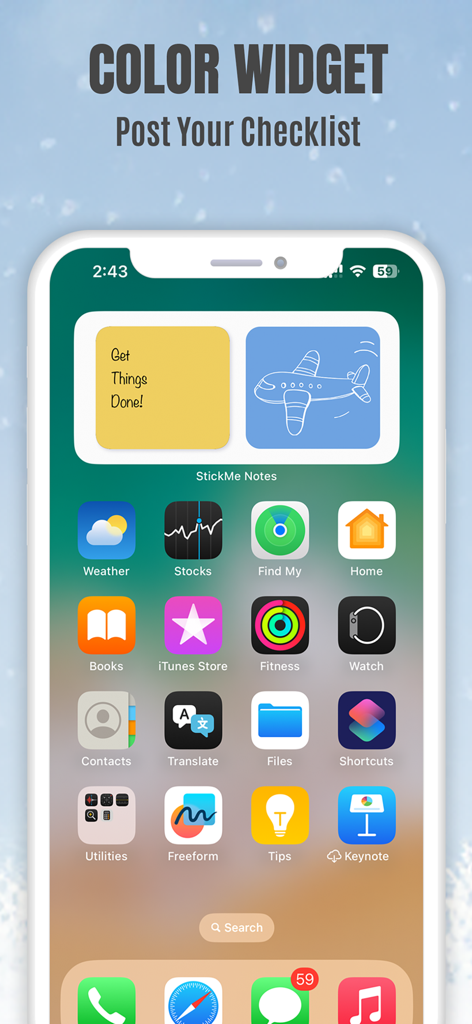
Sticky Notes App Remind Widget - iPhone-Startbildschirm mit gelben und blauen Haftnotizen-Widgets mit einer Checkliste und einer Flugzeugzeichnung.
iPhone-Startbildschirm mit gelben und blauen Haftnotizen-Widgets mit einer Checkliste und einer Flugzeugzeichnung.

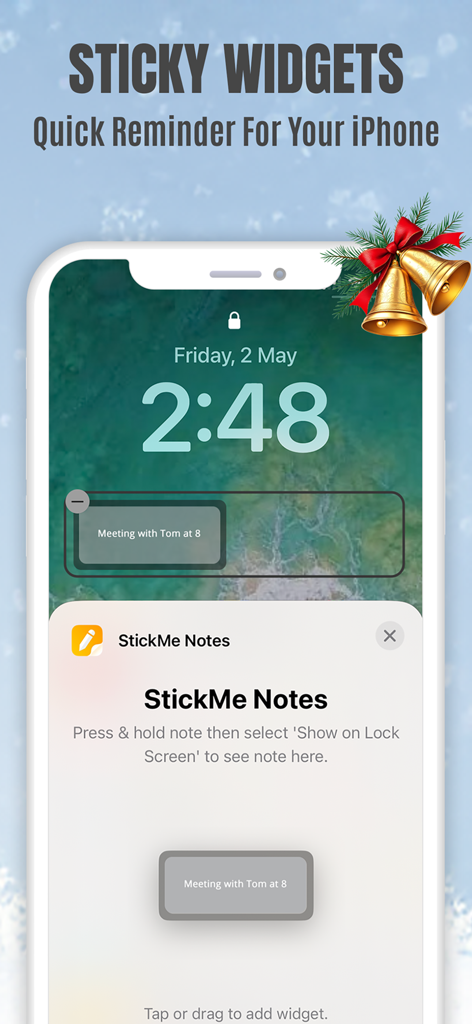
Sticky Notes App Remind Widget - iPhone-Sperrbildschirm mit einem StickMe Notes Haftnotizen-Widget mit einer Besprechungserinnerung.
iPhone-Sperrbildschirm mit einem StickMe Notes Haftnotizen-Widget mit einer Besprechungserinnerung.

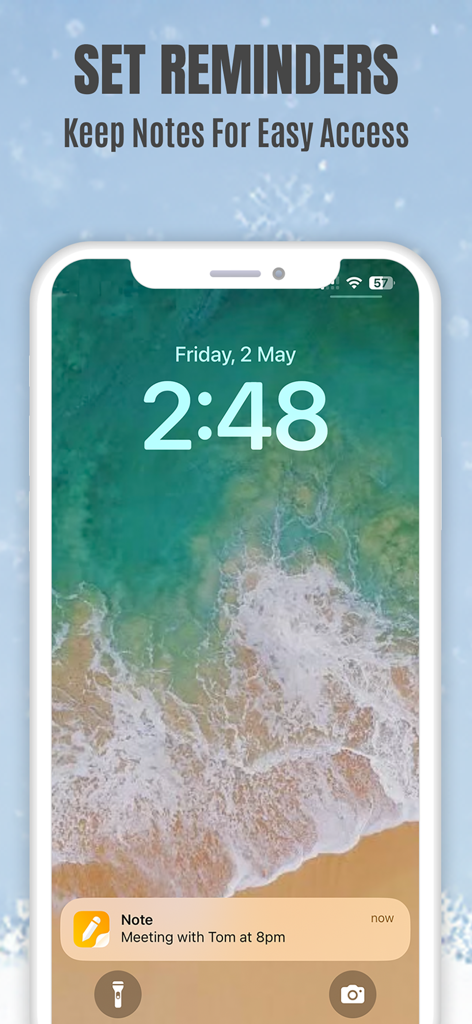
Sticky Notes App Remind Widget - Haftnotiz-Erinnerungsbenachrichtigung auf einem iPhone-Sperrbildschirm für ein Treffen um 20 Uhr.

Haftnotiz-Erinnerungsbenachrichtigung auf einem iPhone-Sperrbildschirm für ein Treffen um 20 Uhr.
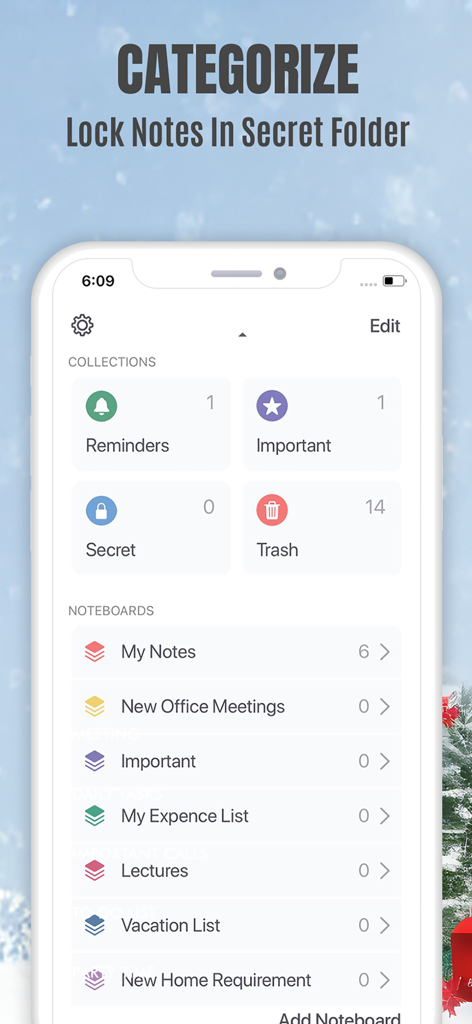
Sticky Notes App Remind Widget - Mobile App-Oberfläche mit Notizkategorisierung und einem gesperrten geheimen Ordner für private Notizen.
Mobile App-Oberfläche mit Notizkategorisierung und einem gesperrten geheimen Ordner für private Notizen.

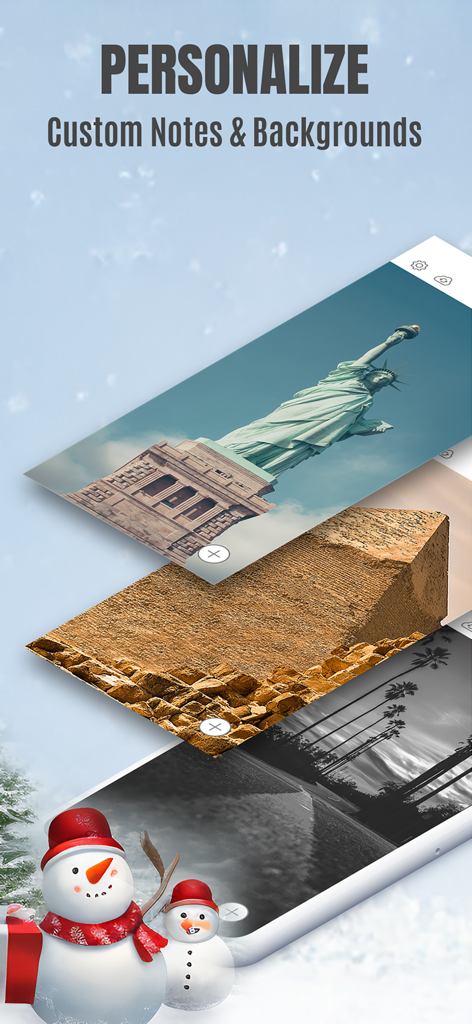
Sticky Notes App Remind Widget - Bildschirm der Sticky Notes App mit Personalisierungsoptionen für benutzerdefinierte Notizhintergründe.
Bildschirm der Sticky Notes App mit Personalisierungsoptionen für benutzerdefinierte Notizhintergründe.

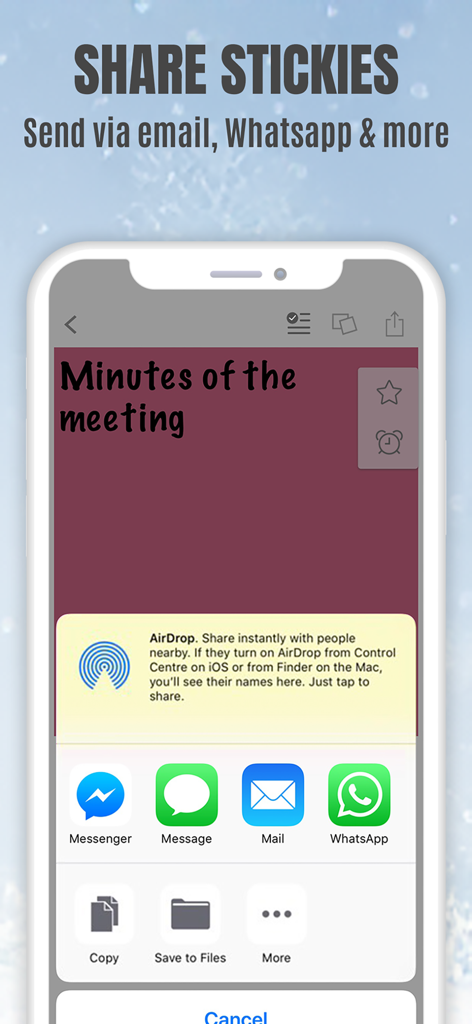
Sticky Notes App Remind Widget - StickMe Notes App-Oberfläche auf einem iPhone mit Freigabeoptionen für eine Haftnotiz per E-Mail und Messaging-Apps

StickMe Notes App-Oberfläche auf einem iPhone mit Freigabeoptionen für eine Haftnotiz per E-Mail und Messaging-Apps

Beschreibung

*Over 1.5 million downloads* Featured in 'What's Hot' & 'New & Noteworthy' Organize your to do list, task list, and reminders with StickMe Notes - the most awesome sticky note & task manager app with built in alarm for iPhone. Use StickMe Notes to upgrade the boring old paper note with HANDWRITTEN or TEXT or notes on your iPhone. If you are too tired to draw or type, you can simply ATTACH A PHOTO or RECORD YOUR AUDIO NOTES. You can stick these notes with attachments such as text, drawing, record/audio or photo notes to your personalized notice board, set them as your lock screen image or share with friends using email or whatsapp. Use StickMe Note as your notebook & create grocery and shopping lists on the go. StickMe Notes is a notepad & memo app which makes note taking easy. Use memo notes to capture ideas on the fly, create to-do lists & tasks list, checklist & set up personal daily reminders. It’s a digital note pad that helps you get things done. Download the best notes maker app now & become notefuly efficient. Keep google urls or pages in sticky notes & revisit them later. MAKE QUICK NOTES *Create unlimited sticky notes in any color. Use the note color to organize the stickies better. *Use the app as task manager & create a todo check list, shopping lists or grocery lists. *Write in digital ink with your finger. Create quick daily notes or a memo. *Record voice notes. StickMe Notes can be your audio note pad. *Take a photo or choose one from your camera roll to create a photo note. Make StickMe Notes your picture notebook. *Google things & keep important links in sticky notes to revisit later. WIDGET, SPOTLIGHT & SIRI (For iOS 15 and above) *Instantly create notes to access your sticky notes on your home screen and lock screen (iPhone only) using widgets. ORGANIZE *Drag & move a note to any custom folder. *Mark notes as ‘Important’. *Use ‘Secret’ folder for to hide your daily personal notes. *Make good notes & keep in Folders. SYNC ACROSS DEVICES *Access notes on your iPhone, iPad & Mac SET REMINDERS & USE AS WALLPAPER *Set alarm for your notes & stickies to remind you about your check list. *Use note as wallpaper or lock screen image to easily remind yourself about your todo tasks with colorful stickies. PERSONALIZE & SHARE *Be creative with Stickies *Set default sticky note color, font size & name *Personalise the notice board background *Use the fully loaded text & draw toolbar with multiple font styles, sizes, thickness plus colors. Get the most awesome sticky notes app for iPhone. Create grocery & shopping lists or any other checklist using the notepad, set alarms, & enjoy note making on the go. Use the app as a personal notebook, a meeting note pad or a daily planner to make good memo/notes. PRICING StickMe Notes offers a 7 day free trial that comes with the subscription pack(s). There is a monthly & yearly pack. The user needs to subscribe to one of the packs to continue making daily notes & setting task reminders. TERMS OF USE: • There's a 7-day free trial that comes along with the subscription packs. • StickMe Notes offers 3 subscription packages - Annual @ $19.99, Half-yearly @ $10.99, Monthly @ $1.99. • All subscriptions are valid for at least 30 days. • Payment will be charged to iTunes Account at confirmation of purchase • Subscription automatically renews unless auto-renew is turned off at least 24-hours before the end of the current period • Account will be charged for renewal within 24-hours prior to the end of the current period, and identify the cost of the renewal • Subscriptions may be managed by the user and auto-renewal may be turned off by going to the user's Account Settings after purchase • Any unused portion of a free trial period, if offered, will be forfeited when the user purchases a subscription to that publication. Terms of Use - http://epiphanylabs.in/termsofuse/ Privacy Policy - http://epiphanylabs.in/privacy/ Sound effects obtained from https://www.zapsplat.com

Download

Herunterladen auf App Store

Diese Seite ist keine offizielle Seite der App oder ihres Entwicklers, sondern eine unabhängige redaktionelle Veröffentlichung, die zu Informations- und Kommentarzwecken erstellt wurde. Sofern nicht ausdrücklich anders angegeben, sind weder die App noch ihr Entwickler mit MWM, Apple, Google Play, dem App-Herausgeber oder dem Entwickler der App verbunden, von ihnen unterstützt, gesponsert, autorisiert oder anderweitig offiziell verbunden, und nichts auf dieser Seite impliziert, dass die App unter Verwendung der Dienste von MWM entwickelt wurde. Alle Marken, Logos, Screenshots und andere Inhalte bleiben Eigentum ihrer jeweiligen Inhaber.








