
Diese Seite ist keine offizielle Seite der App oder ihres Entwicklers, sondern eine unabhängige redaktionelle Veröffentlichung, die zu Informations- und Kommentarzwecken erstellt wurde. Sofern nicht ausdrücklich anders angegeben, sind weder die App noch ihr Entwickler mit MWM, Apple, Google Play, dem App-Herausgeber oder dem Entwickler der App verbunden, von ihnen unterstützt, gesponsert, autorisiert oder anderweitig offiziell verbunden, und nichts auf dieser Seite impliziert, dass die App unter Verwendung der Dienste von MWM entwickelt wurde. Alle Marken, Logos, Screenshots und andere Inhalte bleiben Eigentum ihrer jeweiligen Inhaber.

Stickyboard 2
Verabschieden Sie sich von Papier und meistern Sie das Gesamtbild. Skizzieren, brainstormen und organisieren Sie Tausende von Haftnotizen sofort mit Magic Arrange-Gesten, die für professionelle Strategen entwickelt wurden.
Downloads
130K+Bewertung
Bewertungen gesamt
400Herausgeber
Kategorie
BusinessSprachen
1Neueste Version
2.3Größe
2.6 MBErstveröffentlichung
17. Okt. 2011Meistern Sie Ihre mentale Landkarte
Verwandeln Sie Ihr iPad in einen leistungsstarken War Room. Verabschieden Sie sich von Papier und nutzen Sie einen visuellen Workflow, der für Designer, Strategen und Weitdenker entwickelt wurde.
Magic Arrange Technologie
Verschwenden Sie keine Zeit mehr mit dem manuellen Ziehen von Notizen. Verwenden Sie intuitive Drei-Finger-Gesten, um unordentliche Ideen sofort in ordentliche Gitter, Stapel oder Spalten zu verwandeln.
Grenzenlose kreative Leinwand
Denken Sie über Listen hinaus. Skizzieren, schreiben und verschieben Sie farbcodierte Notizen frei auf einem riesigen, zoombaren Raum, der sich Ihrem einzigartigen mentalen Modell anpasst.
Die folgenden Screenshots und die Beschreibung stammen direkt aus dem offiziellen Store-Eintrag der App und sind Eigentum des Entwicklers.
App Store
Screenshots
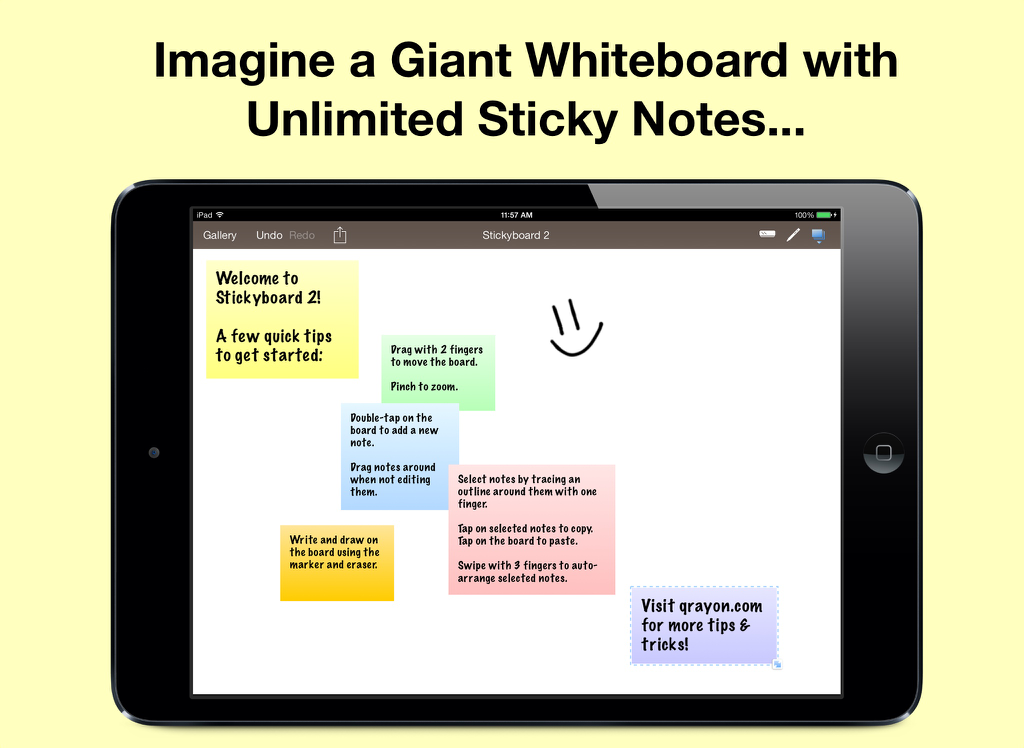
iPad-Bildschirm, der die Stickyboard 2 App mit verschiedenen farbigen digitalen Haftnotizen und einer handgezeichneten lächelnden Gesichtszeichnung auf einem virtuellen Whiteboard anzeigt
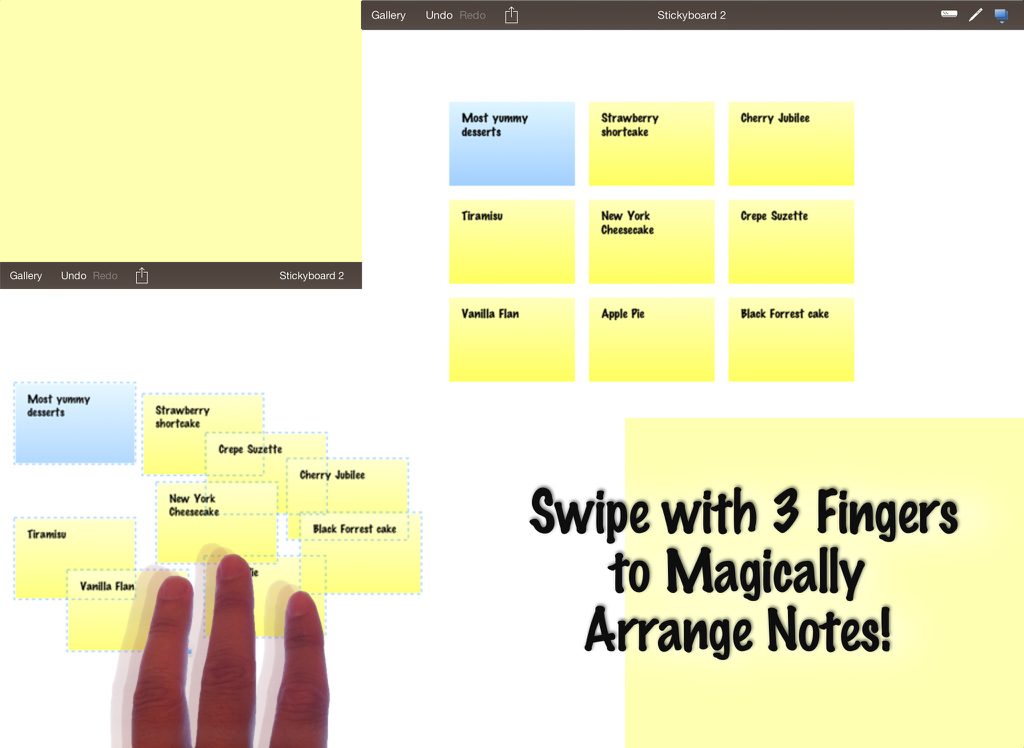
iPad-Screenshot, der die Stickyboard 2 App mit einer Drei-Finger-Wischgeste zeigt, um digitale Haftnotizen automatisch auf einem virtuellen Whiteboard anzuordnen.
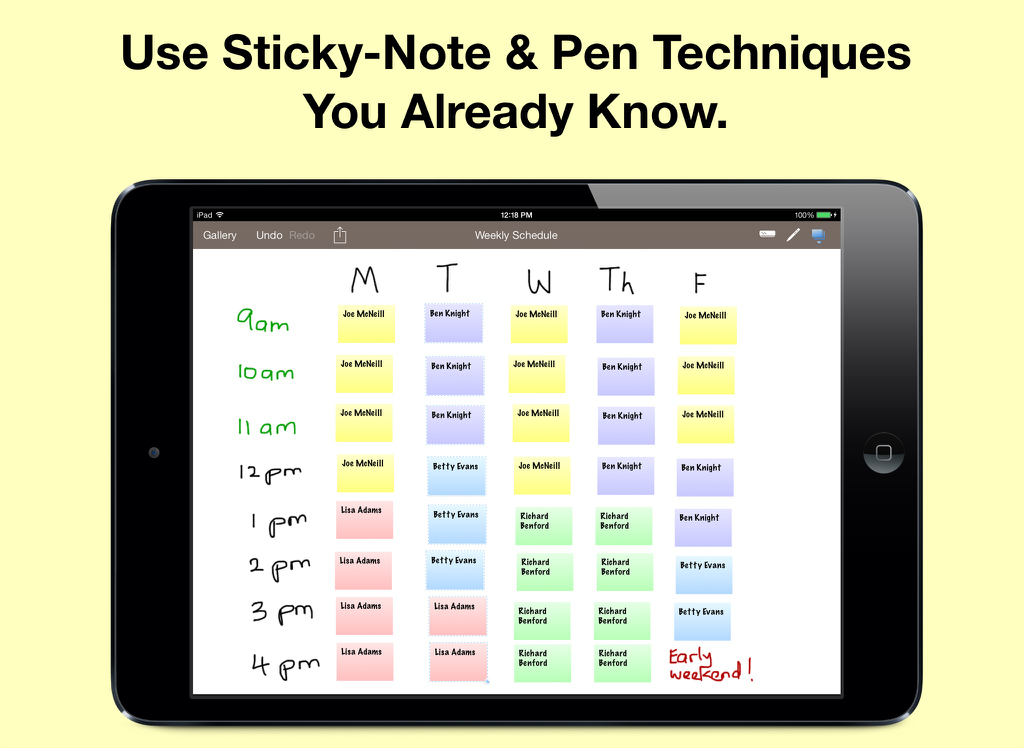
Wochenplan auf dem iPad mit Stickyboard 2 und farbcodierten digitalen Haftnotizen
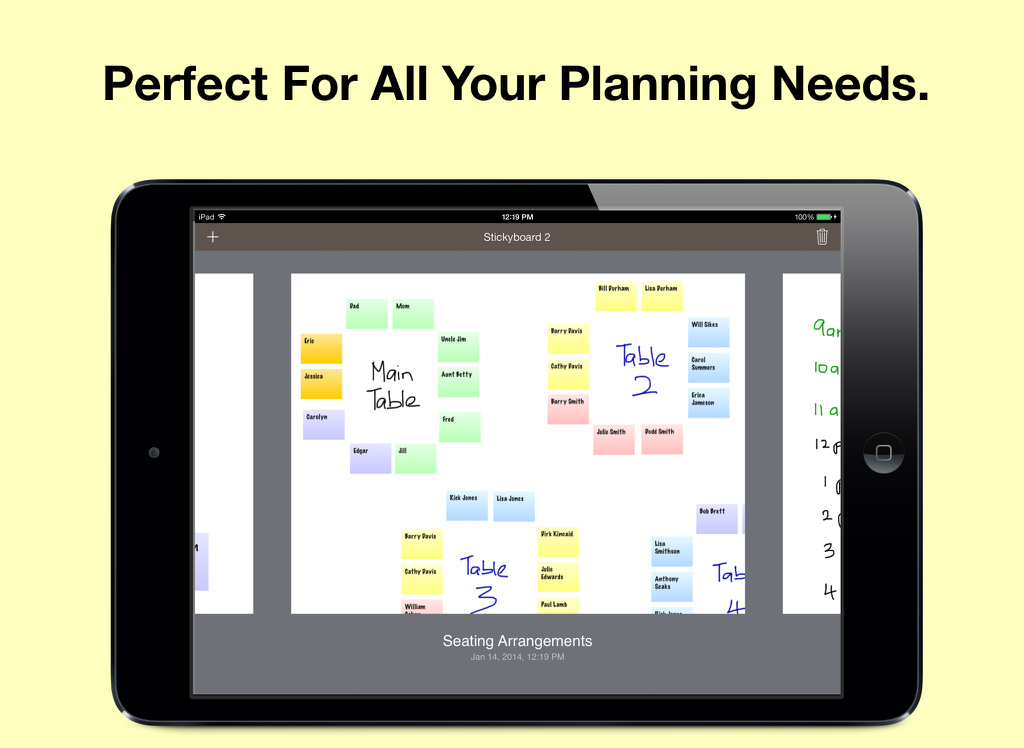
Ein iPad-Bildschirm, der einen Sitzplan zeigt, der mit bunten digitalen Haftnotizen auf einem virtuellen Whiteboard geplant wurde
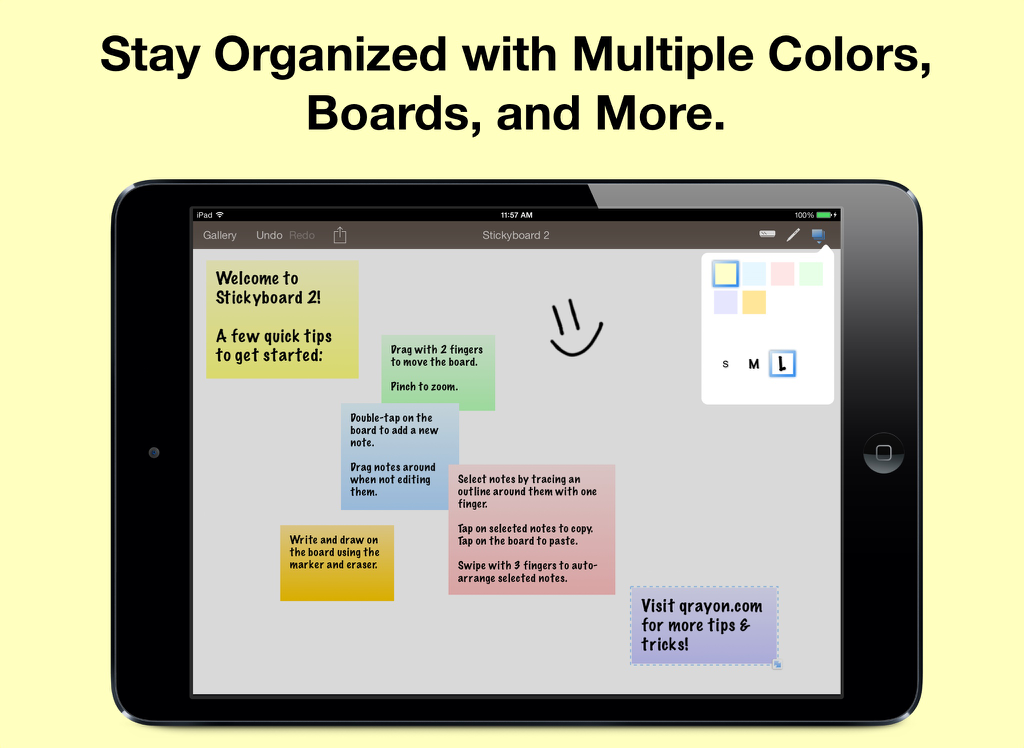
iPad mit der Stickyboard 2 App, bunten digitalen Notizen und einer Zeichnung auf weißem Hintergrund
Beschreibung
Download
Ähnliche Apps
Top-gerankte Apps in derselben Kategorie

Microsoft Teams
Microsoft Corporation

Zoom Workplace
Zoom Communications, Inc.

WhatsApp Business
WhatsApp Inc.

Indeed Job Search
Indeed Inc.

LinkedIn: Network & Job Finder
LinkedIn Corporation

Adobe Acrobat Reader: Sign PDF
Adobe Inc.

WeCom-Work Communication&Tools
Tencent Technology (Shenzhen) Company Limited

BOSS直聘-招聘求职找工作神器
Beijing China Product Bo Farce Network Technology Co., Ltd.

DingDing - Redefine Work in AI
DingTalk Technology Co., Ltd.
Diese Seite ist keine offizielle Seite der App oder ihres Entwicklers, sondern eine unabhängige redaktionelle Veröffentlichung, die zu Informations- und Kommentarzwecken erstellt wurde. Sofern nicht ausdrücklich anders angegeben, sind weder die App noch ihr Entwickler mit MWM, Apple, Google Play, dem App-Herausgeber oder dem Entwickler der App verbunden, von ihnen unterstützt, gesponsert, autorisiert oder anderweitig offiziell verbunden, und nichts auf dieser Seite impliziert, dass die App unter Verwendung der Dienste von MWM entwickelt wurde. Alle Marken, Logos, Screenshots und andere Inhalte bleiben Eigentum ihrer jeweiligen Inhaber.