
Diese Seite ist keine offizielle Seite der App oder ihres Entwicklers, sondern eine unabhängige redaktionelle Veröffentlichung, die zu Informations- und Kommentarzwecken erstellt wurde. Sofern nicht ausdrücklich anders angegeben, sind weder die App noch ihr Entwickler mit MWM, Apple, Google Play, dem App-Herausgeber oder dem Entwickler der App verbunden, von ihnen unterstützt, gesponsert, autorisiert oder anderweitig offiziell verbunden, und nichts auf dieser Seite impliziert, dass die App unter Verwendung der Dienste von MWM entwickelt wurde. Alle Marken, Logos, Screenshots und andere Inhalte bleiben Eigentum ihrer jeweiligen Inhaber.


Sync with OneDrive
Das intelligente Einweg-Synchronisationstool für Profis und digitale Bibliothekare. Spiegeln Sie Ihre organisierte Foto-Hierarchie, Live Photos und bearbeitete Versionen perfekt in Ihrem Microsoft 365-Konto, ohne jemals die Daten Ihres Telefons zu gefährden.
Downloads
200Bewertung
Bewertungen gesamt
0Herausgeber
Kategorie
ProductivitySprachen
1Neueste Version
1.8Größe
17.0 MBErstveröffentlichung
23. März 2024Einmal organisieren, überall synchronisieren
Geben Sie sich nicht länger mit einem unordentlichen Kamera-Rollensicherung zufrieden. Unsere intelligente Synchronisation hält Ihre iPhone-Alben und OneDrive-Ordner in perfekter Harmonie und spart Ihnen Stunden manueller Sortierung.
Behalten Sie Ihre Ordnerstruktur bei
Wir spiegeln Ihre iPhone-Alben exakt auf OneDrive, sodass Ihre organisierte Bibliothek auf Ihrem PC genauso aussieht wie auf Ihrem Telefon.
Nullrisiko-Einweg-Backup
Ihr Telefon ist die Quelle der Wahrheit. Wir laden nur Daten nach OneDrive hoch und löschen niemals ein einziges Foto von Ihrem Gerät.
Die folgenden Screenshots und die Beschreibung stammen direkt aus dem offiziellen Store-Eintrag der App und sind Eigentum des Entwicklers.
App Store
Screenshots
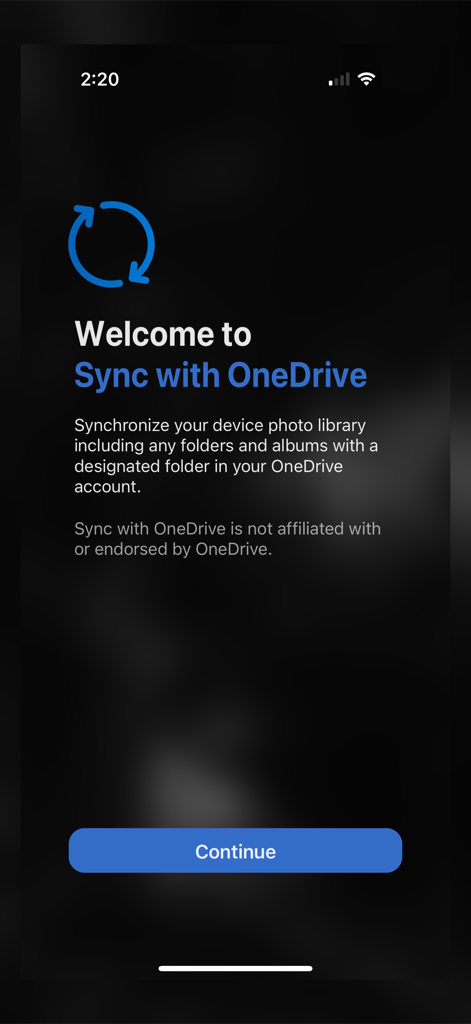
Startbildschirm der Sync with OneDrive-App, der die Synchronisierung von Fotobibliotheken und Ordnerhierarchien erklärt
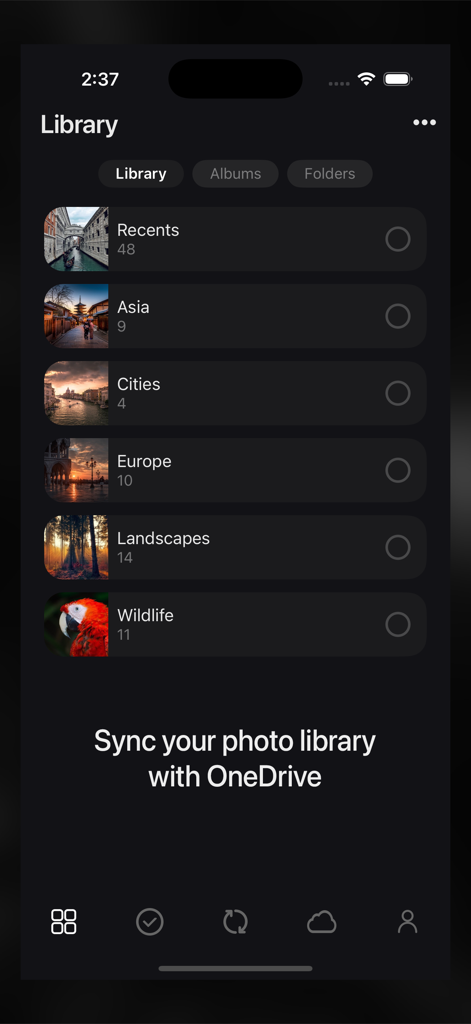
Oberfläche der Sync with OneDrive-App, die Fotobibliotheksalben wie Asien und Europa zur Auswahl anzeigt
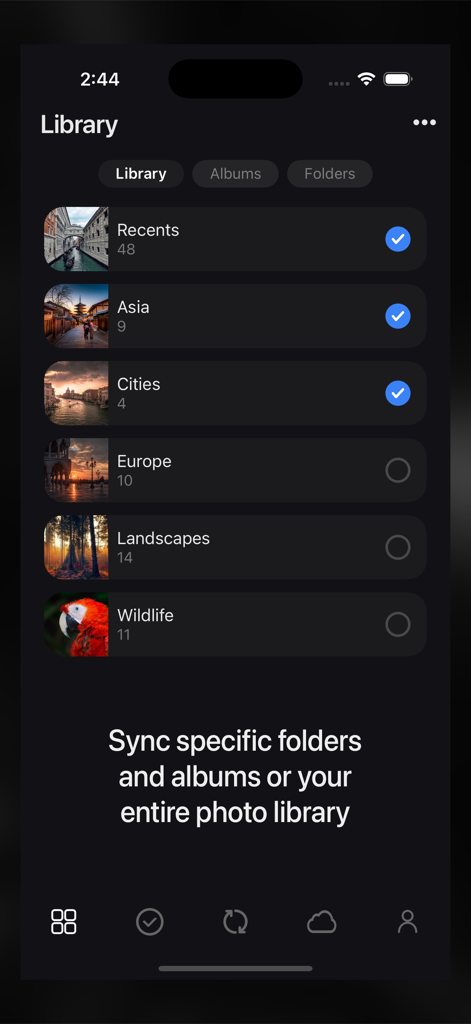
Benutzeroberfläche der Sync for OneDrive-App, die eine Liste von Fotoalben mit Kontrollkästchen zur Auswahl bestimmter Ordner für die Synchronisierung zeigt
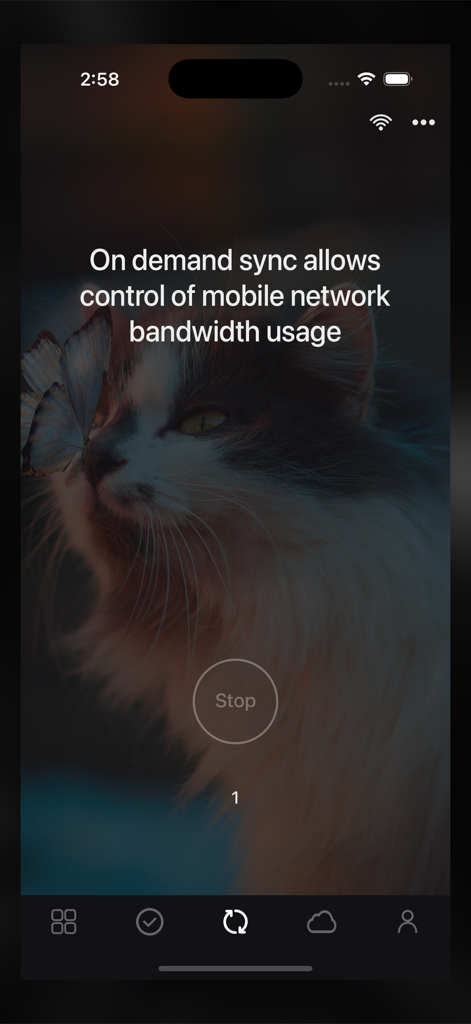
Oberfläche der Sync with OneDrive-App, die On-Demand-Synchronisierungsoptionen zur Steuerung der mobilen Netzwerkbandbreite anzeigt
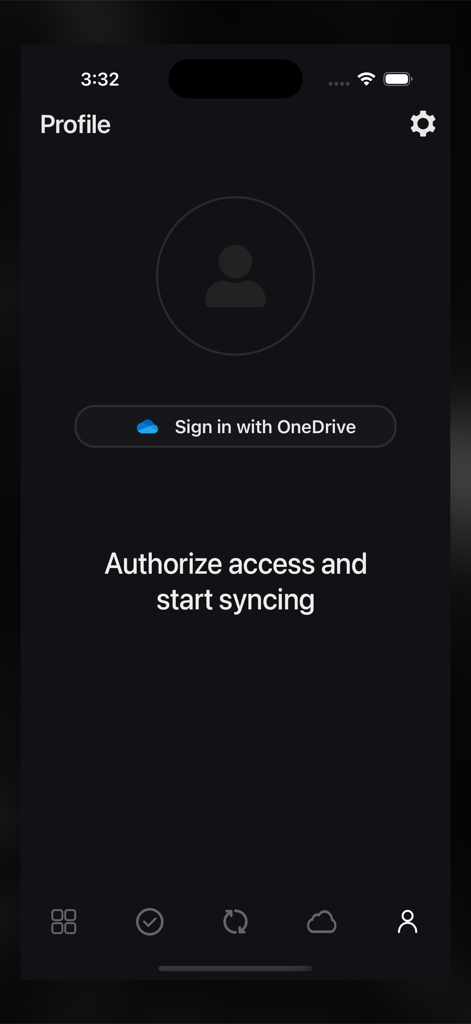
Profilbildschirm mit Anmeldeschaltfläche für die Sync with OneDrive-Anwendung
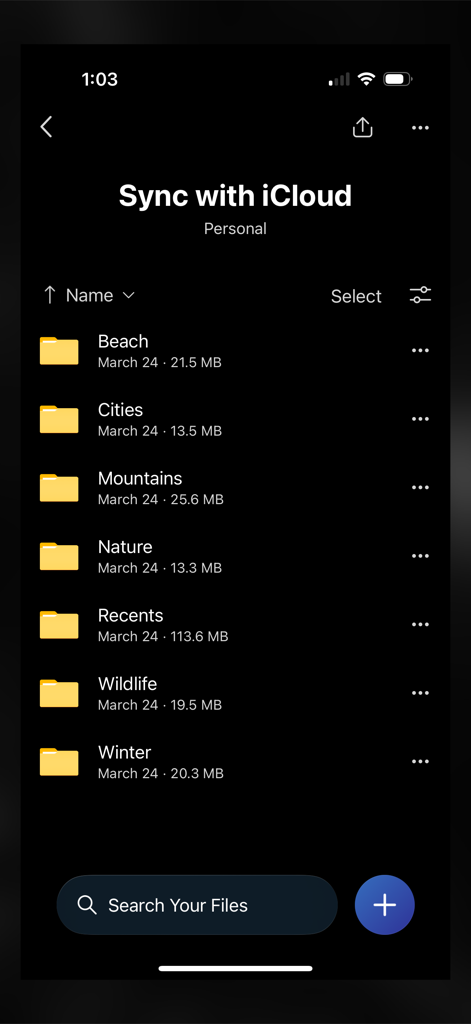
Eine mobile App-Oberfläche, die eine Liste von organisierten Fotoordnern wie Strand und Natur zeigt, die für die Cloud-Synchronisierung bereit sind.
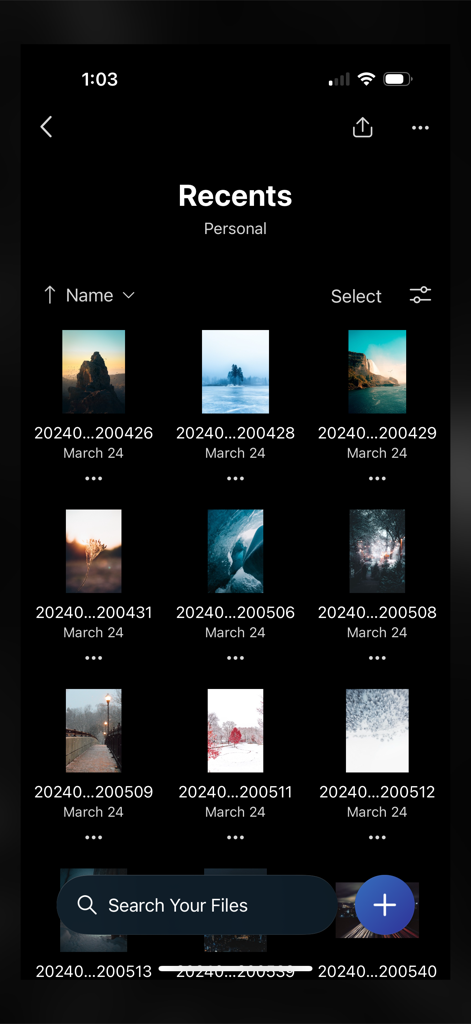
Rasteransicht der kürzlich synchronisierten Fotos in der Sync with OneDrive-App.
Beschreibung
Download
Ähnliche Apps
Top-gerankte Apps in derselben Kategorie

ChatGPT
OpenAI OpCo, LLC

Google Gemini
Google LLC

Grok
X.AI Corporation

Gmail - Email by Google
Google LLC

千问 - 阿里最强大模型官方AI助手
Shanghai Zhixin Puhui Technology Co., Ltd.

Google Drive
Google LLC

Microsoft Authenticator
Microsoft Corporation

Google Sheets
Google LLC

Google Docs
Google LLC
Diese Seite ist keine offizielle Seite der App oder ihres Entwicklers, sondern eine unabhängige redaktionelle Veröffentlichung, die zu Informations- und Kommentarzwecken erstellt wurde. Sofern nicht ausdrücklich anders angegeben, sind weder die App noch ihr Entwickler mit MWM, Apple, Google Play, dem App-Herausgeber oder dem Entwickler der App verbunden, von ihnen unterstützt, gesponsert, autorisiert oder anderweitig offiziell verbunden, und nichts auf dieser Seite impliziert, dass die App unter Verwendung der Dienste von MWM entwickelt wurde. Alle Marken, Logos, Screenshots und andere Inhalte bleiben Eigentum ihrer jeweiligen Inhaber.