
Diese Seite ist keine offizielle Seite der App oder ihres Entwicklers, sondern eine unabhängige redaktionelle Veröffentlichung, die zu Informations- und Kommentarzwecken erstellt wurde. Sofern nicht ausdrücklich anders angegeben, sind weder die App noch ihr Entwickler mit MWM, Apple, Google Play, dem App-Herausgeber oder dem Entwickler der App verbunden, von ihnen unterstützt, gesponsert, autorisiert oder anderweitig offiziell verbunden, und nichts auf dieser Seite impliziert, dass die App unter Verwendung der Dienste von MWM entwickelt wurde. Alle Marken, Logos, Screenshots und andere Inhalte bleiben Eigentum ihrer jeweiligen Inhaber.


TapeACall Pro: Call Recorder
Erfassen Sie jedes Detail Ihrer wichtigen Interviews, Rechtsberatungen und Kundenvereinbarungen. Genießen Sie unbegrenzte Aufnahmen, sofortige Cloud-Synchronisierung und die Gewissheit, einen Nachweis für jedes Gespräch zu haben.
Downloads
409K+Bewertung
Bewertungen gesamt
30K+Herausgeber
Kategorie
BusinessSprachen
24Neueste Version
5.11.12Größe
121.1 MBErstveröffentlichung
22. Jan. 2013Erfassen Sie jedes Detail mit professioneller Zuverlässigkeit
Die erste Wahl für Journalisten, Rechtsexperten und Wirtschaftsführer, die unbegrenzte Anrufaufzeichnungen und eine nahtlose Workflow-Integration benötigen.
Unbegrenzte Anrufaufzeichnung
Nehmen Sie eingehende und ausgehende Anrufe jeder Länge ohne Gebühren pro Minute und ohne Limit für die Anzahl der gespeicherten Aufzeichnungen auf.
Nahtlose Workflow-Synchronisierung
Laden Sie Ihre Aufzeichnungen sofort auf Google Drive, Dropbox oder Evernote hoch oder exportieren Sie sie als MP3 für Ihre professionellen Archive.
Die folgenden Screenshots und die Beschreibung stammen direkt aus dem offiziellen Store-Eintrag der App und sind Eigentum des Entwicklers.
App Store
Screenshots
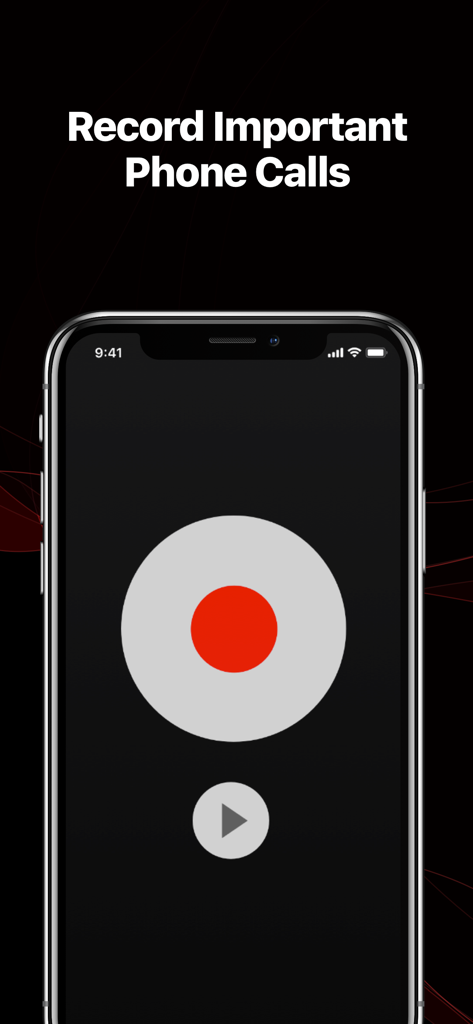
TapeACall Pro App-Oberfläche mit einer großen roten Aufnahmetaste und der Überschrift Wichtige Telefonanrufe aufzeichnen
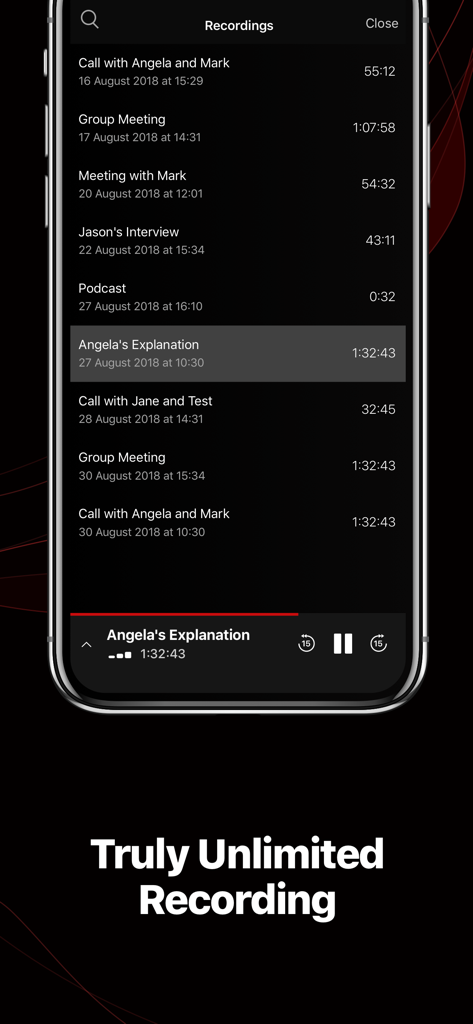
Eine Liste von Anrufaufzeichnungen in der TapeACall Pro App auf einem iPhone, die verschiedene Geschäftstreffen und Interviews zeigt
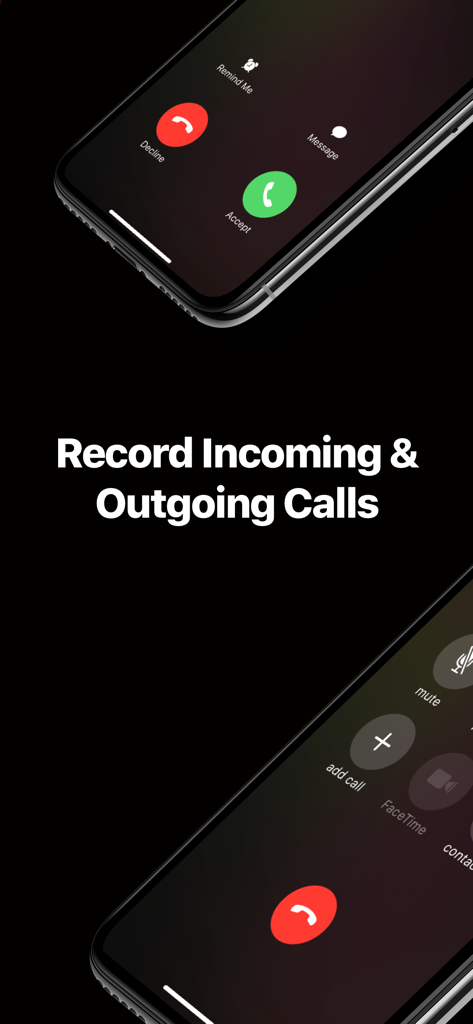
TapeACall Pro App-Oberfläche, die zeigt, wie eingehende und ausgehende Anrufe auf einem iPhone aufgezeichnet werden
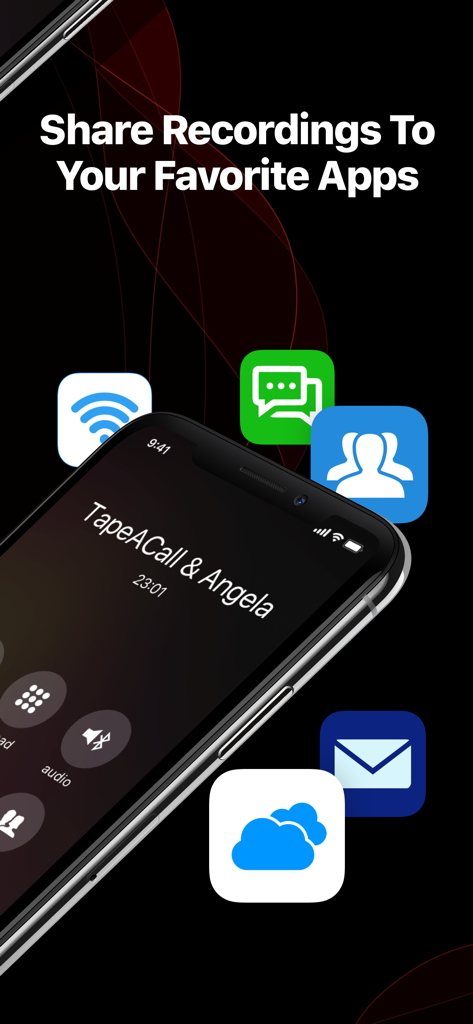
iPhone-Bildschirm mit Optionen zum Teilen von Anrufaufzeichnungen mit verschiedenen Apps
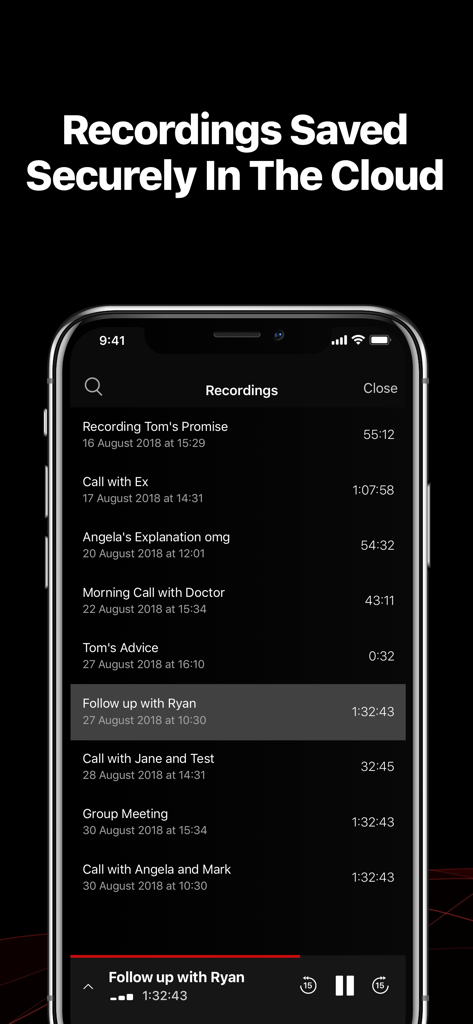
Eine Liste von sicher in der Cloud gespeicherten Anrufaufzeichnungen in der TapeACall Pro App-Oberfläche
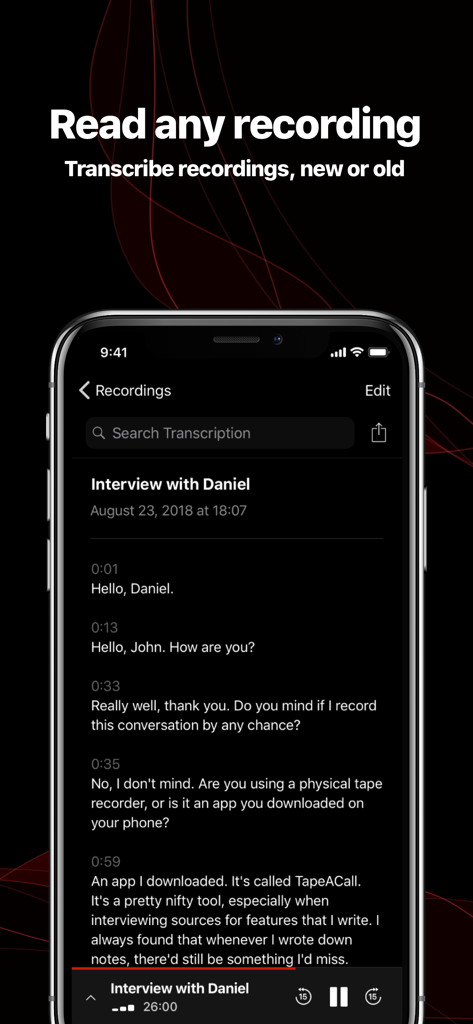
TapeACall Pro App-Oberfläche mit einem Texttranskript eines aufgezeichneten Interviewgesprächs
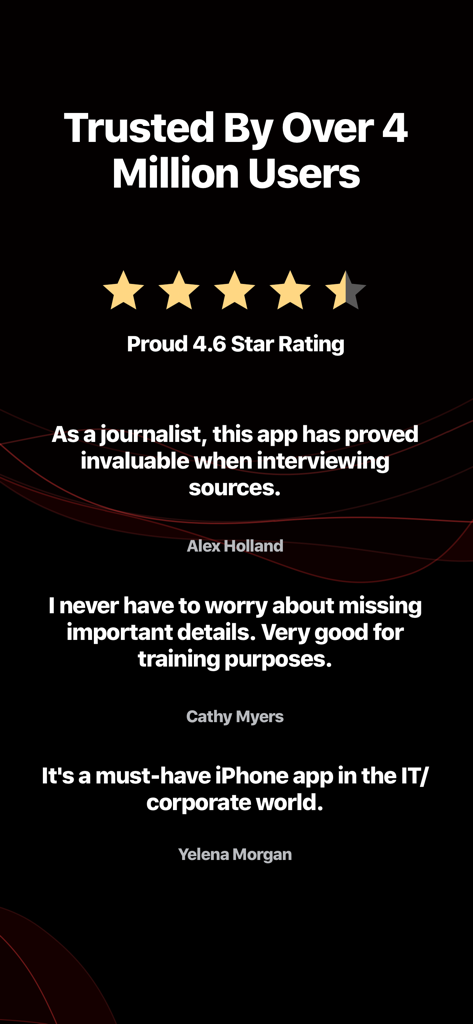
Benutzerstimmen und eine Bewertung von 4,6 Sternen für die TapeACall Pro Anruf-Rekorder-App
Beschreibung
Download
Ähnliche Apps
Apps mit ähnlichen Funktionen und Nutzererfahrung

Beside (M1): AI Receptionist
Interface, Inc.

Call Recorder for iPhone.
JatApp LLC

Voice Recorder & Audio Editor
TapMedia Ltd

Call Recorder App ◉ACR MyCalls
AppAmore Limited

Switch - Call recording app
Atlas Guide, Inc.

Call Recorder App-Voice Record
WindTalking LLC

TeleMe – Record on 2nd Number
Gelenk Networks Inc.

Call Recorder: Record All
Henrieta Jaworski

Record Phone Calls App - Auto
Henning Christensen Bonde Søgaard
Diese Seite ist keine offizielle Seite der App oder ihres Entwicklers, sondern eine unabhängige redaktionelle Veröffentlichung, die zu Informations- und Kommentarzwecken erstellt wurde. Sofern nicht ausdrücklich anders angegeben, sind weder die App noch ihr Entwickler mit MWM, Apple, Google Play, dem App-Herausgeber oder dem Entwickler der App verbunden, von ihnen unterstützt, gesponsert, autorisiert oder anderweitig offiziell verbunden, und nichts auf dieser Seite impliziert, dass die App unter Verwendung der Dienste von MWM entwickelt wurde. Alle Marken, Logos, Screenshots und andere Inhalte bleiben Eigentum ihrer jeweiligen Inhaber.