
Diese Seite ist keine offizielle Seite der App oder ihres Entwicklers, sondern eine unabhängige redaktionelle Veröffentlichung, die zu Informations- und Kommentarzwecken erstellt wurde. Sofern nicht ausdrücklich anders angegeben, sind weder die App noch ihr Entwickler mit MWM, Apple, Google Play, dem App-Herausgeber oder dem Entwickler der App verbunden, von ihnen unterstützt, gesponsert, autorisiert oder anderweitig offiziell verbunden, und nichts auf dieser Seite impliziert, dass die App unter Verwendung der Dienste von MWM entwickelt wurde. Alle Marken, Logos, Screenshots und andere Inhalte bleiben Eigentum ihrer jeweiligen Inhaber.

TextEdit - Text Editor
Der elegante, ablenkungsfreie Arbeitsbereich für iPad und iPhone. Ob RTF, Markdown oder LaTeX – erleben Sie Präzision auf Desktop-Niveau und nahtlose Synchronisierung auf all Ihren Geräten.
Downloads
93K+Bewertung
Bewertungen gesamt
900Herausgeber
Kategorie
ProductivitySprachen
10Neueste Version
6.2.0Größe
281.0 MBErstveröffentlichung
8. Jan. 2016Meistern Sie Ihren Schreib-Workflow
TextEdit+ bringt die Leistung der Desktop-Textbearbeitung auf Ihr iPhone und iPad und bietet eine ablenkungsfreie Umgebung für Profis, die Kompatibilität und Geschwindigkeit fordern.
Nahtlose plattformübergreifende Synchronisierung
Bearbeiten Sie RTF-, Markdown- und TXT-Dateien auf Ihrem Mobilgerät und finden Sie diese sofort auf Ihrem Mac oder PC über iCloud und die Dateien-App.
Ablenkungsfreie Produktivität
Eine saubere, minimalistische 'Blanko-Blatt'-Oberfläche, die darauf ausgelegt ist, UI-Unordnung zu beseitigen, damit Sie sich ganz auf Ihre Kreation konzentrieren können, nicht auf das Tool.
Die folgenden Screenshots und die Beschreibung stammen direkt aus dem offiziellen Store-Eintrag der App und sind Eigentum des Entwicklers.
App Store
Screenshots
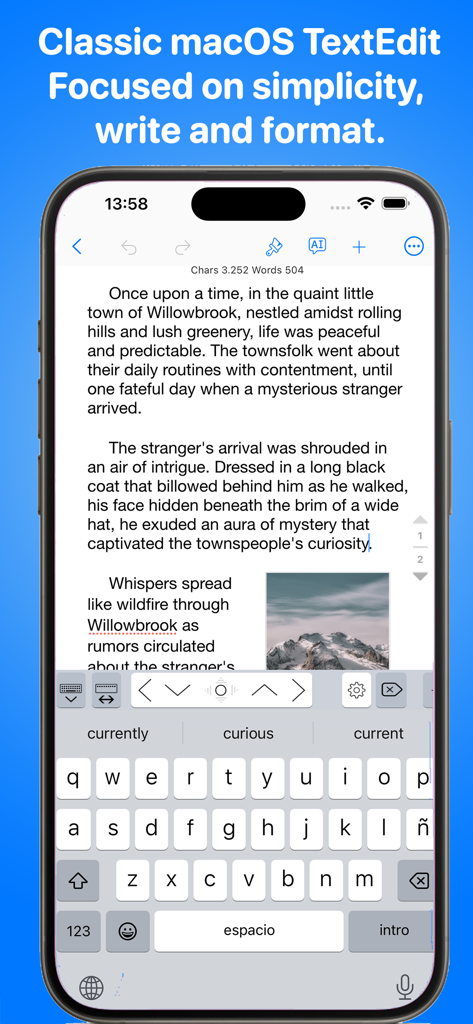
TextEdit-App auf dem iPhone mit einem Dokument mit Rich-Text-Formatierung und einer benutzerdefinierten Tastatur mit Navigationspfeilen.
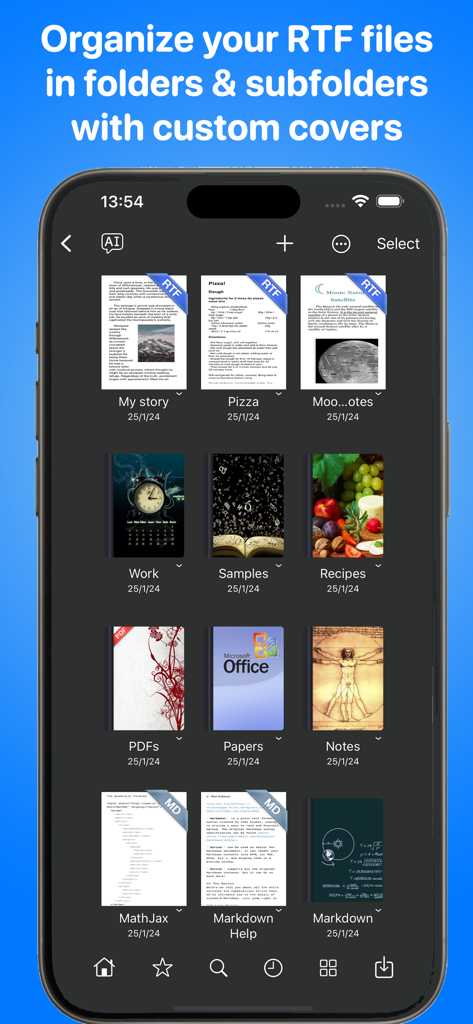
TextEdit-App-Bildschirm mit Dokumentenbibliothek, in der Dateien und Ordner mit benutzerdefinierten Covern für RTF- und Markdown-Dokumente organisiert sind.
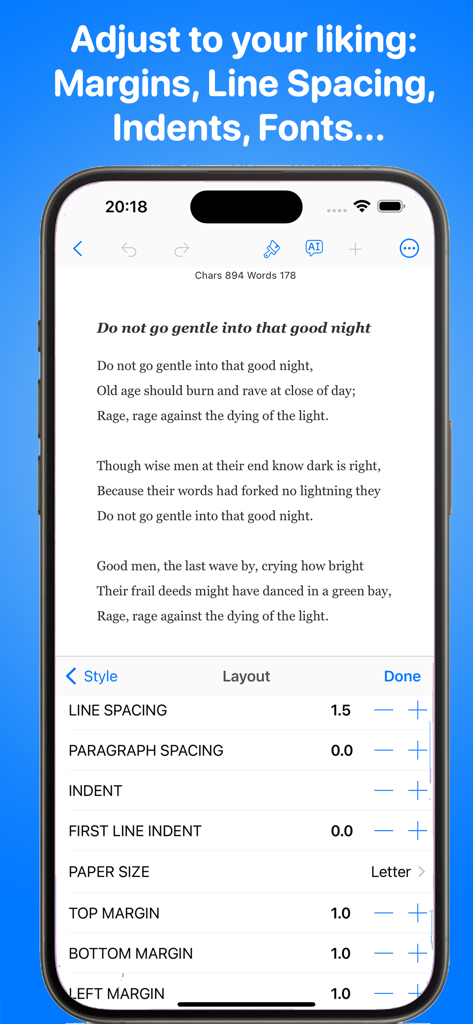
TextEdit+ App zeigt Textlayout-Einstellungen für Zeilenabstand und Seitenränder auf einem iPhone.
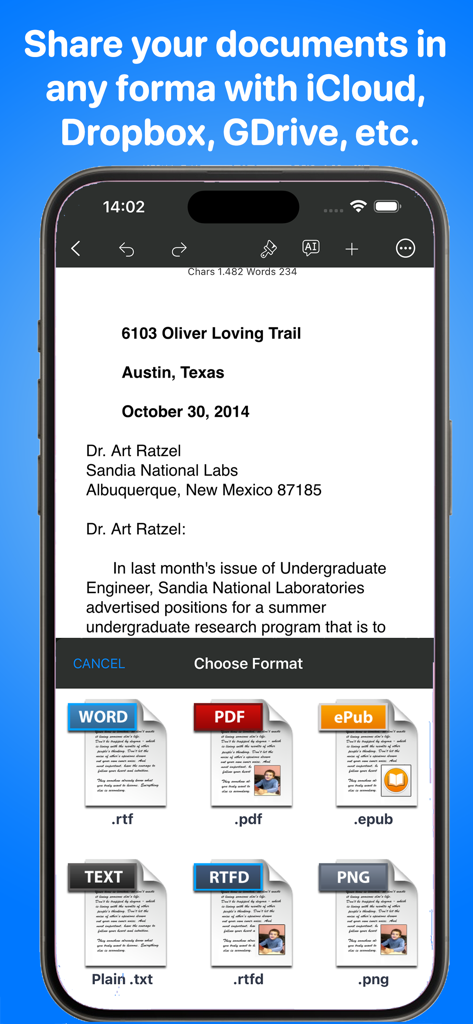
TextEdit-App auf dem iPhone mit Dokumentexportoptionen, einschließlich PDF, RTF, ePub und TXT.
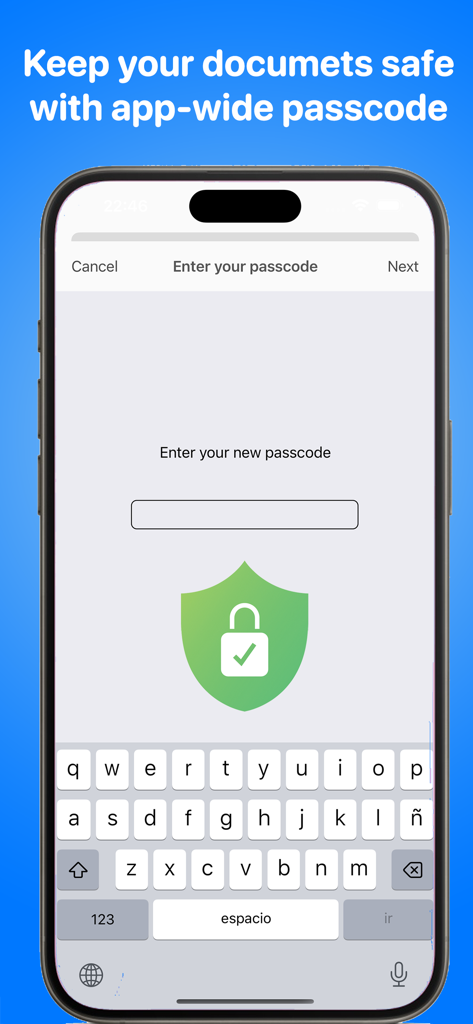
TextEdit-App-Oberfläche mit der app-weiten Passcode-Sicherheitsfunktion zum Schutz von Dokumenten.
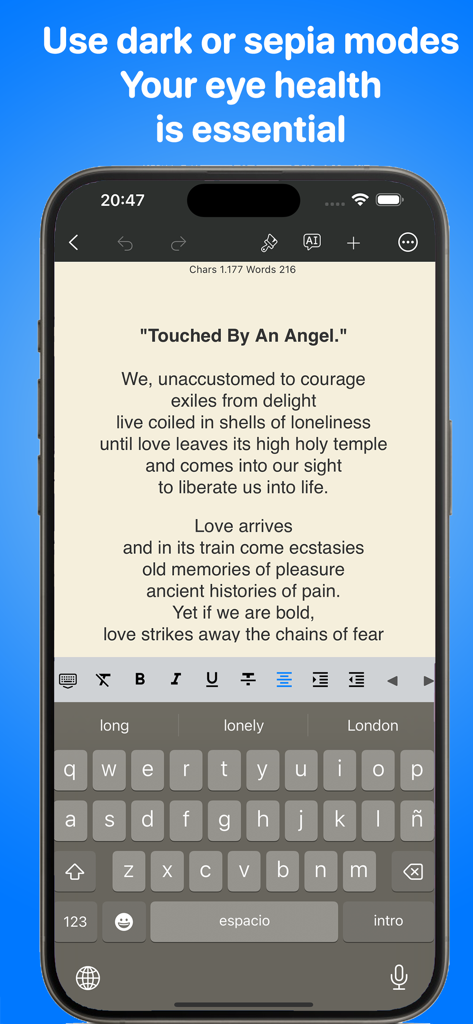
TextEdit+ App-Oberfläche auf dem iPhone, die ein Gedicht im Sepia-Modus für Augenkomfort zeigt.
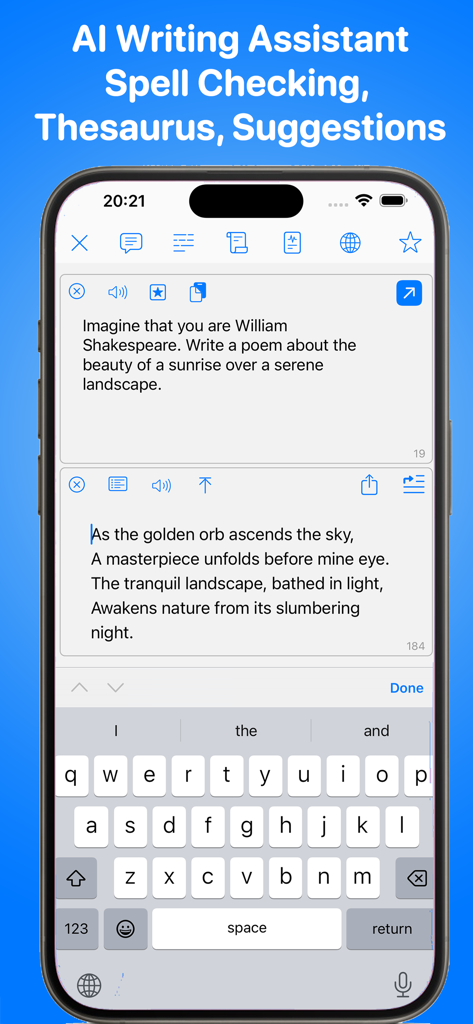
TextEdit-Mobil-App mit der KI-Schreibassistent-Funktion auf einem iPhone-Bildschirm.
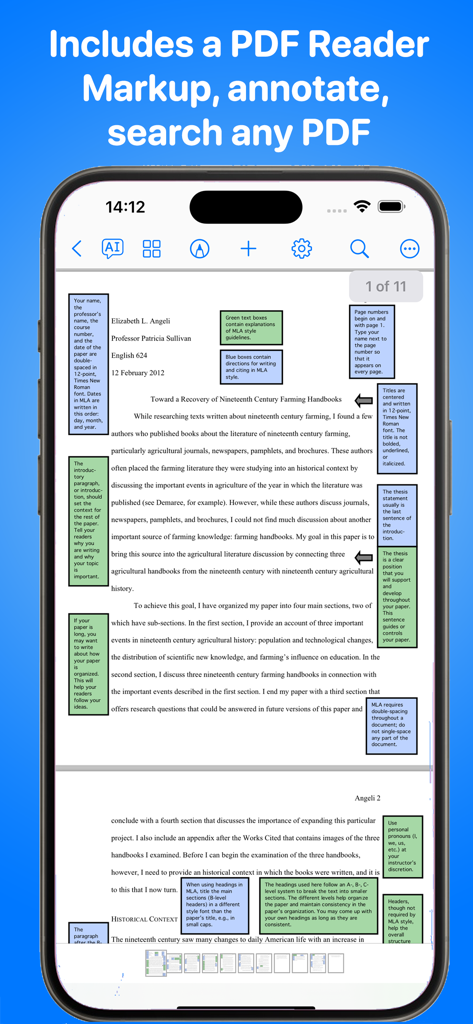
TextEdit+ App-Oberfläche mit einem PDF-Dokument mit farbenfrohen Randnotizen und akademischen Annotationen auf einem iPhone-Bildschirm.
Beschreibung
Download
Ähnliche Apps
Top-gerankte Apps in derselben Kategorie

ChatGPT
OpenAI OpCo, LLC

Google Gemini
Google LLC

Grok
X.AI Corporation

Gmail - Email by Google
Google LLC

千问 - 阿里最强大模型官方AI助手
Shanghai Zhixin Puhui Technology Co., Ltd.

Google Drive
Google LLC

Microsoft Authenticator
Microsoft Corporation

Google Sheets
Google LLC

Google Docs
Google LLC
Diese Seite ist keine offizielle Seite der App oder ihres Entwicklers, sondern eine unabhängige redaktionelle Veröffentlichung, die zu Informations- und Kommentarzwecken erstellt wurde. Sofern nicht ausdrücklich anders angegeben, sind weder die App noch ihr Entwickler mit MWM, Apple, Google Play, dem App-Herausgeber oder dem Entwickler der App verbunden, von ihnen unterstützt, gesponsert, autorisiert oder anderweitig offiziell verbunden, und nichts auf dieser Seite impliziert, dass die App unter Verwendung der Dienste von MWM entwickelt wurde. Alle Marken, Logos, Screenshots und andere Inhalte bleiben Eigentum ihrer jeweiligen Inhaber.