
Diese Seite ist keine offizielle Seite der App oder ihres Entwicklers, sondern eine unabhängige redaktionelle Veröffentlichung, die zu Informations- und Kommentarzwecken erstellt wurde. Sofern nicht ausdrücklich anders angegeben, sind weder die App noch ihr Entwickler mit MWM, Apple, Google Play, dem App-Herausgeber oder dem Entwickler der App verbunden, von ihnen unterstützt, gesponsert, autorisiert oder anderweitig offiziell verbunden, und nichts auf dieser Seite impliziert, dass die App unter Verwendung der Dienste von MWM entwickelt wurde. Alle Marken, Logos, Screenshots und andere Inhalte bleiben Eigentum ihrer jeweiligen Inhaber.


The screen & video recorder HQ
Nehmen Sie hochauflösendes Gameplay auf, fügen Sie Live-Facecam-Reaktionen hinzu und bearbeiten Sie ganz einfach. Streamen Sie direkt auf YouTube und Twitch oder erstellen Sie im Handumdrehen virale Tutorials.
Downloads
15K+Bewertung
Bewertungen gesamt
100Herausgeber
Kategorie
UtilitiesSprachen
10Neueste Version
1.0.4Größe
21.1 MBErstveröffentlichung
9. Sept. 2024Alles, was Sie zum Erstellen & Glänzen brauchen
Das All-in-One-Tool für Creator, mit dem Sie hochauflösendes Gameplay aufnehmen, virale Reaktionen aufzeichnen und professionelle Videos direkt von Ihrem iPhone aus bearbeiten können.
Profi-Reaktionskamera
Überlagern Sie Ihr Gesicht in Echtzeit mit Facecam. Teilen Sie Ihre echten Emotionen während epischer Gaming-Momente oder angesagter viraler Clips.
HQ-Aufnahme & Live-Streaming
Nehmen Sie in atemberaubender HD-Qualität auf oder gehen Sie sofort live auf YouTube, Twitch und Facebook. Fangen Sie Ihre 'Clutch'-Momente mit kristallklarem Audio ein.
Die folgenden Screenshots und die Beschreibung stammen direkt aus dem offiziellen Store-Eintrag der App und sind Eigentum des Entwicklers.
App Store
Screenshots
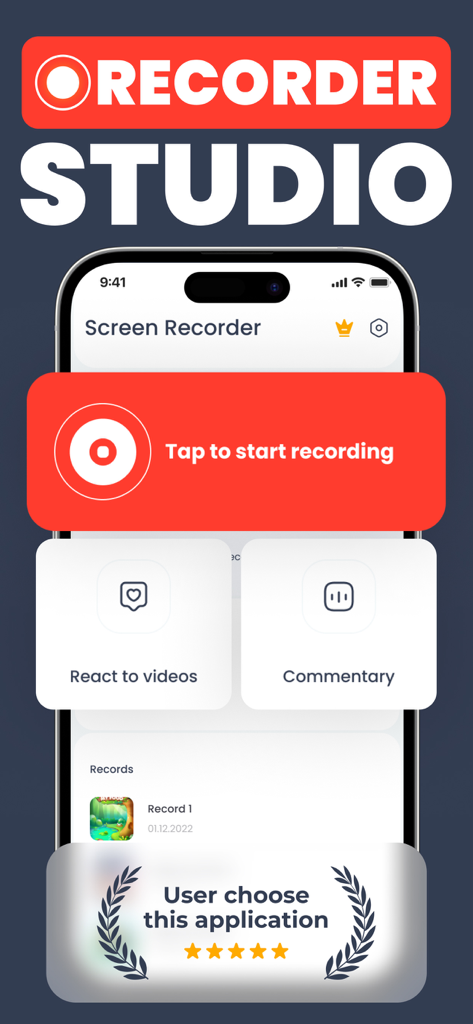
Hauptoberfläche der Bildschirmrekorder-App mit einer Schaltfläche zum Starten der Aufnahme und Reaktionsfunktionen
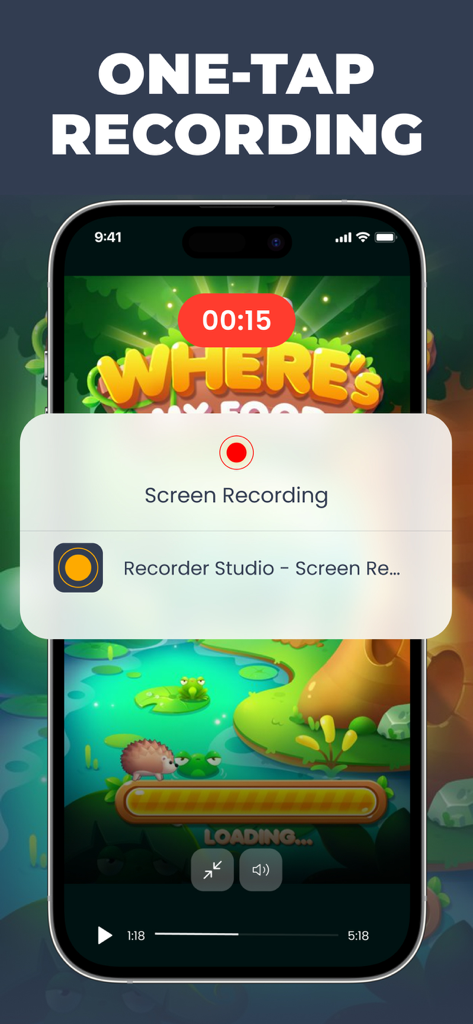
One-Tap-Bildschirmaufnahme-Oberfläche aktiv über einem Mobile Game auf dem iPhone.
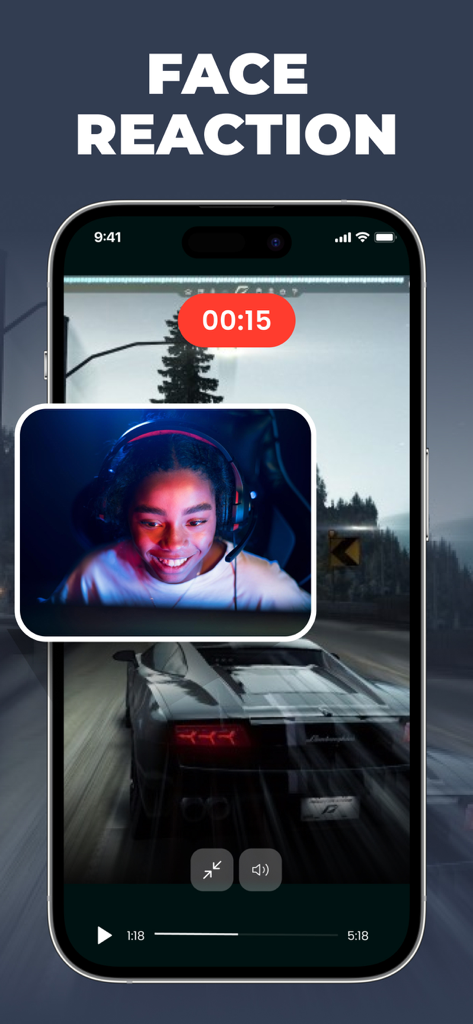
Mobile Bildschirmaufnahme mit Facecam-Überlagerung während des Gameplays
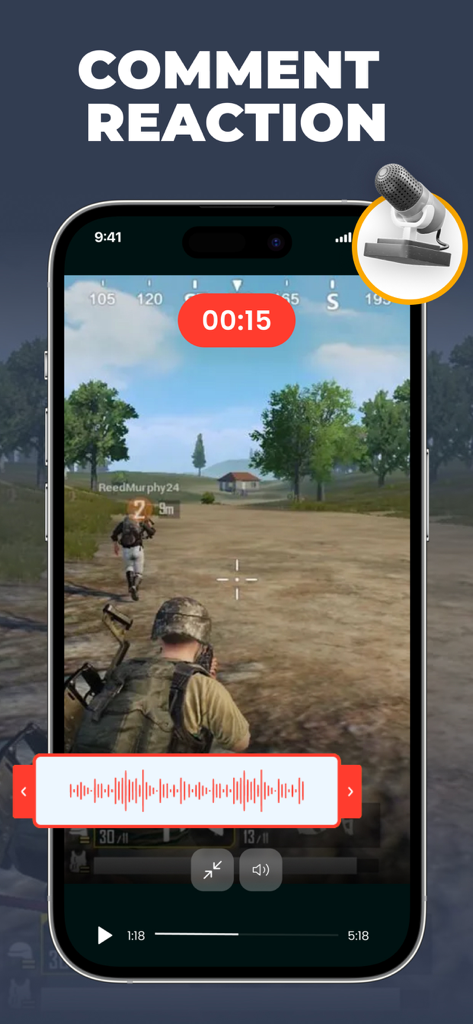
iPhone-Bildschirmaufnahme eines Mobile Games mit einer Voice-Comment-Reaktionsüberlagerung
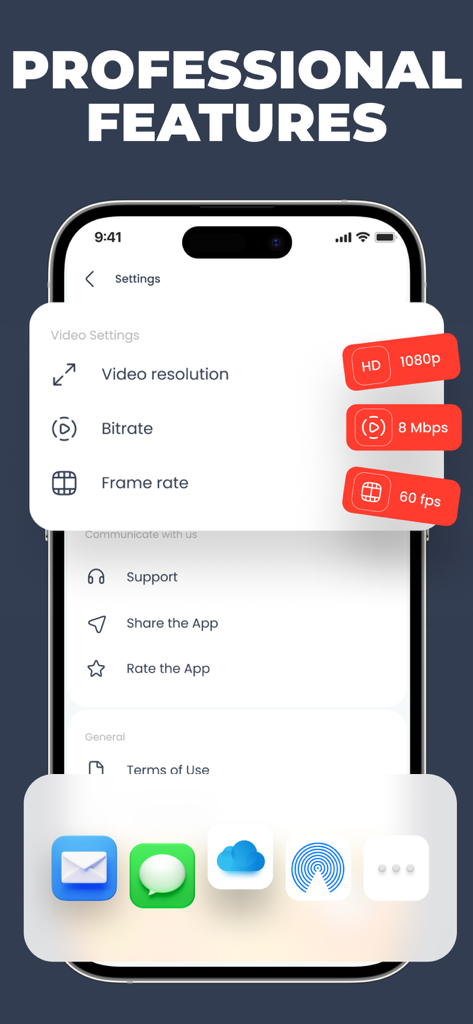
Oberfläche mit professionellen Videoeinstellungen, einschließlich 1080p-Auflösung und 60fps-Bildrate für die Bildschirmaufnahme

Benutzerstimme und Fünf-Sterne-Bewertung für die Bildschirmaufzeichnungs-App mit einem glücklichen Content Creator
Beschreibung
Download
Ähnliche Apps
Top-gerankte Apps in derselben Kategorie

Google LLC

Google Chrome
Google LLC

中国移动(手机营业厅)
China Mobile Online Services Co., Ltd.

Google Authenticator
Google LLC

CNH do Brasil
Servicos e Informacoes do Brasil

Cleanup: Phone Storage Cleaner
DEEP FLOW SOFTWARE SERVICES - FZCO

gov.br
Servicos e Informacoes do Brasil

中国电信-全国统一官方服务平台
CHINA TELECOM Corporation Ltd.

Microsoft Edge: AI Browser
Microsoft Corporation
Diese Seite ist keine offizielle Seite der App oder ihres Entwicklers, sondern eine unabhängige redaktionelle Veröffentlichung, die zu Informations- und Kommentarzwecken erstellt wurde. Sofern nicht ausdrücklich anders angegeben, sind weder die App noch ihr Entwickler mit MWM, Apple, Google Play, dem App-Herausgeber oder dem Entwickler der App verbunden, von ihnen unterstützt, gesponsert, autorisiert oder anderweitig offiziell verbunden, und nichts auf dieser Seite impliziert, dass die App unter Verwendung der Dienste von MWM entwickelt wurde. Alle Marken, Logos, Screenshots und andere Inhalte bleiben Eigentum ihrer jeweiligen Inhaber.