
Diese Seite ist keine offizielle Seite der App oder ihres Entwicklers, sondern eine unabhängige redaktionelle Veröffentlichung, die zu Informations- und Kommentarzwecken erstellt wurde. Sofern nicht ausdrücklich anders angegeben, sind weder die App noch ihr Entwickler mit MWM, Apple, Google Play, dem App-Herausgeber oder dem Entwickler der App verbunden, von ihnen unterstützt, gesponsert, autorisiert oder anderweitig offiziell verbunden, und nichts auf dieser Seite impliziert, dass die App unter Verwendung der Dienste von MWM entwickelt wurde. Alle Marken, Logos, Screenshots und andere Inhalte bleiben Eigentum ihrer jeweiligen Inhaber.


Toolbox by Paperclip
Meistern Sie Ihren mobilen Workflow mit leistungsstarker Stapelkonvertierung, nahtloser Medienbearbeitung und privater Inspirationssammlung – alles lokal auf Ihrem Gerät verarbeitet.
Downloads
636K+Bewertung
Bewertungen gesamt
5K+Herausgeber
Kategorie
UtilitiesSprachen
2Neueste Version
1.6.3Größe
79.9 MBErstveröffentlichung
15. Dez. 2021Steigern Sie Ihren kreativen Workflow
Ein professionelles Toolkit für Kreative, die Wert auf Effizienz, Präzision und Privatsphäre legen. Hören Sie auf, zwischen Apps zu wechseln, und fangen Sie an, Projekte fertigzustellen.
Schnelle Stapelverarbeitung
Konvertieren, komprimieren und bearbeiten Sie Hunderte von Bildern, Videos oder PDFs gleichzeitig. Sparen Sie Stunden manueller Arbeit mit ein Klick-Formattransformationen.
100% Lokal & Privat
Schützen Sie Ihre professionellen Assets mit lokaler Verarbeitung. Ihre Dateien verlassen niemals Ihr Gerät und gewährleisten maximale Sicherheit, ohne auf die Cloud angewiesen zu sein.
Die folgenden Screenshots und die Beschreibung stammen direkt aus dem offiziellen Store-Eintrag der App und sind Eigentum des Entwicklers.
App Store
Screenshots
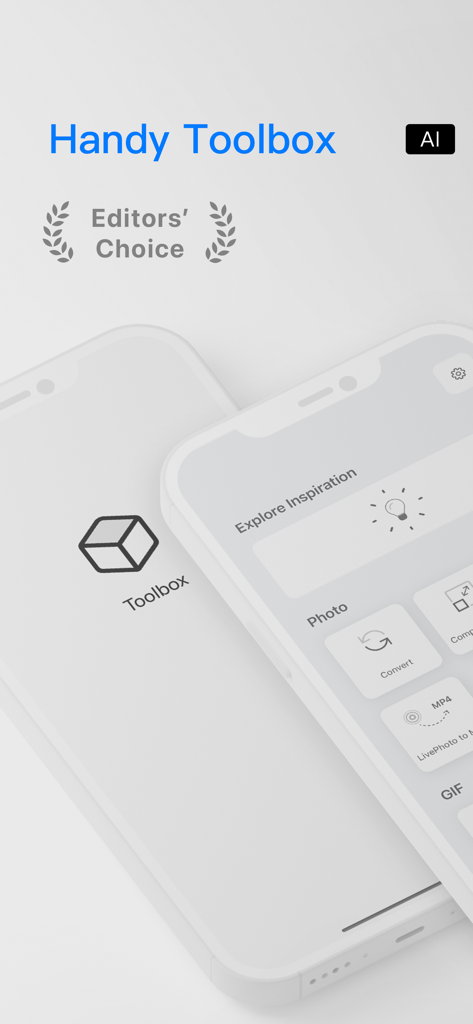
Toolbox by Paperclip App-Oberfläche, die den Editors Choice Award und Kreativwerkzeuge zeigt.
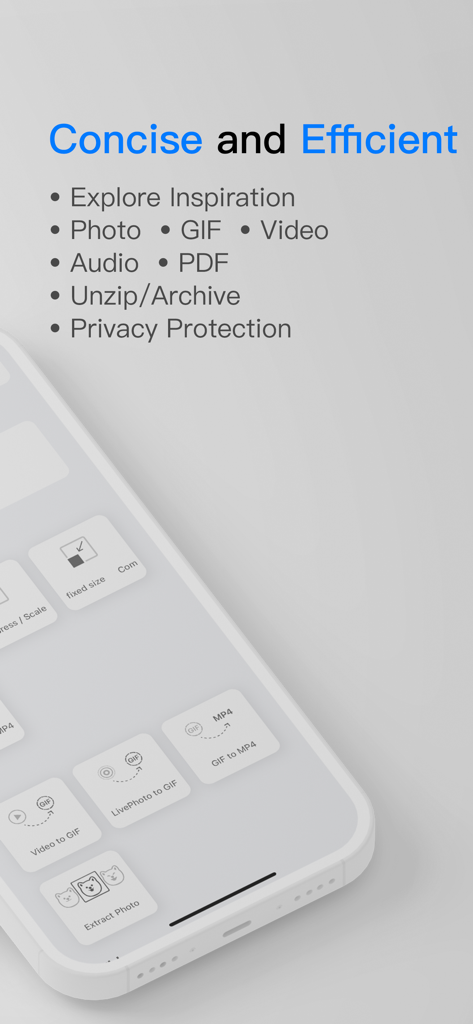
Eine Liste von Funktionen für Toolbox by Paperclip, einschließlich Foto-, Video- und GIF-Tools, die auf einem iPhone-Bildschirm unter dem Text "Prägnant und effizient" angezeigt werden.
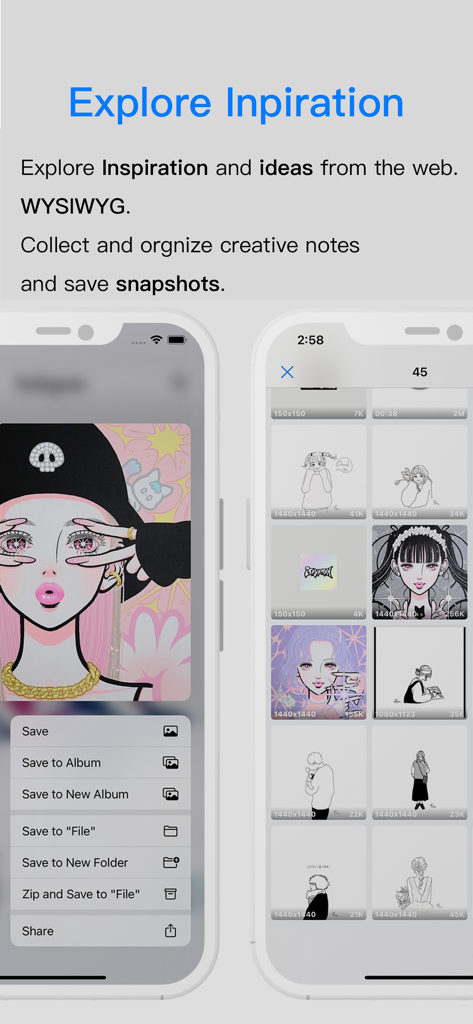
Toolbox by Paperclip App-Oberfläche, die die Funktion "Inspiration erkunden" zum Sammeln und Organisieren von kreativen Schnappschüssen und Notizen zeigt.
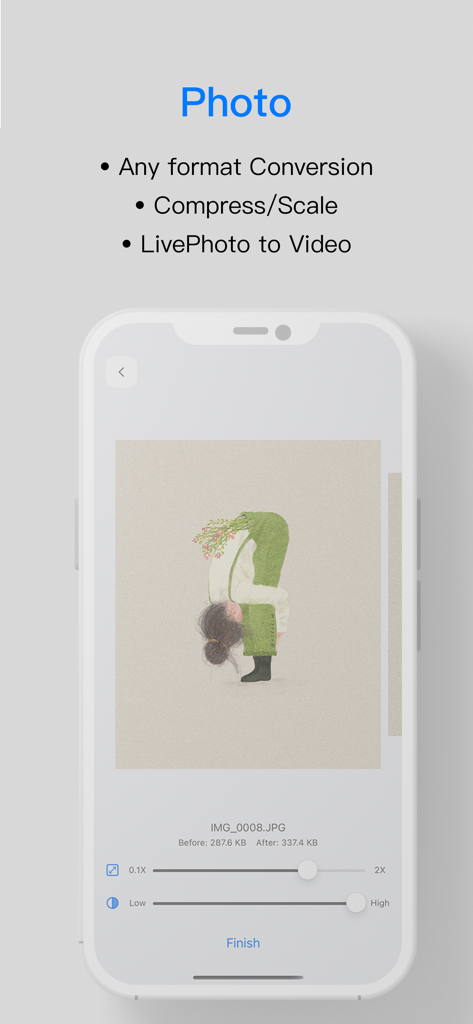
Screenshot des Abschnitts "Foto-Tools" in der Toolbox by Paperclip-App, der Formatkonvertierungs- und Komprimierungsfunktionen hervorhebt.
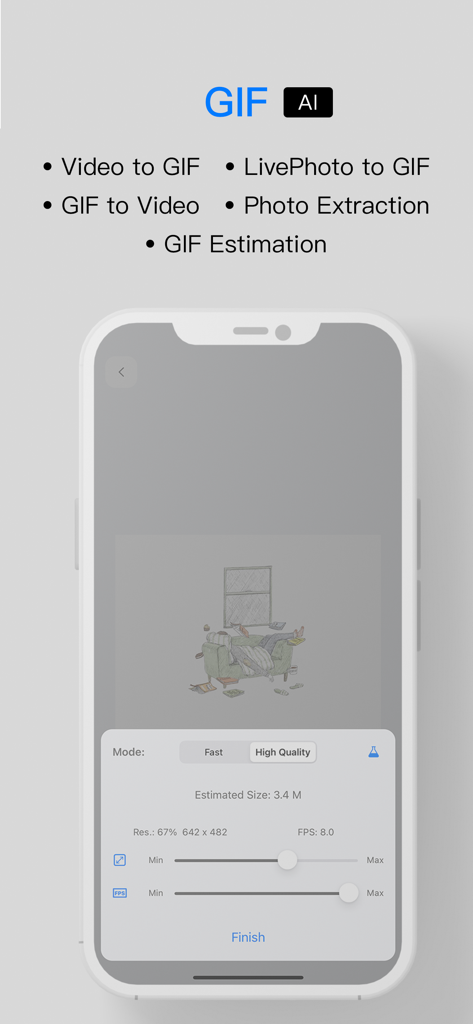
Oberfläche der Toolbox by Paperclip-App, die KI-gestützte GIF-Konvertierung und Video-zu-GIF-Bearbeitungswerkzeuge auf einem iPhone zeigt.
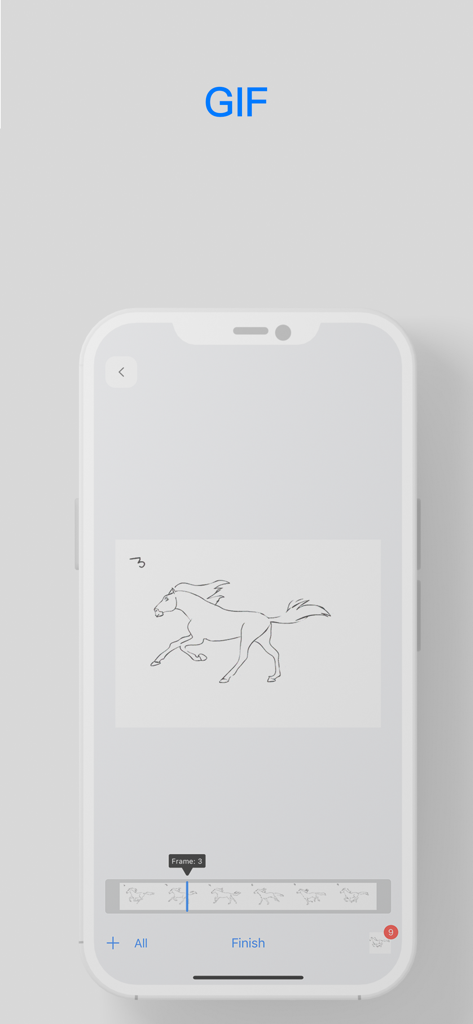
Toolbox by Paperclip GIF-Bearbeitungsoberfläche, die einen Frame einer Pferdeanimation zeigt.
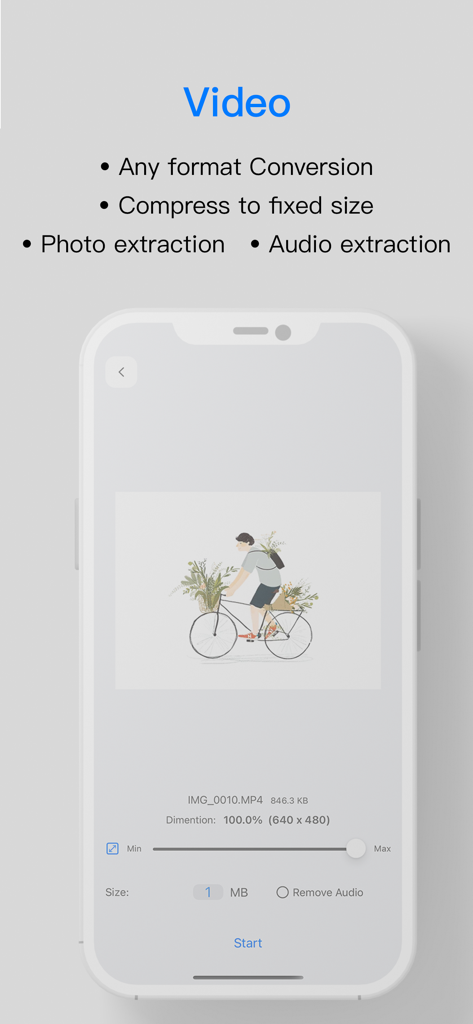
Oberfläche von Toolbox by Paperclip, die Video-Konvertierungs- und Komprimierungswerkzeuge auf einem iPhone zeigt.
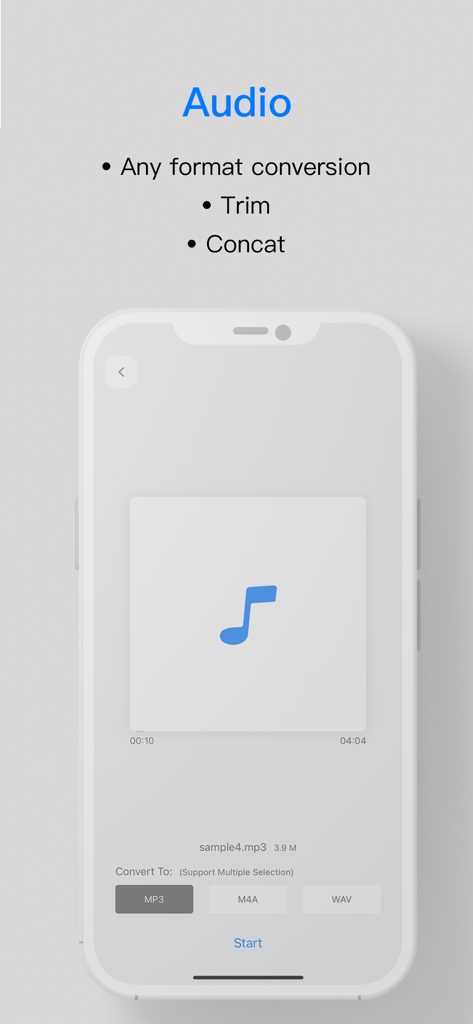
Audio-Konvertierungs- und Trimmer-Oberfläche in der Toolbox by Paperclip-App.
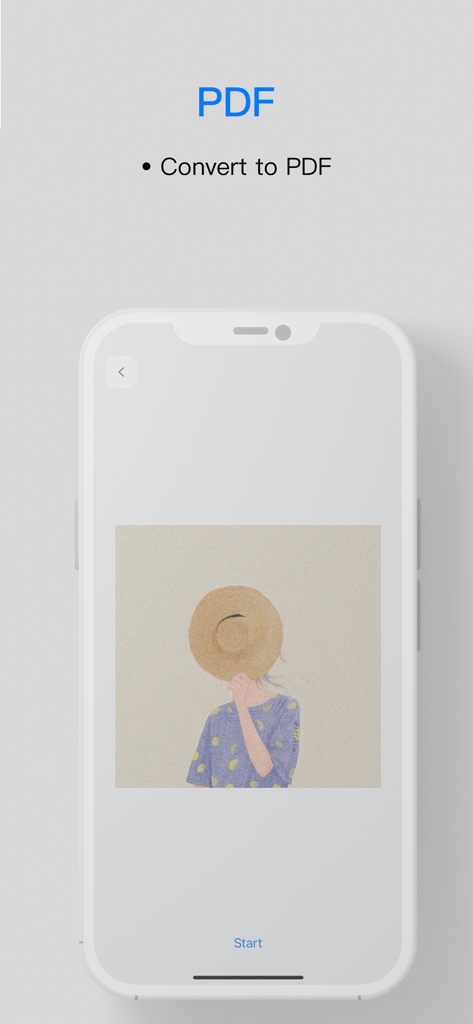
Oberfläche der Toolbox by Paperclip-App, die die Funktion zur Konvertierung eines Bildes in eine PDF-Datei zeigt.
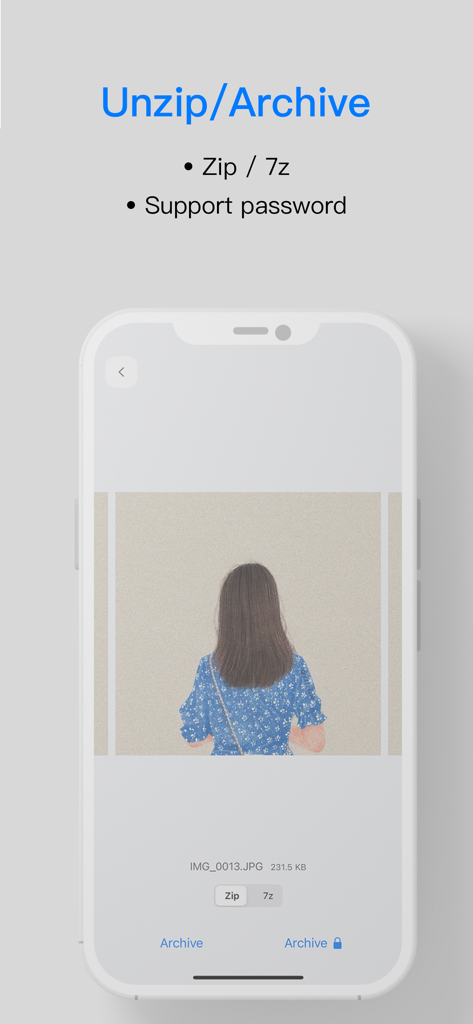
Oberfläche der Toolbox by Paperclip-App, die die Funktionen "Entpacken" und "Archivieren" für Zip- und 7z-Dateien mit Passwortunterstützung zeigt.
Beschreibung
Download
Ähnliche Apps
Apps mit ähnlichen Funktionen und Nutzererfahrung

iConv - Video & PDF Converter
琛 王

Convert PDF to Word OCR
Tu Phan

PDF Converter – Photos to PDF
SMDA GROUP SP. Z OO

Video Converter and Compressor
Inverse.AI

Video Converter & Compressor
WEBDIA INC.
PDF Converter: Convert to PDFㅤ
Roberto Hayes

全能格式转换王-视频音频转换图片文件格式处理
大为 方

word文档手机版-办公文档,办公软件
雪 杨

FAX app: Simple Faxing
Certamen Cognitio LLC
Diese Seite ist keine offizielle Seite der App oder ihres Entwicklers, sondern eine unabhängige redaktionelle Veröffentlichung, die zu Informations- und Kommentarzwecken erstellt wurde. Sofern nicht ausdrücklich anders angegeben, sind weder die App noch ihr Entwickler mit MWM, Apple, Google Play, dem App-Herausgeber oder dem Entwickler der App verbunden, von ihnen unterstützt, gesponsert, autorisiert oder anderweitig offiziell verbunden, und nichts auf dieser Seite impliziert, dass die App unter Verwendung der Dienste von MWM entwickelt wurde. Alle Marken, Logos, Screenshots und andere Inhalte bleiben Eigentum ihrer jeweiligen Inhaber.