
Diese Seite ist keine offizielle Seite der App oder ihres Entwicklers, sondern eine unabhängige redaktionelle Veröffentlichung, die zu Informations- und Kommentarzwecken erstellt wurde. Sofern nicht ausdrücklich anders angegeben, sind weder die App noch ihr Entwickler mit MWM, Apple, Google Play, dem App-Herausgeber oder dem Entwickler der App verbunden, von ihnen unterstützt, gesponsert, autorisiert oder anderweitig offiziell verbunden, und nichts auf dieser Seite impliziert, dass die App unter Verwendung der Dienste von MWM entwickelt wurde. Alle Marken, Logos, Screenshots und andere Inhalte bleiben Eigentum ihrer jeweiligen Inhaber.

Tutorials for Photoshop CC
Hören Sie auf zuzuschauen und fangen Sie an zu tun. Meistern Sie Photoshop und Illustrator mit über 800 interaktiven Tutorials, die darauf ausgelegt sind, Ihren kreativen Nebenjob durch praktische Übungen in eine professionelle Karriere zu verwandeln.
Downloads
32K+Bewertung
Bewertungen gesamt
5K+Herausgeber
Kategorie
EducationSprachen
7Neueste Version
10.0Größe
54.1 MBErstveröffentlichung
12. Okt. 2015Beherrschen Sie kreative Fähigkeiten durch Tun
Hören Sie auf zuzuschauen und fangen Sie an zu erstellen. Erleben Sie über 814 interaktive Tutorials, die Ihnen Photoshop und Illustrator durch praktische Übungen vermitteln, nicht nur durch Theorie.
Interaktives Gestentraining
Meistern Sie Verknüpfungen und Werkzeuge, indem Sie physisch mit der Benutzeroberfläche interagieren. Üben Sie reale Gesten wie Ziehen und Ablegen, um schneller als mit jedem Video das Muskelgedächtnis aufzubauen.
Karrierefähiges Curriculum
Vom Anfänger zum Profi mit 814 Lektionen, die Retusche, 3D und Animation abdecken. Erwerben Sie die hochrangigen Fähigkeiten, die zur Erstellung von Hollywood-Effekten und professionellen Anzeigen erforderlich sind.
Die folgenden Screenshots und die Beschreibung stammen direkt aus dem offiziellen Store-Eintrag der App und sind Eigentum des Entwicklers.
App Store
Screenshots
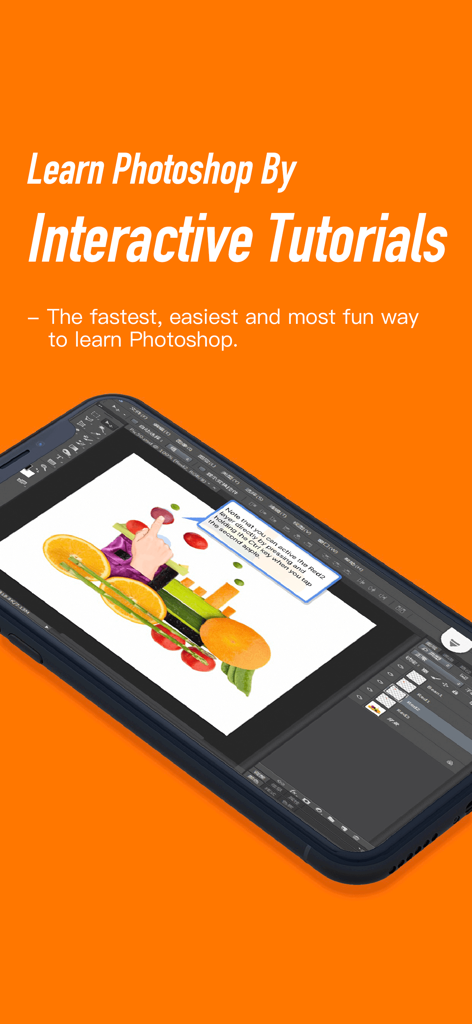
Smartphone-Bildschirm, der ein interaktives Photoshop CC-Tutorial mit Anweisungen zur Layer-Auswahl zeigt
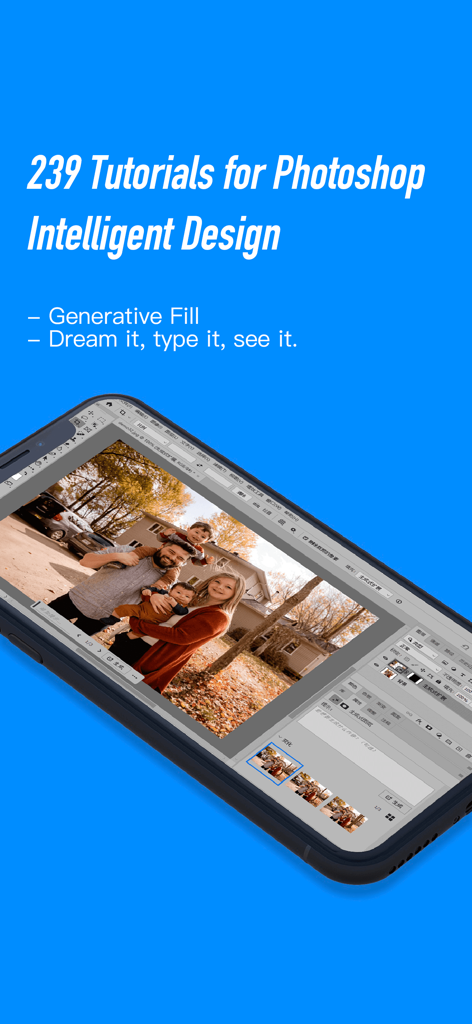
Smartphone, das ein interaktives Photoshop-Tutorial für die generative KI-Füllfunktion bei einem Familienfoto anzeigt.
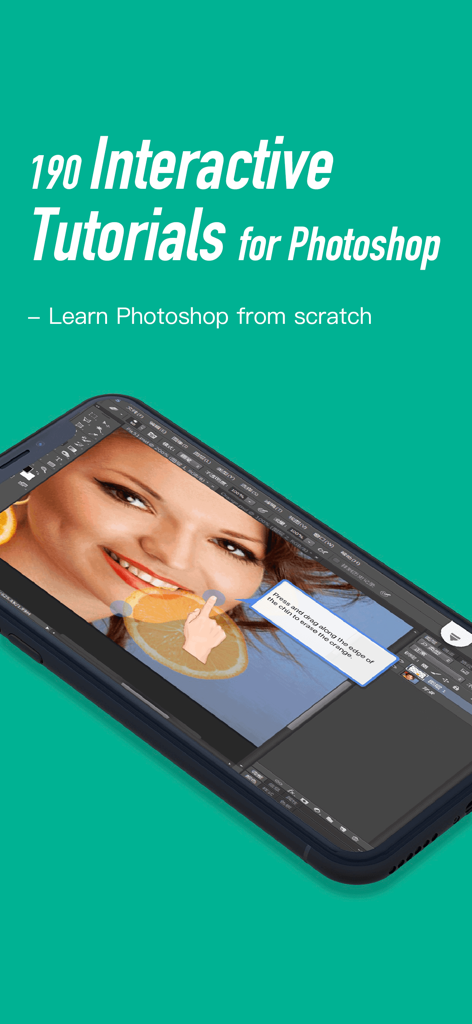
Ein Smartphone, das eine interaktive Photoshop-Tutorial-Lektion zur Retusche eines Fotos auf einem teal-farbenen Hintergrund zeigt
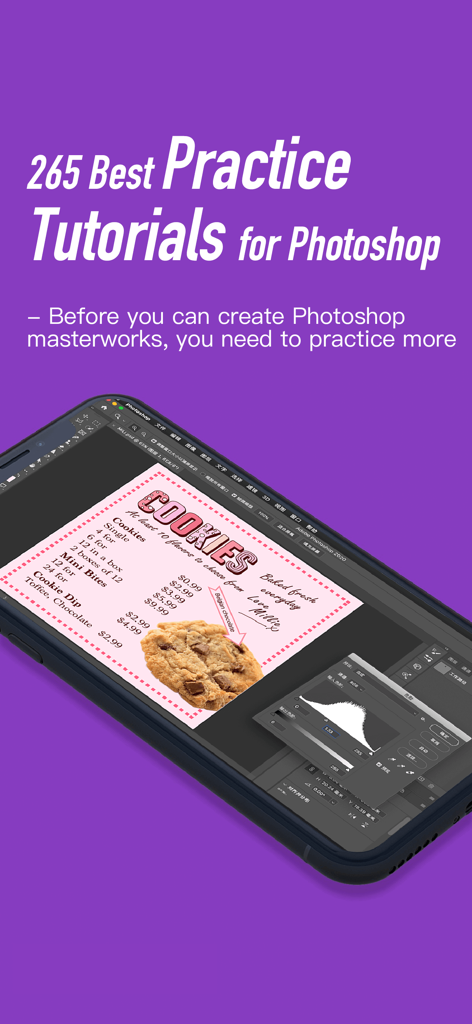
App für interaktive Photoshop-Übungstutorials, die eine Lektion zur Gestaltung eines Cookie-Menüs auf einem Mobilgerät zeigt
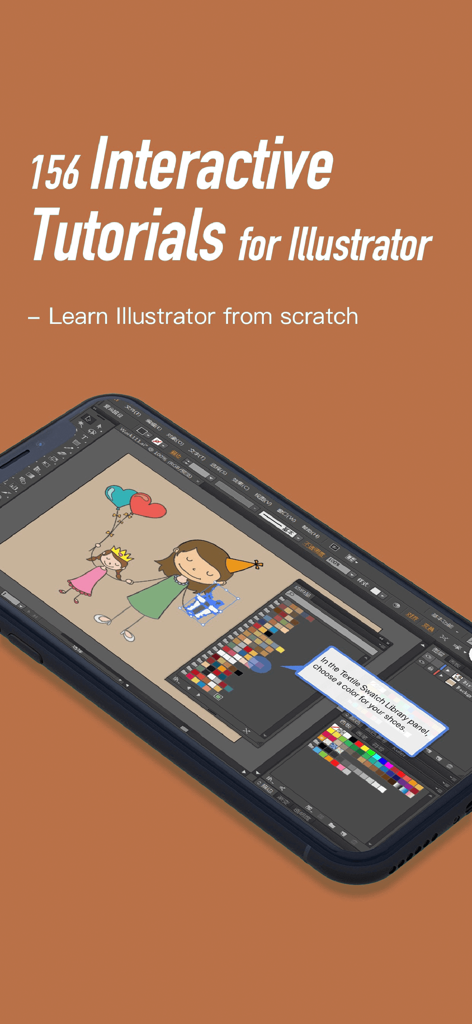
Ein Smartphone, das ein interaktives Illustrator-Tutorial aus der App Tutorials für Photoshop CC anzeigt.
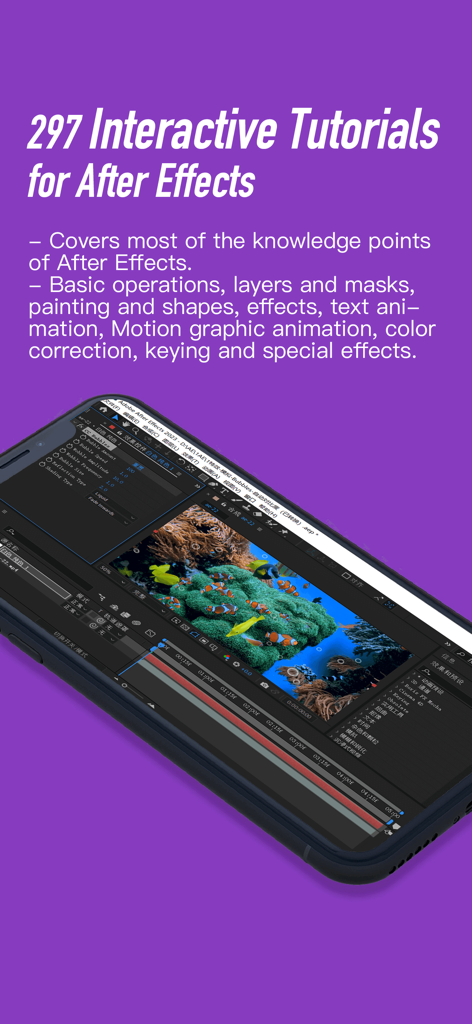
Smartphone-Bildschirm, der interaktive After Effects-Tutorials und die Benutzeroberfläche zur Bearbeitung von Motion Graphics anzeigt
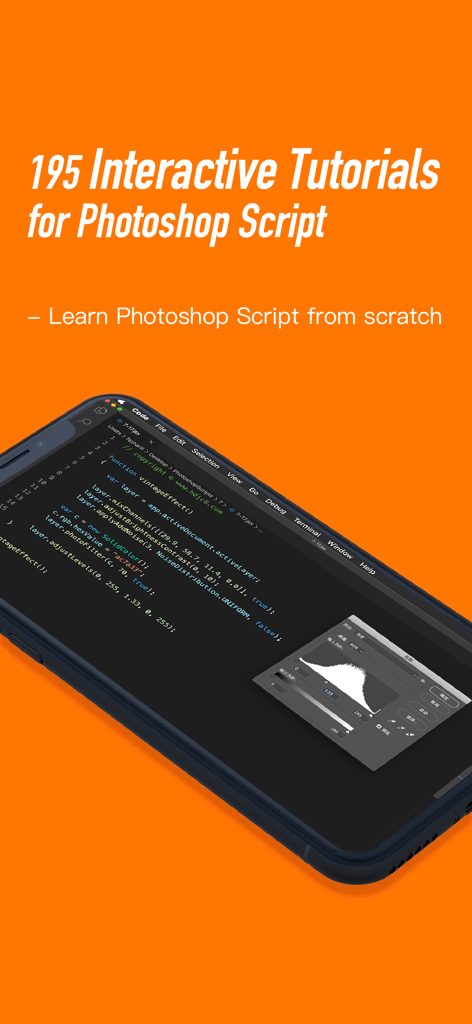
Bildschirm einer mobilen App mit interaktiven Photoshop-Skript-Tutorials und Codebeispielen auf einem Smartphone
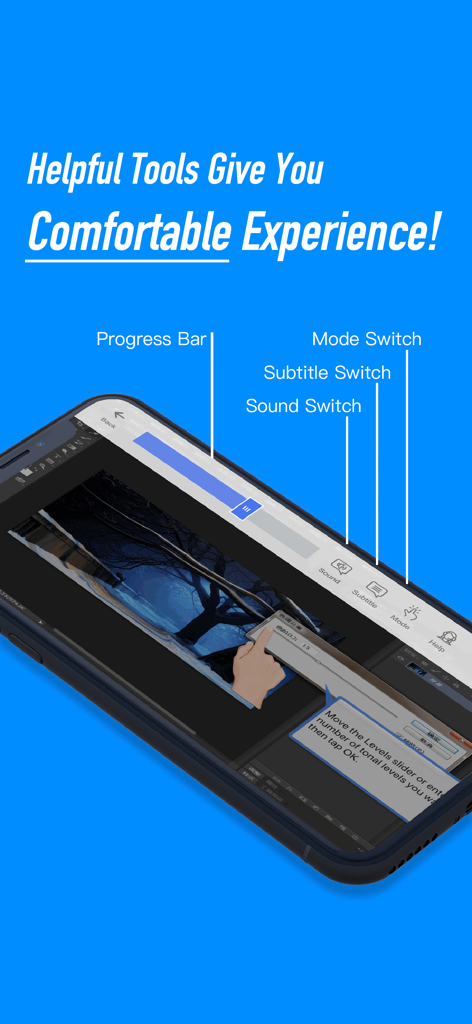
Mobile App-Oberfläche, die interaktive Werkzeuge für Photoshop CC-Tutorials zeigt, einschließlich Fortschrittsbalken, Sound-Schalter und Modus-Schalter.
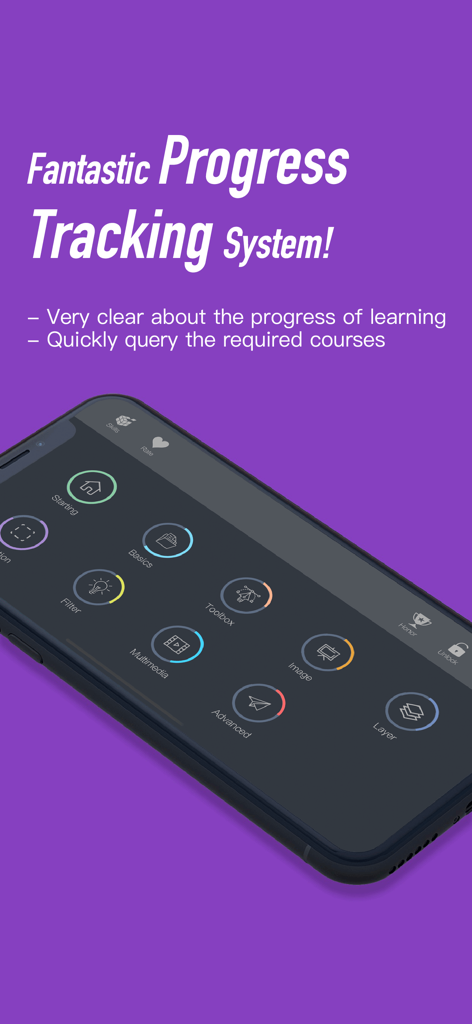
Interaktives Dashboard zur Verfolgung des Lernfortschritts in Photoshop CC-Tutorials
Beschreibung
Download
Ähnliche Apps
Top-gerankte Apps in derselben Kategorie

Duolingo - Language Lessons
Duolingo, Inc

Speak & Learn English: Learna
DEEP FLOW SOFTWARE SERVICES - FZCO

驾考宝典-科一科四驾驶证考试驾考通
Wuhan Jiakaobaodian Information Service Co., Ltd.

Toca Boca World
Toca Boca AB

Google Classroom
Google LLC

作业帮-中小学家长作业检查和辅导工具
Guangzhou Polar Future Culture Technology Co., Ltd

学信网
Student Information Consultation Service Co., Ltd.

Gauth: AI Study Companion
GAUTHTECH PTE. LTD.

ArtWorkout: Learn How to Draw
Aleksandr Ulitin
Diese Seite ist keine offizielle Seite der App oder ihres Entwicklers, sondern eine unabhängige redaktionelle Veröffentlichung, die zu Informations- und Kommentarzwecken erstellt wurde. Sofern nicht ausdrücklich anders angegeben, sind weder die App noch ihr Entwickler mit MWM, Apple, Google Play, dem App-Herausgeber oder dem Entwickler der App verbunden, von ihnen unterstützt, gesponsert, autorisiert oder anderweitig offiziell verbunden, und nichts auf dieser Seite impliziert, dass die App unter Verwendung der Dienste von MWM entwickelt wurde. Alle Marken, Logos, Screenshots und andere Inhalte bleiben Eigentum ihrer jeweiligen Inhaber.