
Diese Seite ist keine offizielle Seite der App oder ihres Entwicklers, sondern eine unabhängige redaktionelle Veröffentlichung, die zu Informations- und Kommentarzwecken erstellt wurde. Sofern nicht ausdrücklich anders angegeben, sind weder die App noch ihr Entwickler mit MWM, Apple, Google Play, dem App-Herausgeber oder dem Entwickler der App verbunden, von ihnen unterstützt, gesponsert, autorisiert oder anderweitig offiziell verbunden, und nichts auf dieser Seite impliziert, dass die App unter Verwendung der Dienste von MWM entwickelt wurde. Alle Marken, Logos, Screenshots und andere Inhalte bleiben Eigentum ihrer jeweiligen Inhaber.

TV Remote - Universal Control・
Hören Sie auf, nach verlegten Fernbedienungen zu suchen, und fangen Sie an zu streamen. Steuern Sie jeden Fernseher, tippen Sie mit Ihrer Tastatur und projizieren Sie Ihre Lieblingsfotos oder -videos sofort – alles von Ihrer Handfläche aus.
Downloads
290K+Bewertung
Bewertungen gesamt
6K+Herausgeber
Kategorie
UtilitiesSprachen
35Neueste Version
1.7.2Größe
125.1 MBErstveröffentlichung
3. Jan. 2023Die letzte Fernbedienung, die Sie jemals brauchen werden
Beseitigen Sie Unordnung und Frustration auf dem Couchtisch. Unsere Universal-App verwandelt Ihr iPhone in ein leistungsstarkes, Hochgeschwindigkeits-Befehlszentrum für jeden Smart-TV in Ihrem Zuhause.
Eine App, jede Marke
Steuern Sie nahtlos Samsung, LG, Roku, Vizio und mehr. Wechseln Sie zwischen Räumen und TV-Marken, ohne jemals wieder nach einer verlegten physischen Fernbedienung suchen zu müssen.
Blitzschnelle Tastatursuche
Beenden Sie die mühsame Suche auf Ihrem Fernsehbildschirm. Verwenden Sie die Tastatur Ihres iPhones, um Filmtitel und Passwörter in Sekunden statt Minuten einzugeben.
Häufig gestellte Fragen
Alles, was Sie über wissen müssen TV Remote - Universal Control・
Was ist TV Remote - Universal Control・?
TV Remote - Universal Control・ ist eine App, die als Universalfernbedienung für Streaming-Player und Fernseher fungiert. Sie verfügt über eine einfache Benutzeroberfläche für den einfachen Zugriff auf Filme, Musik und Spiele auf Ihrem Gerät.
Wie verbinde ich TV Remote - Universal Control・ mit meinem Fernseher?
Verbinden Sie Ihr iPhone und Ihren Smart-TV mit demselben WLAN-Netzwerk. Suchen Sie in der App nach Ihrem Fernseher und akzeptieren Sie dann das Verbindungspop-up auf Ihrem Fernseher oder geben Sie eine auf Ihrem Fernsehbildschirm angezeigte PIN ein.
Unterstützt TV Remote - Universal Control・ Screen Mirroring von einem iPhone?
Ja, TV Remote - Universal Control・ unterstützt Screen Mirroring. Diese Funktion ermöglicht es Benutzern, den Bildschirm ihres iPhones direkt über die App auf ihrem Fernseher anzuzeigen.
Kann ich Sprachbefehle verwenden, um meinen Fernseher mit TV Remote - Universal Control・ zu steuern?
Ja, TV Remote - Universal Control・ verfügt über eine Sprachsuchfunktion. Benutzer können Sprachbefehle verwenden, um Inhalte zu finden, was eine schnellere Schlagwortsuche ohne Tippen ermöglicht.
Ist TV Remote - Universal Control・ eine kostenlose App zum Herunterladen?
Ja, TV Remote - Universal Control・ kann kostenlos heruntergeladen werden. Benutzer können die App kostenlos ausprobieren, aber ein Premium-Abonnement ist für den vollständigen Zugriff auf alle Funktionen erforderlich.
Kann TV Remote - Universal Control・ Fotos und Videos von meinem Handy auf den Fernseher streamen?
Ja, TV Remote - Universal Control・ ermöglicht das Streamen. Benutzer können über die spezielle "Cast"-Seite sofort hochauflösende Fotos und Videos aus der Galerie ihres Handys auf ihren Fernseher teilen.
Auf welche Streaming-Kanäle kann über TV Remote - Universal Control・ zugegriffen werden?
TV Remote - Universal Control・ bietet über den speziellen Tab "Kanäle" schnellen Zugriff auf Kanäle wie Netflix, YouTube, Prime, Hulu, Spectrum und Disney+.
Funktioniert TV Remote - Universal Control・ mit Samsung oder LG Smart-TVs?
Nein, TV Remote - Universal Control・ ist keine offizielle Anwendung für Samsung, LG, Sony oder Philips. Sie unterstützt Premium-Funktionen von Roku TV und Hisense-Geräte.
Wie ermöglicht TV Remote - Universal Control・ die Navigation?
TV Remote - Universal Control・ bietet sowohl Touchpad- als auch Tasten-Navigation. Benutzer können wischbasierte Gesten für eine einfachere Steuerung oder traditionelle Tastendrücke auf der Fernbedienungsoberfläche verwenden.
Verfügt TV Remote - Universal Control・ über eine Tastatur zum Suchen von Inhalten?
Ja, TV Remote - Universal Control・ verfügt über eine intuitive Tastatur. Diese Funktion ermöglicht es Benutzern, schnell nach Schlagwörtern zu suchen und den Prozess der Inhaltsfindung zu optimieren.
Die folgenden Screenshots und die Beschreibung stammen direkt aus dem offiziellen Store-Eintrag der App und sind Eigentum des Entwicklers.
App Store
Screenshots
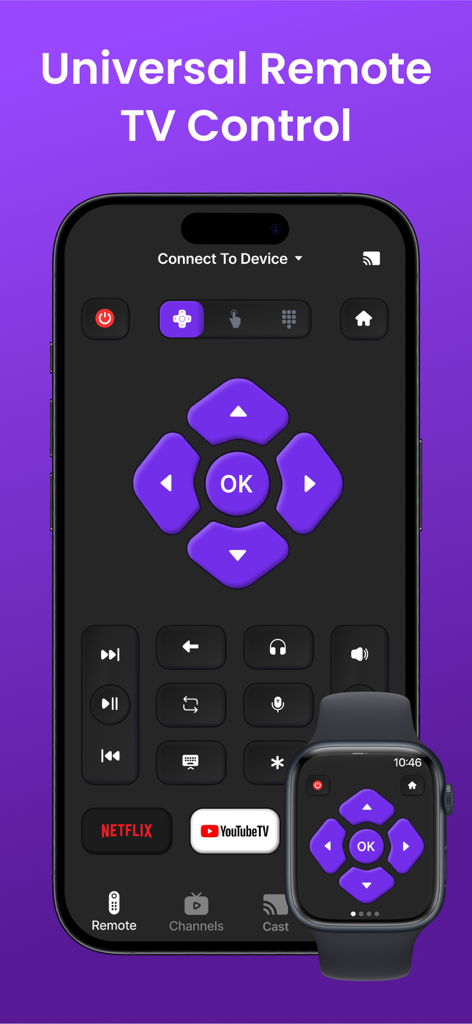
Universelle TV-Fernbedienungsoberfläche auf iPhone und Apple Watch
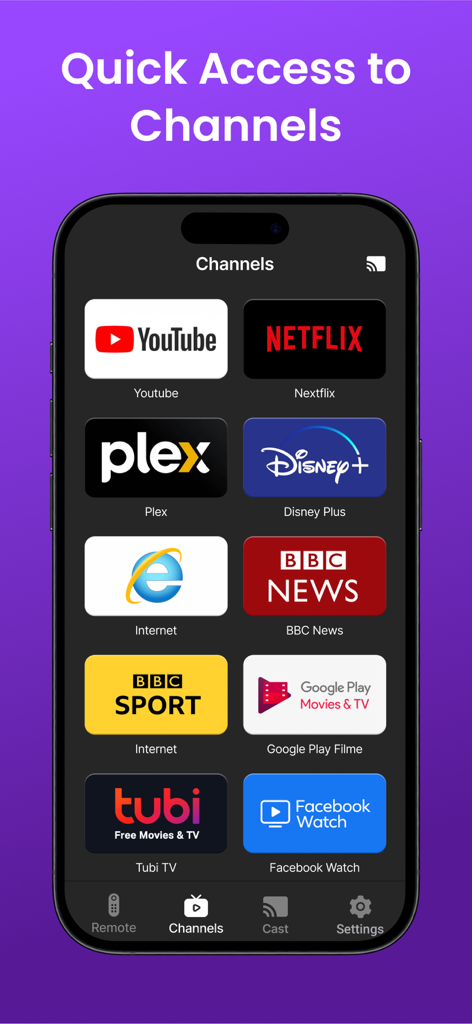
Ein Smartphone, das den Kanäle-Tab einer universellen TV-Fernbedienungs-App mit Symbolen für Netflix, YouTube, Disney Plus und andere Streaming-Dienste anzeigt.
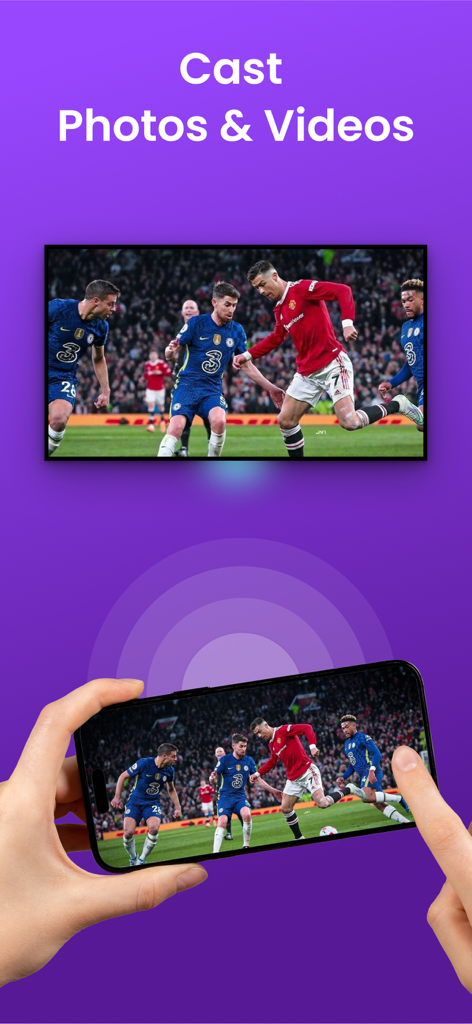
Eine Person, die ein iPhone verwendet, um ein Fußballspiel mit einem einzigen Tippen auf einen großen Fernsehbildschirm zu übertragen
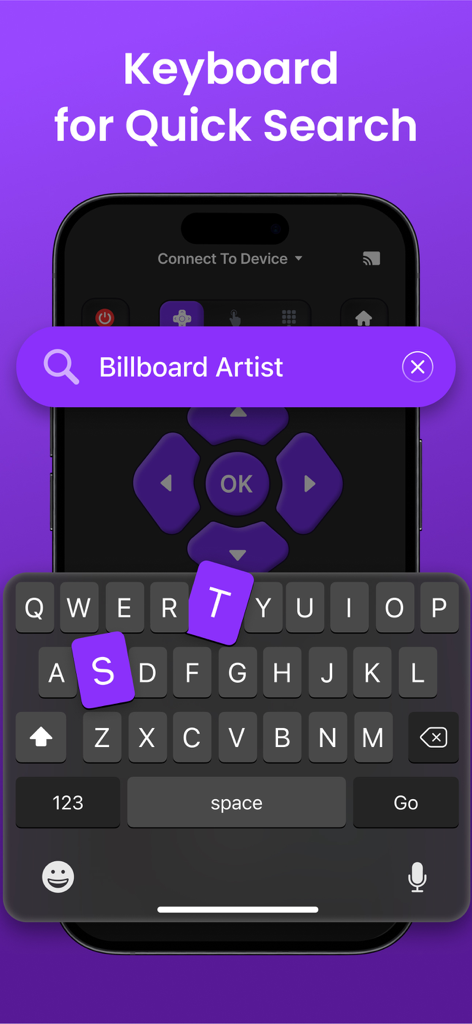
Universelle TV-Fernbedienungs-App-Tastatur für schnelle Suche auf dem iPhone
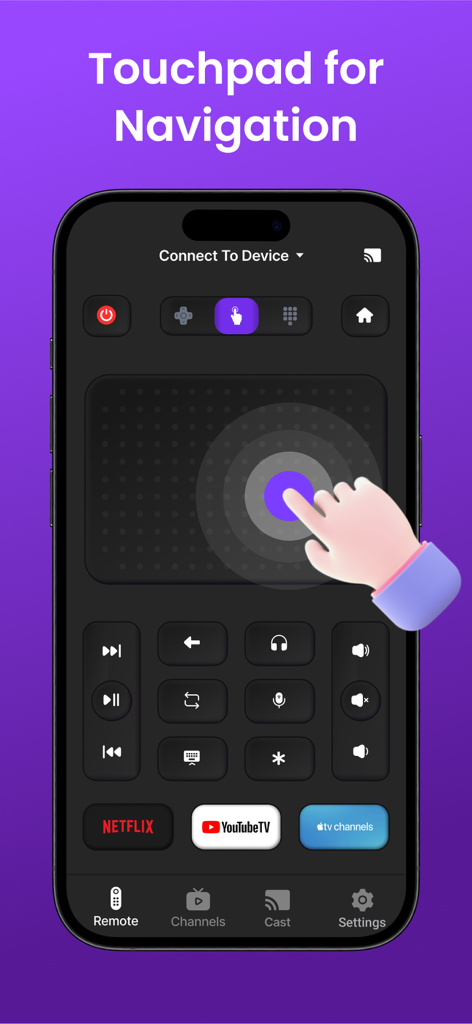
Ein iPhone-Bildschirm, der eine universelle TV-Fernbedienungs-App mit einem großen Touchpad zur Navigation und Verknüpfungen für Netflix und YouTube TV anzeigt
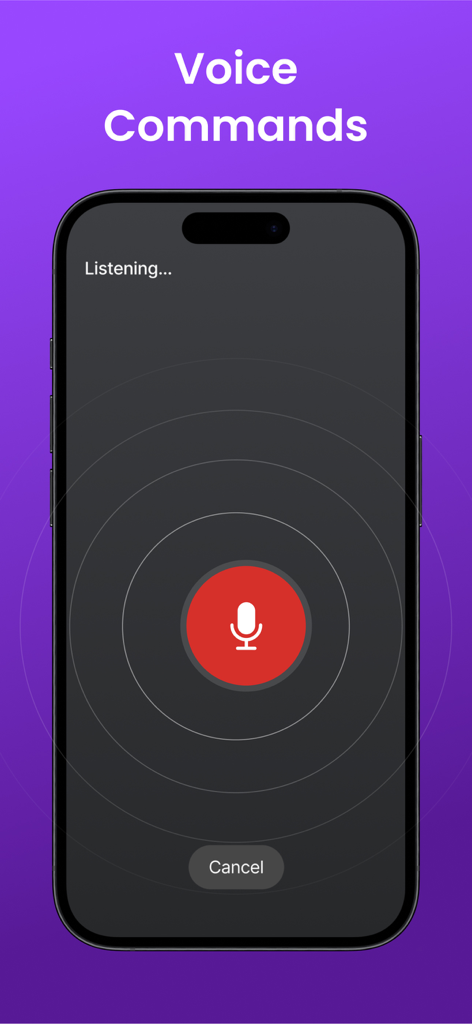
iPhone-Oberfläche für die Funktion für Sprachbefehle der universellen TV-Fernbedienung
Beschreibung
Download
Ähnliche Apps
Apps mit ähnlichen Funktionen und Nutzererfahrung

The Roku App (Official)
ROKU INC

TV Remote & Smart TV Control
To Ngoc Mai

Universal TV Remote Control .
Apps Venture Inc.

TV Remote, Universal Remote
Hangzhou Yingshitong Technology Co., Ltd.

TV Remote Control “Universo”
Nemo Apps LLC

TV Remote・Universal Control #1
Mihai Turlea

Remote Smart Tv Universal
clement gasner

Remote TV Control TCL Onn App
CEMAL CAGLAR KIRICI

TV Remote Control Universal AI
Anh Ngo
Diese Seite ist keine offizielle Seite der App oder ihres Entwicklers, sondern eine unabhängige redaktionelle Veröffentlichung, die zu Informations- und Kommentarzwecken erstellt wurde. Sofern nicht ausdrücklich anders angegeben, sind weder die App noch ihr Entwickler mit MWM, Apple, Google Play, dem App-Herausgeber oder dem Entwickler der App verbunden, von ihnen unterstützt, gesponsert, autorisiert oder anderweitig offiziell verbunden, und nichts auf dieser Seite impliziert, dass die App unter Verwendung der Dienste von MWM entwickelt wurde. Alle Marken, Logos, Screenshots und andere Inhalte bleiben Eigentum ihrer jeweiligen Inhaber.