
Diese Seite ist keine offizielle Seite der App oder ihres Entwicklers, sondern eine unabhängige redaktionelle Veröffentlichung, die zu Informations- und Kommentarzwecken erstellt wurde. Sofern nicht ausdrücklich anders angegeben, sind weder die App noch ihr Entwickler mit MWM, Apple, Google Play, dem App-Herausgeber oder dem Entwickler der App verbunden, von ihnen unterstützt, gesponsert, autorisiert oder anderweitig offiziell verbunden, und nichts auf dieser Seite impliziert, dass die App unter Verwendung der Dienste von MWM entwickelt wurde. Alle Marken, Logos, Screenshots und andere Inhalte bleiben Eigentum ihrer jeweiligen Inhaber.

UniRemote: Smart TV Control
Hören Sie auf, verlorene Fernbedienungen zu suchen, und tippen Sie 10x schneller mit der Tastatur Ihres Telefons. Steuern Sie jeden Fernseher in Ihrem Zuhause mit einem intuitiven Touchpad, dem "Easy Mode" mit großen Tasten und nahtlosem Medien-Casting.
Downloads
589K+Bewertung
Bewertungen gesamt
10K+Herausgeber
Kategorie
UtilitiesSprachen
8Neueste Version
1.5.5Größe
254.8 MBErstveröffentlichung
19. Aug. 2024Übernehmen Sie die volle Kontrolle über Ihre Unterhaltung
Hören Sie auf, nach verlorenen Fernbedienungen zu suchen, und fangen Sie an, jeden Fernseher in Ihrem Zuhause mit dem bereits in Ihrer Hand befindlichen iPhone zu steuern.
Intelligente Tastatur & Touchpad
Beenden Sie die frustrierende Suche mit der TV-Bildschirmtastatur. Geben Sie Filmtitel ein und navigieren Sie sofort durch Menüs mit der iPhone-Tastatur.
Eine App, jeder Fernseher
Ob Samsung, LG, Sony oder Roku, UniRemote synchronisiert sich automatisch über WLAN, um Ihnen die volle Kontrolle ohne zusätzliche Hardware zu geben.
Häufig gestellte Fragen
Alles, was Sie über wissen müssen UniRemote: Smart TV Control
Was ist UniRemote: Smart TV Control?
UniRemote: Smart TV Control ist eine iPhone-Anwendung, die Ihr Telefon in eine universelle TV-Fernbedienung verwandelt. Sie dupliziert traditionelle Fernbedienungsfunktionen und ermöglicht die Steuerung von Kanälen, Lautstärke und Navigation für ein verbessertes Fernseherlebnis.
Wie verbindet sich UniRemote mit meinem Fernseher?
UniRemote verbindet Ihr iPhone mit Ihrem Fernseher, wenn beide Geräte mit demselben WLAN-Netzwerk verbunden sind. Für IR-Fernseher (Infrarot) muss Ihr Smartphone über eine integrierte IR-Funktion verfügen.
Unterstützt UniRemote das Streamen von Medien?
Ja, UniRemote: Smart TV Control unterstützt das Streamen von Medien. Benutzer können Fotos und Videos von ihrem iPhone mit wenigen Klicks direkt über die Anwendung auf ihren Fernseher streamen.
Was sind die Hauptsteuerungsfunktionen von UniRemote?
UniRemote bietet umfassende Steuerungsfunktionen, einschließlich Anpassungen von Kanälen, Lautstärke und Navigationsmenüs. Es unterstützt D-Pad, Touchpad, Numpad und Medienwiedergabesteuerungen wie Play/Pause/Stop und ahmt damit eine traditionelle TV-Fernbedienung nach.
Ist UniRemote: Smart TV Control kostenlos?
Nein, UniRemote: Smart TV Control erfordert ein Premium-Abonnement, um auf seinen vollen Funktionsumfang zugreifen zu können. Die Zahlung wird dem iTunes-Konto bei Bestätigung des Kaufs belastet.
Wie kann ich mein UniRemote Premium-Abonnement kündigen?
Sie verwalten Ihr UniRemote Premium-Abonnement und die automatische Verlängerung in Ihren iTunes-Kontoeinstellungen. Die automatische Verlängerung muss mindestens 24 Stunden vor Ablauf des aktuellen Abonnementzeitraums deaktiviert werden.
Erkennt UniRemote automatisch Fernseher im Netzwerk?
Ja, UniRemote bietet eine automatische Einrichtung. Die App erkennt automatisch kompatible Fernseher, die mit demselben WLAN-Netzwerk wie Ihr iPhone verbunden sind, und ermöglicht so eine schnelle Steuerung.
Bietet UniRemote: Smart TV Control eine vereinfachte Benutzeroberfläche?
Ja, UniRemote bietet einen "Easy Mode". Diese Funktion ermöglicht es Benutzern, den Fernbedienungsbildschirm zu vereinfachen und größere Navigations- und Lautstärkeregler für eine verbesserte Benutzerfreundlichkeit bereitzustellen.
Kann UniRemote mehrere TV-Geräte steuern?
Ja, UniRemote unterstützt die Steuerung mehrerer Geräte. Benutzer können mühelos mehrere TV-Geräte innerhalb der Anwendung verbinden und zwischen ihnen wechseln, um verschiedene Fernseher mit einem iPhone zu verwalten.
Ist UniRemote eine offizielle Fernbedienungs-App für große TV-Marken wie Samsung oder LG?
Nein, UniRemote·Universal TV Control ist keine offizielle Anwendung für große TV-Marken wie Samsung, LG, Sony, Philips oder Panasonic. Sie steht ausdrücklich nicht in Verbindung mit diesen oder anderen Unternehmen.
Die folgenden Screenshots und die Beschreibung stammen direkt aus dem offiziellen Store-Eintrag der App und sind Eigentum des Entwicklers.
App Store
Screenshots
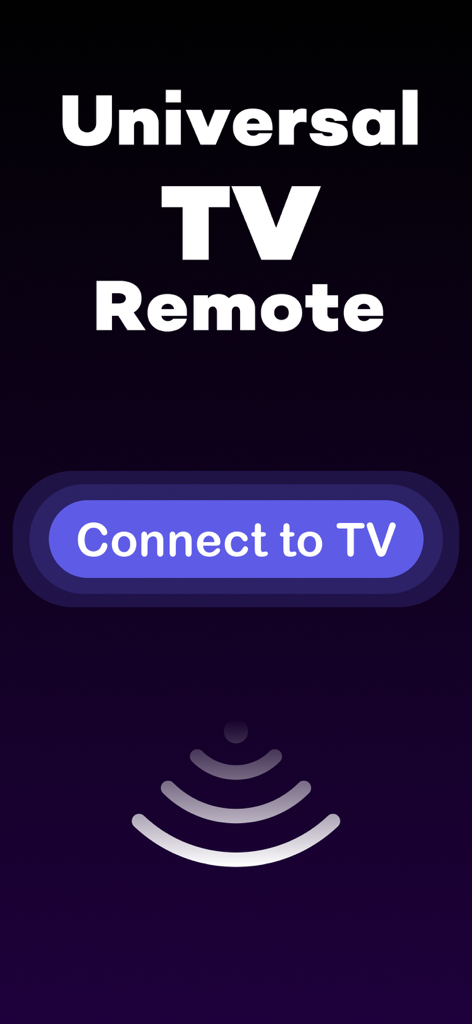
Startbildschirm der Universal TV Remote App mit einer Schaltfläche „Mit TV verbinden“ und einem Signal-Symbol
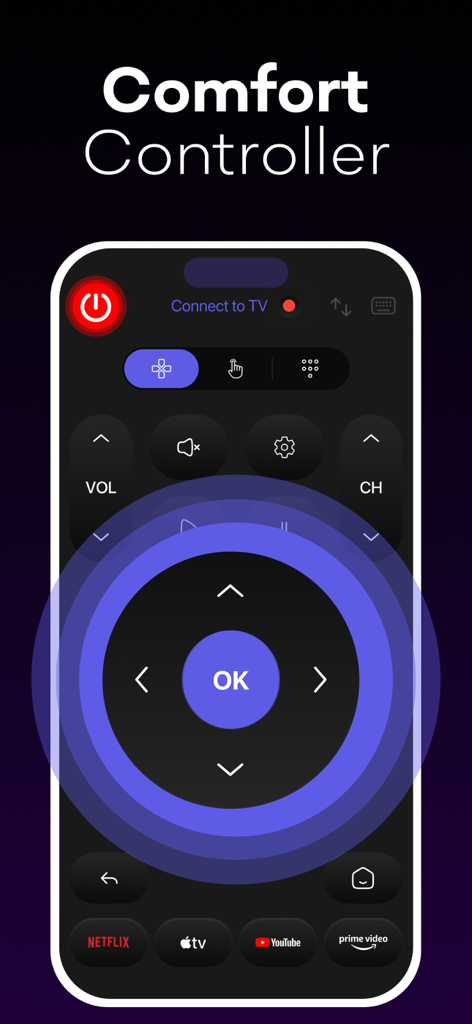
Oberfläche der Smart TV Remote App mit Navigations-D-Pad und Streaming-Verknüpfungen
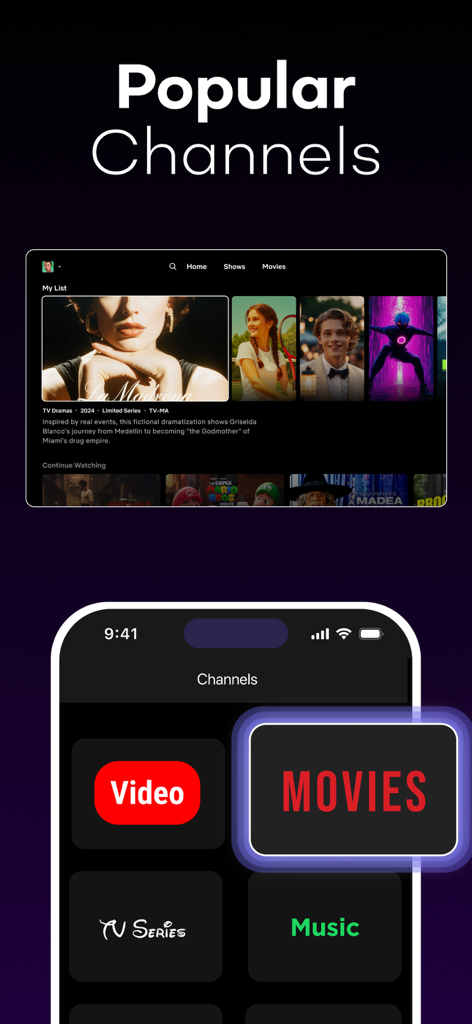
iPhone zeigt die UniRemote App mit Verknüpfungstasten für Filme, TV-Serien und Musik neben der Smart TV-Oberfläche.
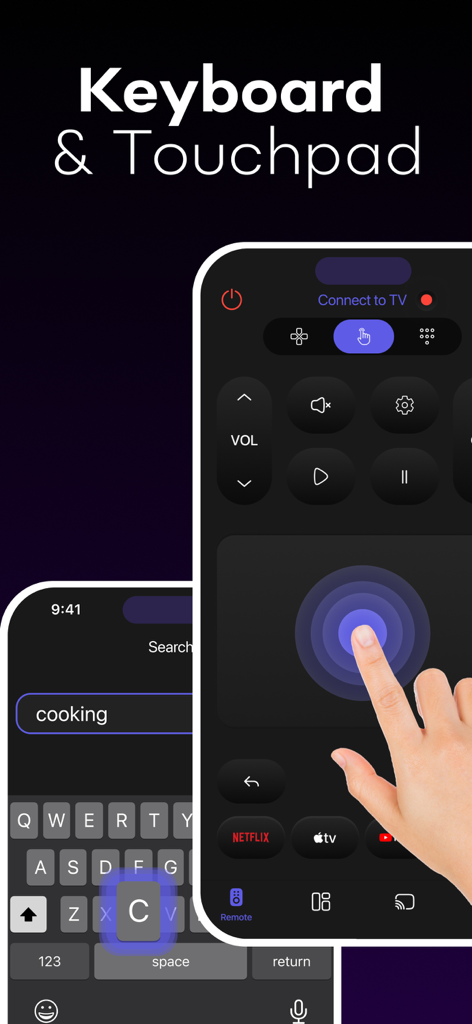
iPhone zeigt die Tastatur- und Touchpad-Funktionen der UniRemote Smart TV Control App
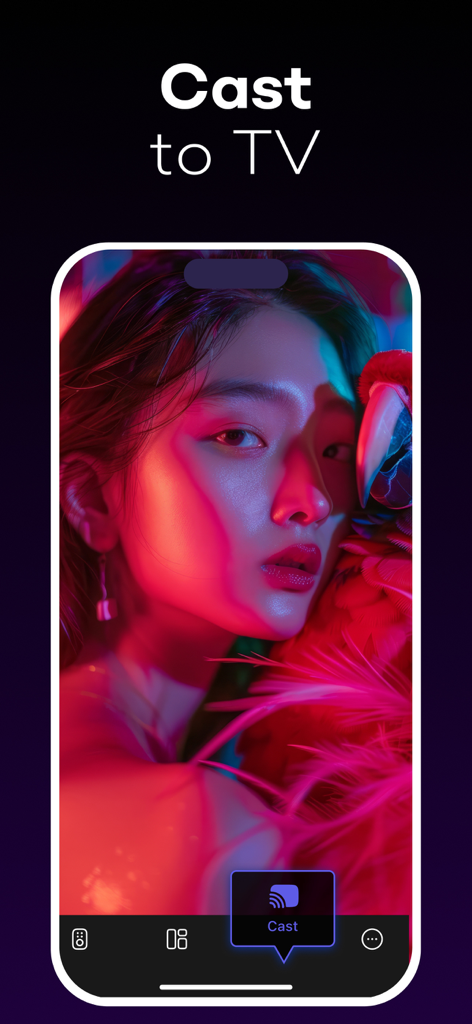
Smartphone-Bildschirm zeigt die Cast-to-TV-Funktion der UniRemote App
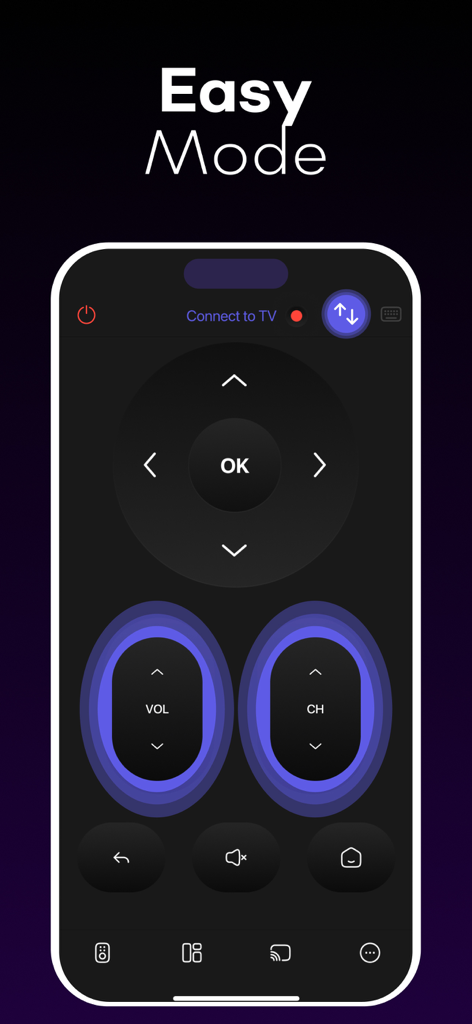
UniRemote Smart TV Control App zeigt die "Easy Mode"-Oberfläche mit großen Tasten
Beschreibung
Download
Ähnliche Apps
Apps mit ähnlichen Funktionen und Nutzererfahrung

The Roku App (Official)
ROKU INC

TV Remote & Smart TV Control
To Ngoc Mai

Universal TV Remote Control .
Apps Venture Inc.

TV Remote, Universal Remote
Hangzhou Yingshitong Technology Co., Ltd.

TV Remote Control “Universo”
Nemo Apps LLC

TV Remote・Universal Control #1
Mihai Turlea

Remote Smart Tv Universal
clement gasner

Remote TV Control TCL Onn App
CEMAL CAGLAR KIRICI

TV Remote Control Universal AI
Anh Ngo
Diese Seite ist keine offizielle Seite der App oder ihres Entwicklers, sondern eine unabhängige redaktionelle Veröffentlichung, die zu Informations- und Kommentarzwecken erstellt wurde. Sofern nicht ausdrücklich anders angegeben, sind weder die App noch ihr Entwickler mit MWM, Apple, Google Play, dem App-Herausgeber oder dem Entwickler der App verbunden, von ihnen unterstützt, gesponsert, autorisiert oder anderweitig offiziell verbunden, und nichts auf dieser Seite impliziert, dass die App unter Verwendung der Dienste von MWM entwickelt wurde. Alle Marken, Logos, Screenshots und andere Inhalte bleiben Eigentum ihrer jeweiligen Inhaber.