
Diese Seite ist keine offizielle Seite der App oder ihres Entwicklers, sondern eine unabhängige redaktionelle Veröffentlichung, die zu Informations- und Kommentarzwecken erstellt wurde. Sofern nicht ausdrücklich anders angegeben, sind weder die App noch ihr Entwickler mit MWM, Apple, Google Play, dem App-Herausgeber oder dem Entwickler der App verbunden, von ihnen unterstützt, gesponsert, autorisiert oder anderweitig offiziell verbunden, und nichts auf dieser Seite impliziert, dass die App unter Verwendung der Dienste von MWM entwickelt wurde. Alle Marken, Logos, Screenshots und andere Inhalte bleiben Eigentum ihrer jeweiligen Inhaber.

Universal Remote TV Control
Die ewige Suche nach der Fernbedienung? Hinfällig. Ihr Smartphone avanciert zur kompromisslosen Schaltzentrale Ihres TV-Erlebnisses.
Downloads
25M+Bewertung
Bewertungen gesamt
147.4KHerausgeber
Kategorie
UtilitiesSprachen
19Neueste Version
1.34Größe
187.4 MBErstveröffentlichung
13. Nov. 2021Analyse der Kernfunktionen von 'Universal Remote TV Control'
Eine Bewertung der wichtigsten Leistungsmerkmale für moderne Smart-Home-Nutzer.
Ersatz für die physische Fernbedienung
Die App ersetzt die physische Fernbedienung vollständig und ist stets zur Hand, wodurch die Suche nach verlorenen Fernbedienungen entfällt und ständige Verfügbarkeit gewährleistet ist.
Umfassende Fernbedienungsfunktionen
Es bietet die volle Funktionalität einer herkömmlichen Fernbedienung, einschließlich Kanalwechsel, Lautstärkeregelung, Menünavigation und Wiedergabesteuerung (Play/Pause/Stop), alles bequem über das Smartphone.
Tastatureingabe für Suchfunktionen
Dieses Tool ermöglicht die Texteingabe über eine Smartphone-Tastatur, was die Suche nach Inhalten auf Streaming-Diensten und Smart-TV-Oberflächen erheblich vereinfacht und beschleunigt.
Breite Kompatibilität mit TV-Marken
Die App unterstützt eine Vielzahl gängiger TV-Marken und -Modelle wie Samsung, LG, Sony, Philips und viele weitere, wodurch sie eine vielseitige Lösung für verschiedene Haushalte darstellt.
WLAN-Konnektivität und automatische TV-Erkennung
Es verbindet sich über WLAN und erkennt automatisch kompatible Fernsehgeräte im selben Netzwerk, was eine schnelle und unkomplizierte Einrichtung ohne komplexe Konfigurationen ermöglicht.
Schnelle und einfache Einrichtung
Die Einrichtung der App ist dank automatischer Anpassung schnell und unkompliziert, was die Benutzerfreundlichkeit erhöht und den Einstieg erleichtert.
Reaktionsschnelles Touchpad für Navigation
Die App verfügt über ein reaktionsschnelles Touchpad, das eine intuitive und flüssige Navigation durch Smart-TV-Menüs und -Anwendungen bietet.
Haptisches Feedback
Es bietet haptisches Feedback, das ein realistischeres und immersiveres Bedienerlebnis vermittelt.
Häufig gestellte Fragen
Alles, was Sie über wissen müssen Universal Remote TV Control
How does Universal Remote TV Control connect to my TV?
Universal Remote TV Control connects your iPhone to a web-connected TV via the same WiFi network. For IR TVs, your phone requires a built-in Infrared feature.
Which TV brands are compatible with Universal Remote TV Control?
Universal Remote TV Control supports popular brands including Samsung, LG, Sony, Philips, Panasonic, Vizio, TCL, Toshiba, Xfinity, Insignia, Hisense, and Element TVs.
Can Universal Remote TV Control cast photos and videos to my TV?
Yes, Universal Remote TV Control allows users to cast photos and videos to their TV. This feature enhances media viewing directly from your phone.
Does Universal Remote TV Control offer keyboard input for TV searches?
Yes, Universal Remote TV Control provides keyboard input, making TV searching straightforward. This feature simplifies text entry on your television.
Is Universal Remote TV Control a free application?
Universal Remote TV Control requires a Premium subscription for complete access to all its features. Payment occurs via iTunes Account, with auto-renewal options available.
What controls does Universal Remote TV Control offer?
Universal Remote TV Control copies handheld remote functionality, including channels list, volume, menu, info, tools, and Play/Pause/Stop controls.
Does Universal Remote TV Control support popular streaming services?
Yes, Universal Remote TV Control supports direct access to popular streaming services such as Netflix, YouTube, Apple TV, Disney+, Hulu, Prime Video, and Sling.
Does the Universal Remote TV Control app provide haptic feedback?
Yes, Universal Remote TV Control includes haptic feedback, providing a realistic vibration and enhanced sense of touch during use.
Is Universal Remote TV Control an official app for TV brands like Samsung or LG?
No, Universal Remote TV Control is NOT an official application of Samsung, LG, Sony, Philips, Panasonic, Vizio, TCL, Toshiba, Xfinity, Insignia, Hisense, Roku, Fire TV, or Element. It is not affiliated with these companies.
Die folgenden Screenshots und die Beschreibung stammen direkt aus dem offiziellen Store-Eintrag der App und sind Eigentum des Entwicklers.
App Store
Screenshots
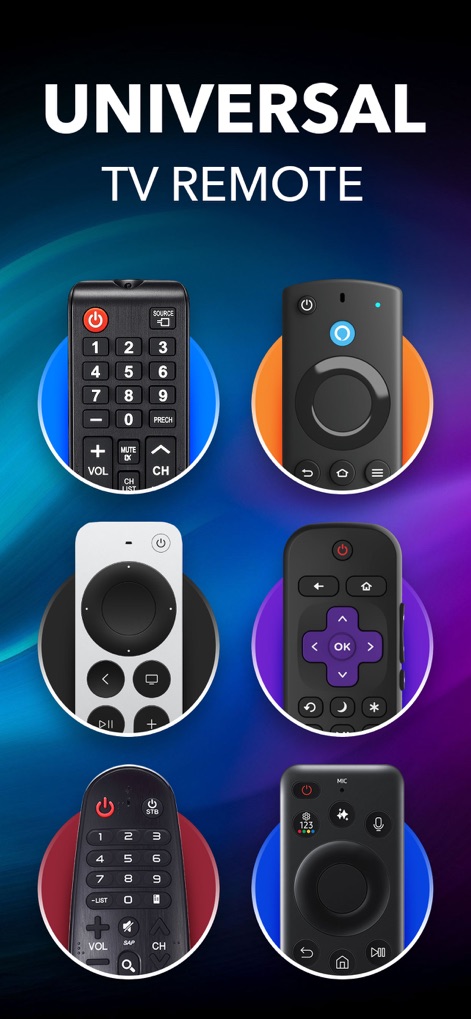
Vielfältige Fernbedienungsdesigns
Dieses Bild präsentiert die universelle Kompatibilität der App durch die Darstellung von sechs verschiedenen physischen Fernbedienungen, untermalt von der deutlichen Textanzeige 'UNIVERSAL TV REMOTE'.
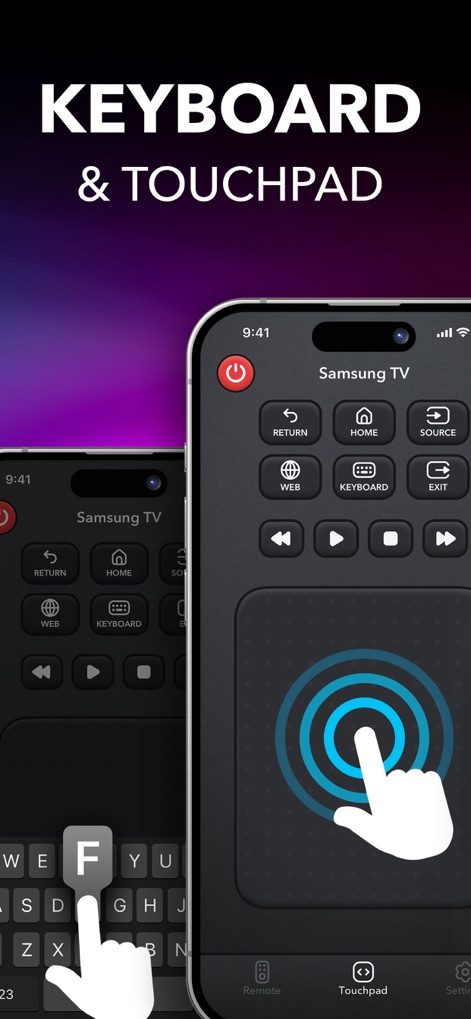
Intuitive Eingabeoptionen
Die App demonstriert ihre Benutzerfreundlichkeit mit dem integrierten Touchpad für reibungslose Navigation und der Bildschirmtastatur, die die Texteingabe vereinfacht.
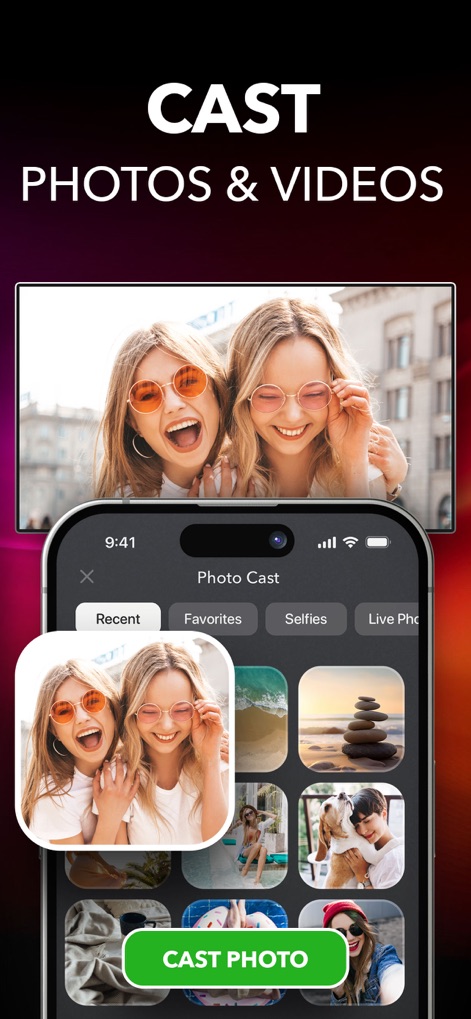
Medien einfach streamen
Nutzer können Medien mühelos streamen, wie durch die intuitive Foto- und Videoauswahl und den prominenten 'CAST PHOTO'-Button auf dem Smartphone-Bildschirm visualisiert wird.
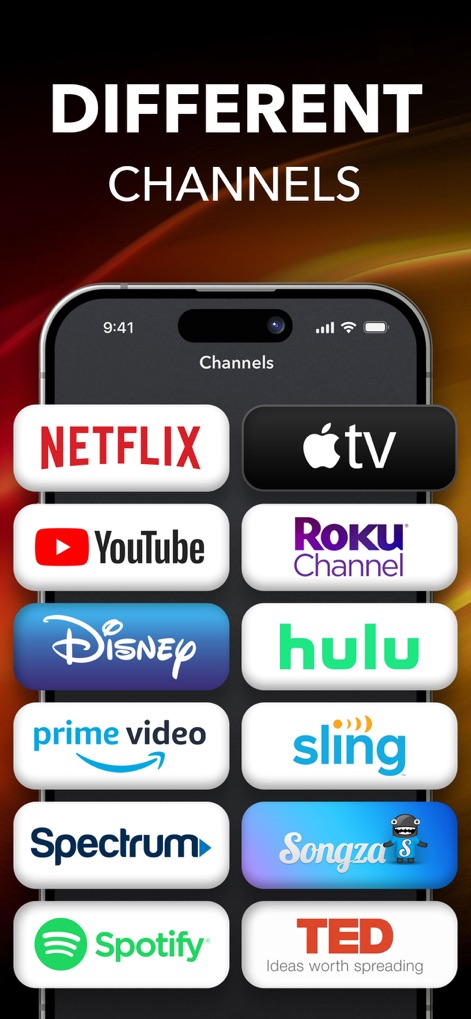
Direkter Kanalzugriff
Die Anwendung bietet direkten Zugriff auf diverse Unterhaltungsinhalte, ersichtlich an den Logos beliebter Streaming-Dienste und der übersichtlichen Kanalliste auf dem Display.
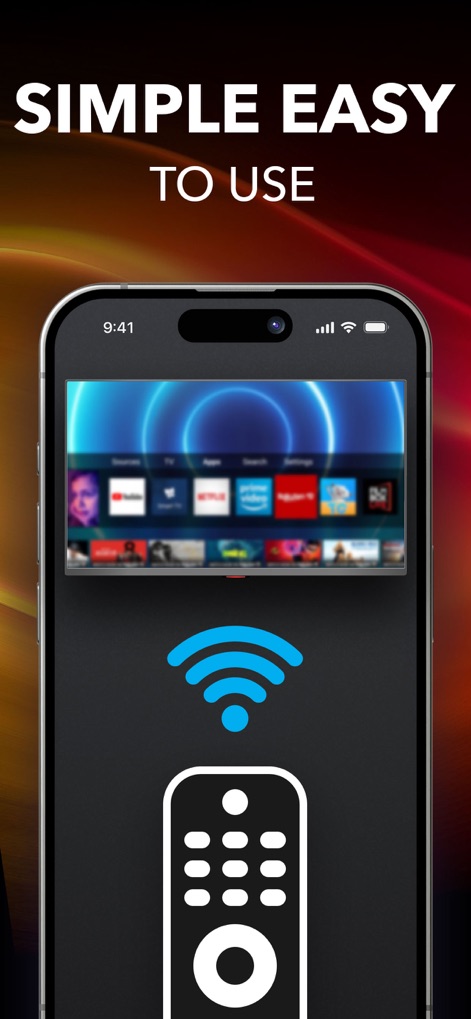
Mühelose Konnektivität
Die App gewährleistet eine mühelose Verbindung und Bedienung, was durch das klare Wi-Fi-Verbindungssymbol und die vereinfachte Fernbedienungsdarstellung auf dem Bildschirm verdeutlicht wird.
Beschreibung
Download
Ähnliche Apps
Apps mit ähnlichen Funktionen und Nutzererfahrung

The Roku App (Official)
ROKU INC

TV Remote & Smart TV Control
To Ngoc Mai

Universal TV Remote Control .
Apps Venture Inc.

TV Remote, Universal Remote
Hangzhou Yingshitong Technology Co., Ltd.

TV Remote Control “Universo”
Nemo Apps LLC

TV Remote・Universal Control #1
Mihai Turlea

Remote Smart Tv Universal
clement gasner

Remote TV Control TCL Onn App
CEMAL CAGLAR KIRICI

TV Remote Control Universal AI
Anh Ngo
Diese Seite ist keine offizielle Seite der App oder ihres Entwicklers, sondern eine unabhängige redaktionelle Veröffentlichung, die zu Informations- und Kommentarzwecken erstellt wurde. Sofern nicht ausdrücklich anders angegeben, sind weder die App noch ihr Entwickler mit MWM, Apple, Google Play, dem App-Herausgeber oder dem Entwickler der App verbunden, von ihnen unterstützt, gesponsert, autorisiert oder anderweitig offiziell verbunden, und nichts auf dieser Seite impliziert, dass die App unter Verwendung der Dienste von MWM entwickelt wurde. Alle Marken, Logos, Screenshots und andere Inhalte bleiben Eigentum ihrer jeweiligen Inhaber.