
Diese Seite ist keine offizielle Seite der App oder ihres Entwicklers, sondern eine unabhängige redaktionelle Veröffentlichung, die zu Informations- und Kommentarzwecken erstellt wurde. Sofern nicht ausdrücklich anders angegeben, sind weder die App noch ihr Entwickler mit MWM, Apple, Google Play, dem App-Herausgeber oder dem Entwickler der App verbunden, von ihnen unterstützt, gesponsert, autorisiert oder anderweitig offiziell verbunden, und nichts auf dieser Seite impliziert, dass die App unter Verwendung der Dienste von MWM entwickelt wurde. Alle Marken, Logos, Screenshots und andere Inhalte bleiben Eigentum ihrer jeweiligen Inhaber.

UploadCam. Company Camera
Verschwenden Sie keine Stunden mehr mit manuellen Uploads. Erfassen, kommentieren und synchronisieren Sie professionelle Fotos automatisch mit GPS- und Zeitüberlagerungen direkt in Ihr OneDrive, Google Drive oder Dropbox.
Downloads
20K+Bewertung
Bewertungen gesamt
700Herausgeber
Kategorie
BusinessSprachen
2Neueste Version
6.5.1Größe
45.2 MBErstveröffentlichung
3. Apr. 2013Für Fachleute im Feld entwickelt
Verschwenden Sie keine Stunden mehr mit manuellen Uploads. UploadCam automatisiert Ihren Dokumentationsworkflow, damit Sie sich auf Ihre Arbeit konzentrieren können, nicht auf den Papierkram.
Sofortige Cloud-Organisation
Umgehen Sie Ihre persönliche Kamerarolle. Fotos werden direkt in Google Drive-, Dropbox- oder OneDrive-Ordner synchronisiert, um sofortigen Teamzugriff zu gewährleisten und keine manuelle Ablage zu benötigen.
Verifizierte Beweisüberlagerungen
Automatische Stempelung von Bildern mit Datum, Uhrzeit und GPS-Koordinaten. Liefern Sie unbestreitbare Arbeitsnachweise für Inspektionen, Versicherungsansprüche und Rechnungsstellung.
Die folgenden Screenshots und die Beschreibung stammen direkt aus dem offiziellen Store-Eintrag der App und sind Eigentum des Entwicklers.
App Store
Screenshots
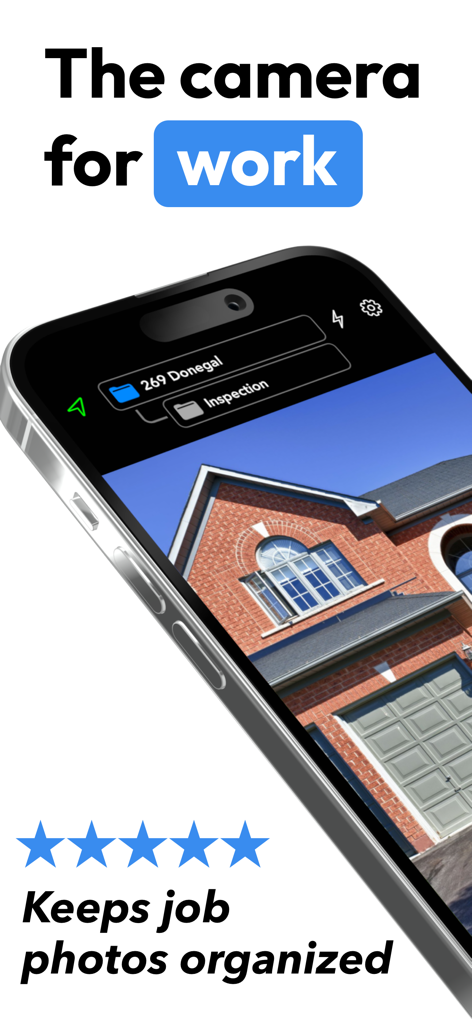
UploadCam App-Oberfläche zeigt ein Foto einer Hausinspektion, organisiert in einem professionellen Projektordner
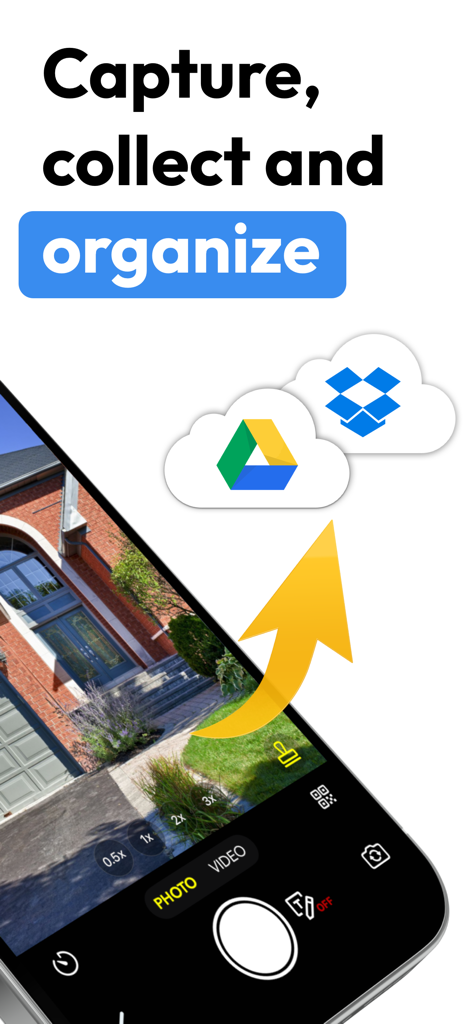
Smartphone-Kamera-App synchronisiert Feldfotos mit Google Drive und Dropbox.
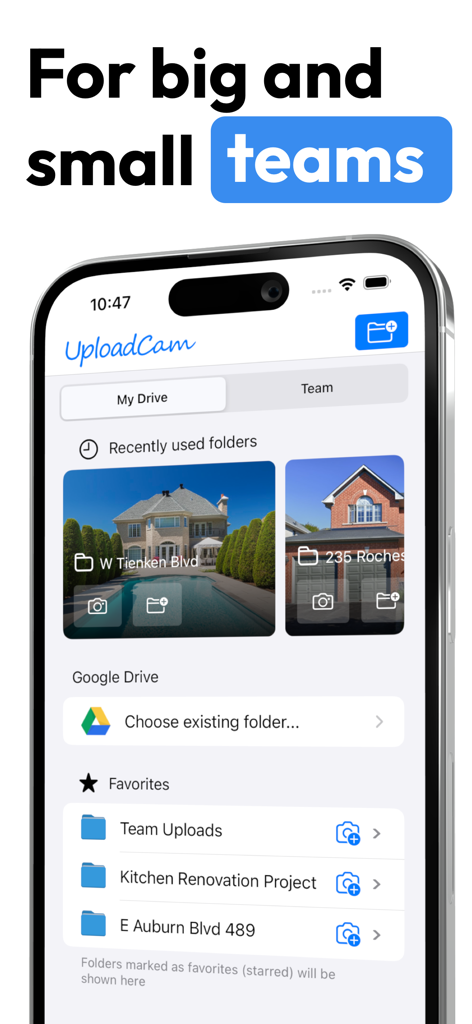
UploadCam App-Oberfläche zeigt Projektordner für Teams und Cloud-Speicheroptionen für die Felddokumentation
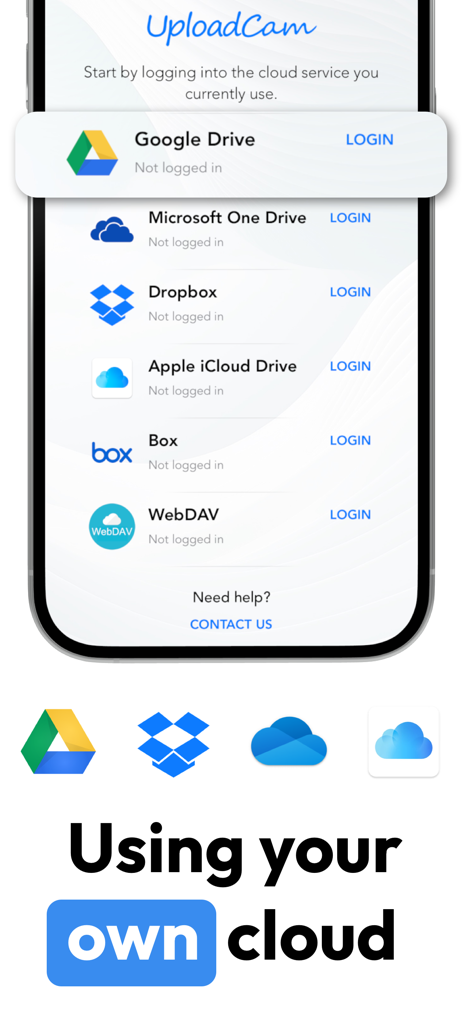
UploadCam-Anmeldebildschirm mit Integrationsoptionen für Google Drive, Microsoft OneDrive und Dropbox
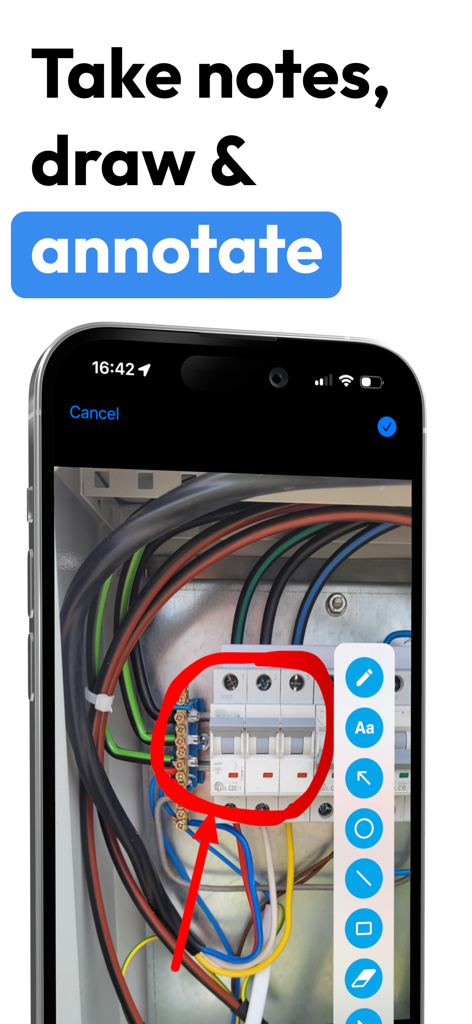
UploadCam App-Oberfläche zeigt einen roten Kreis und Pfeil, der auf ein Foto einer elektrischen Tafel zur professionellen Dokumentation gezeichnet wurde
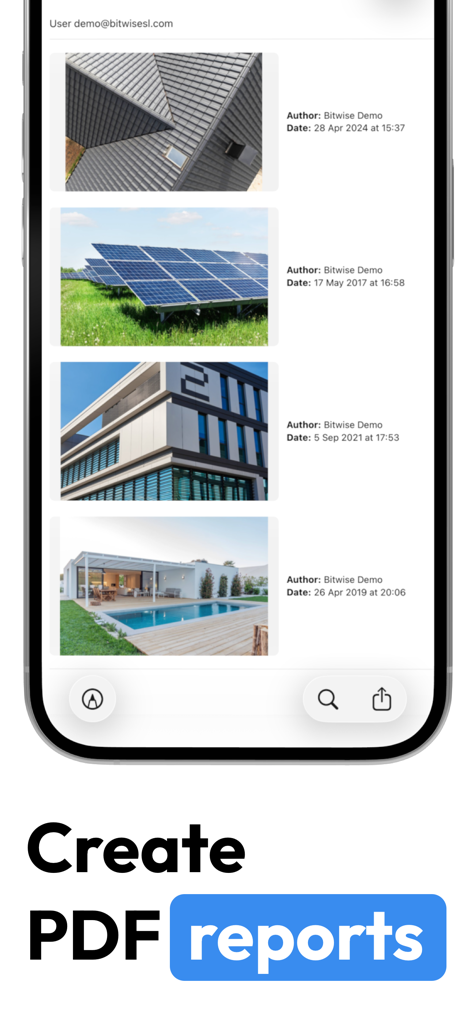
Mobile App-Oberfläche zeigt die Erstellung professioneller PDF-Berichte mit Feldfotos und Zeitstempeln

Ein professioneller Feldarbeiter in Warnweste hält ein Smartphone und ein Klemmbrett
Beschreibung
Download
Ähnliche Apps
Top-gerankte Apps in derselben Kategorie

Microsoft Teams
Microsoft Corporation

Zoom Workplace
Zoom Communications, Inc.

WhatsApp Business
WhatsApp Inc.

Indeed Job Search
Indeed Inc.

LinkedIn: Network & Job Finder
LinkedIn Corporation

Adobe Acrobat Reader: Sign PDF
Adobe Inc.

WeCom-Work Communication&Tools
Tencent Technology (Shenzhen) Company Limited

BOSS直聘-招聘求职找工作神器
Beijing China Product Bo Farce Network Technology Co., Ltd.

DingDing - Redefine Work in AI
DingTalk Technology Co., Ltd.
Diese Seite ist keine offizielle Seite der App oder ihres Entwicklers, sondern eine unabhängige redaktionelle Veröffentlichung, die zu Informations- und Kommentarzwecken erstellt wurde. Sofern nicht ausdrücklich anders angegeben, sind weder die App noch ihr Entwickler mit MWM, Apple, Google Play, dem App-Herausgeber oder dem Entwickler der App verbunden, von ihnen unterstützt, gesponsert, autorisiert oder anderweitig offiziell verbunden, und nichts auf dieser Seite impliziert, dass die App unter Verwendung der Dienste von MWM entwickelt wurde. Alle Marken, Logos, Screenshots und andere Inhalte bleiben Eigentum ihrer jeweiligen Inhaber.