
Diese Seite ist keine offizielle Seite der App oder ihres Entwicklers, sondern eine unabhängige redaktionelle Veröffentlichung, die zu Informations- und Kommentarzwecken erstellt wurde. Sofern nicht ausdrücklich anders angegeben, sind weder die App noch ihr Entwickler mit MWM, Apple, Google Play, dem App-Herausgeber oder dem Entwickler der App verbunden, von ihnen unterstützt, gesponsert, autorisiert oder anderweitig offiziell verbunden, und nichts auf dieser Seite impliziert, dass die App unter Verwendung der Dienste von MWM entwickelt wurde. Alle Marken, Logos, Screenshots und andere Inhalte bleiben Eigentum ihrer jeweiligen Inhaber.


Video Saver PRO+ Player
Holen Sie mehr aus Ihren Videoinhalten heraus. Fassen Sie YouTube-Videos sofort zusammen, spielen Sie Audio bei gesperrtem Bildschirm ab und schützen Sie Ihre Medien mit Face ID – alles in einer leistungsstarken App.
Downloads
7K+Bewertung
Bewertungen gesamt
1K+Herausgeber
Kategorie
EntertainmentSprachen
4Neueste Version
2.2Größe
52.9 MBErstveröffentlichung
15. März 2023Meistern Sie Ihr Medienerlebnis
Hören Sie auf, Zeit zu verschwenden und übernehmen Sie die volle Kontrolle. Unser KI-gestütztes Toolkit wurde für hocheffiziente Benutzer entwickelt, die eine bessere Wiedergabe, vollständige Privatsphäre und sofortige Einblicke verlangen.
KI-Videozusammenfassung
Überspringen Sie das Füllmaterial und erhalten Sie die Fakten. Verwenden Sie KI, um prägnante Übersichten jedes YouTube-Videos zu erstellen, sodass Sie die Kernpunkte in Sekundenschnelle erfassen können, ohne das Ganze ansehen zu müssen.
Wiedergabe im Hintergrund & auf dem Sperrbildschirm
Multitasking wie ein Profi. Hören Sie Video-Audio, während Sie andere Apps verwenden oder mit gesperrtem Bildschirm – ein Premium-Erlebnis für Benutzer, die ihre Zeit und Akkulaufzeit schätzen.
Die folgenden Screenshots und die Beschreibung stammen direkt aus dem offiziellen Store-Eintrag der App und sind Eigentum des Entwicklers.
App Store
Screenshots
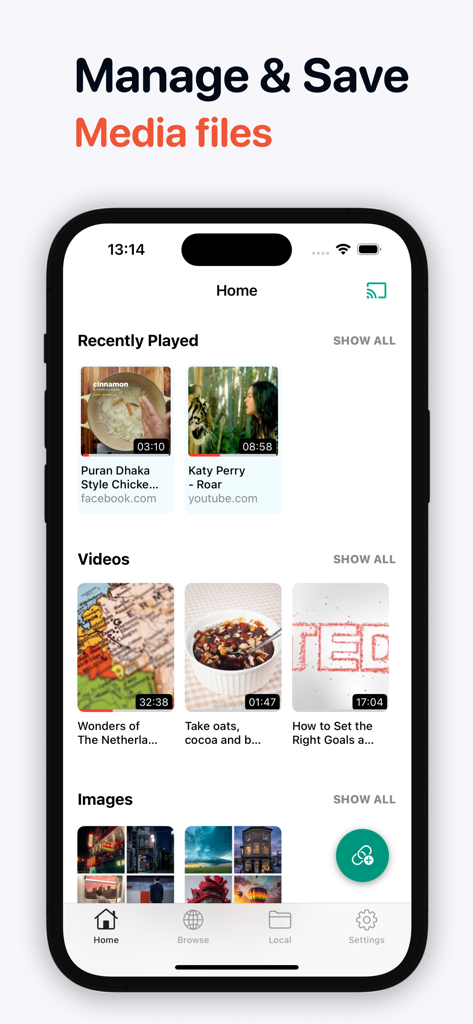
Startbildschirm von Video Saver PRO, der eine Medienbibliothek mit organisierten Videos und Bildern zeigt
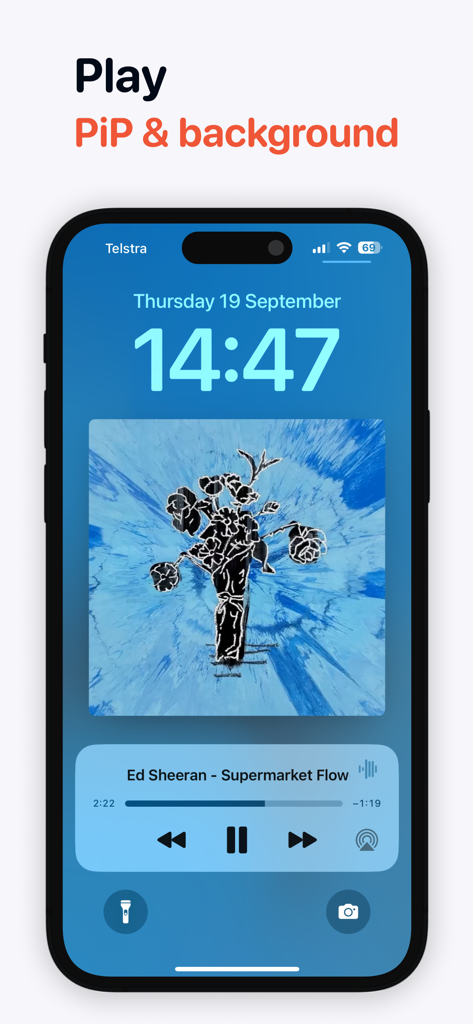
Sperrbildschirm des iPhones, der die Hintergrund-Audio-Wiedergabe eines Musikvideos zeigt
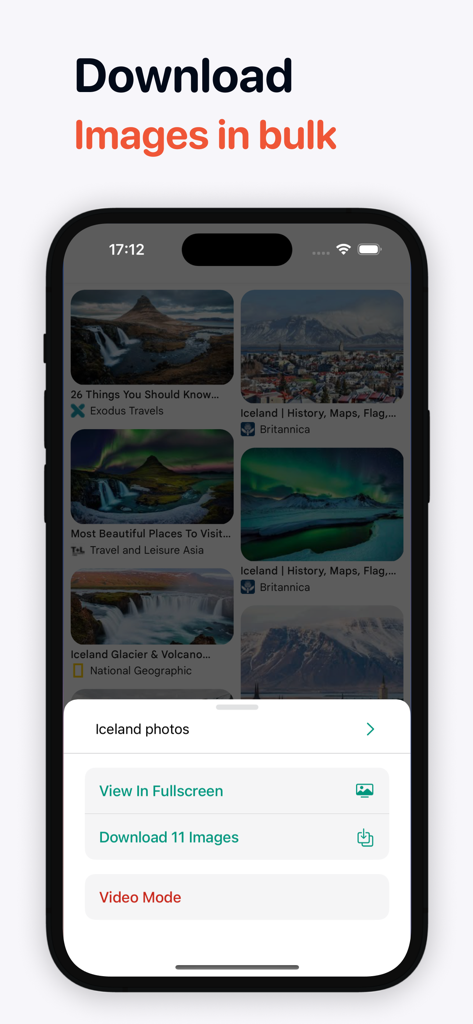
Mobile Ansicht, die die Stapelbild-Downloader-Funktion mit einer Liste von Fotos und einer Download-Schaltfläche zeigt
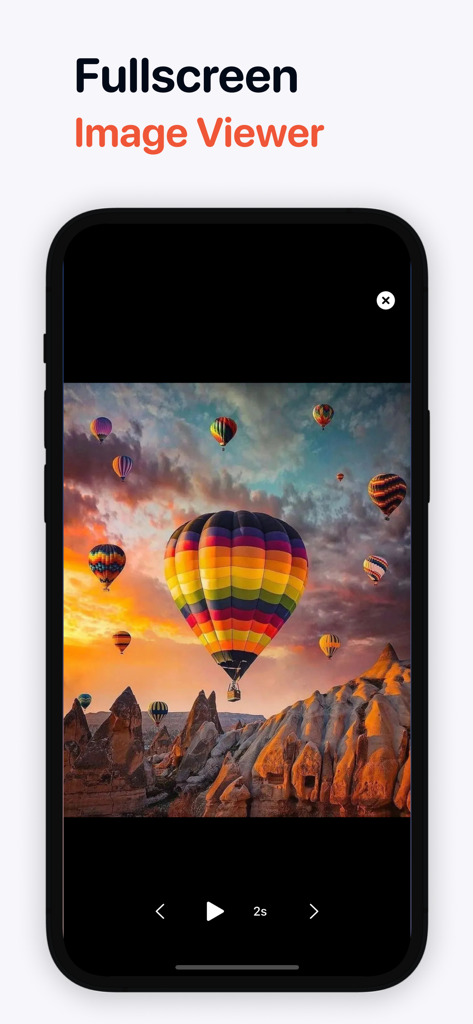
Video Saver PRO plus Vollbild-Bildbetrachter-Oberfläche mit Heißluftballons über einer Wüstenlandschaft
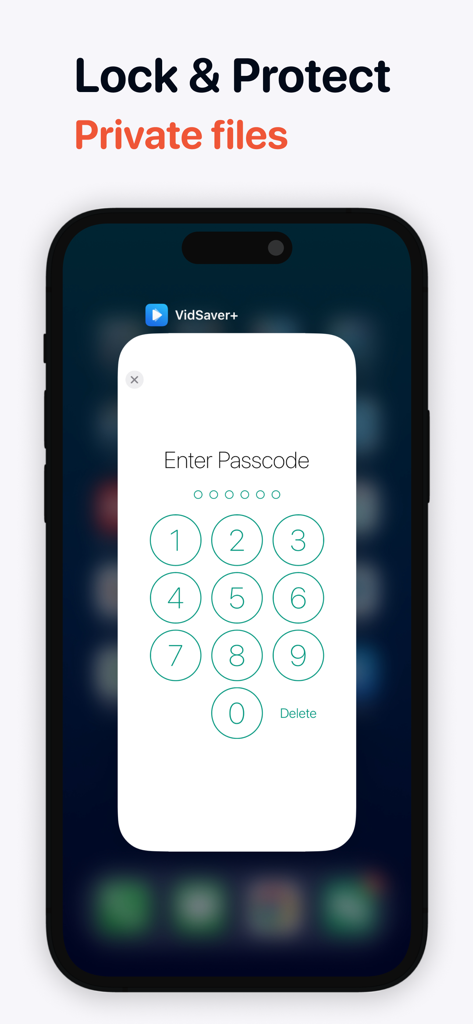
Smartphone-Bildschirm, der eine Passcode-Eingabeoberfläche zum Sperren und Schützen privater Videodateien zeigt
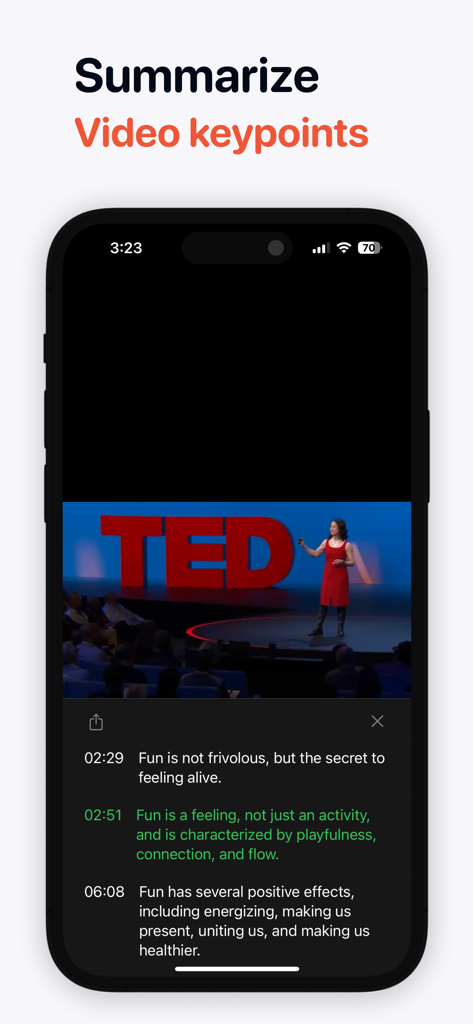
iPhone-App-Bildschirm, der KI-generierte Kernpunkte und Zusammenfassungen für ein Video anzeigt.

Video Saver PRO+ Player-App, die ein Fußballspiel von einem Smartphone über Chromecast auf einen Fernsehbildschirm streamt
Beschreibung
Download
Ähnliche Apps
Top-gerankte Apps in derselben Kategorie

TikTok - Videos, Shop & LIVE
TIKTOK PTE. LTD.

Netflix
Netflix, Inc.

Freecash - Get Paid Real Money
256 REWARDS LTD

DramaBox - Stream Drama Shorts
STORYMATRIX PTE. LTD

HBO Max: Stream Movies & TV
WarnerMedia Global Digital Services, LLC

Amazon Prime Video
AMZN Mobile LLC

NetShort - Popular Dramas & TV
NETSTORY PTE. LTD.

ReelShort - Stream Drama & TV
New Leaf Publishing, Inc.

Disney+
Disney Electronic Content, Inc.
Diese Seite ist keine offizielle Seite der App oder ihres Entwicklers, sondern eine unabhängige redaktionelle Veröffentlichung, die zu Informations- und Kommentarzwecken erstellt wurde. Sofern nicht ausdrücklich anders angegeben, sind weder die App noch ihr Entwickler mit MWM, Apple, Google Play, dem App-Herausgeber oder dem Entwickler der App verbunden, von ihnen unterstützt, gesponsert, autorisiert oder anderweitig offiziell verbunden, und nichts auf dieser Seite impliziert, dass die App unter Verwendung der Dienste von MWM entwickelt wurde. Alle Marken, Logos, Screenshots und andere Inhalte bleiben Eigentum ihrer jeweiligen Inhaber.