Video Stopwatch SC
Video Stopwatch SC
Herunterladen auf App Store

Diese Seite ist keine offizielle Seite der App oder ihres Entwicklers, sondern eine unabhängige redaktionelle Veröffentlichung, die zu Informations- und Kommentarzwecken erstellt wurde. Sofern nicht ausdrücklich anders angegeben, sind weder die App noch ihr Entwickler mit MWM, Apple, Google Play, dem App-Herausgeber oder dem Entwickler der App verbunden, von ihnen unterstützt, gesponsert, autorisiert oder anderweitig offiziell verbunden, und nichts auf dieser Seite impliziert, dass die App unter Verwendung der Dienste von MWM entwickelt wurde. Alle Marken, Logos, Screenshots und andere Inhalte bleiben Eigentum ihrer jeweiligen Inhaber.

Logo von Video Stopwatch SC
Herunterladen auf App Store

Video Stopwatch SC

Eliminieren Sie menschliche Fehler mit Millisekundenpräzision. Das ultimative Tool für datengetriebene Trainer und Solo-Sportler, um Technik zu analysieren, Videos nebeneinander zu vergleichen und jeden kleinsten Fortschritt zu verfolgen.

Kennzahlen

Downloads

7K+

Bewertung

4.5/5

Bewertungen gesamt

600

Herausgeber

SECONDS COUNT TIMING SYSTEMS LLC

Kategorie

Utilities

Sprachen

1

Neueste Version

v1.6.1

Größe

36.5 MB

Erstveröffentlichung

3. Jan. 2018
Funktionen

Präzisionsanalyse für Spitzenleistungen

Verwandeln Sie Ihr Mobilgerät in ein professionelles Zeitmesslabor. Erfassen, analysieren und organisieren Sie Ihre Trainingsdaten mit Millisekundenpräzision.

Bildgenaue Zeitmessung

Beseitigen Sie den Daumen-Latenzfehler. Nehmen Sie mit hoher FPS-Rate auf und spulen Sie Bild für Bild, um Starts und Ziele mit absoluter Präzision zu markieren.

Synchronisierungs- & Vergleichsanalyse

Visualisieren Sie Ihren Fortschritt. Sperren Sie zwei Videos nebeneinander, um Ihre aktuelle Form mit Ihren persönlichen Rekorden oder einem Profimodell zu vergleichen.

Die folgenden Screenshots und die Beschreibung stammen direkt aus dem offiziellen Store-Eintrag der App und sind Eigentum des Entwicklers.

App Store

Screenshots
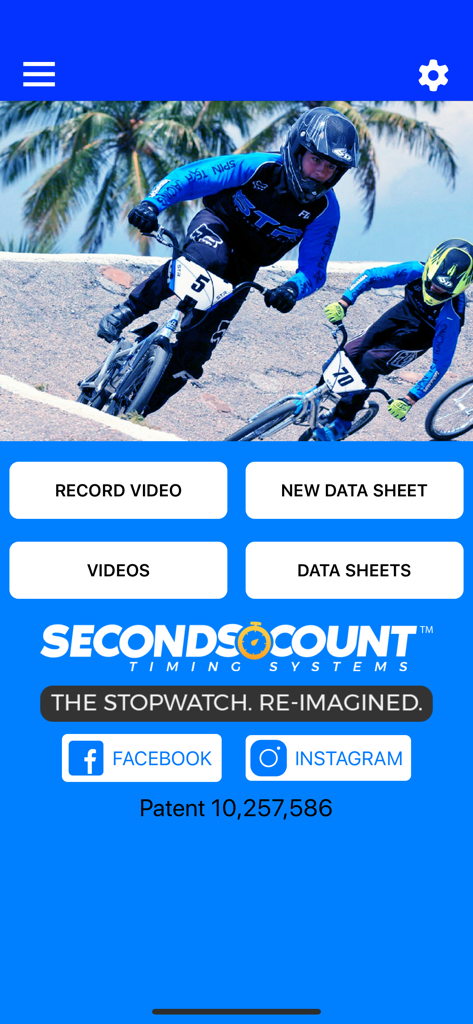
Video Stopwatch SC - Startbildschirm der Video-Stoppuhr SC App mit Optionen zum Aufnehmen von Videos und Verwalten von Sportler-Datenblättern
Startbildschirm der Video-Stoppuhr SC App mit Optionen zum Aufnehmen von Videos und Verwalten von Sportler-Datenblättern

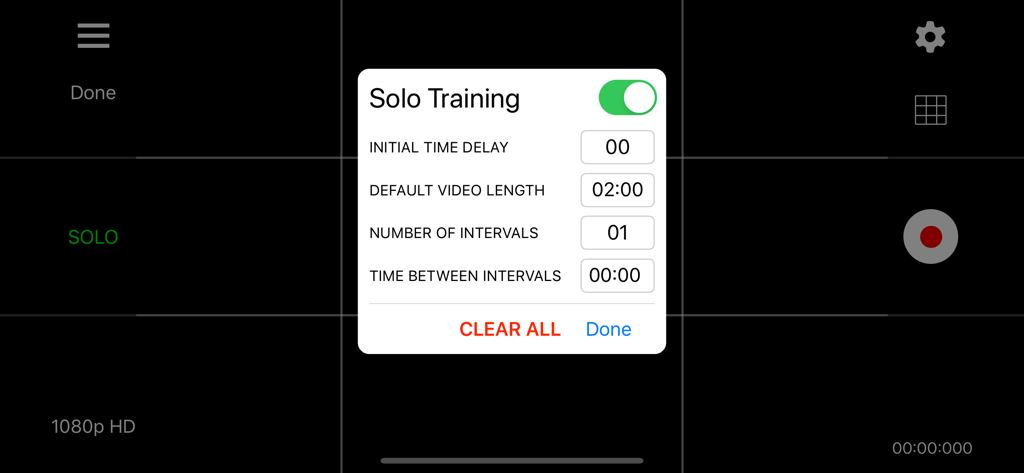
Video Stopwatch SC - Menü für Solo-Trainingseinstellungen in der Video-Stoppuhr SC App mit Optionen für Intervalle und Verzögerung
Menü für Solo-Trainingseinstellungen in der Video-Stoppuhr SC App mit Optionen für Intervalle und Verzögerung

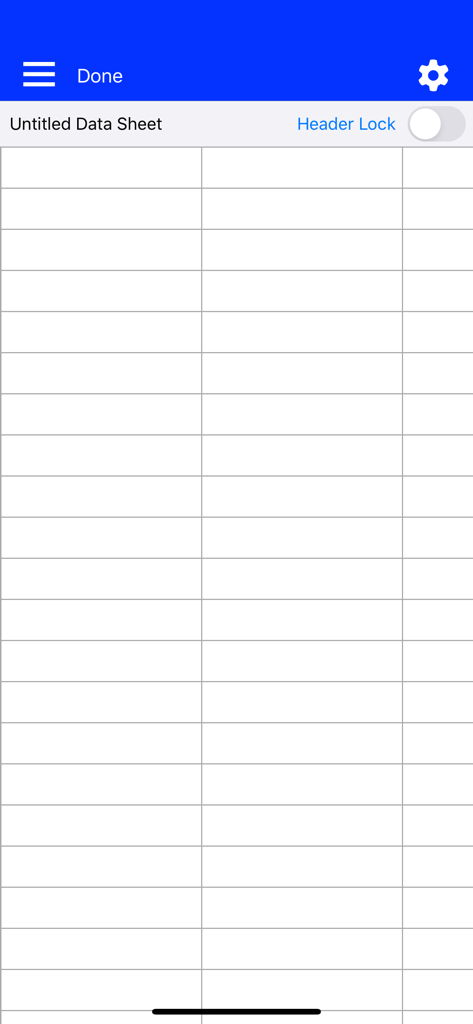
Video Stopwatch SC - Leeres Datenblatt-Raster in Video-Stoppuhr SC zum Organisieren von Trainingsergebnissen
Leeres Datenblatt-Raster in Video-Stoppuhr SC zum Organisieren von Trainingsergebnissen

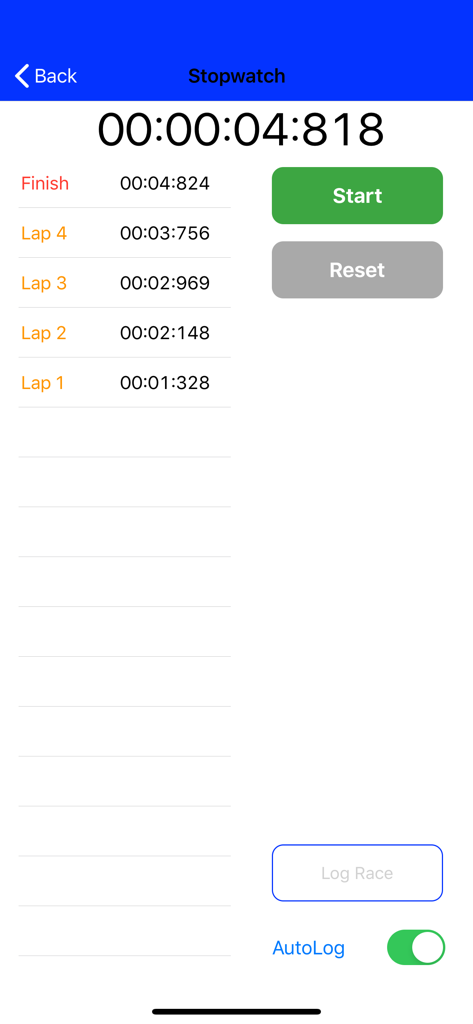
Video Stopwatch SC - Manuelle Stoppuhr-Oberfläche, die hochpräzise Runden- und Endzeiten anzeigt
Manuelle Stoppuhr-Oberfläche, die hochpräzise Runden- und Endzeiten anzeigt

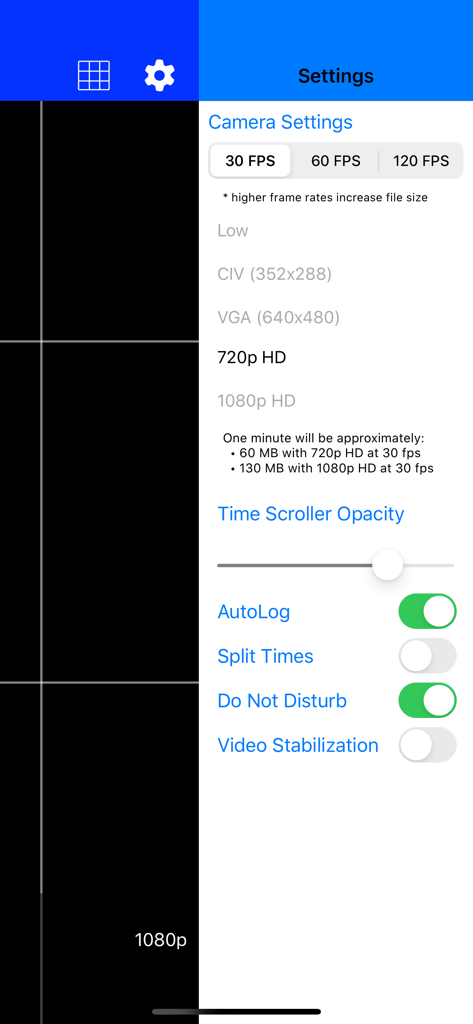
Video Stopwatch SC - Video-Stoppuhr SC Kameraeinstellungen, die Optionen für Bildrate und Auflösung zeigen
Video-Stoppuhr SC Kameraeinstellungen, die Optionen für Bildrate und Auflösung zeigen

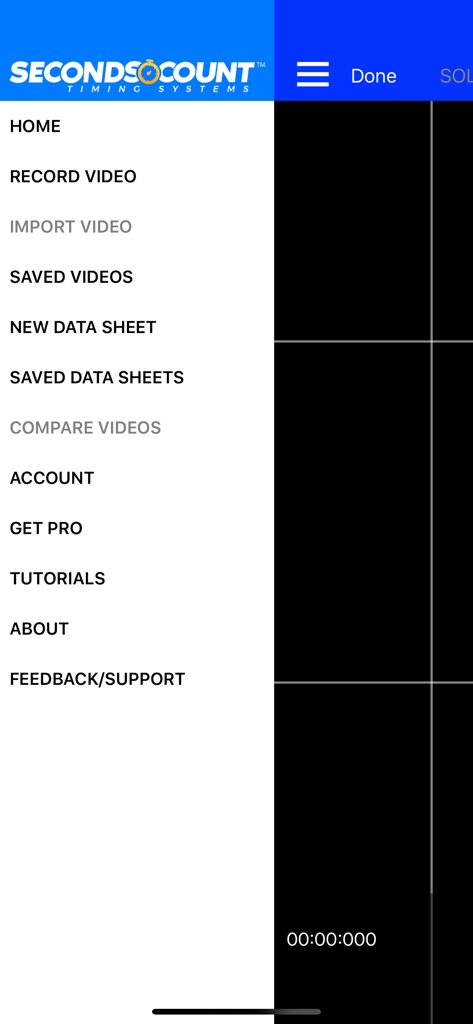
Video Stopwatch SC - Das Hauptnavigationsseitenmenü der Video-Stoppuhr SC App mit Optionen zur Videoaufnahme, Datenblättern und Leistungsanalyse.

Das Hauptnavigationsseitenmenü der Video-Stoppuhr SC App mit Optionen zur Videoaufnahme, Datenblättern und Leistungsanalyse.

Beschreibung

Video Stopwatch The world’s most versatile and comprehensive mobile timing and training application. Feature rich and simple to use. Patent Pending technology allows you to record, track, save, compare and analyze all of your critical time and performance data. Record your event and set timing markers after to gain greater precision. Save your timing data in data sheets to stay organized. The compare videos tool allows you to compare 2 videos side by side. Videos always begin at the start marker which makes synchronizing videos a breeze. Patent pending video stopwatch allows you to record an event or training session and then review frame by frame to precisely mark the start, lap and/or multiple finish times. If you are recording a race, Seconds Count can mark the finish points of all competitors and display each finish time and the time distance between each competitor. Data Sheets Store lap and finish times from manual and video timing in datasheets. Add text, dates and comments to cells to keep information organized. With thousands of columns and rows on each data sheet, there is plenty of room to store all of your records Manual Logging Stopwatch A manual stopwatch function can be deployed when video is not needed or used that will automatically log the results in a data sheet. Additional Labels and dates can be added to give these times organization as well. Solo Training Tool: Pro Subscription Required (1 Month Free Trial Available) A solo training function allows user to set app to automatically record multiple videos with a user selectable rest period in between each video allowing the user to repeatedly record themselves and later analyze their performance. Developing consistency is one of the keys to success. Compare Videos Tool: Pro Subscription Required (1 Month Free Trial Available) Improve your form and technique analysis with the compare videos tool. Videos are locked to move synchronously or can be unlocked to move independently. Videos always begin at the start marker which makes synchronizing them a breeze. Pro Subscription - Annual Pro Subscription ($5.99 per year) Subscription includes: - Introductory 1 Month Free Trial - Solo Training Tool - Compare Videos Tool - 60fps and 120fps Video Frame Rate Capability - Time Scroller Opacity Setting - Video Stabilization Setting - Video Brightness Control - Video Trimming Tool - Video Uploading to Web Application - Video Imports - Data Sheet Templates - Data Sheet Split Times - Freezing Data Sheet Headers An introductory 1 Month Free Trial will be given to new subscribers. Pending free trial eligibility, payment will be charged to iTunes Account at the end of the free trial unless cancelled 24 hours prior to the end of the current trial period. If not eligible for free trial, payment will be charged to iTunes Account at confirmation of purchase. Subscription automatically renews unless auto-renew is turned off at least 24-hours before the end of the current period. Account will be charged for renewal within 24-hours prior to the end of the current period, and identify the cost of the renewal. Subscriptions may be managed by the user and auto-renewal may be turned off by going to the user's Account Settings after purchase. Any unused portion of a free trial period, if offered, will be forfeited when the user purchases a subscription to that publication, where applicable. Privacy Policy and Terms of Use: https://secondscount.com/support Take your timing and technique analysis to the next level with Seconds Count. Check us out at www.secondscount.com.

Download

Herunterladen auf App Store

Diese Seite ist keine offizielle Seite der App oder ihres Entwicklers, sondern eine unabhängige redaktionelle Veröffentlichung, die zu Informations- und Kommentarzwecken erstellt wurde. Sofern nicht ausdrücklich anders angegeben, sind weder die App noch ihr Entwickler mit MWM, Apple, Google Play, dem App-Herausgeber oder dem Entwickler der App verbunden, von ihnen unterstützt, gesponsert, autorisiert oder anderweitig offiziell verbunden, und nichts auf dieser Seite impliziert, dass die App unter Verwendung der Dienste von MWM entwickelt wurde. Alle Marken, Logos, Screenshots und andere Inhalte bleiben Eigentum ihrer jeweiligen Inhaber.








