
Diese Seite ist keine offizielle Seite der App oder ihres Entwicklers, sondern eine unabhängige redaktionelle Veröffentlichung, die zu Informations- und Kommentarzwecken erstellt wurde. Sofern nicht ausdrücklich anders angegeben, sind weder die App noch ihr Entwickler mit MWM, Apple, Google Play, dem App-Herausgeber oder dem Entwickler der App verbunden, von ihnen unterstützt, gesponsert, autorisiert oder anderweitig offiziell verbunden, und nichts auf dieser Seite impliziert, dass die App unter Verwendung der Dienste von MWM entwickelt wurde. Alle Marken, Logos, Screenshots und andere Inhalte bleiben Eigentum ihrer jeweiligen Inhaber.


Video Teleprompter
Hören Sie auf, Skripte auswendig zu lernen, und schauen Sie direkt in die Kamera. Die Original-App für Kreative und Profis, um makellose Videos in einem Durchgang für YouTube, LinkedIn und mehr zu liefern.
Downloads
465K+Bewertung
Bewertungen gesamt
17K+Herausgeber
Kategorie
Photo & VideoSprachen
10Neueste Version
3.9.19Größe
102.8 MBErstveröffentlichung
30. Nov. 2018Nehmen Sie mühelos professionelle Videos auf
Verbessern Sie Ihre Content-Erstellung mit High-End-Tools, die darauf ausgelegt sind, Ihnen Zeit zu sparen und den Stress des Auswendiglernens von Skripten zu beseitigen.
Natürlichen Blickkontakt beibehalten
Positionieren Sie Ihr Skript direkt neben der Kameralinse, damit Sie direkt in Ihr Publikum schauen und so Vertrauen und Engagement in jeder Aufnahme aufbauen.
Alleine bedienbare Fernsteuerung
Steuern Sie Ihre Aufnahme aus der Ferne mit einer Apple Watch, einem Gamecontroller oder einem Fußpedal – das umständliche Vorbeugen am Anfang und Ende von Videos entfällt.
Die folgenden Screenshots und die Beschreibung stammen direkt aus dem offiziellen Store-Eintrag der App und sind Eigentum des Entwicklers.
App Store
Screenshots
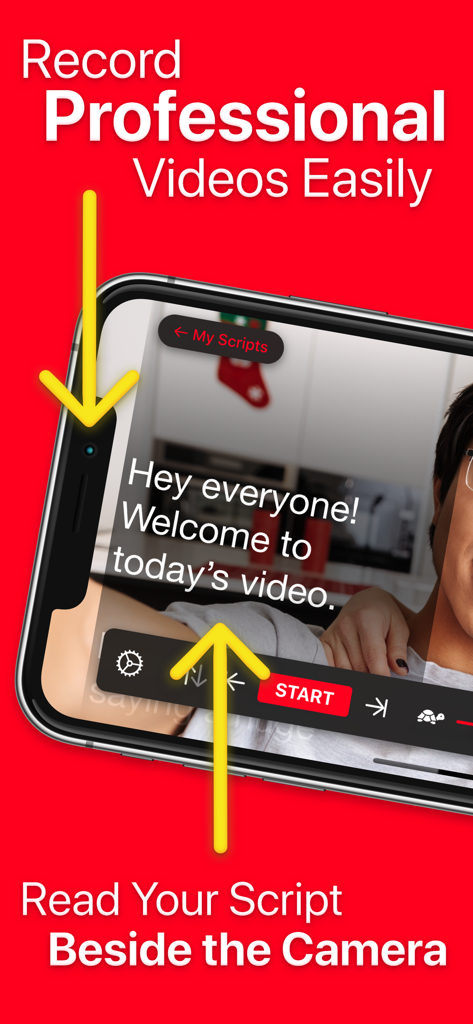
Ein Smartphone nimmt ein professionelles Video mit Skripttext neben der Kameralinse für besseren Blickkontakt auf.
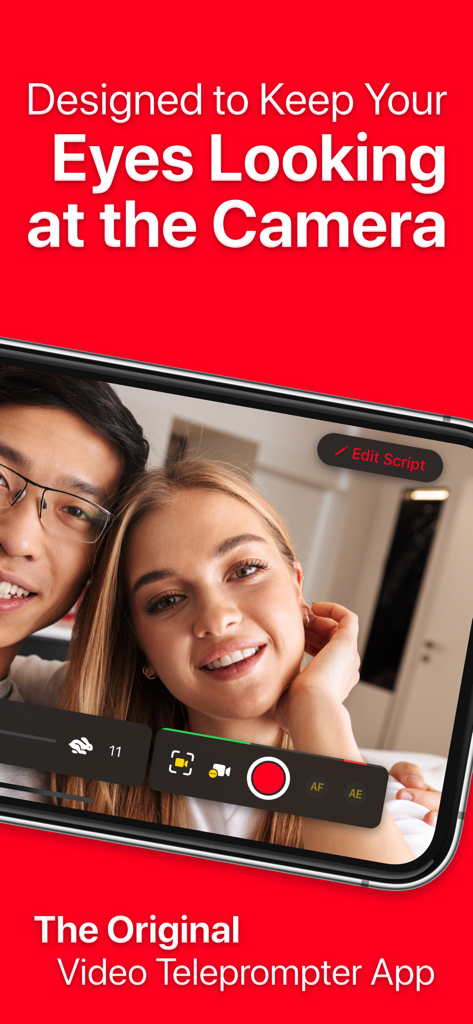
Zwei Personen nehmen ein Video auf und halten dabei Blickkontakt mit der Benutzeroberfläche des Video Teleprompters.

Infografik, die zeigt, wie man einen Videohintergrund mit der Greenscreen-Funktion der Video Teleprompter-App ändert.
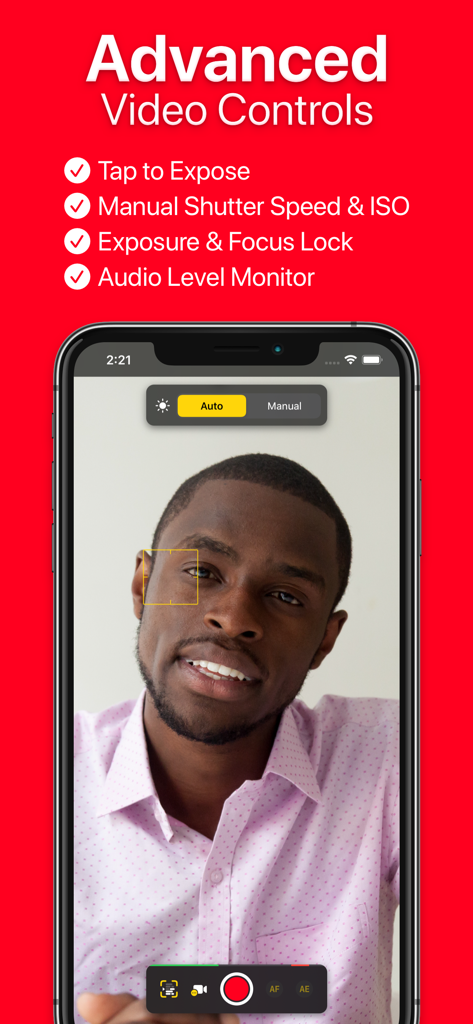
Oberfläche der Video Teleprompter-App, die manuelle Kameraeinstellungen und erweiterte Videoaufnahmesteuerungen anzeigt.
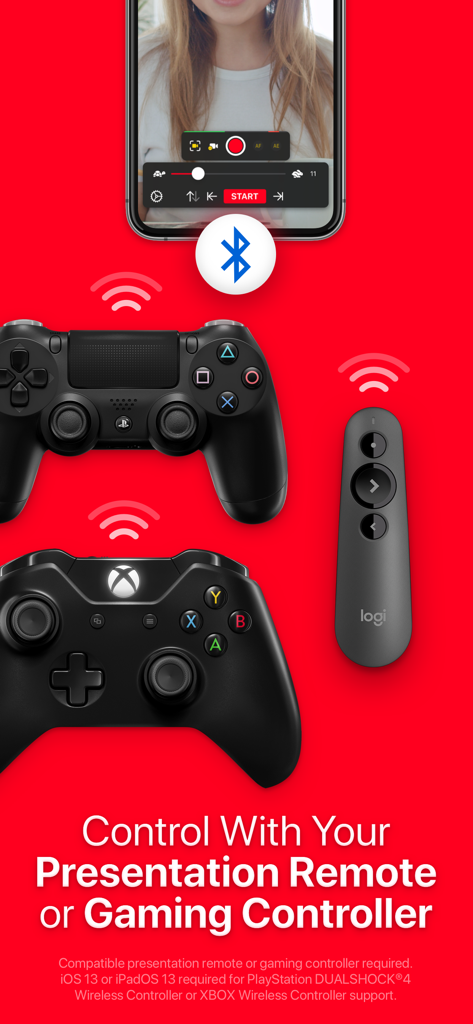
Video Teleprompter-App, die die Kompatibilität mit Gamecontrollern und Präsentationsfernbedienungen zeigt.
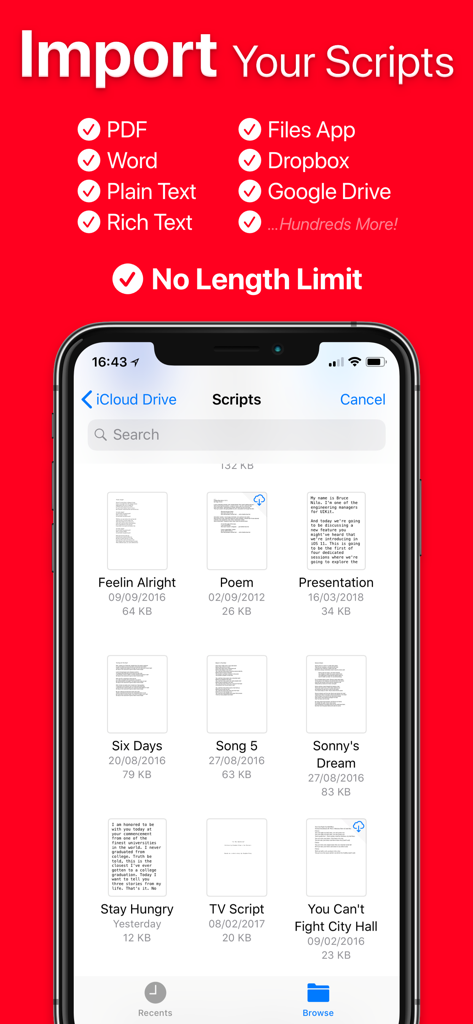
Bildschirm, der Optionen zum Importieren von Skripten für den Video Teleprompter anzeigt, einschließlich Cloud-Speicher und verschiedener Dateiformate.
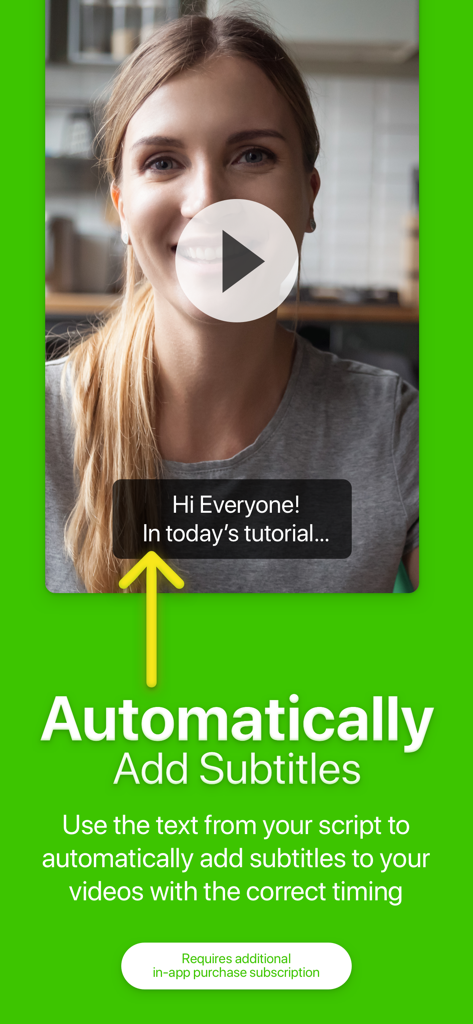
Funktion der Video Teleprompter-App, die automatisch generierte Untertitel in einem aufgenommenen Video anzeigt.
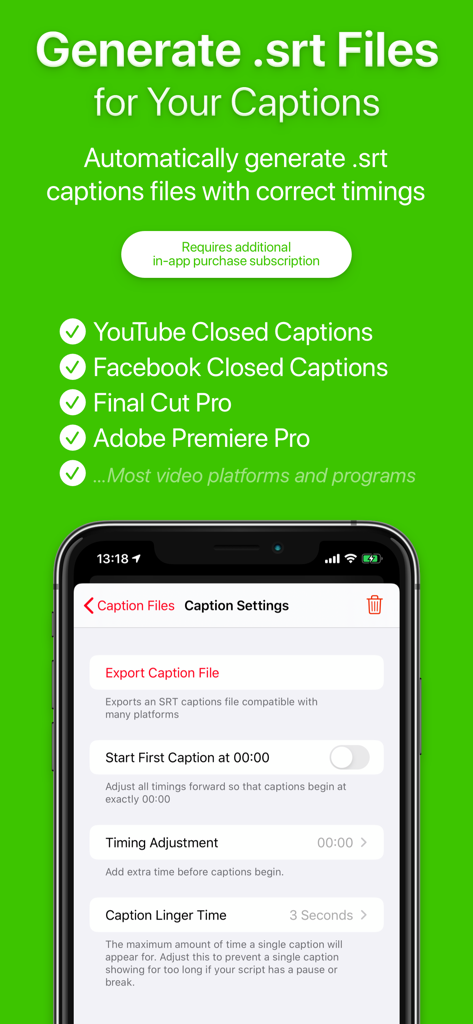
Bildschirm, der die SRT-Untertitel-Generierung und Exporteinstellungen in der Video Teleprompter-App zeigt.
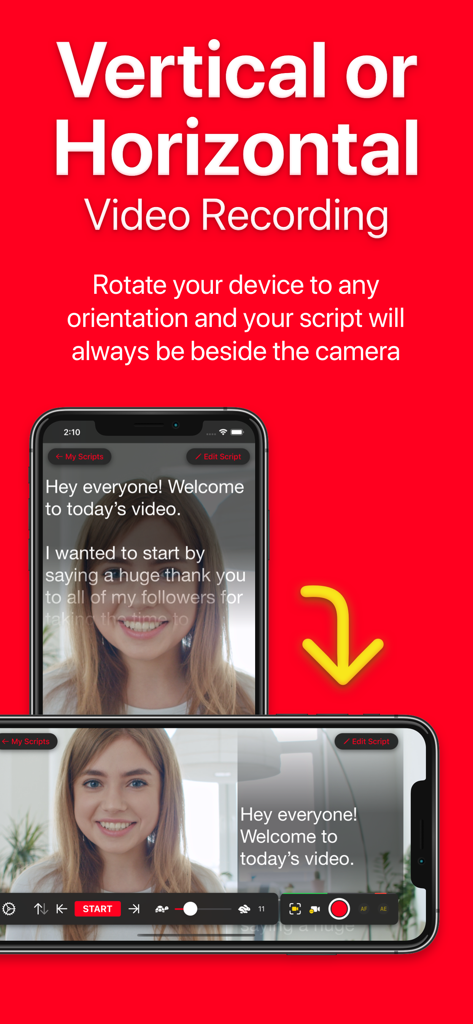
Video Teleprompter-App, die die Skriptausrichtung sowohl im vertikalen als auch im horizontalen Aufnahmemodus anzeigt.
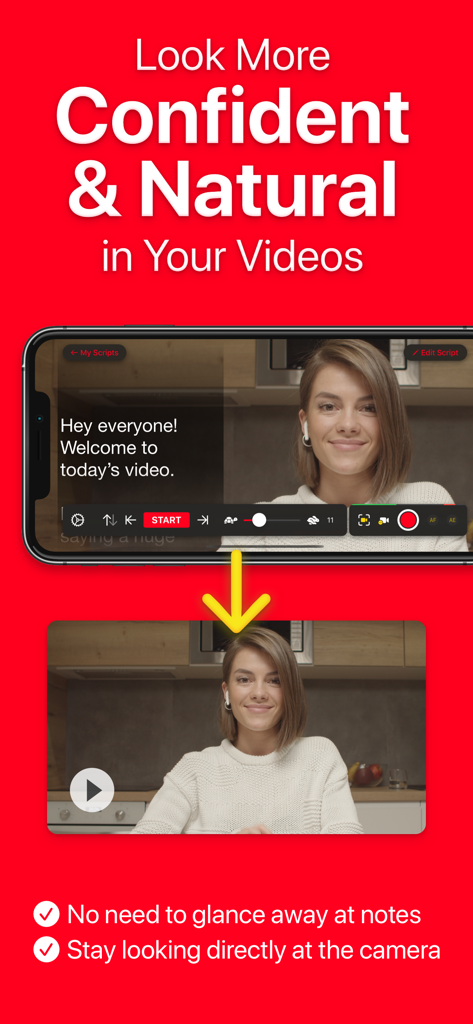
Eine Frau verwendet die Video Teleprompter-App, um Blickkontakt mit der Kamera zu halten, während sie ihr Skript liest.
Beschreibung
Download
Ähnliche Apps
Apps mit ähnlichen Funktionen und Nutzererfahrung

Teleprompter
Teleprompter Apps Ltd

BIGVU Teleprompter Captions AI
BIGVU INC

Teleprompter for Video
Norton Five Ltd

Teleprompter.com
Teleprompter LLC

Vmake: AI Talking Video Editor
Starii Tech Pty Ltd

说得AI提词器相机-全能的脚本创作提词拍摄快速剪辑口播神器
Hangzhou Gaishi Technology Co., Ltd.

Teleprompter-Record Script
晨铭 李

Verba: Captions & Video Editor
Verba Creative Inc.

Teleprompter: Video Recording
志威 王
Diese Seite ist keine offizielle Seite der App oder ihres Entwicklers, sondern eine unabhängige redaktionelle Veröffentlichung, die zu Informations- und Kommentarzwecken erstellt wurde. Sofern nicht ausdrücklich anders angegeben, sind weder die App noch ihr Entwickler mit MWM, Apple, Google Play, dem App-Herausgeber oder dem Entwickler der App verbunden, von ihnen unterstützt, gesponsert, autorisiert oder anderweitig offiziell verbunden, und nichts auf dieser Seite impliziert, dass die App unter Verwendung der Dienste von MWM entwickelt wurde. Alle Marken, Logos, Screenshots und andere Inhalte bleiben Eigentum ihrer jeweiligen Inhaber.