
Diese Seite ist keine offizielle Seite der App oder ihres Entwicklers, sondern eine unabhängige redaktionelle Veröffentlichung, die zu Informations- und Kommentarzwecken erstellt wurde. Sofern nicht ausdrücklich anders angegeben, sind weder die App noch ihr Entwickler mit MWM, Apple, Google Play, dem App-Herausgeber oder dem Entwickler der App verbunden, von ihnen unterstützt, gesponsert, autorisiert oder anderweitig offiziell verbunden, und nichts auf dieser Seite impliziert, dass die App unter Verwendung der Dienste von MWM entwickelt wurde. Alle Marken, Logos, Screenshots und andere Inhalte bleiben Eigentum ihrer jeweiligen Inhaber.

Voice Notebook - audio to text
Erfassen Sie jede Erkenntnis mit Offline-Transkription, benutzerdefinierten Fachwörterbüchern und dem Export von YouTube-Untertiteln. Ihr sicheres Werkzeug für iPhone und Apple Watch.
Downloads
228K+Bewertung
Bewertungen gesamt
1000Herausgeber
Kategorie
ProductivitySprachen
6Neueste Version
5.23Größe
21.8 MBErstveröffentlichung
23. Aug. 2018Meistern Sie Ihren Workflow mit präziser Sprach-zu-Text-Umwandlung
Voice Notebook wurde für professionelle Power-User entwickelt und kombiniert Offline-Zuverlässigkeit mit technischer Präzision, um Ihre gesprochenen Gedanken in umsetzbare Daten umzuwandeln.
Benutzerdefinierter Fachjargon & Technische Genauigkeit
Definieren Sie Ihre eigenen Wörterbücher für medizinische, juristische oder technische Begriffe, um sicherzustellen, dass Ihre Transkriptionen perfekt genau sind, ohne manuelle Korrekturen.
Nahtlose Integration in das Apple-Ökosystem
Erfassen Sie Ideen auf Ihrer Apple Watch oder über Siri-Kurzbefehle für eine freihändige Bedienung, die Sie unterwegs oder während des Pendelns produktiv hält.
Die folgenden Screenshots und die Beschreibung stammen direkt aus dem offiziellen Store-Eintrag der App und sind Eigentum des Entwicklers.
App Store
Screenshots
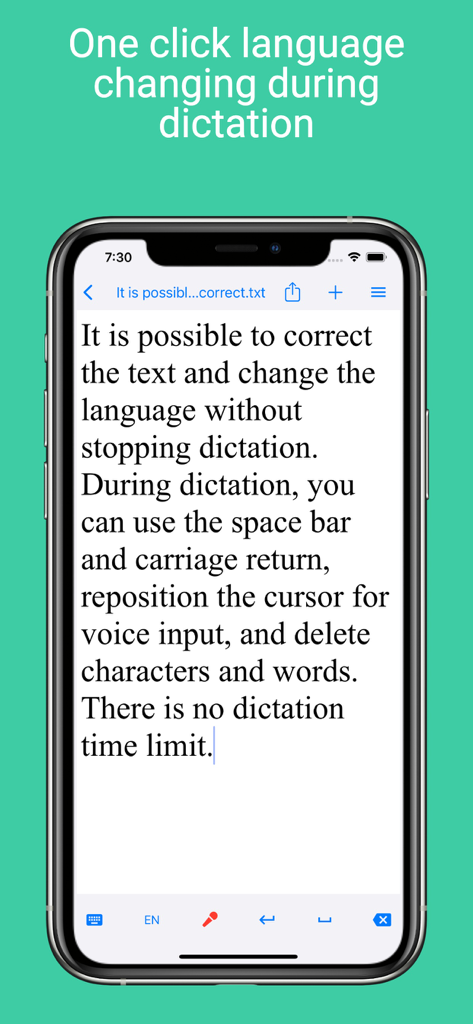
Voice Notebook App-Oberfläche, die eine einstellige Sprachumschaltung und Textbearbeitung während der Live-Diktierfunktion auf einem Smartphone zeigt
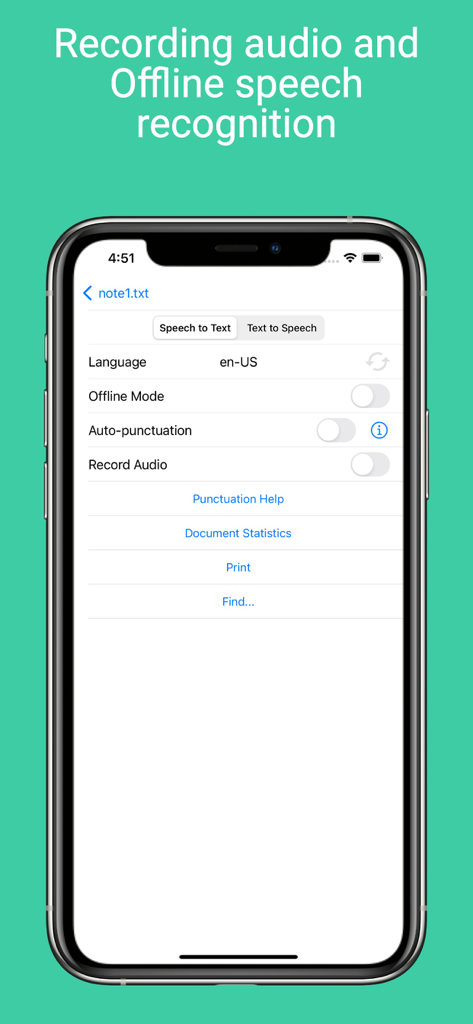
Einstellungen-Bildschirm für Sprache-zu-Text in der Voice Notebook App mit Offline-Modus und Sprachauswahl.
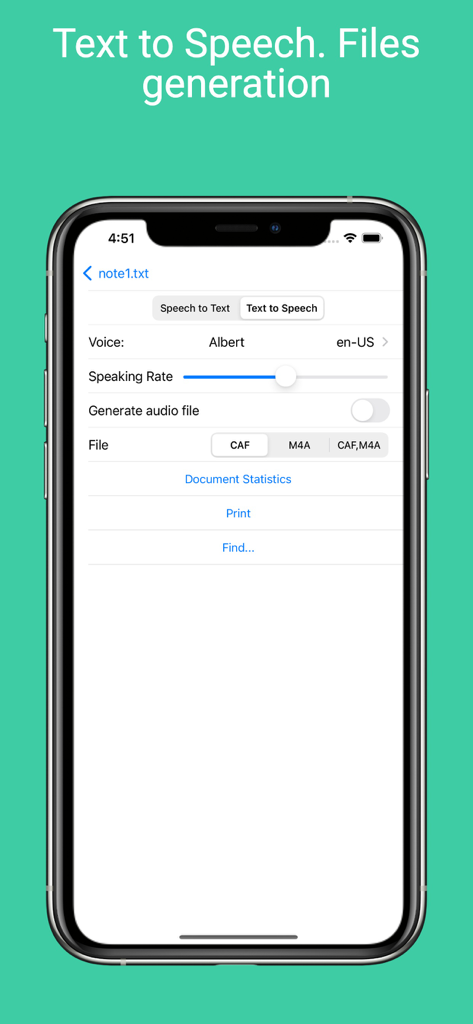
Voice Notebook App-Oberfläche, die Einstellungen für Sprache-zu-Text und Optionen zur Audiogenerierung zeigt
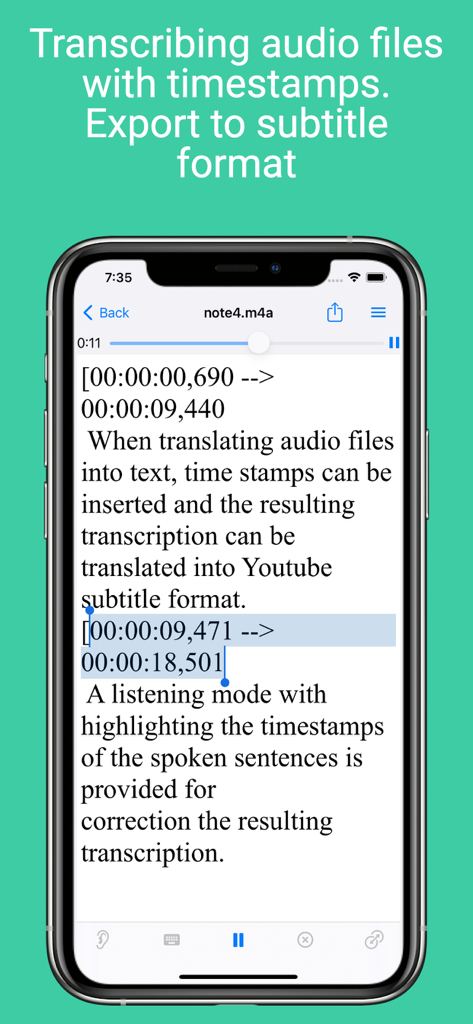
Voice Notebook App-Oberfläche, die Audio-Transkriptionen mit Zeitstempeln und Optionen zum Export von Untertiteln zeigt
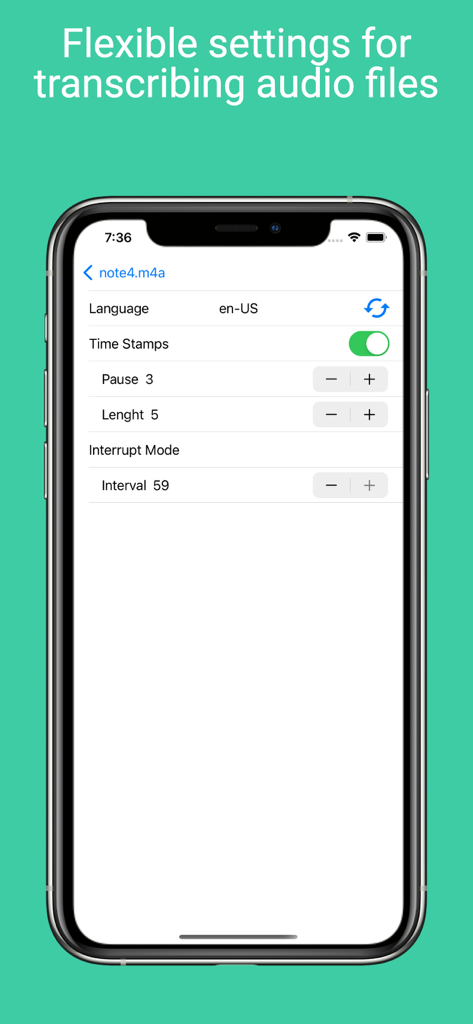
Einstellungsbildschirm der Voice Notebook App mit Optionen für Zeitstempel, Sprache und Intervalle der Audio-Transkription
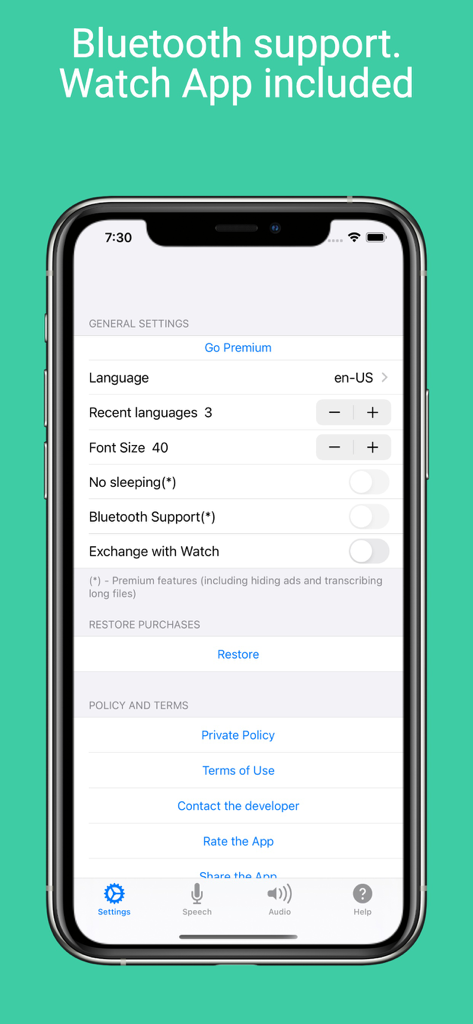
Einstellungsbildschirm der Voice Notebook App auf einem iPhone, der Optionen für Bluetooth-Unterstützung und Apple Watch-Synchronisierung anzeigt.
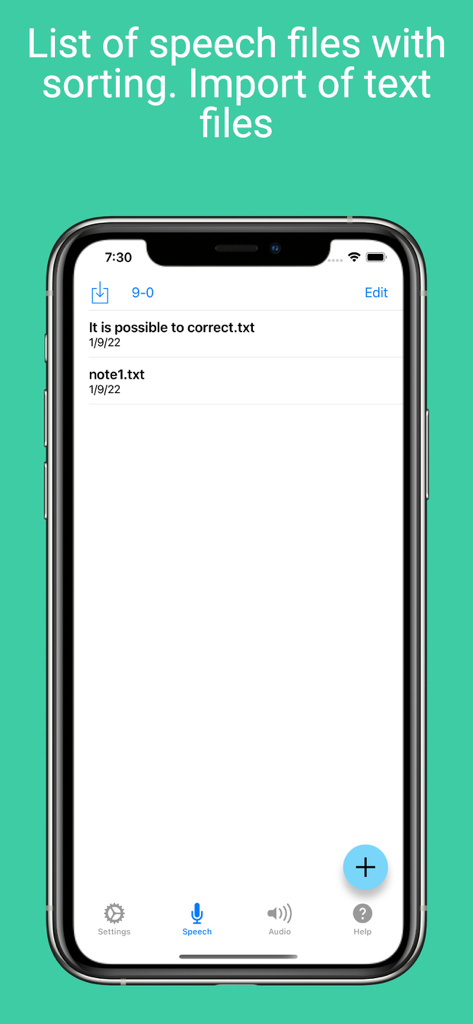
Ein Screenshot, der die Liste der Sprach- und Textdateien in der Voice Notebook App mit Sortier- und Importoptionen zeigt.
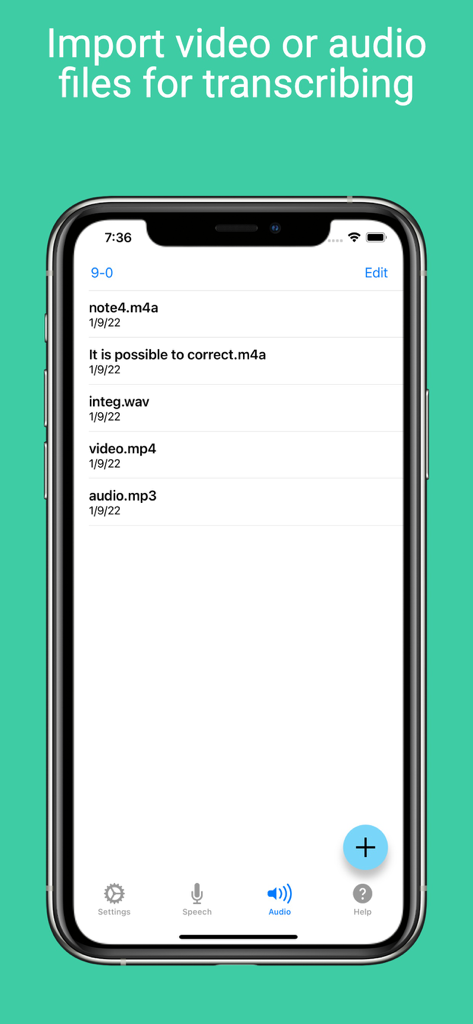
Eine Liste importierter Audio- und Videodateien, die in der Voice Notebook App-Oberfläche zur Transkription bereit sind.
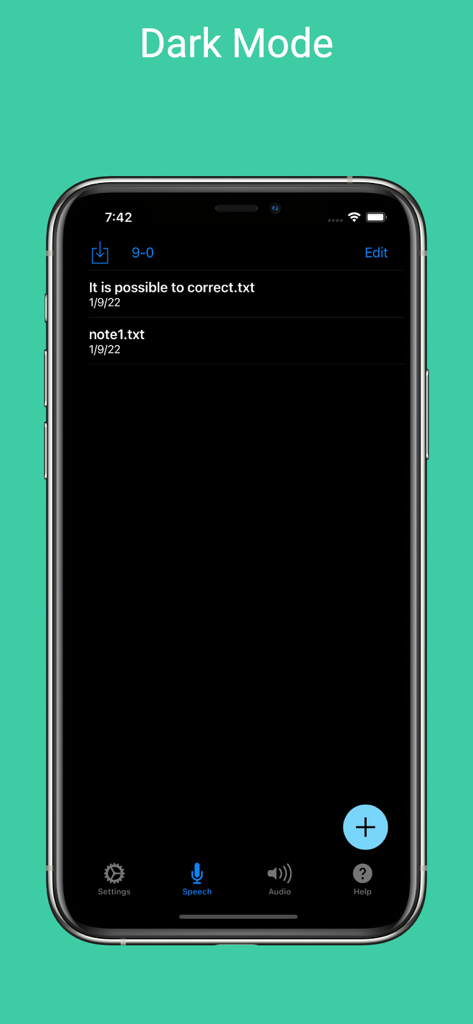
Die Voice Notebook App-Oberfläche im Dark Mode auf einem iPhone, die eine Liste gespeicherter Textnotizen zeigt.
Beschreibung
Download
Ähnliche Apps
Top-gerankte Apps in derselben Kategorie

ChatGPT
OpenAI OpCo, LLC

Google Gemini
Google LLC

Grok
X.AI Corporation

Gmail - Email by Google
Google LLC

千问 - 阿里最强大模型官方AI助手
Shanghai Zhixin Puhui Technology Co., Ltd.

Google Drive
Google LLC

Microsoft Authenticator
Microsoft Corporation

Google Sheets
Google LLC

Google Docs
Google LLC
Diese Seite ist keine offizielle Seite der App oder ihres Entwicklers, sondern eine unabhängige redaktionelle Veröffentlichung, die zu Informations- und Kommentarzwecken erstellt wurde. Sofern nicht ausdrücklich anders angegeben, sind weder die App noch ihr Entwickler mit MWM, Apple, Google Play, dem App-Herausgeber oder dem Entwickler der App verbunden, von ihnen unterstützt, gesponsert, autorisiert oder anderweitig offiziell verbunden, und nichts auf dieser Seite impliziert, dass die App unter Verwendung der Dienste von MWM entwickelt wurde. Alle Marken, Logos, Screenshots und andere Inhalte bleiben Eigentum ihrer jeweiligen Inhaber.