
Diese Seite ist keine offizielle Seite der App oder ihres Entwicklers, sondern eine unabhängige redaktionelle Veröffentlichung, die zu Informations- und Kommentarzwecken erstellt wurde. Sofern nicht ausdrücklich anders angegeben, sind weder die App noch ihr Entwickler mit MWM, Apple, Google Play, dem App-Herausgeber oder dem Entwickler der App verbunden, von ihnen unterstützt, gesponsert, autorisiert oder anderweitig offiziell verbunden, und nichts auf dieser Seite impliziert, dass die App unter Verwendung der Dienste von MWM entwickelt wurde. Alle Marken, Logos, Screenshots und andere Inhalte bleiben Eigentum ihrer jeweiligen Inhaber.

Web Video Cast | Browser to TV
Gib dich nicht mehr mit kleinen Bildschirmen oder ruckelnder Spiegelung zufrieden. Streame Filme, Live-Sport und Nachrichten direkt von deinem Browser auf Roku, Chromecast, Fire TV und mehr – und das alles, während du deinen Akku schonst und volle Untertitelunterstützung genießt.
Downloads
8M+Bewertung
Bewertungen gesamt
131K+Herausgeber
Kategorie
Photo & VideoSprachen
35Neueste Version
2.50Größe
161.7 MBErstveröffentlichung
19. Nov. 2018Entfessle das volle Potenzial deines Fernsehers
Befreie dich von den Grenzen des Standard-Streamings. Streame jedes Webvideo, jeden Film oder jede Live-Übertragung von deinem mobilen Browser in Sekundenschnelle auf den großen Bildschirm.
Echte universelle Konnektivität
Überbrücke die Lücke zwischen deinem iPhone und jedem Fernseher. Wir unterstützen Roku-, Fire TV-, Chromecast- und DLNA-Geräte, sodass Hardware-Kompatibilitätsprobleme der Vergangenheit angehören.
Intelligente Akku-Schonung
Belaste deinen Akku nicht durch Bildschirmspiegelung. Unsere Technologie sendet die Video-URL direkt an den Fernseher, sodass du deinen Bildschirm sperren oder andere Apps nutzen kannst, während du zuschaust.
Häufig gestellte Fragen
Alles, was Sie über wissen müssen Web Video Cast | Browser to TV
Wie funktioniert Web Video Cast™?
Web Video Cast™ fungiert als Browser und streamt Videos von Websites auf ein Streaming-Gerät. Es erfasst die Video-URL, sendet sie an das Gerät und spielt sie direkt vom Content-Anbieter ab.
Welche Streaming-Geräte unterstützt Web Video Cast™?
Web Video Caster™ unterstützt Google Cast (Chromecast, Android TV), DLNA-Geräte (Xbox, Samsung TVs, LG TVs), Roku, Apple TV 4, Fire TV, PlayStation 4 und die meisten Webbrowser.
Welche Medientypen kann Web Video Cast™ streamen?
Web Video Caster™ streamt HLS-Livestreams im M3U8-Format, authentifizierte Videos, MP4-Videos, Live-Nachrichten und -Sport und alle HTML5-Videos. Das Streaming-Gerät muss das Video dekodieren.
Unterstützt Web Video Cast™ Untertitel?
Ja, Web Video Cast™ erkennt Untertitel auf der Webseite. Benutzer können Videos mit erkannten Untertiteln auf dem großen Bildschirm genießen.
Welche Premium-Funktionen bietet Web Video Caster™?
Web Video Caster™ Premium bietet keine In-App-Werbung, Zugriff auf die meistbesuchten Websites, Lesezeichen und die Möglichkeit, eine Homepage festzulegen. Diese Funktionalität unterliegt spezifischen Gerätebeschränkungen.
Unterstützt Web Video Cast™ Flash- oder FLV-Videos?
Nein, Web Video Caster™ unterstützt keine Flash- oder FLV-Videos. Die App unterstützt auch kein Tab-Casting, im Gegensatz zu einer PC-Webbrowser-Erweiterung.
Ist Web Video Caster™ eine Mirroring-App?
Nein, Web Video Caster™ ist keine Mirroring-App. Sie ruft die Video-URL ab und überträgt sie an das Streaming-Gerät, das das Video dann direkt abspielt.
Hostet Web Video Caster™ die gestreamten Videos?
Nein, Web Video Caster™ hostet diese Videos nicht. Es streamt Inhalte direkt vom ursprünglichen Content-Anbieter.
Die folgenden Screenshots und die Beschreibung stammen direkt aus dem offiziellen Store-Eintrag der App und sind Eigentum des Entwicklers.
App Store
Screenshots
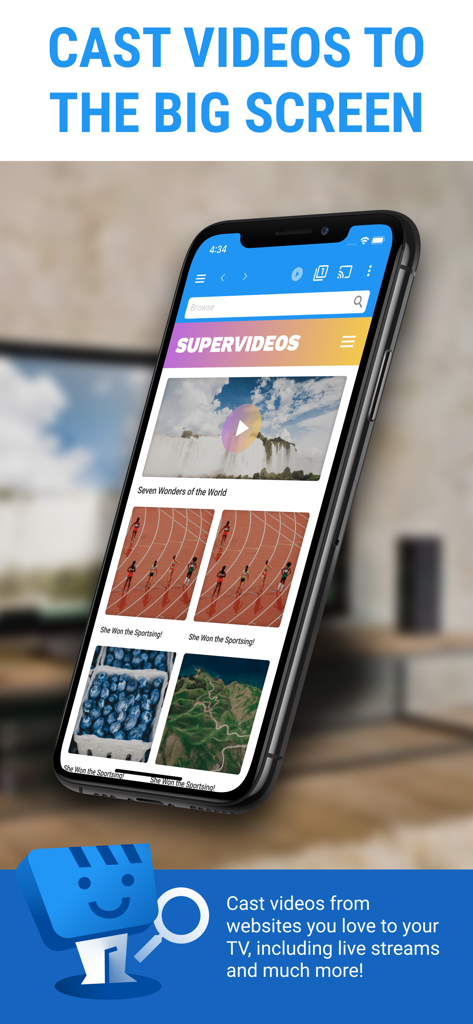
Web Video Cast App-Oberfläche auf einem iPhone, die Optionen zum Streamen von Webvideos auf einen Fernseher anzeigt.
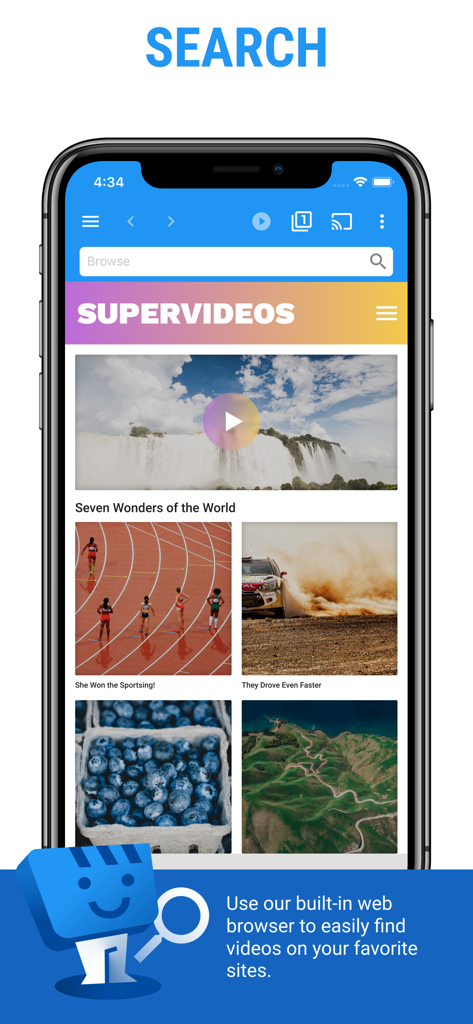
Smartphone mit der Suchoberfläche der Web Video Cast App und ihrem integrierten Browser zur Entdeckung von Online-Videos.
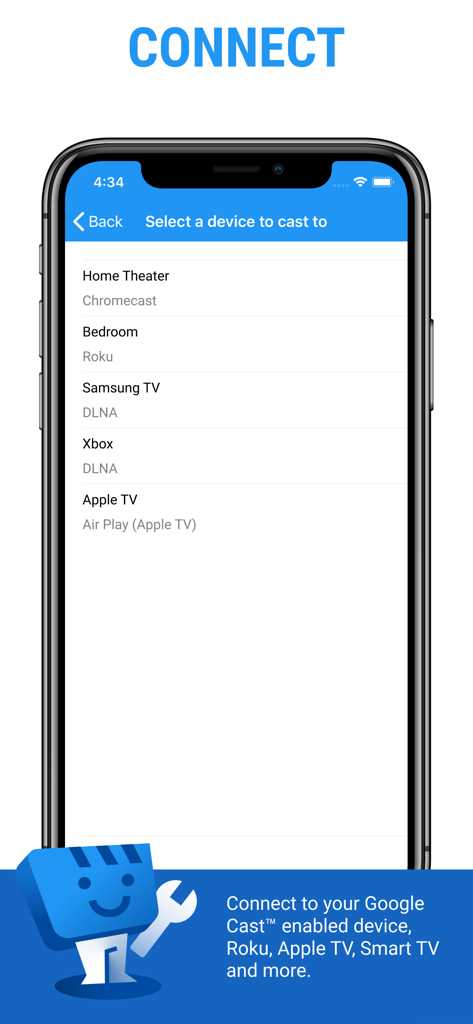
Web Video Cast App-Oberfläche, die eine Liste verfügbarer Streaming-Geräte anzeigt, darunter Chromecast, Roku und Apple TV.
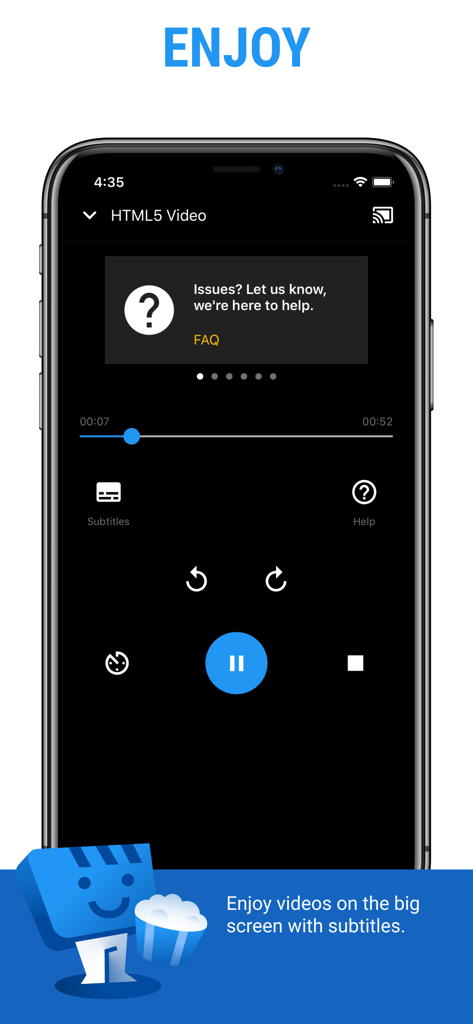
Mobile Bildschirmansicht der Wiedergabesteuerung von Web Video Cast mit Untertitel- und Casting-Optionen.
Beschreibung
Download
Ähnliche Apps
Apps mit ähnlichen Funktionen und Nutzererfahrung

PigeonCast:Send by Google Cast
Sichuan FalconAI Technology Co., Ltd.

Screen Mirroring • Smart TV
Mihkel Pikk

Screen Mirroring | Cast to TV
Ozuna Limited

Screen Mirroring・Smart View TV
TOGGLE APPS SP Z O O

UbeCast: Music Streamer & PiP
AER SOFTWARE COMPANY LIMITED

AirDroid Cast-screen mirroring
SAND STUDIO CORPORATION LIMITED

Miracast: Screen Mirroring TV
Hainan Delta Software Co., Ltd

Screen Mirroring・Air Cast TV
Dalma Innovation Solutions d.o.o.

投屏助手-手机投屏电视&睿宸手机快速投屏助手
梦 孟
Diese Seite ist keine offizielle Seite der App oder ihres Entwicklers, sondern eine unabhängige redaktionelle Veröffentlichung, die zu Informations- und Kommentarzwecken erstellt wurde. Sofern nicht ausdrücklich anders angegeben, sind weder die App noch ihr Entwickler mit MWM, Apple, Google Play, dem App-Herausgeber oder dem Entwickler der App verbunden, von ihnen unterstützt, gesponsert, autorisiert oder anderweitig offiziell verbunden, und nichts auf dieser Seite impliziert, dass die App unter Verwendung der Dienste von MWM entwickelt wurde. Alle Marken, Logos, Screenshots und andere Inhalte bleiben Eigentum ihrer jeweiligen Inhaber.